
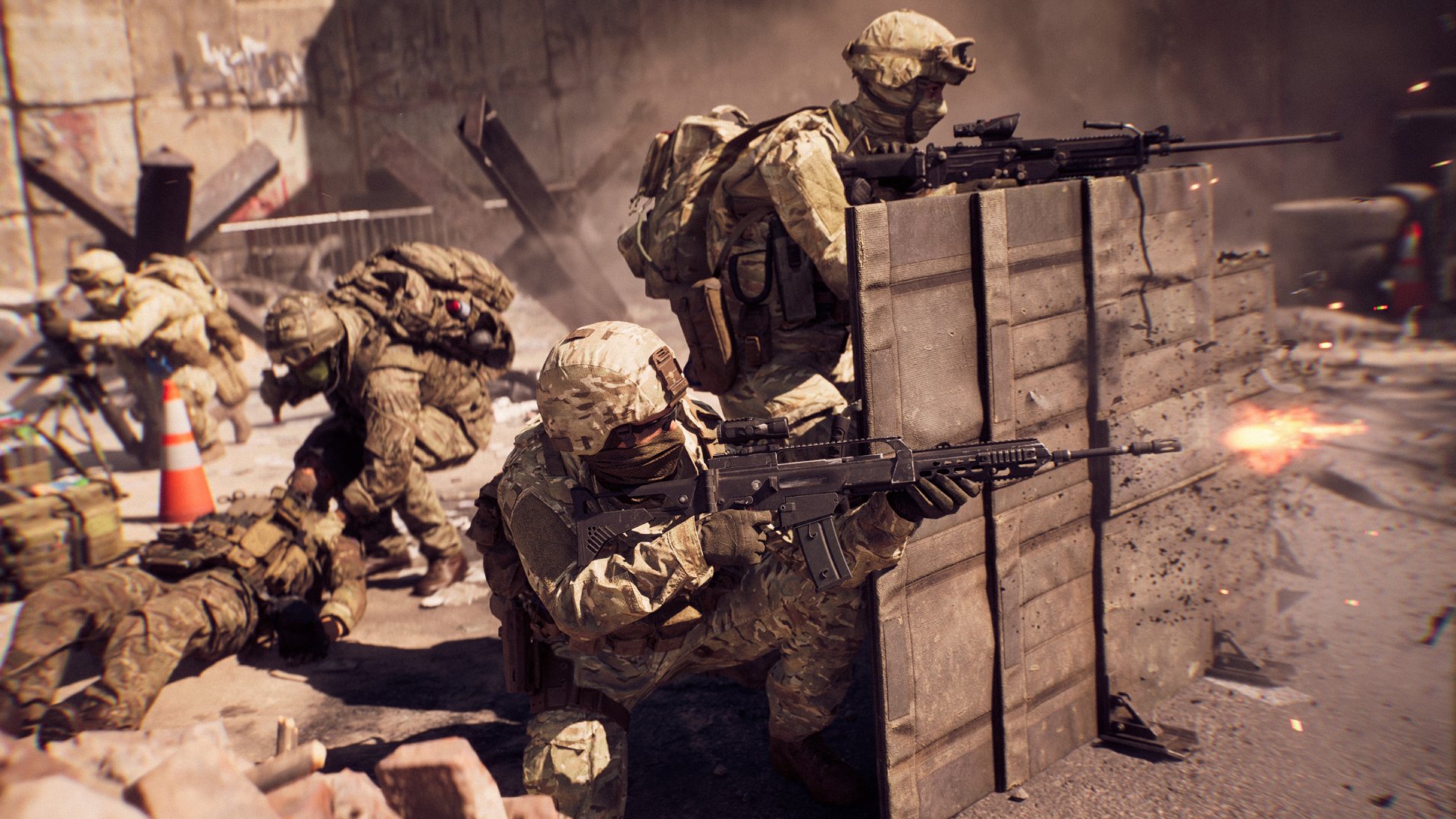
Here’s how to find the best community servers in Battlefield 6 Portal for classic maps: Use the in-game server browser, filtering by map, game mode, and player count. Check server descriptions for rule sets and community guidelines before joining.
Want to relive those classic Battlefield maps? Finding the perfect Battlefield 6 Portal server can feel overwhelming.
We’ll guide you through the process of finding those ideal servers. The goal is to ensure awesome matches on your favorite maps from the past.
This article is about how to find the best community servers in Battlefield 6 Portal for classic maps. We will cover exactly where to look and what to consider when making your choice.

How to Find the Best Community Servers in Battlefield 6 Portal for Classic Maps
Battlefield Portal is a game-changer. It lets players create and experience unique Battlefield experiences.
The ability to bring back classic maps is especially exciting.
Finding the best community servers for these maps, however, can be tricky. We’ll guide you through it.
Understanding Battlefield Portal’s Server Browser
The in-game server browser is your primary tool. It allows you to filter and search for specific experiences.
Learning how to use it effectively is essential.
Server Name: This often gives clues about the server’s rules or featured map. Look for names that mention “Classic,” the map name, or specific game modes.
Player Count: A healthy player count usually indicates a popular and active server. Avoid empty servers unless you’re planning to play with friends.
Game Mode: Ensure the game mode aligns with what you’re looking for, such as Conquest, Rush, or Team Deathmatch.
Server Settings: Pay attention to server settings like friendly fire, bullet damage, and available weapons. These greatly impact gameplay.
Using Filters to Find Classic Map Servers
Filters are your best friend when searching for classic maps. They narrow down the search to match your preferences.
Experiment with different filter combinations. You can often find hidden gems.
Map Selection: The most important filter! Specify the classic map you want to play on. Options include maps from Battlefield 1942, Battlefield 3, and Battlefield Bad Company 2.
Game Mode Filter: Narrow down by Conquest, Rush, or other classic game modes available on Portal. This helps you find servers offering the authentic experience you crave.
Player Count Filter: Set a minimum player count to avoid joining empty servers. A range of 10-64 players is generally a good starting point, depending on the map size.
Ruleset Filter: Look for options to filter by server rulesets, such as “Classic Mode” or “No Restrictions.” This helps you find servers that adhere to your preferred playstyle.
Keyword Search: Use the keyword search to look for specific terms like “BF3,” “Bad Company 2,” or the name of a specific map.
Identifying High-Quality Community Servers
Not all community servers are created equal. Some offer a better experience than others.
Knowing what to look for will help you find the best ones.
Active Admins: A server with active admins is crucial for maintaining a fair and enjoyable environment. They can deal with cheaters and enforce server rules.
Positive Community: A friendly and cooperative community makes the game more fun. Look for servers where players communicate and work together.
Stable Connection: A stable server connection is essential for smooth gameplay. High ping or frequent disconnects can ruin the experience.
Fair Rules: Well-defined and enforced server rules create a balanced playing field. Rules should be clear and easy to understand.
Balanced Teams: Servers that actively work to balance teams ensure a fair and competitive experience for all players.
Where to Look Beyond the In-Game Browser
The in-game browser isn’t the only place to find servers. External resources can be very helpful.
Utilize these to discover hidden communities.
Battlefield Forums: Check the official Battlefield forums and community forums. Players often share information about their favorite servers.
Discord Servers: Many Battlefield communities have Discord servers where they advertise their servers and coordinate play sessions.
Reddit: Subreddits like r/Battlefield and r/BattlefieldPortal are great places to find server recommendations and community discussions.
Twitch and YouTube: Watch streamers and YouTubers who play Battlefield Portal. They often showcase community servers and provide valuable insights.
Friend Recommendations: Ask your friends if they know of any good classic map servers. Personal recommendations are often the most reliable.
Understanding Server Rules and Etiquette
Each server has its own set of rules. Understanding and following them is crucial.
Respect the community to have a good time.
Read the Server Rules: Before joining a server, take the time to read the rules. These are usually displayed in the server description or on the server’s website/Discord.
Respect the Admins: Admins are there to maintain order and enforce the rules. Respect their decisions and follow their instructions.
Communicate Politely: Use respectful language when communicating with other players. Avoid trash-talking and offensive comments.
Report Cheaters and Rule Breakers: If you see someone cheating or breaking the rules, report them to the admins. This helps maintain a fair and enjoyable environment.
Be a Team Player: Work with your team to achieve objectives. Communicate, coordinate, and support your teammates.
Classic Map Highlights in Battlefield Portal
Battlefield Portal offers a wide variety of classic maps. Each map provides a unique gameplay experience.
Knowing which maps are available and their features will help you find the perfect server.
Battlefield 1942 Maps:
Battle of the Bulge: This map is known for its snowy landscape and intense tank battles. It’s a classic for a reason.
El Alamein: A vast desert map that features long-range engagements and strategic flanking maneuvers. Vehicles are key.
Battlefield Bad Company 2 Maps:
Arica Harbor: This map is known for its destructible environment and close-quarters combat. It’s a fan favorite.
Valparaiso: A jungle map with a variety of terrain, including beaches, hills, and forests. It offers diverse gameplay opportunities.
Battlefield 3 Maps:
Noshahr Canals: This map is known for its industrial setting and intense infantry combat. It’s perfect for close-quarters battles.
Caspian Border: A large map with a variety of terrain, including forests, hills, and a border crossing. It offers diverse gameplay opportunities for vehicles and infantry.
Adjusting Your Gameplay Style for Classic Maps
Classic maps often require a different playstyle than modern Battlefield maps. Understanding these differences will help you succeed.
Adapt to the situation for a better experience.
Slower Pace: Classic maps often have a slower pace than modern Battlefield maps. Take your time and be deliberate in your actions.
Strategic Positioning: Positioning is crucial on classic maps. Use cover and concealment to your advantage.
Teamwork: Teamwork is essential for success. Communicate with your teammates and coordinate your attacks.
Vehicle Utilization: Vehicles are often more powerful on classic maps. Use them strategically to support your team.
Adapt to the Map: Each classic map has its own unique features. Learn the map layout and adjust your playstyle accordingly.
Keeping Up-to-Date with Portal Server Changes
Battlefield Portal is constantly evolving. Servers come and go.
Staying informed about changes is important.
Follow Battlefield News: Stay up-to-date with the latest Battlefield news and updates. This will help you learn about new features and changes to Portal.
Join Community Discussions: Participate in community discussions on forums, Discord, and Reddit. This is a great way to learn about new servers and community events.
Check Server Listings Regularly: Check server listings regularly to see what new servers are available.
Experiment with New Servers: Don’t be afraid to try out new servers. You might discover a hidden gem.
Using Server Settings to Recreate Classic Experiences
Battlefield Portal offers extensive server settings. These can recreate a true classic experience.
Explore the options to customize the game.
Weapon Restrictions: Limit the available weapons to those that were available in the original game. This will help recreate the classic gameplay feel.
Vehicle Restrictions: Restrict the available vehicles to those that were available in the original game. This will create a more balanced experience.
Gadget Restrictions: Limit the available gadgets to those that were available in the original game.
Health and Damage Settings: Adjust the health and damage settings to match the original game. This will affect the overall pace of the game.
Movement Speed and Jump Height: Adjust the movement speed and jump height to match the original game.
Friendly Fire: Enable or disable friendly fire to match the original game.
Troubleshooting Common Server Issues
Sometimes you might encounter issues when joining or playing on community servers. Knowing how to troubleshoot these issues can save you frustration.
Fix common problems to keep playing.
Connection Issues: If you’re having trouble connecting to a server, check your internet connection. Restart your router and try again.
High Ping: High ping can cause lag and make the game unplayable. Try connecting to a server that is closer to your location.
Server Full: If a server is full, try joining a different server or wait for a slot to become available.
Crashing: If the game is crashing, try updating your graphics drivers. Also, verify the integrity of your game files.
Game Bugs: Report any bugs you encounter to the developers. This helps them improve the game.
The Future of Classic Maps in Battlefield Portal
Battlefield Portal has a bright future. The possibilities for recreating classic experiences are endless.
Get ready for even more classic content.
More Classic Maps: Expect more classic maps to be added to Battlefield Portal in the future.
New Game Modes: New game modes are likely to be introduced, further expanding the possibilities for classic experiences.
Community Creations: The community will continue to create innovative and exciting experiences.
Improved Server Tools: The server tools will likely be improved, giving server admins more control over their servers.
Cross-Platform Play: The potential for cross-platform play could significantly increase the player base for classic maps. This would enhance the overall experience.
Example Server Settings for a BF3 Noshahr Canals Experience
Here’s an example of how to configure server settings to recreate a classic BF3 Noshahr Canals experience.
These settings aim for authenticity.
Map: Noshahr Canals (BF3)
Game Mode: Team Deathmatch
Weapon Restrictions:
- Allowed Weapons: BF3 era weapons only.
Vehicle Restrictions:
- Allowed Vehicles: No vehicles (Noshahr Canals TDM had no vehicles).
Gadget Restrictions:
- Allowed Gadgets: BF3 era gadgets only.
Health and Damage Settings:
- Health: 100%
- Headshot Damage: 200%
Movement Speed and Jump Height:
- Movement Speed: Default BF3 movement speed.
- Jump Height: Default BF3 jump height.
Friendly Fire:
- Friendly Fire: Enabled.
Ticket Count:
- Ticket Count: 100 tickets per team.
Reporting Server Issues and Abuses
Maintaining a healthy community requires reporting issues. This includes cheating and abusive behavior.
Help keep the community fair.
In-Game Reporting: Use the in-game reporting tools to report players who are cheating or violating the server rules.
Admin Contact: Contact the server admins directly to report issues. They can take action to address the problems.
Provide Evidence: When reporting issues, provide as much evidence as possible, such as screenshots or video recordings.
Be Respectful: Be respectful when reporting issues. Avoid making personal attacks or accusations.
Follow Up: Follow up with the admins to ensure that the issues are being addressed.
Battlefield 6 Maps, Modes & Portal
Final Thoughts
To find the best community servers in Battlefield 6 Portal for classic maps, prioritize servers with active admins. Active admins are must for a fair and enjoyable experience.
Use the server browser filters effectively. Filter by map, player count, and specific rule sets to narrow down your options.
Pay attention to server descriptions and player feedback. This provides valuable insight into the server’s quality. Consider playing on servers that match your preferred playstyle.
how to find the best community servers in Battlefield 6 Portal for classic maps involves active filtering, observing player counts, and checking admin presence. These factors help players find the best classic map experiences.

