
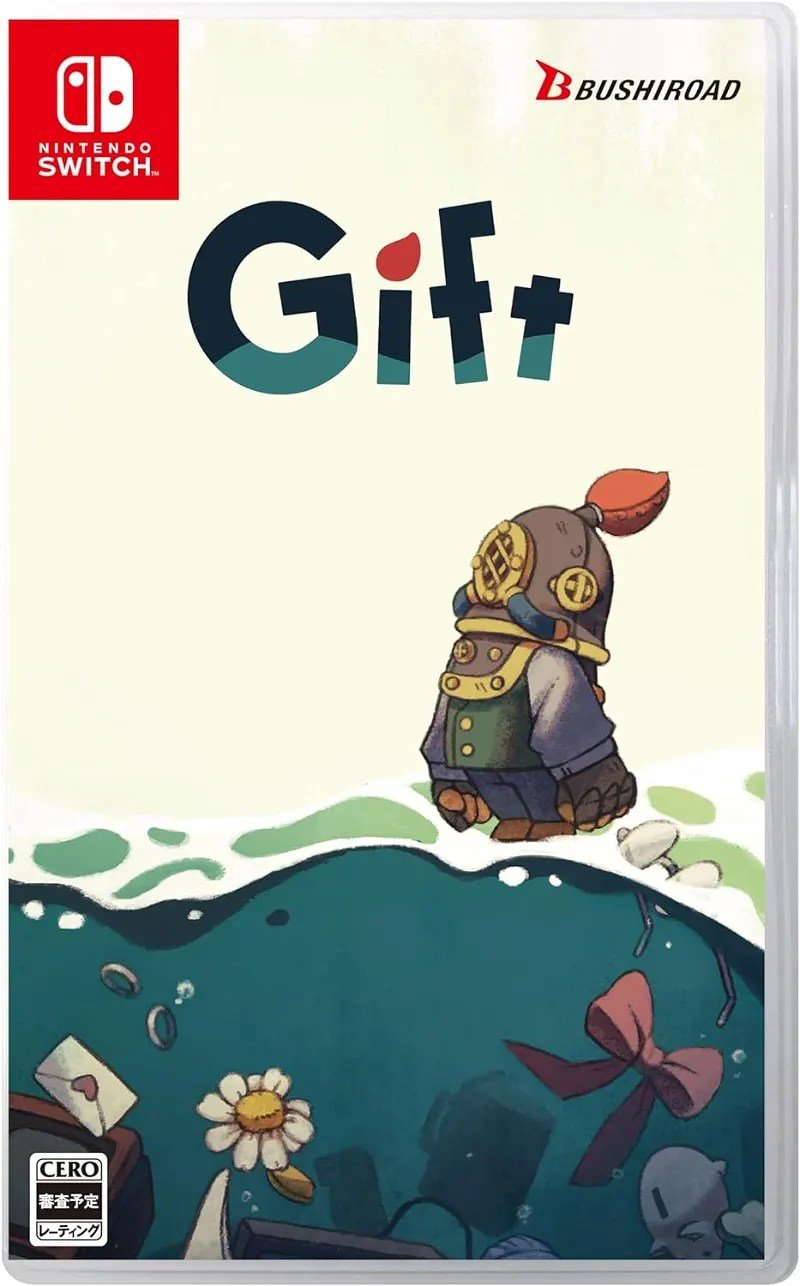
To gift a Nintendo Switch game, you can either purchase a physical copy or buy a digital code from the Nintendo eShop, then provide the code to the recipient.
Want to surprise a friend or family member with a fun new Nintendo Switch game? It is a great way to show you care. Figuring out the best way to achieve this digital gifting might feel tricky. Don’t worry, it is quite straightforward to gift a Nintendo Switch game.
You have options for both physical and digital copies of games. Choosing between a gift card or a digital download can depend on the person you are gifting. There are some steps you can follow to make sure the gift gets properly to the receiver.

How to Gift a Nintendo Switch Game
Giving someone a video game is a fantastic way to bring a smile to their face. But, when it comes to gifting a Nintendo Switch game, it can feel a little different compared to other presents. You’re not just handing over a physical item; you’re giving an experience, an adventure, and hours of fun. This guide walks you through all the ways you can gift a Nintendo Switch game, whether it’s a physical game or a digital download, making sure your present is just perfect!
Understanding Your Options: Physical vs. Digital
Before you even think about wrapping paper or writing a gift message, you need to decide what kind of game you’re gifting: a physical cartridge or a digital download. Each has its pros and cons, and the best choice often depends on the recipient’s preferences.
Physical Game Cartridges
A physical Nintendo Switch game comes as a little cartridge inside a case. You can buy these at most stores that sell video games, or online. Here’s why you might choose to gift a physical copy:
- Tangible Gift: There’s something special about unwrapping a physical gift. It feels more like a traditional present.
- Resale or Trade: The recipient can resell or trade the game later if they want, which is a useful bonus.
- Collectors: If your gift receiver is a collector, they may prefer to have the physical game for their shelves.
- No Internet Required (for play): Once downloaded, you don’t need to be connected to the internet to play it.
However, there are some downsides to a physical copy:
- Can be lost or damaged: The cartridges are small and can be misplaced or broken if not handled carefully.
- Takes up physical space: If the receiver has a small space or prefers digital, then this may not be ideal.
Digital Download Codes
A digital Nintendo Switch game is just that – a game you download directly to the console. You usually receive a download code, either on a physical card from a store or via email from online retailers. Here’s why you might opt for a digital download:
- Instant Gratification: The recipient can start playing almost immediately after receiving the code.
- Convenience: No physical storage required! All games are kept on the Switch’s memory or on an SD card.
- Great for a Surprise: Digital codes can be emailed, making them perfect for long-distance gift-giving.
- No risk of loss/damage: Unlike physical copies, you can’t lose or damage digital games.
And here’s what to consider when opting for a digital code:
- No physical gift: For some, the lack of a wrapped present might be a letdown.
- Cannot be Resold: Digital games can’t be resold or traded later.
- Requires Internet to Download: The recipient needs a stable internet connection to download the game.
Where to Buy Nintendo Switch Games
No matter which type you choose, you have several options for where to purchase Nintendo Switch games. Here are some popular choices:
Physical Game Retailers
These are your typical brick-and-mortar stores. Here are few examples:
- GameStop: A dedicated video game store with a wide selection of new and used games.
- Best Buy: A large electronics retailer that also has a good video game selection.
- Walmart and Target: General merchandise stores with video game sections, often at competitive prices.
- Local Game Stores: Don’t forget to check out smaller, independent game stores, as they might have unique or hard-to-find titles.
Online Retailers
Online retailers are very convenient and usually have a wide variety of games, and you can purchase from home:
- Amazon: A massive online marketplace where you can find both physical and digital games.
- Nintendo eShop (via Nintendo Website): Purchase digital game codes directly from Nintendo’s website.
- Best Buy (Online): Same as their physical store, but you can shop from home.
Note: When purchasing from online sellers, be sure to check ratings and legitimacy, especially for digital download codes.
Gifting Physical Game Cartridges
Gifting a physical game is pretty straightforward, but a few extra touches can make it extra special.
Presentation is Key
Instead of just handing over the game, think about how you’ll present it. Here are some ideas:
- Gift Wrap: Use fun wrapping paper, especially one related to the game or the Nintendo theme.
- Ribbon and Bows: Adding a ribbon or a bow makes the gift look more polished.
- Personalized Gift Tag: Write a sweet message on a gift tag. You could even include an inside joke related to gaming.
- Pair it with Another Gift: You could add a small plushie, a themed keyring, or some yummy snacks.
Including a Personal Note
A handwritten note adds a personal touch to any gift. Here’s what you can include:
- Why you chose the game: “I thought you’d really like this game because…”
- A memory you share related to gaming: “Remember that time we played…”
- A wish for them: “I hope you enjoy playing this as much as I know you will!”
Gifting Digital Download Codes
Gifting a digital download code might seem less personal, but there are many ways to make it just as special.
Buying a Digital Code
You can purchase a digital code from the Nintendo eShop online through the Nintendo website or from other reputable online retailers.
- Choose the right version: Make sure you are buying a code for the correct region.
- Check email delivery: When buying online, make sure you receive the code via email promptly.
Delivering the Code Creatively
The way you give the code makes a big difference. Here are some creative delivery ideas:
- Print a Card: Create a nice card and write the code inside. Make it look like an old-school treasure map or a video game menu.
- Email with Flair: Design a fun email that looks like it’s from the game or Nintendo itself, including the code.
- Scavenger Hunt: For a fun surprise, hide clues around the house that eventually lead to the code.
- Text Message Reveal: Send the code via a series of exciting and suspenseful texts, creating a fun reveal.
Including a Message with the Code
Adding a thoughtful message along with the digital code helps to make it more special:
- Personal Note: Include a reason why you think they will enjoy the game and maybe some of your past memories of playing video games with them.
- Playing Tip: Maybe add a quick start tip to get the recipient going in the game or something that you enjoyed in it.
- Eagerness: Express your excitement for them to play it and what you think they will like or discover in the game.
Gifting Through the Nintendo eShop on the Console
You can send digital gifts directly from the Nintendo eShop on your own Switch console, but the process is a bit tricky. This method can only be done if you are on the same region as the receiver’s Nintendo account, and the receiver has to be on your friend list.
Adding the Recipient as a Friend
Before you can gift a game through the eShop, the person you’re giving to needs to be on your friend list. Here’s how to add someone:
- On your Nintendo Switch: Go to your profile icon on the home menu.
- Select “Add Friend”: Choose “Search with Friend Code.”
- Enter Friend Code: Enter the friend code of the person you want to add and send a friend request.
The recipient must accept your request before you can send a game.
Gifting Through the eShop (Limitations Apply)
Once you are friends, you can go to the Nintendo eShop on your console to find the game you want to gift. You should see a “Gift” option, if available. However, the limitations to this method are:
- Region-locked: Both your account and the receiver’s account must be in the same region.
- Select Titles Only: The option to gift might not be available for all games.
- Not always the best method: This method is not very reliable. The best is to purchase a code and send that.
Timing Your Gift
Timing can also add an extra layer of fun and surprise to your gift!
Special Occasions
Of course, there are the obvious holidays or events that are perfect for gaming gifts:
- Birthdays: The most common gift-giving occasion, making it a great time for a new game.
- Christmas/Holidays: Gifting a game during the holiday season is a classic.
- Graduation/Achievements: A great way to celebrate a significant achievement is with a game.
Surprise Gifting
Sometimes, the best gifts are those that come unexpectedly!
- Just Because: Give a game as a surprise, just because you know they’ll like it.
- To Cheer Them Up: If they’re having a bad day, a new game can be a great pick-me-up.
- To Play Together: Surprise them with a game that you can play together for some shared fun.
Considerations When Choosing a Game
Selecting the right game is important for a successful gift. Here are a few things to think about:
Recipient’s Gaming Preferences
What kind of games do they usually enjoy?
- Action-Packed: If they love fast-paced games, consider titles like “The Legend of Zelda” or “Splatoon.”
- Story-Driven: For those who enjoy immersive stories, try “Animal Crossing” or an “RPG” (Role Playing Game).
- Puzzle Games: If they like to use their minds, think about games like “Professor Layton”.
- Multiplayer Fun: If they enjoy playing with friends, choose something like “Mario Kart” or “Super Smash Bros”.
Game Ratings
Always check the game’s rating to make sure it’s suitable for the recipient. Ratings in the US are done by the ESRB (Entertainment Software Rating Board). These will help with knowing if there will be inappropriate content.
Games They Already Have
Do some investigating and avoid buying a game they already own!
- Check their Collection: If you can, secretly have a look at their game collection to ensure you buy something new for them.
- Ask Casual Questions: Subtly ask about their favorite games or if they’re excited about any upcoming releases.
- Get Hints from Family/Friends: Ask mutual friends or family members if they are aware of any games that they have or are on their wishlist.
Game Budget
Nintendo Switch games have different price points, so make sure you are selecting something within your budget.
Troubleshooting Common Issues
Sometimes, things can go wrong when gifting games, but don’t worry. Here’s how to tackle some common problems:
Code Redemption Issues
If the recipient is having trouble redeeming their code:
- Double-Check the Code: Make sure they typed the code correctly; it’s easy to mix up letters and numbers.
- Region Lock: The code must be for the same region as the recipient’s Nintendo account.
- Check for Expiration: Some codes do expire. Make sure it’s not past the expiration date.
If these solutions don’t work, reach out to Nintendo customer support for help.
Game Not Downloading
If a digital game isn’t downloading properly:
- Internet Connection: Check to make sure the internet connection is stable and fast enough.
- Storage Space: Make sure the Nintendo Switch has enough storage space to download the game.
- Restart the Console: Sometimes, simply restarting the console can fix the problem.
Gift Recipient Doesn’t Like the Game
If the receiver doesn’t like the game, it’s okay! It’s the thought that counts. Here’s what you can do:
- Have a Laugh: Try to have a laugh with the receiver and say that there is always the next gift occasion.
- Offer to Swap Games: If possible, offer to swap the game with a different one that they’d prefer.
Gifting a Nintendo Switch game is about more than just giving a product; it’s about sharing an experience. Whether you choose a physical copy or a digital code, the thoughtfulness and care you put into it will make the gift special. The game will always bring them a lot of joy!
How to Gift Games on Nintendo Switch
Final Thoughts
Gifting a Nintendo Switch game is straightforward. You have digital and physical options. For digital, purchase a code online through the Nintendo eShop or a retailer. Then, simply send the code to your friend.
A physical copy requires buying the game at a store. Wrap it nicely. This makes a great gift. Remember you are making some one happy.
Ultimately, you choose the best method. ‘How to gift a nintendo switch game’ involves either a code or a cartridge. The thoughtful gesture is most important.

