
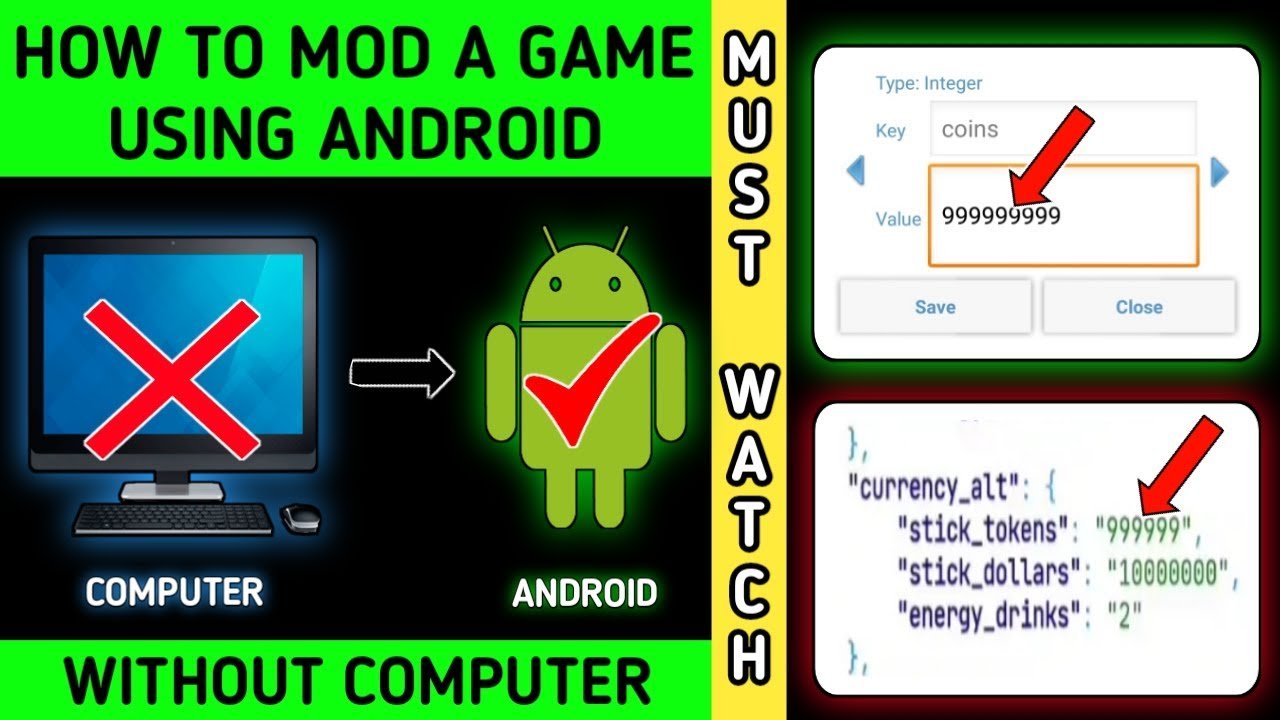
Modding a game on Android typically involves using specific apps or tools to alter the game’s files, which can change various aspects of the gameplay.
Ever wished you could tweak your favorite Android game? Well, learning how to mod a game on android is a fun way to personalize your gaming experience. It might sound complex, but many resources make the process manageable even for beginners.
This involves finding the correct mod files, and using an application to make the changes you want. Different games have their own methods for modifications, so research is key.

How to Mod a Game on Android
So, you want to change your favorite Android game? That’s awesome! Modding games can be a lot of fun. It lets you add new things, make the game look different, or even change how it plays. It’s like giving your game a super cool makeover. But before we jump in, let’s understand a few things first. Modding can be a bit tricky, and it’s important to do it right to avoid any problems. This guide will help you understand the basics and get started safely.
Understanding What Game Modding Is
Imagine your game as a big Lego set. The developers built it with specific instructions. Modding is like getting extra Lego pieces and instruction manuals to build things the original creators never imagined. It’s about changing the game’s original files to create something unique. These changes can be small, like changing the color of a character’s shirt, or big, like adding completely new levels or features. But where do you get these ‘extra lego pieces’ (the mods)?
- Types of Mods: There are many kinds of mods. Some change the graphics (how the game looks), some change the gameplay (how it plays), and some even add new stories or characters.
- Modding Tools: To make these changes, you need special tools. Some of these tools are made for specific games, while others can be used for lots of different ones.
- Modding Communities: Modders often share their work online. You can find websites and forums where people post mods they’ve made. These places can also be good for asking questions and getting help.
Is Modding Legal and Safe?
This is a very important question. Here’s the deal: modding itself isn’t always illegal, but it can be if it breaks the game’s terms of service or copyright rules. Think of it like using music without permission. You wouldn’t want to do that, right? Also, some mods can be unsafe. They might contain viruses or other bad things that can hurt your device. So it’s very, very important to be careful where you download mods.
Copyright Concerns
Game developers own the rights to their games. If you create a mod that uses things from the original game in a way that they don’t allow, you could be breaking the law. This usually applies to huge game changes, rather than small visual mods.
Safety First
Always download mods from trusted websites. Unsafe websites can trick you into installing malware which can damage your device or steal your private information. It’s a good idea to have an antivirus app on your Android phone or tablet to help protect yourself. Before you install any mod, double check where it came from and if other people have used it safely. Search online and see what others say about it.
Getting Ready to Mod
Okay, so you’ve decided to start modding. That’s great! But, you need a few things first. Think of it like baking a cake; you need the right ingredients and equipment. Let’s talk about what you’ll need:
Your Android Device
You’ll need an Android phone or tablet to play and mod the games. Make sure it’s charged up and has enough space for the original game and the mods. Some games and mods need a device with specific requirements to work well.
The Game
Choose a game you want to mod. Not all games can be modded easily. Some games have built-in protection against modifications, which can make modding very challenging. Start with simpler games that are known to have modding options.
Modding Apps and Tools
Different games need different tools. Here are some popular options:
- APK Editor: This tool lets you change the game’s installation file (APK). It’s very powerful, but also a bit tricky to use.
- Lucky Patcher: This app is used for patching and making changes to the app. Use it with caution because it can break some games and apps.
- GameGuardian: This tool is used for making in-game changes to things like points, health, or timers. It requires root access on your device.
- Mod Managers: Some games have special mod managers. They make it easier to install and control the mods. These are game-specific, and usually found on community forums.
File Explorer
You’ll need a file explorer app. This app lets you move, copy, and look at files on your Android device. A good file explorer app can be downloaded from the Google Play Store.
Internet Access
You’ll need a working internet connection to download the modding tools, the mods themselves, and get any help you might need.
The Modding Process: Step-by-Step
Now that we have everything ready, let’s go through the actual steps. Don’t worry, it might seem hard at first, but you’ll get the hang of it. Remember to take your time and be careful.
Backing Up Your Game
Before you make any changes, it’s super important to back up your game. That means making a copy of the original game files. If something goes wrong, you can use the backup to go back to the original game. You can also back up your save data, too, so you don’t lose your progress if you have any problems with the mods. Backing up before you do any modification is always a good idea.
- Find Your Game’s Folder: Usually, the game’s files are in a folder on your device. This folder can be found in the ‘Android’ folder, under the ‘data’ or ‘obb’ folders.
- Copy the Folder: Copy the whole folder to a safe location, like your SD card or computer. Now you have a backup copy.
Finding and Downloading Mods
Now it’s time to find the mods you want. You can check different websites, game-specific forums, or modding communities. Look for mods that match your game and version. Be sure that you download from trusted sources to avoid downloading anything harmful.
- Read Reviews: Before you download, check the reviews or comments from other users. Make sure the mod works and is safe to use.
- Check Compatibility: Confirm that the mod is made for your game and version. If they don’t match, it might not work correctly or cause problems.
Installing Mods
This part is different depending on the mod you want to install. Some mods are simple files that can be copied into a certain folder, while others require more complicated changes using modding tools. Here are some ways mods are installed:
Simple File Replacement
Some mods only change some of the files inside the game. To install these:
- Use your file explorer to find the mod files that you downloaded.
- Copy the downloaded files to the right game folder. This is usually in the ‘Android’ folder, under the ‘data’ or ‘obb’ folders.
- If asked to overwrite, say yes.
Using Mod Managers
If your game has a mod manager, this is the best option to install mods. Each game has its own method, usually it is just a button click to install.
- Open the mod manager app.
- Follow the instructions to pick and install your mod.
Using APK Editor
If your game requires APK changes, this is the method.
- Open the APK Editor app.
- Pick the game APK file that you want to modify.
- Make the changes using the app, then save the modified APK.
- Install this modified APK file. You need to uninstall your game before installing the new modified version.
Using GameGuardian
If you’re using GameGuardian to change in-game things:
- Open the GameGuardian app, and then open your game.
- Use the search feature of GameGuardian to look for the item you want to change (e.g., health points).
- Change the value, and watch it change in your game.
Note: You need root access to use GameGuardian. Not all Android devices are rooted and it is very dangerous to root devices without any knowledge of what it does.
Testing and Troubleshooting
After installing the mods, it’s time to test them out. Start your game and see if the changes work as you wanted. If you find something that isn’t right, don’t worry. Here are a few things you can try:
Game Crashes
If your game crashes after installing a mod, that means something isn’t right. The mod might not be compatible with the game or could be faulty. Start by removing the mod to see if the game works again. Then find a better mod or version.
Mod Not Working
If the mod doesn’t seem to do anything, double check that you have installed it correctly. Check the installation steps and do them again. Also, ensure the mod is compatible with the game’s version. Some mods will not work if your game is a newer version.
Go Back To The Original
If nothing else works, you can always go back to the original game. Use your backup files to restore the original game. You should now be able to play the game as before, without mods.
Things to Remember
Modding can be very fun and rewarding. But there are a few key things you should always keep in mind while doing this:
- Be Patient: Modding can be difficult, and it may take time to get things right.
- Read Instructions: Carefully read all the guides and instructions for the modding tools and mods themselves.
- Stay Safe: Only download mods from trusted places and have antivirus app.
- Respect Developers: Remember that game developers work hard to make the games you love. Always give credits to the developers for their amazing hard work.
- Learn More: There’s always more to learn about modding. Look for new resources, tutorials, and communities.
That is it! You are now ready to start your modding journey.
Remember, modding isn’t just about adding cool stuff to your games. It’s also about learning new skills and becoming part of a creative community. The things you learn can even help you with other stuff too! So go ahead, try modding your game, and most importantly, have fun.
How to mod a game using android
Final Thoughts
Modding Android games involves finding the right tools, like APK editors or game modding apps. You also need to locate game files carefully. Always back up your original game before you change anything.
Understanding the game’s structure is crucial before you start. Proceeding without a plan could corrupt the game. This helps avoid any unwanted results.
Successfully modifying a game on android requires research and patience. Modding a game is not always straightforward, but with effort, you can achieve the changes you desire. If you approach how to mod a game on android carefully, you can enjoy the customized gameplay experience.

