
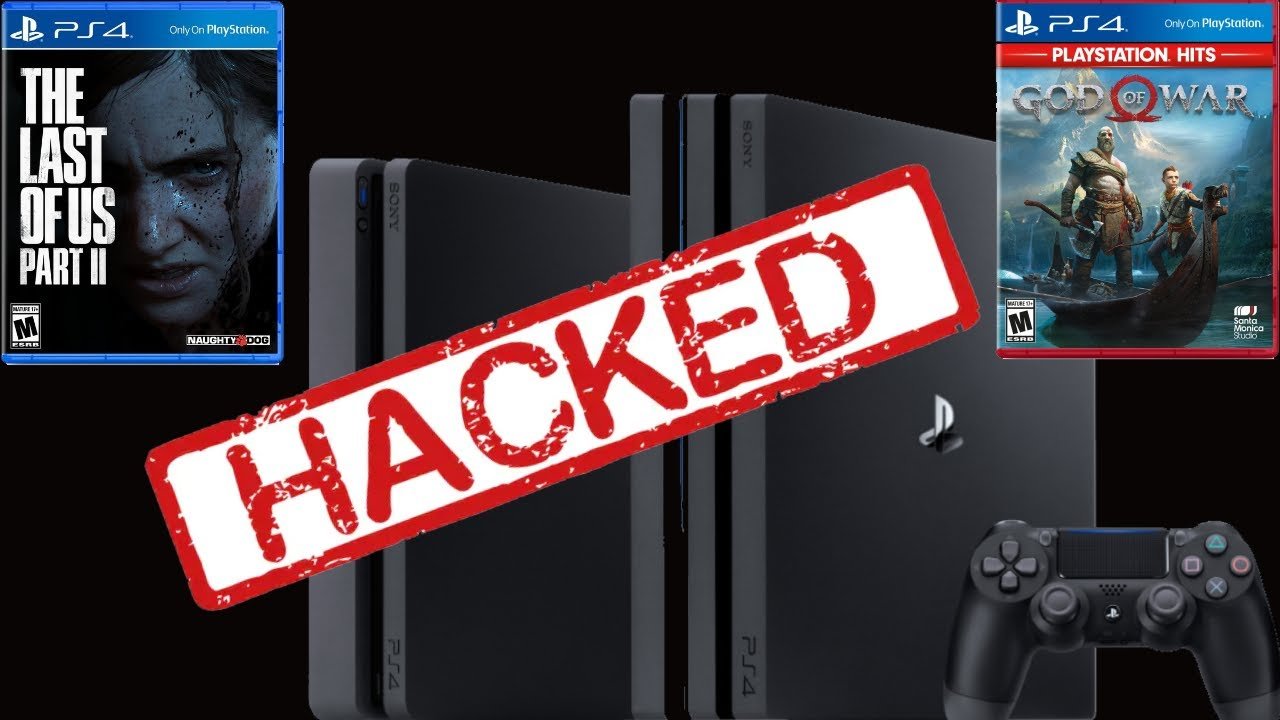
Modifying PS4 games typically requires a jailbroken console, which allows for the installation of custom firmware and game modifications.
Ever wondered how to tweak your favorite PS4 games? Many players find the standard game experience isn’t quite enough. The desire to personalize gameplay or add unique elements is quite common. Understanding how to mod ps4 games involves delving into some technical processes that aren’t officially supported.
Exploring the world of modding requires a bit of research. You will need to familiarize yourself with the steps involved. Keep in mind that this activity is not authorized by Sony and it carries certain risks.

How to Mod PS4 Games: A Beginner’s Guide
So, you’re curious about making changes to your favorite PlayStation 4 games? That’s awesome! Modding, or modifying, games lets you add new characters, levels, items, and even change how the game plays. It’s like getting a whole new game experience from something you already own. While it sounds super techy, with a bit of understanding, you can start changing your PS4 games. Let’s dive in!
Understanding PS4 Game Modification
Before we jump into the “how-to,” it’s essential to understand what we mean by ‘modding’ on the PS4. Unlike PCs, where modding is often straightforward, consoles like the PS4 have security features that make it harder. Officially, Sony doesn’t support game modifications. This means there isn’t a button in the settings menu that says ‘Mod This Game!’ However, there are ways to make changes, though they often involve some technical understanding and, sometimes, a little risk.
What’s a Mod, Exactly?
A mod, short for modification, is any change made to a game by someone other than the original game developers. These changes can range from minor tweaks, like changing the color of your character’s clothing, to major overhauls that completely change the game. Some examples include:
- Adding new characters or items
- Changing the game’s rules or difficulty
- Creating new levels or game modes
- Improving graphics or sounds
- Changing the game’s interface
Why People Mod PS4 Games?
People modify games for many reasons. Some want to experience a game in a different way, others like to add their own creative touch, and some want to fix issues or improve the game’s performance. It’s all about personalizing the gaming experience. Many want to create more content for their favorite game, so that the game does not get boring for them. This makes the game more replayable and keeps gamers engaged in the long run.
The Challenges of PS4 Modding
Modifying PS4 games is not as simple as dragging and dropping files. Here are some hurdles you will likely encounter:
System Security
Sony has put lots of security measures in place to prevent tampering with the PS4. They do this to avoid cheating and protect against illegal copies of games. This also means that it is very difficult to gain access to the files needed to make modifications, making the process more difficult.
Software Limitations
The PlayStation 4’s system software does not include tools for modding games. Unlike a PC, where you can easily open files and folders, the PS4 keeps game files tightly locked away. This means we need other methods and tools, often created by people outside the company, to make changes.
Potential Risks
Modifying your console or your games carries risks, that include:
- Warranty Voiding: If you do something to your console that’s not allowed, Sony may not fix it if it breaks.
- Bans: Modifying your game can violate the rules for playing online, which may lead to being banned from the network, meaning you can’t play online with others.
- Bricking: In the worst case, doing something wrong during the modding process can make your PS4 unusable.
Different Approaches to Modding PS4 Games
Despite the challenges, there are a few methods people use to modify their PS4 games. Each has its own pros and cons.
Save Game Modding
One of the more accessible methods involves modifying saved game files. This approach allows you to change things like in-game currency, character stats, or items in your inventory. You typically do this by taking your save data to a computer, editing it with specific tools, and then bringing it back to your PS4. Here’s the gist:
- Exporting Saves: You’ll need a USB drive to copy your save files from your PS4.
- Editing Tools: Special software programs are available that can read and change the saved data. This is usually not a standard computer program; you might need to search the internet to find the tool you need.
- Importing Back: After changing the save file, you copy it back to your PS4 using the USB drive.
Pros: Relatively easier to get started with, doesn’t require system-level access.
Cons: Only changes what the save file allows, not all game parameters are modifiable using this method. Requires a special tool.
Exploits and Homebrew Software
This method involves finding flaws or “holes” in the PS4 system software, which allow you to run homebrew software—that is, software not authorized by Sony. This approach gives you more freedom to modify various aspects of your games and console. However, this is more complex and involves more risk.
- Finding Exploits: These are very specific weaknesses in the system software. These exploits can be used to bypass PS4 security checks. It’s like finding a secret passage that lets you go where you’re not usually allowed. These exploits are released by the community and require careful planning and execution.
- Homebrew Tools: These are software programs made by the community, for example to edit game files or use tools that would otherwise not be possible on the official firmware.
- Running Custom Firmware: Often exploits involve installing a modified version of the PS4 system software. This is risky and can lead to serious issues if done incorrectly.
Pros: Powerful changes can be made, more advanced features possible.
Cons: Very risky, requires advanced technical knowledge, could brick your system.
Game Specific Mod Tools
Sometimes the community will make specific tools for specific games. These tools are often made by users that are very passionate about a certain game. These types of tools are often more user-friendly and allow you to more easily modify a game. It is important to remember that these tools are not available for every game. Here’s what you should know about game-specific mod tools:
- Community Developed: Usually, enthusiastic gamers develop these types of programs for specific games, and this means that they are not official.
- Targeted Modification: These tools are tailored to edit specific games.
- Easier to Use: They often come with a more user-friendly interface, making changes more accessible.
- Variable Availability: Not every game has a dedicated modification tool.
Pros: Easier to use, safer than exploits, tailored for a specific game.
Cons: Limited availability, only works for certain games.
A Step-by-Step Look at Save Game Modding
Let’s explore how save game modding works in a bit more detail. This is one of the more accessible methods, and it can give you a taste of what PS4 modification is about.
1. Gathering the Necessary Tools
Before we begin, make sure you have:
- A USB drive (formatted to FAT32 or exFAT)
- A computer with internet access
- A save game editor program. You will need to find one of these tools online, and you will need one that’s compatible with your specific game.
- A copy of the game that you want to modify
Please note that specific tools will vary for each game, so some searching will be necessary.
2. Exporting Your Save Data
Here’s how to get your saved game data onto the USB drive:
- Insert the USB drive into your PS4.
- Go to the PS4 settings menu.
- Navigate to “Application Saved Data Management.”
- Select “Saved Data in System Storage.”
- Choose the game you want to modify.
- Select “Copy to USB Storage Device.”
- Choose the specific save data you want, and confirm the copy.
3. Editing the Save File on Your Computer
Now we move to your computer:
- Plug the USB drive into your computer.
- Open the save game editor program.
- Use the tool to locate and open the save file you just copied from your USB.
- Carefully make the modifications you want using the editor program.
- Save the changes to your edited save file.
Be extremely careful when modifying save files as making incorrect changes can corrupt the save.
4. Importing the Modified Save Data Back
Time to bring the changed file back to your PS4:
- Remove the USB drive from your computer and put it back into your PS4.
- Go back to the “Application Saved Data Management” menu.
- This time, select “Saved Data on USB Storage Device.”
- Choose the game you modified.
- Select “Copy to System Storage.”
- Choose your modified save file, and confirm.
The system might ask you to replace your old save file.
5. Testing Your Modifications
Finally, you can load up your game and see the changes you have made. You should make sure that the changes you have made are loaded correctly, and that the game is not crashing or behaving strangely.
Important Considerations and Safety
Modifying your PS4 games should be approached with care and knowledge. Here are some important safety tips:
Research
Before doing anything, research the modification methods and tools carefully. Make sure you understand exactly what you are about to do. Watch videos, read guides, and talk to other people who have done modifications. The more you know, the less risky it will be.
Backups
Always make a backup of your original game save files, and a backup of your system before doing any kind of mod. This makes sure you have a copy that you can use to undo any issues if you run into any problems. Back up your system before messing around with exploits and custom firmware.
Start Small
Don’t jump into big changes right away. Start with small changes like in-game currency, or modifying small values to get the hang of how modifications work. Once you are more comfortable, you can start making bigger changes.
Use Reputable Sources
Make sure that any mod tool or guide that you use comes from a reputable source and is known to work. There are a lot of harmful software programs online, and you should ensure that any software that you use is safe to use.
Stay Up-to-Date
PS4 system software updates can make some modding methods stop working, or they can introduce new security features. Always stay up to date with the latest developments in PS4 modding, and check to see if any changes might cause issues with the modifications you have made.
Community Support
Make use of community forums and resources to get help with modding or troubleshooting if you run into any issues. Communities are a great place to ask questions and get help from other gamers.
A Word of Caution About Online Play
Modifications to your game can have a significant impact on online play and can be a violation of online gaming rules. It is important to keep this in mind before you attempt online play. Here are some reasons you might have issues:
Fair Play
Changing your game can give you an unfair advantage over other players, ruining the experience for others. This can lead to a ban from online games.
Cheating
Using modified saves or game files to gain an advantage in online games is considered cheating. This can lead to being banned from the PSN and the community.
Account Bans
Sony can detect certain types of modifications and may ban your account, preventing you from playing any games online or accessing your PlayStation account.
Ethical Gaming
Always think about how your changes will affect others. You should try to make sure that you are always playing fairly. It is not fair to use your modifications in online games to gain an advantage over other players. Try to keep modifications to single-player games for the most fun and to keep playing safely online.
Ultimately, modifying PS4 games can be an enjoyable hobby if you’re cautious and well-informed. It provides a way to customize your gaming experience and try something new with games that you already enjoy. Just be careful and make sure to research the topic thoroughly.
What you can do with a Jailbroken PS4 in 2024!
Final Thoughts
Modding PS4 games involves complex processes, often requiring specific tools and software. You need to carefully follow tutorials from reliable sources. These can help you change game elements safely.
Remember to understand the risks involved, such as voiding warranties or damaging the console. Backup your console’s data before attempting any modding. Learning how to mod PS4 games takes time and patience.
Ultimately, modding offers customized gaming experiences. Always research each step. Practicing will improve your skills on how to mod PS4 games.

