
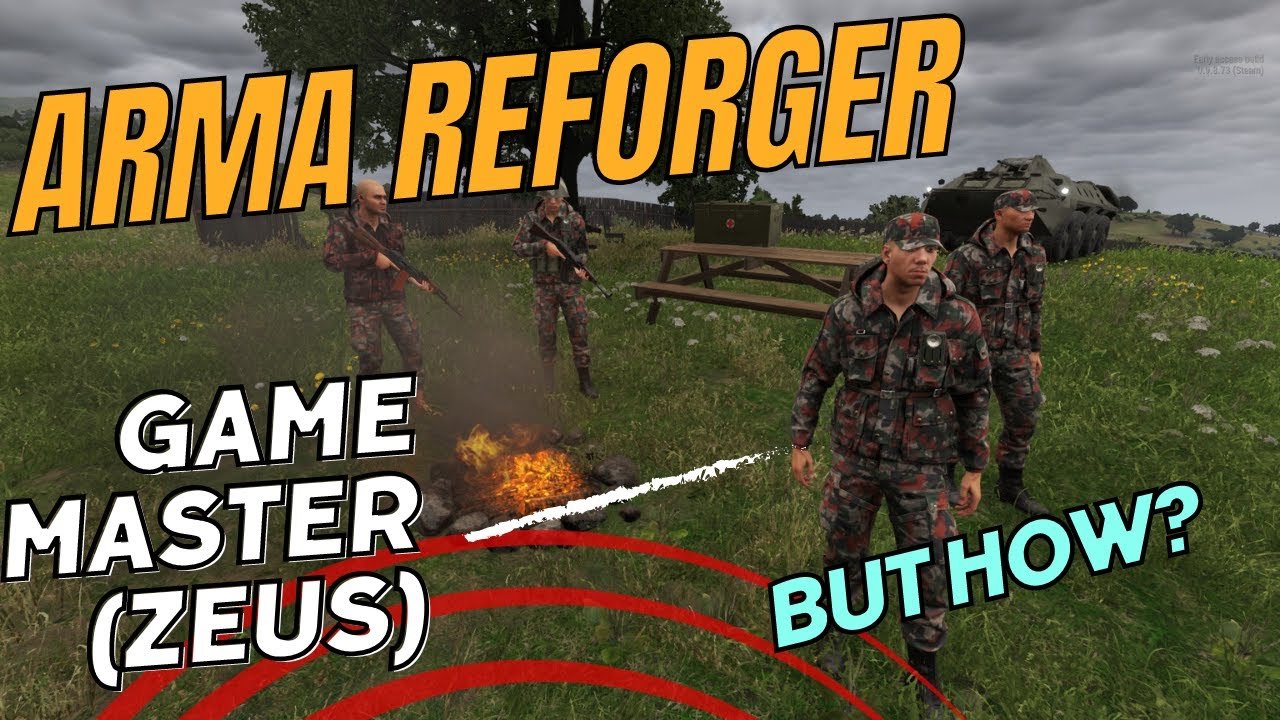
To play game master with friends in Arma Reforger, one player must launch a Zeus scenario on a server, and then other players join the session as players, allowing the designated GM to manipulate the game environment and create dynamic gameplay experiences.
Want to orchestrate thrilling, unpredictable scenarios for your squad? Figuring out how to play game master with friends arma reforger can be a rewarding experience. With the Zeus mode, one of you becomes the story teller, crafting missions and challenges on the fly. This guide will walk you through the steps to get you all playing together.

How to Play Game Master with Friends in Arma Reforger
So, you and your buddies are ready to dive into the amazing world of Arma Reforger as Game Masters? That’s fantastic! Being a Game Master, or GM, lets you create unique and exciting scenarios for your friends to play through. It’s like being the director of your own action movie! But where do you start? Don’t worry; this guide is here to help you get going. We’ll walk through everything you need to know to set up and play as a Game Master with your friends in Arma Reforger.
Understanding the Game Master Role
Before we jump into the “how-to,” let’s talk a bit about what a Game Master actually does. In Arma Reforger, the GM is not just a player; they’re the storyteller, the environment builder, and the challenge creator. You get to control the world around your friends, spawning in enemies, setting objectives, and even changing the weather. Think of it as being the puppet master behind the scenes, crafting an engaging and memorable experience for everyone else.
Key Responsibilities of a Game Master
- Scenario Creation: You design the mission or story for your friends to play. This includes the overall goal, the environment they’ll be in, and any specific tasks they need to complete.
- Enemy Deployment: You choose when, where, and what kind of enemies your friends will face. This includes AI soldiers, vehicles, and even animals!
- Objective Management: You set up the objectives and use the editor to create dynamic events. You might ask your friend to capture a flag, defend a position or rescue someone.
- Dynamic Storytelling: You can adjust the game as it unfolds, adding twists and turns to keep things interesting. If your friends succeed easily, you can send in a stronger wave of enemies or change the objective on the fly.
- Maintaining the Flow: You ensure the game runs smoothly, resolve issues, and keep the players engaged with new challenges.
Playing as the Game Master is a big responsibility, but it’s also very rewarding. You get to see your friends react to the world you create, and that’s an exciting feeling.
Setting Up Your Game Master Session
Okay, let’s get into the actual setup. Here’s how you get your Game Master session ready to go in Arma Reforger.
Starting a Server
First things first, you’ll need to start a server. Arma Reforger allows you to host your own games for you and your friends, and that’s what you’ll use for Game Master mode. Here’s how you do it:
- Launch Arma Reforger: Start the game on your computer.
- Go to Multiplayer: On the main menu, find and click on “Multiplayer.”
- Host Server: Select “Host Server” and choose the scenario you want to play. For Game Master mode, you can select “Game Master” scenario.
- Configure Settings: Customize the server settings. Give your server a name, set a password (if you want), and choose the number of players you want to allow in.
- Start the Server: Click “Start Game” to start the server.
Once your server is up and running, your friends will be able to join it by selecting “Join Server” from the multiplayer menu and finding it in the list or entering server password if you have set one.
Entering Game Master Mode
As the server host, you’re not a normal player. You’re the Game Master! To enter Game Master mode, follow these steps:
- Log in as Admin: Once in the game, press ESC key to open the menu.
- Select Game Master: Now, in the menu search for ‘Game Master’ option and click on it.
- You are the Game Master: Congrats, you have now entered Game Master Mode. You are now invisible to your friends, and you can control the game environment.
Understanding the Game Master Interface
The Game Master interface is your control panel for everything you’ll do. It might look complicated at first, but it’s quite easy to understand once you get the hang of it. Here’s a basic breakdown:
The Basic UI
The Game Master interface gives you different tools to manipulate the environment and control the flow of the game. Here are some basics:
- Toolbar: This is where you’ll find all the different tools for spawning entities (like AI units, vehicles, and objects), creating objectives, and editing the terrain.
- Asset Browser: This is where you’ll find all available items to place in the world. This is like your treasure chest full of possibilities. You’ll be able to filter assets by categories to help you quickly find what you are looking for.
- Context Menu: You can right-click on any object in the game world to access a context menu that will give you options to interact with object. For example, you can copy and paste objects, or you can change the health or behavior of the unit.
Using the Different Tools
Now, let’s get more specific about using the tools you have:
- Spawning Units: This is one of the most important tools. You can select from a wide variety of AI units, from basic infantry soldiers to helicopters and tanks. Just pick what you want and place them in the world.
- Placing Objects: Need cover for your soldiers? Maybe a tower to snipe from? Use the object tool to add buildings, fences, and other environmental elements.
- Creating Objectives: Use the ‘objective’ tool to set goals for your players. You can set capture points, create rescue zones, and establish targets to be destroyed.
- Adjusting Weather and Time: You can change the time of day and the weather using a simple menu. Maybe you want to make the game more challenging with a night-time rainstorm, or maybe you just want to have a clear, sunny day.
Crafting Engaging Scenarios
The real fun of being a Game Master comes from crafting awesome scenarios. Here’s how you can make things interesting for your friends:
Planning Your Mission
Start with the big picture. What’s the goal of your scenario? Is it a full-on assault, or a stealthy infiltration? Consider these aspects:
- The Story: What’s the background for the mission? Give your players a reason for fighting beyond just shooting targets. A compelling narrative can make even a simple objective exciting.
- Objectives: What do your players need to do to succeed? Be specific and tell your players before mission start.
- The Environment: Where is the action taking place? Use the map to select a location that fits your scenario.
- Enemy Forces: What kind of enemies will your friends encounter, and how many? Think of the type of challenge you want to present to your friends.
Making it Dynamic
Don’t be afraid to change things up mid-game! If your scenario is too easy, add more enemies. If your players are struggling, give them a break or add some support to help them. It’s your job to create a dynamic experience for your friends.
- Surprise Elements: Introduce unexpected events, like an ambush by a hidden enemy group or a sudden change in objectives.
- Adjusting Enemy Difficulty: If your players are steamrolling your enemies, add more enemies or change the units to make them tougher.
- Dynamic Objectives: Add a secondary objective to spice things up.
Tips for Keeping Players Engaged
- Communicate: Keep the communication open with your friends. Make sure they know what they need to do and give them hints if needed.
- Be Fair: Don’t be overly harsh on your players. Remember, it’s supposed to be fun!
- Mix It Up: Create different kinds of scenarios. Don’t make every mission the same.
- Get Feedback: After each session, ask your friends for feedback on what they enjoyed and what you could improve.
Advanced Game Master Techniques
Once you’ve got the hang of the basics, you can start experimenting with more advanced techniques. Here are some ideas to enhance your Game Master skills:
Using Triggers and Logic
Triggers are tools that allow you to create dynamic actions based on specific events in the game. For example, you can set a trigger to spawn enemies when your players enter a certain area. Triggers help you bring your scenarios to life, making them feel more interactive and alive.
- Area Triggers: Spawn enemies or objectives when players enter a specific zone.
- Proximity Triggers: Activate events when players get close to certain objects or enemies.
- Time Triggers: Set timers to create events that happen at specific points during the mission.
Working With AI
AI can be a great asset to your game, but it can also be unpredictable. Here are some tips for working with AI units:
- Give AI specific orders: You can use the ‘AI order’ menu to give AI units specific commands, like patrol an area, attack a specific target, or hold a position.
- Coordinate AI units: Use the Group AI tool to make AI units move or attack together.
- Experiment: Try different types of AI behaviors, and see what fits the different scenarios you create.
Creating a Narrative
Storytelling is a big part of being a good Game Master. You don’t need to be a novelist to write an interesting story. Even a simple background can add depth to the game.
- Use the in-game chat: Use the game chat to communicate with your players or tell them what they are seeing or hearing.
- Create characters: Introduce interesting characters using in-game chat that react to the players and provide them with more information.
- Add world details: Give the environment context by adding small details that tell the story of the place.
Learning From Other Game Masters
There are plenty of resources online where you can learn from other Game Masters. Don’t be afraid to watch videos, read guides, or even connect with other GMs to share ideas.
- Watch Tutorials: Check out YouTube for tutorials on how to use the game master tools, as well as specific scenarios, tricks, and techniques.
- Join Communities: There are many online communities on different platforms that are dedicated to Arma Reforger. Join one of them and ask for advice or share your own scenarios.
- Experiment: The most important thing is to practice and learn by playing. Don’t be afraid to try new things and experiment with different techniques.
Being a Game Master in Arma Reforger is a skill that gets better with time and practice. Don’t be afraid to make mistakes and learn from them. Every session is a new chance to improve.
And that’s it! You are now ready to start playing as a Game Master in Arma Reforger with your friends. Remember to keep experimenting, have fun, and make awesome memories with your friends.
Arma Reforger – How to setup a Game Master (Zeus) mission to play with your friends?
Final Thoughts
To play Game Master in Arma Reforger with friends, one person must host the game. Then, friends join the server and the host selects the Game Master role. As Game Master, you manipulate the environment and place units.
Ensure everyone understands their roles. Effective communication is vital for a smooth gameplay experience. Learning controls is important. With practice you and your friends will learn how to play game master with friends arma reforeger effectively.

