
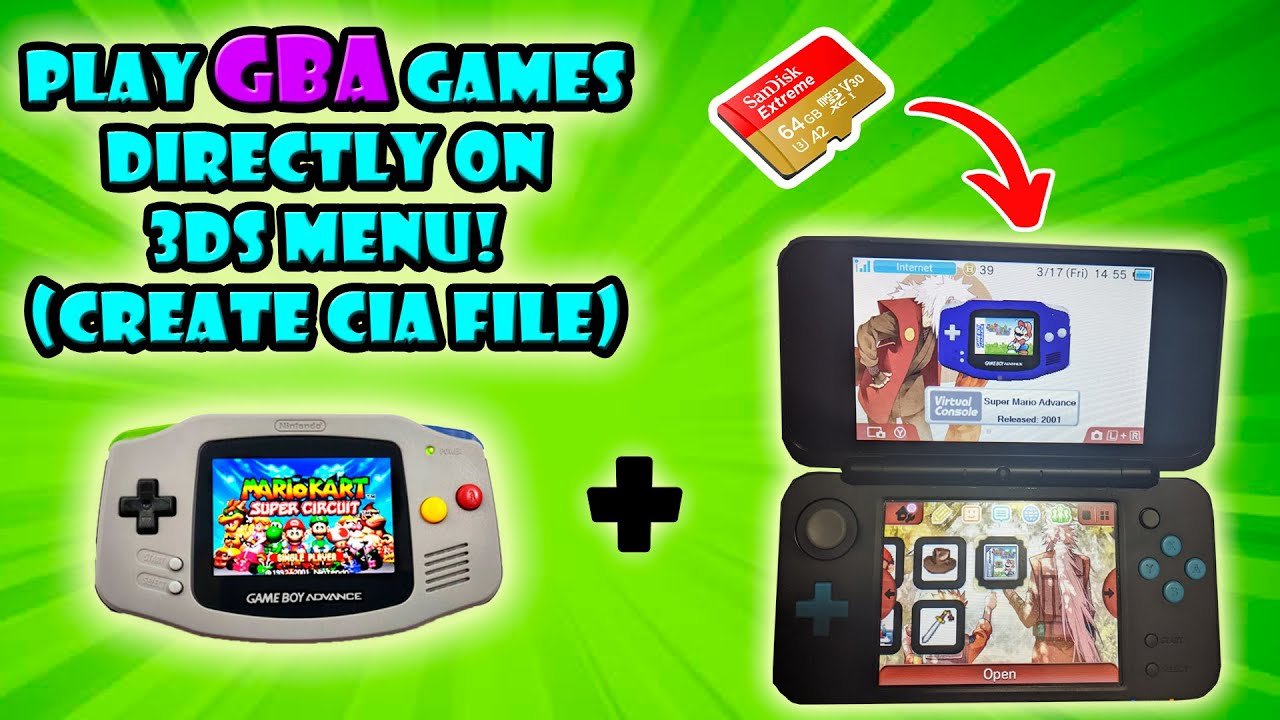
Unfortunately, you cannot directly play Game Boy Advance games on a standard 3DS console using a cartridge. Nintendo did not build in backwards compatibility for that system.
Ever wondered how to play Game Boy Advance games on 3DS? It’s a common question, as many people would love to revisit classic titles on their handheld. The 3DS boasts a great library, but the charm of GBA games remains strong.
While the 3DS hardware can handle GBA games, Nintendo did not provide a cartridge slot for them. That means, playing legally from your old cartridges is not supported. There are alternatives, however.

How to Play Game Boy Advance Games on 3DS
So, you’ve got a cool Nintendo 3DS, and you’re itching to play those classic Game Boy Advance (GBA) games? Well, you’re in the right place! It’s a bit like wanting to watch an old movie on a new TV – you need to figure out how to make them work together. The 3DS doesn’t just magically play GBA cartridges, but don’t worry, there are ways to get your favorite GBA games running on your 3DS. It’s not as simple as plugging in a GBA game, but it’s totally doable, and we’re here to guide you through it step by step. Get ready to revisit some of the best games ever made!
Understanding the Challenge: Why GBA Games Aren’t Directly Supported
First, let’s talk about why your 3DS can’t just read GBA cartridges. Think of it like trying to fit a square peg in a round hole. The 3DS was built with newer technology and different ways of reading game data. The cartridges for the original Game Boy Advance were physically different and the 3DS was not made to read these older game formats. The 3DS can play Nintendo DS games, because the 3DS system had a separate slot and capability to read that format but it simply doesn’t have that for GBA games. It’s like trying to play a vinyl record on a CD player. They use different systems, and that’s why we need some special methods to play GBA games on a 3DS.
The Two Main Paths: Virtual Console and Homebrew
There are primarily two ways to enjoy GBA games on your 3DS: using the official way via the Nintendo eShop and the less-official route that involves modifying your console, called homebrew. Each has its own pros and cons, and we will examine them so you can pick the right path.
The Official Method: Nintendo’s Virtual Console (Limited GBA Support)
Nintendo has an official service called the Virtual Console where they released old classic games for 3DS. Nintendo did not release lots of GBA games for the Virtual Console on the 3DS. While the 3DS eShop had a selection of older games available to download, unfortunately, the 3DS Virtual Console only ever had a tiny selection of GBA titles. What they did was available only to Nintendo 3DS ambassadors, which were early adopters of the console who purchased the handheld before a price drop. Nintendo gave the select games as a thank you to early adopters. So if you didn’t get the Ambassador’s Program free GBA games, you’re out of luck for the official method.
Here’s a quick breakdown:
- Pros:
- Safe and officially supported.
- Games are optimized to play on the 3DS screen.
- Easy to download and start playing right away.
- Cons:
- Extremely limited selection of GBA games.
- You cannot buy these games on the eShop now.
- The 3DS eShop is now closed, so no new purchases are possible.
Homebrew: Opening Up a World of Possibilities
The term “homebrew” refers to custom software and modifications that are not officially supported by Nintendo. Think of it as getting under the hood of your 3DS and making it do things it wasn’t originally meant to. This method will let you play nearly every Game Boy Advance title you could want, which was impossible with official methods. Homebrew involves installing some custom software on your 3DS, but it also comes with some considerations.
Important Note: Modifying your console can sometimes be tricky and carries some risks. If you are not comfortable with computers or technical things, consider getting help from someone experienced. There’s a small risk of bricking your 3DS which could mean it no longer works, so be very careful and follow instructions exactly if you choose this option.
What You’ll Need for Homebrew
Before we dive into the specifics of homebrew, let’s gather the things you will need to make it happen. Here’s a list:
- A Nintendo 3DS, 3DS XL, 2DS or New Nintendo 3DS system, fully charged.
- A computer with an internet connection.
- An SD card or microSD card for your 3DS.
- A way to transfer files from your computer to your 3DS’s SD card (a card reader).
- Some patience and attention to detail.
You also need a specific piece of homebrew software to actually play the games. There are several GBA emulators available to play GBA games on the 3DS and most of them are easily available online. An emulator is essentially a program that makes your 3DS act like a GBA so you can load your game files.
Steps to Install Homebrew on your 3DS
Getting started with homebrew on your 3DS might seem daunting, but with careful steps and instructions, it is possible. Here’s a general overview of the process. The specific steps and software required might vary slightly based on the current homebrew tools available.
Note: The following steps will only serve as a guide and instructions may vary. Always follow up to date tutorials and guides when performing this kind of modifications on your console. These steps can potentially brick your console, so always be careful and follow the instructions exactly.
- Check your 3DS Firmware: Ensure your 3DS is running a compatible firmware version that can be modded. Most 3DS systems are moddable now, but it’s always good to check. Usually a search online for “How to mod 3ds (your firmware version)” can help you.
- Download Necessary Files: Find an up-to-date guide online and carefully download the required software and files needed to start the modding process. This often includes things like the Homebrew Launcher, custom firmware, and possibly a GBA emulator.
- Prepare your SD Card: Copy the downloaded files onto your 3DS SD card following the instructions of your guide. Make sure the files go into the correct folders on your SD card.
- Install Custom Firmware: This step will involve installing specific software onto your 3DS console. Follow the instructions from your guide very closely. This process is generally done by launching the software on the SD card on your 3DS.
- Launch the Homebrew Launcher: Once the software is installed, use the provided method to launch the Homebrew Launcher on your 3DS. It’s like a main menu for your homebrew applications.
Finding and Installing a GBA Emulator
Now that you have homebrew set up on your 3DS, you’ll want to actually play some GBA games. You can’t play the games just yet, as you will need an emulator first. Here are steps on finding and installing the emulator:
- Find a GBA Emulator: From the Homebrew Launcher, you’ll need to find a good GBA emulator application. Do some research online to see the best options currently available.
- Download the Emulator: Download the GBA emulator to your computer and copy it to the correct folder on the SD card for your 3DS.
- Launch the Emulator: Once your emulator is copied to your SD card, you’ll be able to launch it from the Homebrew Launcher on your 3DS.
Getting Your GBA Game Files (ROMs)
Emulators need game files (often called ROMs) to work. You need to make sure you have legal rights to play the game, and a copy of the physical cartridge. Downloading ROMs without legally owning the game is illegal. You need to have a legal copy of a game to be able to play it using an emulator.
Once you have your game files:
- Copy ROMs to SD Card: Copy your ROMs to your 3DS SD card, preferably in a dedicated folder to keep things tidy.
- Load ROMs Through the Emulator: Open up your GBA emulator on your 3DS and use its menu system to locate and load the game files.
Now you should be able to play your GBA game using the emulator on your 3DS!
Important Considerations When Using Homebrew
Before you jump into the world of homebrew, it’s important to understand some key points:
- Legality: Downloading and playing ROMs of games you don’t own is illegal. Be sure you are only using game files you have a legal right to play.
- Risk of Bricking: Modifying your 3DS carries a small risk of bricking it. This is why it’s so important to follow instructions exactly.
- Software Updates: Nintendo software updates may sometimes break homebrew, or require homebrew to be updated, so you will have to research your homebrew if you perform a software update.
- Community Support: Homebrew communities are usually very helpful and friendly. If you get stuck, asking questions can help you to get through any issues.
- Not Official: Remember, homebrew is not supported by Nintendo, so if you encounter problems, you can’t get official support for it.
Tips for a Smooth GBA Gaming Experience on Your 3DS
Now that you’ve got GBA games running on your 3DS, here are some tips to make the experience even better:
- Use Headphones: Headphones can make the audio experience much better than the 3DS’s speakers.
- Screen Settings: Check the emulator settings if you have different options for the screen. Some emulators will allow you to change the screen size or stretch it to fill the whole screen of your 3DS.
- Save Frequently: Use save functions within the emulator often so you don’t lose progress.
- Game Compatibility: Some games might have slight compatibility issues with the emulator, but these are often not very noticeable.
In conclusion, while the official way to play GBA games on a 3DS is very limited, the world of homebrew opens up a huge library of classic GBA games to play on your handheld. Remember to proceed carefully, and always follow instructions exactly, so that you can enjoy your favorite GBA games on your 3DS!
How to Play GBA Games on 3DS
Final Thoughts
Playing Game Boy Advance games on your 3DS is simple. You must have a compatible 3DS model and the specific GBA Virtual Console titles. Purchase these games from the Nintendo eShop.
Once downloaded, the games appear on your 3DS home menu. You can launch them just like any other 3DS software. Enjoy the classic experience on a handheld.
This method fully allows how to play gameboy advance games on 3ds. This gives you access to many cherished titles.

