
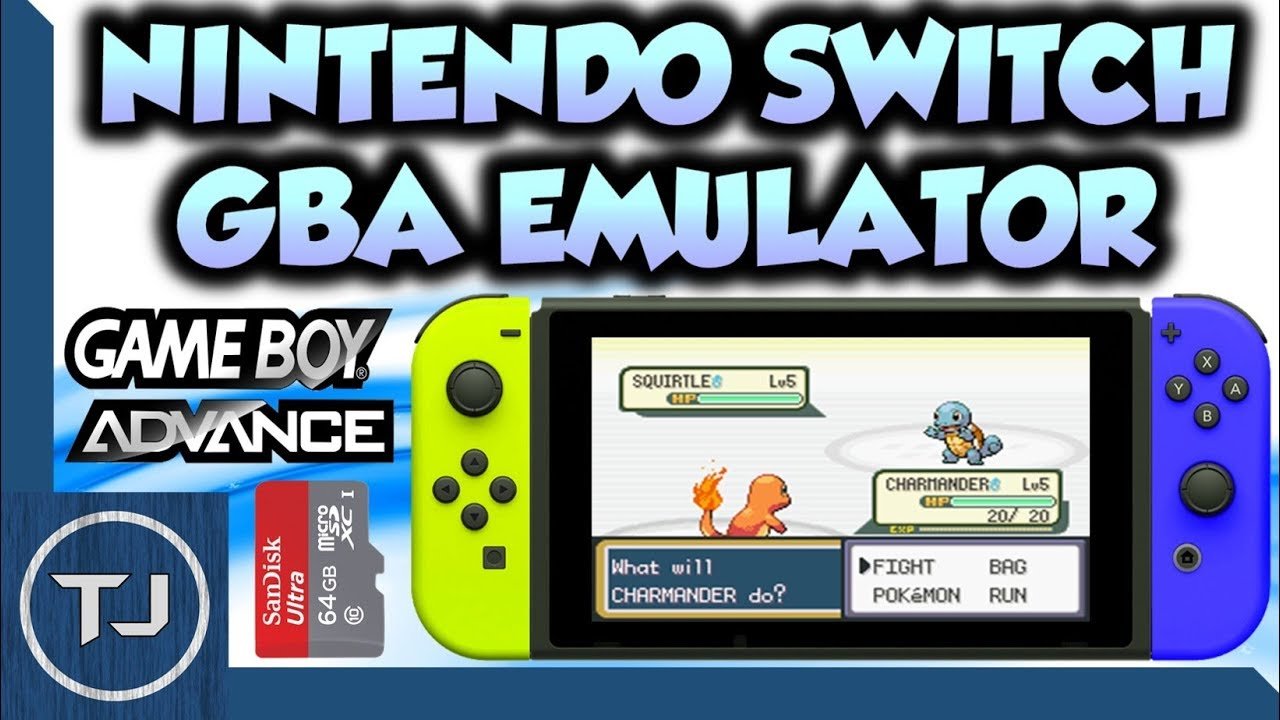
Playing Game Boy games on Switch requires utilizing specific emulator software, typically through homebrew methods.
Want to relive classic adventures? The allure of playing retro games never fades, especially when you can enjoy them on a modern console. Many gamers wonder how to play Game Boy games on Switch, and the good news is, it’s achievable, albeit with a bit of technical setup.
This process generally involves installing custom firmware on your Switch, which then allows you to use emulator applications. These applications are designed to run Game Boy ROMs, so you can experience those nostalgic titles once more. It is important to proceed with caution when using custom firmware.

How to Play Gameboy Games on Switch
Want to play your favorite old Gameboy games but don’t have your old system anymore? No problem! The Nintendo Switch, though a modern console, can actually be a great way to play those classic games. It might not be as straightforward as popping in a cartridge, but with a few different methods, you can enjoy those pixelated adventures on your Switch’s screen. Let’s explore the options and learn how you can bring those nostalgic titles to your current console.
Understanding Your Options: Official and Unofficial Methods
There are generally two main ways to get Gameboy games running on your Nintendo Switch. One involves Nintendo’s official service, and the other involves using a bit more of a creative approach. Both have their ups and downs, so let’s break them down:
Nintendo Switch Online and Game Boy Titles
Nintendo Switch Online is Nintendo’s subscription service, like having a Netflix for games! With a basic Nintendo Switch Online membership, you get access to a library of classic NES and Super NES games. However, to play Game Boy and Game Boy Color games, you’ll need a Nintendo Switch Online + Expansion Pack membership. This upgraded service comes at a higher price but gives you a bigger library, including those beloved portable classics. This is the safest and easiest method but does require paying a subscription fee. The selection of games is limited to what Nintendo provides. Let’s see what are the benefits of this method.
- Easy Setup: No technical skills needed. Just download the app, and you’re ready to play.
- Safe and Legal: You’re using official software from Nintendo, so you won’t run into any issues.
- Online Play: Some titles even let you play with friends online.
- Save States: This lets you stop playing at any time and pick up right where you left off, which wasn’t always a feature on original Game Boys.
If you’re comfortable with paying a little extra per month or year for the expansion pack and are happy with what Nintendo offers, this is the quickest and simplest approach to start playing. You might find titles like The Legend of Zelda: Link’s Awakening DX or Metroid II: Return of Samus, or Tetris. But, again, you’re limited to Nintendo’s provided catalog.
Homebrew and Emulators: The Unofficial Route
The other way to play Game Boy games on your Switch is through something called “homebrew”. This means you’re using custom software that wasn’t officially made by Nintendo. This method is more complicated and requires a bit more technical know-how, but it lets you play a wider variety of Gameboy games, including those not offered on Nintendo Switch Online. It is important to note that this method can also be against the terms of service for your device. Be aware that you could lose your access to some features of Nintendo Switch, so we can’t recommend this method in general. Also, make sure you own a copy of all roms of games that you intend to play using emulators, so you can’t violate any rules.
What is Homebrew?
Homebrew is software created by independent developers, rather than the official company. In this case, we are referring to applications that can be loaded onto a Nintendo Switch to execute tasks not intended by Nintendo. It’s like using a key that opens up your device for more functions. For playing Gameboy games, this means you will need an emulator, which is software that imitates the hardware of a Gameboy. This will also need roms, which are the actual files of the games, usually dumped from actual Gameboy cartridges.
Why Choose This Method?
People usually select the homebrew route because:
- Larger Game Library: You can play almost any Game Boy, Game Boy Color, or even Game Boy Advance game.
- Customization: Emulators often have customizable settings, letting you adjust screen sizes, sound quality, and more.
- Potentially Free: If you already have your own copies of your favorite games in rom formats, this method is cheaper than subscribing to Nintendo Switch Online.
The Risks and Challenges
Before diving in, it’s crucial to know the risks involved:
- Technical Setup: Modifying your Switch can be difficult and requires some careful steps. If done incorrectly, you could brick your device, meaning it could stop working. You’ll need to go through custom firmware installation and other technical tasks.
- Potential Ban: Using unofficial software can get your Switch banned from Nintendo’s online services. This means you won’t be able to play online, update games, or use the eShop.
- Legality: Downloading game ROMs that you don’t own can be considered piracy, which is illegal. If you already own your favorite games, you might be able to dump them to a rom file. But you can’t get those roms from a pirated source.
This approach is for those who are comfortable with computers and understand the potential downsides. It isn’t for everyone, but it does provide you more options than the official method.
Step-by-Step: Using Nintendo Switch Online for Gameboy Games
Let’s get down to the steps of playing Game Boy games using the Nintendo Switch Online + Expansion Pack service. This is the simplest and safest method to start playing Gameboy games on your Switch:
Step 1: Verify your Nintendo Switch Online Membership
First, ensure you have a Nintendo Switch Online + Expansion Pack membership. Check by:
- Going to the Nintendo eShop on your Switch.
- Clicking your user icon in the top-right corner.
- Scrolling down to “Nintendo Switch Online.”
- Confirming you have the “Expansion Pack” listed under your membership.
If you only have the basic Nintendo Switch Online membership, you will need to upgrade to the Expansion Pack.
Step 2: Download the Game Boy App
With the right membership, you’ll need to download the Game Boy app. Here’s how:
- Go back to the Nintendo eShop on your Switch.
- Search for “Nintendo Switch Online” or “Game Boy”.
- Locate and select the “Game Boy” app.
- Download the app. It should be free to download if you have a Nintendo Switch Online + Expansion Pack.
Step 3: Start the App and Select Your Game
Now, you’re ready to play. Follow these instructions:
- Go to your Switch’s home screen and open the Game Boy app.
- Browse the available library of Game Boy and Game Boy Color games.
- Select the game you want to play, and it will load instantly.
Now, you are all set to play your old favorites. Some games will have additional features like rewind, suspend/save, and even online multiplayer modes. Check the options of each game to find out what special features there are.
Step 4: Manage Your Game Saves
Most of the games will have a suspension feature. You can stop playing and pick it up right where you left off, which is more convenient than the original Gameboy systems.
A Closer Look at Homebrew: Playing Gameboy Games with Emulators
If you’re adventurous and want to try the homebrew method, be aware that the process is complex, and it is not suggested for beginners. Here’s a detailed overview:
Is your Switch capable of running homebrew?
Firstly, not all Nintendo Switch consoles are able to run homebrew software. The older the Switch unit is, the more likely that it can be modified to run homebrew. You will need to check which version of your hardware you have, and which firmware you have installed to ensure that your specific switch is supported. Some newer consoles have the protections in place so you won’t be able to run custom software. Before going any further, you should know that by using homebrew you will void the warranty for your switch, and can get banned from the Nintendo online services.
Step 1: Get the Necessary Files
Once you have made sure that your device is able to run homebrew, you will need to obtain the necessary files.
- Custom Firmware: You will require custom firmware, such as Atmosphere, that needs to be installed onto your Switch.
- Emulator: You’ll need to download a Gameboy emulator. A popular choice is RetroArch, which is an all in one multi-system emulator, or standalone emulators like mgba.
- Game ROMs: You’ll need ROM files of the games you wish to play. Remember that downloading ROMs from unofficial sites that you don’t own is illegal. You can dump the rom from the actual cartridge that you own.
These files will need to be installed on the SD card that is inserted in your Switch.
Step 2: Prepare Your Switch SD Card
Your Switch will need a microSD card to store the software and games. Prepare it by:
- Formatting the SD card in the correct file system. Typically it is exFAT or FAT32.
- Creating folders on the card such as /switch, or /roms to organize your homebrew applications and games.
- Copying the custom firmware files, the emulator application and any game roms that you wish to install onto the card.
Step 3: Install Custom Firmware
Installing custom firmware is a delicate process. You can refer to online guides that describe the specifics of the process. Each device and specific version will have a slightly different installation method, so you must be precise and detailed while following the guides that apply to you. Typically the steps include:
- Entering the Recovery mode of your Switch. This is done by pressing the volume up and power button while booting.
- Using a payload injector to load your selected custom firmware
- Following on screen prompts to install the firmware
This process is complicated and can cause the Switch to become unusable if performed improperly, so this should be approached with care and caution.
Step 4: Launch the Emulator
Once your Switch boots in custom firmware, you should be able to access homebrew applications. Here are the steps to start playing games.
- Navigate to the homebrew applications menu.
- Launch the emulator application.
- Configure any settings that you might want to change. Such as the input configuration.
- Load a game rom.
Step 5: Enjoy Your Games
Now, you should be playing your favorite retro titles. You will be able to configure the settings for the display options, audio options, and other details of the emulation to get the most optimal experience.
Additional Considerations for Emulation
When using emulators, you might want to consider:
- Controller Configuration: You will need to properly configure the buttons on your Joycons to match the original Gameboy buttons. This is done within the emulator settings.
- Performance: Some Game Boy Advance games might be more demanding than the original Game Boy or Game Boy Color games. Adjust settings to get the best performance.
- File Management: You may want to keep your game roms well-organized in their designated folder so it is easier to locate them when you want to play.
Comparing the Options: Which is Right for You?
To help you decide, here’s a quick comparison table:
| Feature | Nintendo Switch Online + Expansion Pack | Homebrew with Emulators |
|---|---|---|
| Ease of Use | Very easy. Just download and play. | Complex setup, requires technical skills. |
| Game Library | Limited to Nintendo’s selection. | Wide range of Game Boy, Game Boy Color, and GBA games. |
| Legality | Completely legal and safe. | Requires owning your games and is against Nintendo’s terms of service. |
| Cost | Requires a subscription fee. | Potentially free if you already have your games, but you might need to buy an SD card. |
| Risks | None. Safe for your device. | Can get your Switch banned, or device bricked. |
| Customization | Minimal options, limited by official Nintendo application. | Many settings for adjusting audio and display. |
Choose the method that best fits your comfort level and desires. If you prefer a quick and safe method, go with the Nintendo Switch Online. If you are a more adventurous player and prefer a more complex setup to play a larger selection of games, and are okay with the risks that come with it, then the homebrew route might be more suitable.
Playing Gameboy games on your Nintendo Switch is completely achievable, whether you choose the official or unofficial method. You’ll get to experience these old classics on a modern console! Whether you choose to use a subscription to the official service or prefer the homebrew route, remember to have fun and enjoy your classic titles.
Playing GBA Games On Switch!
Final Thoughts
Playing Gameboy games on Switch requires using emulators. You must install custom firmware on your Switch first. Then, download the emulator software and Gameboy ROMs.
After that, transfer the files to your Switch’s SD card. Finally, launch the emulator and select your chosen Gameboy game. This will let you play Gameboy games on switch. Remember, obtaining ROMs legally is important.

