
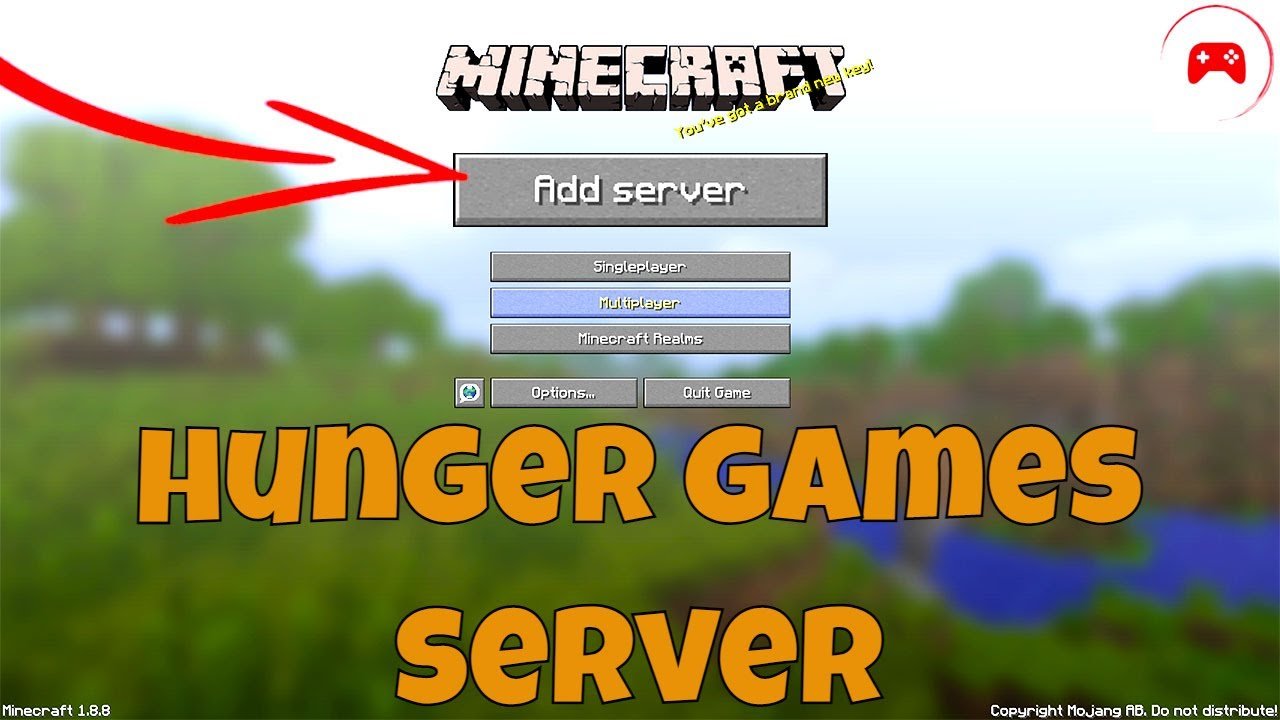
To play Hunger Games on Minecraft, join a server offering this game mode, typically using an IP address. Then, follow the server’s rules, gather resources, and fight other players to be the last one standing.
Ever wondered how to play hunger games on minecraft? It’s more accessible than you might think, offering intense survival challenges. Many Minecraft servers host Hunger Games events.
These servers usually have dedicated arenas where players compete. Joining these games is a great way to test your survival skills. Get ready to scavenge for loot and battle your way to victory.

How to Play Hunger Games on Minecraft
Ever dreamt of being in the middle of a Minecraft survival challenge, battling it out against other players? Well, that’s pretty much what the Hunger Games is all about! It’s a super fun game mode in Minecraft where you and other players compete to be the last one standing. There are chests filled with goodies, hiding spots, and tons of excitement. Let’s jump into how you can get started and have a blast playing Hunger Games on Minecraft!
Understanding the Basics of Minecraft Hunger Games
Before we dive into the nitty-gritty, let’s understand what makes the Hunger Games in Minecraft so special. Imagine a large map, typically designed with different areas like forests, mountains, and maybe even some cool structures. At the start of the game, all players spawn in a central area (usually a circle) and must rush to find chests containing resources like weapons, armor, food, and other helpful items. Then the real game begins – you have to survive! You need to fight other players, be mindful of the ever shrinking map, and try to be the last one alive.
Key Elements of a Minecraft Hunger Games Server
A typical Hunger Games experience in Minecraft is made up of a few critical parts:
- The Arena: This is where the action happens! The arena can be anything from a jungle to a snowy wasteland. It is a big, open space with lots of places to explore.
- The Chests: These are the lifeblood of the game. They are scattered all over the map, full of goodies that can help you survive like swords, pickaxes, blocks and food.
- The Border: This is an invisible wall that slowly closes in on the map, forcing players closer and increasing the chance for battles.
- The Players: This is you and the other people you will be battling with, so be ready!
Finding a Great Minecraft Hunger Games Server
One of the first steps is finding a great server to play on. A server is like a shared world where many people can play Minecraft together. There are tons of them out there, but not all of them have Hunger Games. Here’s how you can hunt down a good one:
How to Search for Servers
You can look for a server through different ways. Here are a few methods:
- Server Lists: There are websites that keep a list of many Minecraft servers. Some websites that you can try include Minecraft Server List, Top Minecraft Servers, and Planet Minecraft. These sites often have filters that you can use to find servers with specific game modes, including Hunger Games.
- Friends and Communities: Ask your friends if they know any good Hunger Games servers or look around on online forums and social media groups for recommendations. You can find other players who share your passion for Hunger Games.
- In-Game Server Browser: Some versions of Minecraft may offer a built-in server browser where you can see a list of available servers. This is an easier way to join a server without any third party tools.
Things to look for in a server
When checking out server options, be sure to look at these qualities:
- Active Players: Make sure the server has a decent amount of players so you’re not alone in the arena.
- Good Ping: Ping is the delay between your computer and the server. A lower ping means better gameplay without any lags.
- Up-to-date version: A server should have a version of Minecraft that is compatible with what you use to play the game.
- Clear rules: A good server will always have clear rules on what to do or what not to do. Check if there are rules you should be aware of.
Connecting to a Minecraft Server
Once you have found a server that looks promising, here is how to connect:
- Launch Minecraft: Start your Minecraft game.
- Go to Multiplayer: Click on the “Multiplayer” button on the main menu.
- Add a Server: Click the “Add Server” button.
- Enter Server Details: You’ll need the server’s address (IP address) and port number. You can usually find this info on the server’s website or in the list you found it on. Copy and paste them into the correct box.
- Save and Join: Give the server a name so it’s easy to find next time, click “Done,” and you should see the server in the list. Now, just click on it and select “Join Server.”
Preparing for a Minecraft Hunger Games Match
Before you even join a match, you can take some steps to make sure you’re set up for success:
Choosing your Skin and Gamertag
Pick a skin that is easy to see so that you don’t get confused with another player. Select a gamertag that is memorable so that your friends can easily find you.
Get Ready to Be Fast
The start of the game can be hectic. Knowing how to quickly grab resources is an important skill to master. Practice getting into servers quickly and opening chests fast.
How a Typical Minecraft Hunger Games Game Plays Out
Alright, you’re in the server, and the game is about to start! Let’s walk through what you should expect:
The Countdown and Starting Rush
When the game starts, you will usually be in a starting area with other players. There is often a countdown timer that will count down until the game begins. After that countdown, all the players will rush to the center of the arena to grab as many chests as possible. This is a mad dash for good loot, so be ready for the chaos! Grab anything that looks useful.
Looting and Gathering Resources
After the initial rush, you will need to explore the area for more chests that might be hidden throughout the map. Be quick to open and grab anything that will be helpful. You might find better swords, armor, potions, food, or useful blocks.
Combat and Strategy
Remember, the main aim is to be the last player standing. Here are a few tips to improve your combat skills:
- Be Observant: Pay attention to your surroundings. You want to be aware of where other players are located.
- Pick Your Battles: You might not be able to win every fight. If you don’t have the best gear, it may be wiser to run and try to find better loot before starting another fight.
- Use the Environment: Try to use the environment to your advantage. You can hide behind things and you can climb trees or buildings to get the high ground.
- Aim Precisely: Make sure that you can aim well when fighting using bows or throwing projectiles.
The Shrinking Border
As the game progresses, the border of the map will get smaller. This forces players into a smaller area, making sure everyone eventually meets up for combat. When you see the border starting to close, make sure you are ready for battle.
Survival Tips
Surviving in the Hunger Games is more than just fighting. Here are a few tips that might help you succeed:
- Find Food: Running, looting, and fighting are going to make you hungry, so always make sure you have enough food so you don’t lose your health.
- Craft Useful Items: Learn to use a crafting table. You can make your own tools and armor that might be helpful.
- Use Potions: Potions can give you temporary power ups or heal you so always look to see if you can find potions in chests.
- Be Strategic: Know when to fight, and know when to hide. Being strategic with your actions will help you.
Advanced Tips and Strategies
Once you have got the basics down, you can focus on improving your gameplay with some advanced skills:
Mastering Movement
Movement is very important in the Hunger Games because if you can’t move well, you can easily be hit by another player.
- Practice Parkour: You can practice jumping and climbing to move quickly around the map.
- Use Sprinting: You can sprint by pressing the key that you use to move forward and another action key at the same time.
- Learn to strafe: Strafe is when you move to the side when fighting. This will help you dodge attacks.
Knowing Your Loot
Not all loot is equal. Know which items are better than others. For instance, a diamond sword is far better than a stone sword. Having a diamond armor is better than having no armor at all.
Forming Alliances
Sometimes, it can be better to work with others! Forming alliances might help you if you’re having trouble early on. However, remember that this is the Hunger Games, and eventually, you will have to be the last person standing.
Practicing on Different Maps
Every Hunger Games map is a little bit different. Play on several different maps to learn how the terrain affects the game.
Always Be Ready
Be ready to react quickly to any new situation. Pay attention to what other players are doing and the actions that they are taking.
Playing Hunger Games in Minecraft is a ton of fun! From finding the right server to mastering the art of combat, every step brings you closer to becoming a true survivor. With a bit of practice and strategy, you can go from a newbie to a Hunger Games champion. So jump into the game, grab some loot, and let the games begin!
How To Play Hunger Games on Minecraft PS5 (2025)
Final Thoughts
To play Hunger Games on Minecraft, join a server that features this game mode. Typically, players spawn in a central area. They then rush to collect resources from chests scattered across the map.
Players will need to fight to be the last one standing. This requires good strategy and combat skills. ‘How to play hunger games on minecraft’ involves locating a server that has the mode. It is a fun and intense game experience.

