
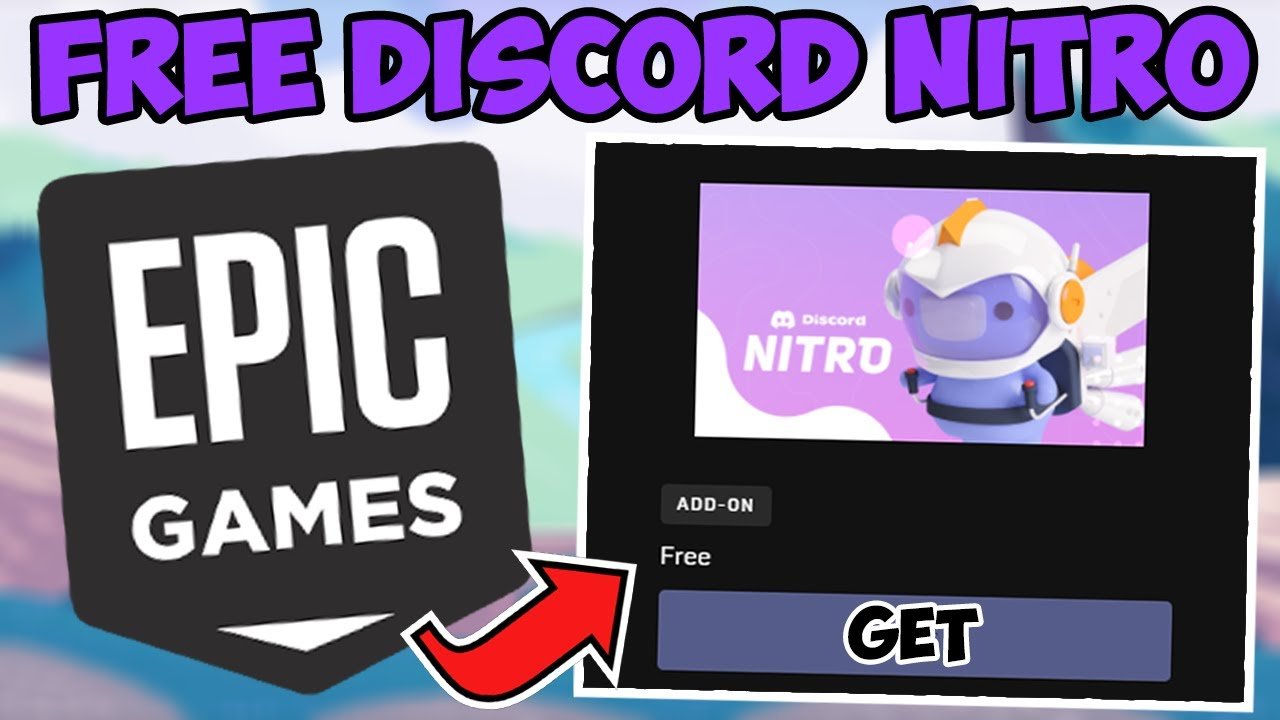
To redeem Discord Nitro from Epic Games, you must claim the promotion within the Epic Games Store, then follow the provided link to activate Nitro on your Discord account.
Got a free Discord Nitro from Epic Games and now scratching your head on how to get it working? It’s a common question, and you’re definitely not alone! The process of how to redeem Discord Nitro Epic Games can sometimes feel a little confusing.
This short guide explains the simple steps. We’ll break down exactly what you need to do to activate your Nitro perks. Soon enough, you’ll be enjoying all those enhanced features on Discord.

How to Redeem Discord Nitro from Epic Games
Okay, so you’ve got your hands on a sweet Discord Nitro offer from Epic Games, and you’re probably itching to get those extra perks on your Discord server! It’s an exciting prospect, with the possibility of enhanced emojis, bigger file uploads, and all the fun extras that come with Nitro. This section will walk you through each step, so you can quickly start enjoying your new subscription. Let’s dive right in!
Understanding the Discord Nitro Epic Games Promotion
Before we jump into the redemption process, let’s make sure we’re all on the same page about what this promotion entails. Epic Games, known for its awesome free games and deals, often partners with other platforms like Discord. Sometimes, they give away Discord Nitro as part of a promotion, maybe when you purchase a specific game or during a special event.
What exactly is Discord Nitro? It’s like a premium membership for Discord. It gives you access to cool stuff like:
- Animated avatars
- Custom emojis
- Boosted servers
- Larger file uploads
- And many other cool features
Now, the Discord Nitro you get from Epic Games isn’t always the same. Sometimes it’s Nitro Classic, which has fewer features, and sometimes it’s the full Nitro package. It’s important to know which one you have because the redemption process might be slightly different. Usually, the information about what type of Nitro is mentioned in the promotion details, so keep an eye out for that.
Finding Your Discord Nitro Code
The first step to getting your Nitro is locating the code Epic Games sent you. This part can sometimes be a bit tricky, as there are a few different places it might be hiding. Here’s where you should look:
Checking Your Epic Games Email
The most common place for the code is in the email linked to your Epic Games account. After you’ve gotten your free Nitro through Epic Games, they usually send a confirmation email with all the important information, including the redemption code.
Open your email: Look through your inbox for emails from Epic Games.
Search for keywords: Try searching for keywords like “Discord Nitro,” “Epic Games,” or “promotion.”
Check your spam folder: Sometimes emails land in the spam folder so you should always take a look there.
Copy the code: Once you find the email, carefully copy the code. It usually looks like a series of letters and numbers.
Accessing Your Epic Games Library
Sometimes the Nitro code is displayed within your Epic Games account itself. You won’t find it with your regular game library, but in the special section for promotional items, so keep an eye there.
Log into your Epic Games account: Go to the Epic Games website or launch the Epic Games launcher.
Go to the “Promotions” section: There is a section where the promotional items are saved.
Find the Discord Nitro offer: Check here for the Nitro offer, and the code should be displayed with it.
Copy the code: Carefully copy the code shown.
What if You Can’t Find the Code?
If you’ve checked both your email and your Epic Games account, and the code is still missing, it’s time to contact Epic Games support. They can help track down the code or issue you a new one if necessary. It may take some time, but you will eventually get the code for Discord nitro.
Redeeming Your Discord Nitro Code
Okay, you’ve got your code in hand. Now for the exciting part: redeeming it on Discord! Here’s how to do it, step by step:
Redemption on Desktop
For desktop users, the process is generally quite smooth. This method works if you use Discord on your PC or Mac.
Open Discord: Start by opening the Discord application on your computer. If you do not have it downloaded, then you can do that for free.
Go to User Settings: In the bottom left corner, click the cog icon next to your username. This will take you to your User Settings.
Find the “Gift Inventory” section: On the left menu, find and click on the “Gift Inventory” option.
Click on “Redeem Code”: Now, click on the “Redeem Code” button, you can find on the right side of the screen.
Enter your code: A box will appear where you can paste or type your Discord Nitro code.
Click “Redeem”: Click the “Redeem” button and just like that your Discord Nitro is activated!
Verify your subscription: Check if the subscription was activated and check the “Nitro” tab in your user settings. You should see your activated nitro here, with an activation date and information about the type of nitro you have.
Redemption on Mobile
If you’re using Discord on your phone or tablet, the steps are a little different, but it’s still very easy to redeem your Nitro.
Open the Discord app: Open your Discord app on your phone or tablet.
Go to User Settings: Tap on your profile picture in the bottom right corner.
Find the “Gift Inventory” section: Then, go down and tap “Gift Inventory”.
Tap on “Redeem Code”: You will see the “Redeem Code” button right on top. tap this button.
Enter the Code: Enter the Nitro code you got from Epic Games.
Redeem: Tap “Redeem” and then your Nitro is activated.
Verify Your Subscription: Check if the subscription was activated and check the “Nitro” tab in your user settings. You should see your activated nitro here, with an activation date and information about the type of nitro you have.
Important Notes About Redeeming
Keep these points in mind when you’re redeeming your code:
Timing is Key: Discord Nitro codes often have an expiration date. Make sure to redeem your code as soon as possible after you get it.
First-Time Users: These codes may be for new Discord Nitro users. If you have already got a nitro in your account and active at the time, then the code may not work. If it’s a subscription you previously had, you may have to first cancel your current one to activate the new one.
One Code at a Time: You can usually only redeem one code at a time, so make sure the one you are using is correct and has not been previously used.
Check for Typos: Double check the code when you enter it. Even one wrong letter or number will prevent the code from being accepted.
Read the terms and conditions: Check for any information on the promotion that you have got. There might be specific rules for the promo that you need to be aware of.
What to Do if Your Code Doesn’t Work
It’s pretty frustrating when a code doesn’t work, but don’t panic! Here are a few troubleshooting steps:
Verify the Code is Correct
First and foremost, make sure you entered the code correctly. Look closely for any mixed-up letters or numbers. It’s easy to mistake an “I” for a “1”, or a “0” for an “O”.
Check Expiration Dates
As mentioned earlier, Discord Nitro codes do expire. Make sure your code is still valid by checking the promo details. If you are late to redeem the code, you won’t be able to use it.
Are you Eligible?
Sometimes these promotions are only for new Discord Nitro users. If you’ve had Nitro before, or you have Nitro active at the moment, you might not be eligible. Check the terms of the promotion from Epic Games for any rules.
Contact Support
If you’ve tried everything and your code still doesn’t work, you should contact Discord or Epic Games support. They can help investigate and resolve the issue. Here’s how to approach each one:
Epic Games Support: If the code is invalid and it appears the code has not been used, then there may be an issue with their promo. You should contact them if you think there is an issue with them or with your code.
Discord Support: If you have tried redeeming the code and you are facing issues with it being used. There may be an issue with your account and you can contact Discord support to help with the issue.
Enjoying Your New Discord Nitro
Once you’ve successfully redeemed your code, it’s time to enjoy all the cool new features! Here are some things you can do with Discord Nitro:
Personalizing Your Profile
Animated avatars: Set your profile picture as an animated GIF to make it really stand out.
Custom tags: You can customize the tag that comes after your name, so that you can be easily identified or show your creativity.
Server Enhancements
Server boosting: You can use some of your nitro to boost a specific server. Boosting enhances all the channels in a server, adding features like special icons, increased audio quality, and more.
More emojis: With nitro, you can use animated custom emojis on servers where they are enabled.
Larger Uploads: Share bigger files with your friends. This feature comes in handy, especially if you are a gamer and want to share clips with your friends.
Extra Goodies
Exclusive stickers: Nitro users have access to cool stickers and sounds.
Improved streaming quality: If you stream, nitro improves the quality of your streams and what others see on the screen.
Tips for Using Discord Nitro
Explore new features: Don’t be afraid to explore all the nitro features and experiment with what you can do.
Boost your favorite server: Support communities you enjoy being part of by boosting their servers.
Share features with friends: Let your friends know what’s new with nitro and how it can enhance your Discord experience.
This promotion from Epic Games is a great way to get the best Discord has to offer. By following the steps here, you can get your Nitro activated. If you have any issues make sure you try troubleshooting steps or contact the appropriate support teams to help you with your problem.
Remember to always keep an eye on your email for the next amazing promotion. There might be more freebies and discounts waiting for you. Enjoy your enhanced Discord experience, and see you online!
How to Redeem Epic Games Discord Nitro – Step-by-Step Guide
Final Thoughts
Redeeming your Discord Nitro through Epic Games is quite straightforward. First, locate your Epic Games library and find the Nitro promotion. Click the ‘Redeem’ button, and then you should receive a unique code.
Next, you must head to the Discord website or app. Paste this code into the appropriate Nitro redemption section. Finally, complete the process and enjoy your enhanced Discord experience. That’s how to redeem discord nitro epic games.

