
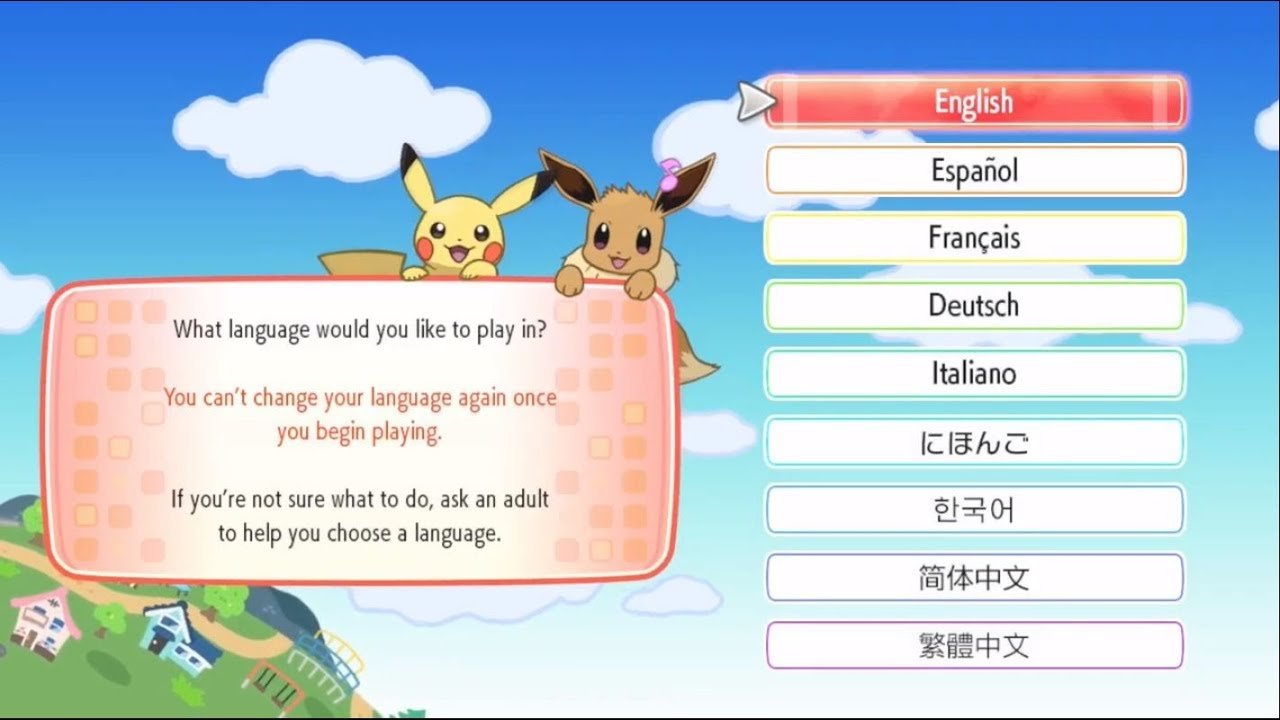
To restart your Let’s Go Pikachu game save file, you must delete the save data from your Nintendo Switch system settings.
Want to begin your Kanto journey anew? Maybe you picked the wrong starter or just fancy a fresh experience. Knowing how to restart Let’s Go Pikachu game save file is crucial for this. It’s a straightforward process, thankfully.
You won’t find a reset option within the game itself. Instead, the save data is managed at the console level. This means you’ll need to navigate to your Switch’s system settings. Don’t worry though, it’s easier than it sounds.

How to Restart Your Let’s Go Pikachu Game Save File
Starting over in a game can feel like a big decision, especially when you’ve spent lots of time catching Pokémon and exploring the Kanto region in Pokémon: Let’s Go, Pikachu! Maybe you want to try a different starter Pokémon, or you just want to experience the journey again from the beginning. Whatever the reason, this guide will show you exactly how to restart your save file. It’s simpler than you might think, but it does involve a few steps to ensure you’re starting completely fresh. We’ll walk through each one carefully, so you can get back to catching Pokémon in no time.
Understanding Save Data in Let’s Go, Pikachu
Before diving into how to restart, it’s important to understand how save data works on the Nintendo Switch. Unlike some older game systems, the Nintendo Switch saves game progress directly onto the console’s internal storage or a microSD card if you are using one. This means there isn’t a separate save file that you can just delete. Instead, we’ll be working within the Switch’s system settings to manage the game’s data. Knowing this helps explain why you can’t just select “New Game” from inside the game itself when you want to begin again with your favorite electric mouse.
The Significance of a Fresh Start
Sometimes, the urge to begin a new Pokémon adventure is strong! Maybe you chose Eevee last time and want to see how things go with Pikachu. Or perhaps you’ve traded with friends and ended up with a bunch of Pokémon you don’t want, and want a clean slate to fill your Pokédex. Restarting allows you to re-experience the joy of exploration, strategy, and discovery, just like the first time. It’s a chance to try new team combinations, revisit favorite locations, and improve your skills. Thinking of a fresh run might also be a chance to try different playing styles, like doing a Nuzlocke challenge, where there are special rules that make the game harder. Having a new save file allows you to go through the entire adventure again, as if it was the first time. It’s like reading your favorite book again.
Methods to Restart Your Game
There’s one main method to restart your Pokémon: Let’s Go, Pikachu game: deleting the save data directly through the Nintendo Switch’s settings. It sounds a bit intense, but it’s actually quite straightforward. We will cover all the steps below. This is the only way to really restart your progress completely. There isn’t any in-game method to do this. Here’s how we will go through the process.
Step-by-Step Guide to Deleting Save Data
Follow these steps to wipe your current progress and start anew. Make sure you are completely ready to start a new journey as deleting the save data is permanent! There is no way to get the save data back if it is deleted. Here are the steps:
- Close the Game: If Pokémon: Let’s Go, Pikachu! is currently running, press the Home button on your Nintendo Switch controller to go back to the main menu. Make sure the game is fully closed and not running in the background.
- Open System Settings: From the Switch’s Home menu, find and select the “System Settings” icon. It looks like a gear and is usually located in the bottom row of icons.
- Navigate to Data Management: Scroll down the list on the left side of the screen until you see “Data Management,” and then select it. This is where all things related to managing your game data are located.
- Choose Save Data: Inside the “Data Management” menu, find the option that says “Save Data” or “Save Data Cloud.” Select this option.
- Select the Game: You’ll now see a list of games on your console. Find “Pokémon: Let’s Go, Pikachu!” in this list and select it.
- Delete Save Data: When you select the game, the option to delete its save data will appear. The text will read something like “Delete Save Data for Pokémon: Let’s Go, Pikachu!” or “Delete Save Data”. Select this option.
- Confirm Your Decision: The system will give you a warning that the save data cannot be recovered once deleted. If you’re sure you want to start over, select “Delete”. Be completely sure!
- Start the Game: After deleting the data, return to the main Switch menu, and start Pokémon: Let’s Go, Pikachu! The game will begin as if it was the first time. You’ll be greeted with the opening scenes, and you can start your adventure again.
That’s it! You’ve now successfully restarted your game.
Things to Remember Before You Restart
Before you go ahead and delete that save data, here are a few really important points to consider. It is crucial that you know this, as once the data is deleted it is gone forever.
Irreversible Data Loss
Deleting your save data is permanent. This action will wipe away all your progress, including your:
- Pokémon team
- Items
- Progress through the story
- Trainer customization
Think carefully if you are ready to say goodbye to all of this. It is not recoverable once done.
Transferring Pokémon to Pokémon Home
If you want to save some of your Pokémon, you have an option. Before deleting your save data, you can transfer Pokémon to Pokémon HOME. Pokémon HOME is a service that lets you store Pokémon from multiple different games. This way you can keep your favorites and bring them to a new save file, or another compatible game. Here is how you can transfer Pokémon:
- Download Pokémon HOME: If you don’t already have it, you will need to download Pokémon HOME from the Nintendo eShop and make sure that it is linked to your Nintendo Account.
- Connect Your Game: Open Pokémon HOME and select your Pokémon: Let’s Go, Pikachu! save data.
- Transfer Pokémon: Choose the Pokémon you wish to transfer and move them into your Pokémon HOME boxes. This will save them in your Pokémon Home.
- Restart Your Game: Follow the steps above to delete your save data.
- Transfer Pokémon Back: After starting your new save file, you can transfer your saved Pokémon from Pokémon HOME back into the game.
Remember, you will need to progress a little bit in the new save file to get the Pokémon transfer functionality to work.
Save Data Cloud
The Nintendo Switch Online service provides a way to back up your save data to the cloud. However, this feature does not support all games, including Pokemon: Let’s Go, Pikachu. This means that there is no cloud backup for the game. If you have cloud back up for other games, the information in these backups will not be affected by the deletion of the save data of your Pokémon: Let’s Go, Pikachu! game.
What to Expect After Restarting
After you complete the restart process, the world of Kanto will feel fresh and new again. Here’s what will happen when you start the game for the first time after deleting the save data:
Fresh Beginning
- New Game Intro: You will see the opening movie, and then you will be in your home ready to start your adventure.
- Starter Pokémon Choice: You will be starting the game over with your partner Pikachu, ready to begin the game again.
- New Journey: You can now experience the Kanto region with all of its cities, routes, and gyms. This gives a new perspective for many new or old players.
Things That Stay The Same
- Nintendo Account: The game will continue to be linked with your Nintendo account.
- System Settings: The system settings of your switch are not changed by deleting game data.
- Software Updates: Any software updates you have downloaded for the game will still be installed. This means there is no need to update the game again.
Tips for a Fun New Playthrough
Since you’re starting fresh, why not try something new to spice up your gameplay? Here are a few ideas to make your new journey a bit more exciting:
Set a Goal
Decide on a goal that will make the game more engaging for you. For example:
- Complete the Pokédex: Try to catch every single Pokémon in the game.
- Shiny Hunting: Dedicate time to find shiny versions of Pokémon.
- Nuzlocke Challenge: Play the game with special rules that make it more challenging.
Try Different Teams
Experiment with different Pokémon that you have not tried in the past. This could be using a type of Pokémon you have not tried to use, or catching and leveling up Pokémon you have not cared for before.
Enjoy the Story
Pay attention to the story and the world around you. Kanto is filled with charm and memorable characters.
By following this guide, you should now know exactly how to restart your Pokémon: Let’s Go, Pikachu! save file. Remember to take all precautions to not delete data unintentionally. Have fun on your new adventure!
Starting over can bring a lot of joy and a fresh way to experience the world of Pokémon. Whether you’re aiming to become the best trainer or just relax and have fun, the Kanto region awaits your new journey!
How to restart your save file in Let's Go Pikachu and Eevee
Final Thoughts
To restart your Let’s Go, Pikachu! game, you must delete your existing save data. This action will erase all progress, allowing for a fresh start. Begin by closing the game and accessing the Nintendo Switch system settings.
Navigate to Data Management and then choose the option to delete save data. Select Let’s Go, Pikachu! from the list and confirm deletion. This will effectively allow you to learn how to restart let’s go pikachu game save file.

