
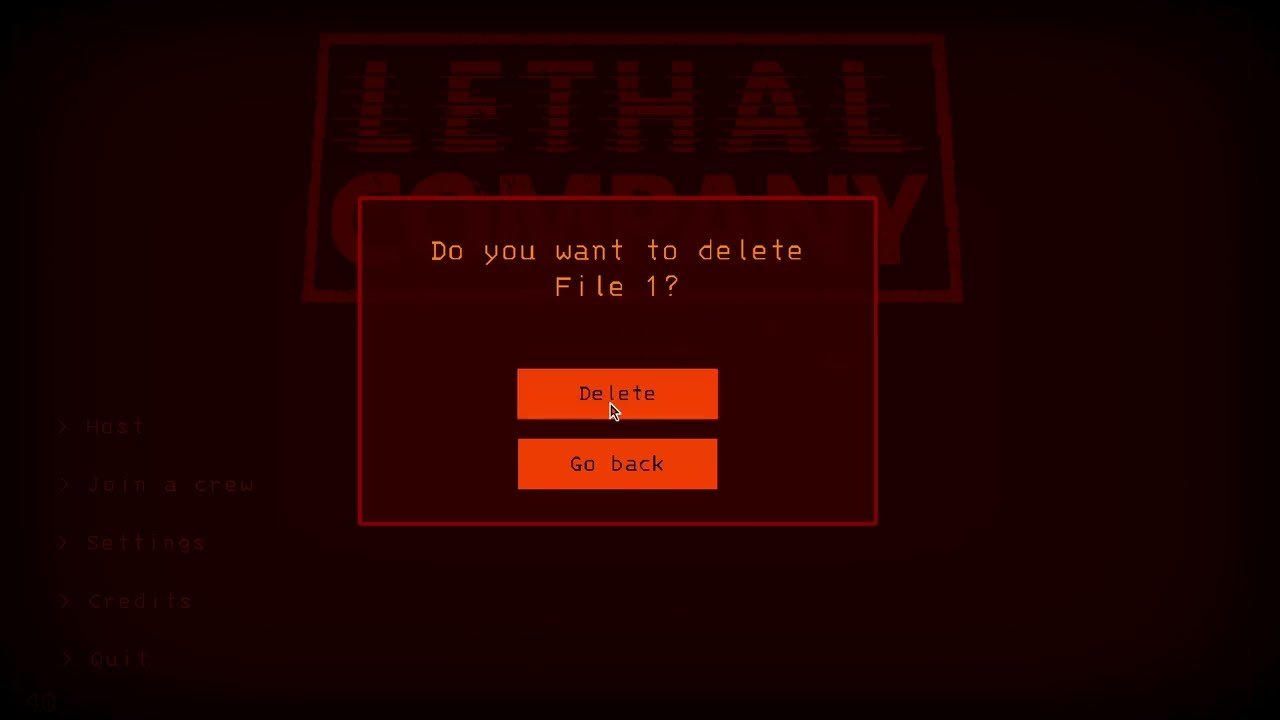
Saving progress in Lethal Company is automatic; the game saves after each successful moon visit and when you return to your ship.
Ever felt the dread of losing hard-earned scrap in Lethal Company? Many players wonder how to save game lethal company, especially after a particularly lucrative, or terrifying, expedition. The good news is you don’t need to manually save.
The game cleverly handles saving for you. It records your progress when you finish a moon visit, that’s it. Make sure to get back to your ship; that also triggers an auto-save. This approach keeps the game simple and suspenseful.

How to Save Game Lethal Company: A Comprehensive Guide
Okay, so you’re diving deep into the scary, scrap-collecting world of Lethal Company, and you’re probably wondering, “How do I actually save my progress?” It’s a good question! Unlike some games with big, obvious save buttons, Lethal Company handles saving a little differently. Don’t worry; it’s not complicated once you get the hang of it. This guide will walk you through everything you need to know about saving your game in Lethal Company, ensuring you don’t lose your hard-earned scrap.
Understanding Lethal Company’s Saving System
Lethal Company uses an autosave system, which means the game automatically saves your progress at specific points. There is no manual save option, so you can’t just hit a “save” button whenever you feel like it. The most important thing to remember is that saving mainly happens when certain key actions occur in the game.
Key Moments That Trigger Saves
Here’s a breakdown of when Lethal Company will typically save your game:
- Returning to the Company Building: This is the most common and reliable time for a save. After a long, scary trip to a moon, when your ship touches down and you enter the Company Building, the game will automatically save. This includes all the scrap you’ve collected, your current level, and any upgrades you might have purchased.
- After Meeting Quota: Completing a quota of scrap and returning to the Company Building will also trigger a save. The game recognizes this is a major accomplishment, and makes sure your progress is secured.
- Buying Upgrades: When you spend your hard-earned cash on upgrades at the terminal in your ship, the game will also save your purchase. This means that once you buy something, it’s yours, and the next time you play, you will still have access to that upgrade.
What Gets Saved?
Lethal Company’s autosave system is designed to preserve the following:
- Your Scrap: All that precious scrap you’ve gathered while exploring dangerous moons is saved when you return to the Company Building or complete a quota.
- Your Level: The game tracks how many days or quotas you’ve successfully completed. Your current progress is saved between gaming sessions.
- Upgrades: Any purchased upgrades from the terminal will be saved, like better flashlights or new suits.
- Ship Customizations: Any changes you’ve made to the ship’s appearance or settings.
- The State of the Moons: When a new quota is generated, the game will also save the moon for your new session.
- Players and the items that they are holding. The game will also save the items that the players are carrying when they are in the ship.
Avoiding Lost Progress: Tips for Safe Gameplay
Since Lethal Company relies on autosaves, you need to play smart to make sure you don’t lose a lot of progress. Here are some key tips to help you avoid unnecessary frustration.
Always Return to the Company Building
The most important thing you can do is to make sure to always return to the Company Building at the end of your game session. It’s not a good idea to quit while you’re still out on a moon. The game won’t save until your ship docks at the Company Building, and you will lose all the scrap collected during that trip if you quit while exploring or still in the ship.
Completing Quotas Matters
Try to complete your quotas when you play. Finishing the quota ensures that you will have completed the set objective of the game, and your game will be saved after that. This is the most consistent way to guarantee your progress is saved.
Purchase Upgrades Wisely
If you have a lot of scrap and are planning to get off the game, don’t forget to spend on upgrades. This will trigger a save. This way, when you start your next session, your upgrades will be ready for you. Don’t forget to always return to the company after making a purchase.
Be Careful When Dying
If your team experiences a total wipe, the game will reset the day when you return to the company. This means you’ll lose the scrap that was not yet deposited at the company and all your characters will be returned to the company at the beginning of the day, ready to start again.
Don’t Quit Mid-Trip
Resist the urge to exit the game while your ship is en route to a moon or while you’re still exploring. If you exit, the game will not save and the progress is going to be lost. Always return to the Company Building before quitting.
Troubleshooting Save Issues
Sometimes, you might encounter a problem with the game not saving correctly. Here are a few things to check if you think your game is not saving:
Check Game Integrity
Sometimes, game files can get corrupted, leading to save issues. To ensure that the files are fine, verify the integrity of your game files through Steam. To do this, go to your Steam library, right-click on Lethal Company, select Properties, go to local files, and click on “verify integrity of game files.” Steam will check the game’s files for any issues and re-download them if necessary.
Restart the Game
If you notice that the game has not saved, a simple restart might fix the issue. Close Lethal Company completely and start it again. This can help refresh the game’s processes and allow it to save your progress again.
Check Internet Connection
While Lethal Company isn’t primarily an online-only game, a stable internet connection is needed for certain features such as cloud saves. A poor connection may cause saving problems. Check your internet connection to make sure it’s working correctly.
Update Your Drivers
Old graphics drivers can sometimes cause problems with how a game performs. Updating your graphics drivers may fix any issues with saving. Go to your computer manufacturer’s website and look for the latest drivers for your graphics card.
The Importance of Saving Regularly
Because Lethal Company relies on autosaves at specific points, understanding its saving system is vital for having a good time while playing. Knowing when the game saves will help you avoid losing progress and save you some frustration. Remember, the key is to always return to the company building and complete those quotas. This will make sure your hard-earned scrap and upgrades are preserved for your next play session.
A Little More on the Game’s Mechanics and how they interact with saving
Understanding the mechanics of Lethal Company can also assist you with saving your game. For instance, you know that the game doesn’t just save whenever you’re walking around. Let’s delve a little deeper.
Quotas and Saving
As mentioned before, completing a quota is one of the best ways to guarantee a game save. Every quota requires you to collect a certain amount of scrap, and when you reach that amount, the game considers it a major checkpoint. Here’s a breakdown:
- Receiving a Quota: When you start a new game day, you receive a new quota. The game will save the moon that is generated for the day.
- Working towards the Quota: You collect scrap on various moons. Until you return to the Company Building with the scrap, your progress is only temporary.
- Meeting the Quota: Once you return to the Company Building with enough scrap, the game saves your progress.
- Consequences of Failing Quota: Failing the quota will also cause the game to save. But this time you will have to begin from start.
The Role of the Company Building
The Company Building is the hub where most of your saving happens. This is also the hub for purchasing upgrades and customizations for your game. Here’s why it’s so important for saving your progress:
- Saving Point: When your ship lands at the Company Building, the game saves the current state of everything, from scrap to your level and upgrades.
- Purchasing Upgrades: Making purchases here triggers an autosave, so you always have your new upgrades safe.
- Start Point: Each new day starts here, from which you can then select the moon to explore for the day.
Saving Specific Game Details
It’s useful to know exactly what details are saved. Understanding this can assist you with your gameplay decisions. For example, saving the state of your character also means that you’re not going to spawn on the ship completely naked when you load the game. Here are a few examples of these specific elements:
- Character Inventory: When you’re in the ship, whatever your character is holding gets saved. But remember, any scrap that’s not in the ship when you return to the company, isn’t going to be saved.
- Ship Upgrades: Any improvements to your ship will also be saved after you return to the company, like lights and decorations.
- Game Settings: Settings that you have set from the menu will be also be saved, so you don’t have to adjust them every time.
How to Deal with Power Outages or Crashes
Sometimes, things can go wrong, like your computer crashing or a power outage happening. Although this is unfortunate, Lethal Company autosaves prevent a huge amount of progress loss, due to the nature of its saving system:
- Minimal Loss: Usually, you’ll only lose progress from the current moon trip you were in. Everything saved at the company building is always safe.
- Best Practice: As a precaution, aim to return to the Company Building often, especially after getting a significant amount of scrap.
Understanding how Lethal Company saves your progress can help you be better prepared and avoid any frustration. Remember to always aim to return to the Company Building, complete your quotas, and plan your trips wisely so your progress is always safe and secure. Now that you have a solid grasp on how the saving system works in Lethal Company, you can enjoy the game without the worry of losing your hard-earned scrap and progress.
Lethal Company’s saving system, although automatic, is dependable once you understand its core mechanisms. Remember to always return to the company building, use the terminal to buy upgrades, and complete quotas to trigger saves. By following these simple steps, you can ensure your progress is safely stored and you can continue your scrap hunting adventures without unnecessary setbacks.
How to make a Backup in Lethal Company | Saving your progress
Final Thoughts
To save progress in Lethal Company, you must return to your ship. The game automatically saves when you land back on your ship at the end of a day. This is how to save game lethal company.
Remember, there is no manual save option during the expeditions. Therefore, ensuring all team members are on board the ship is vital for saving your progress. Plan your day effectively.
Always prioritize returning to the ship before nightfall. Failing to do so will result in a loss of progress from that day. The system makes saving automatic upon return.

