
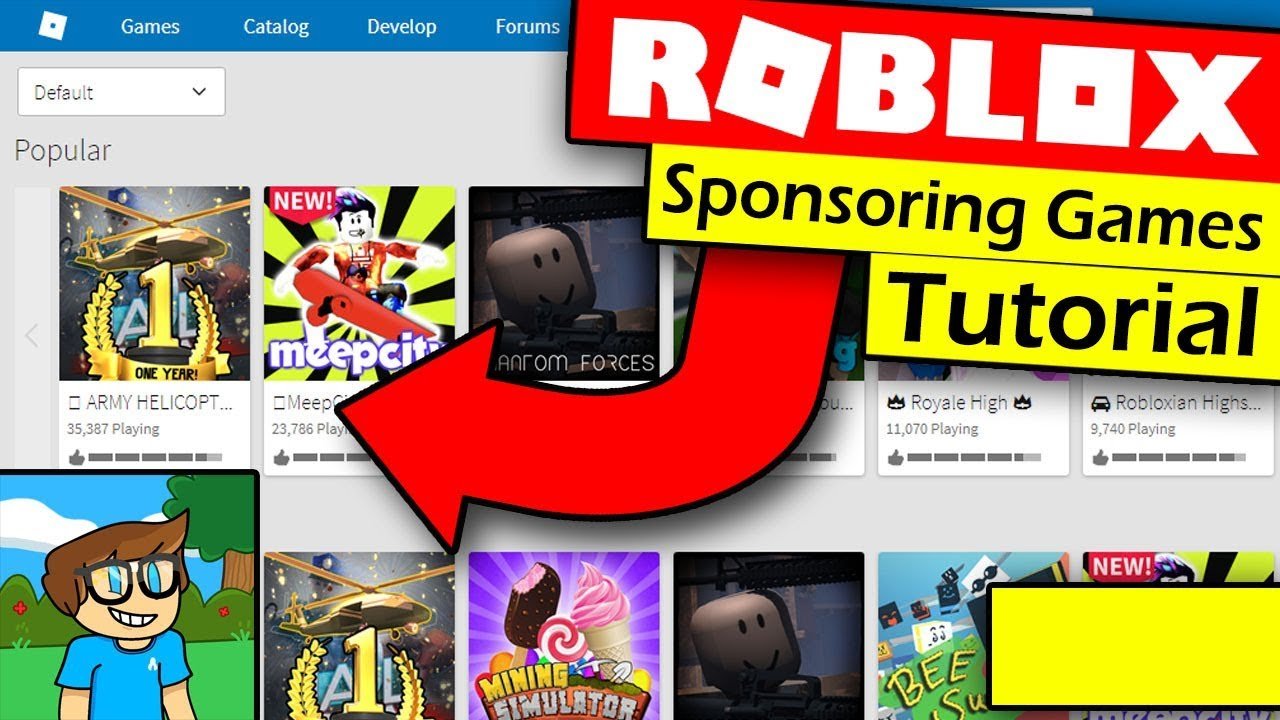
To sponsor a Roblox game, you need to use the Roblox Ads Manager, setting a budget and targeting criteria for your ad, and then selecting the game to promote.
Want to get your creation noticed in the bustling world of Roblox? Learning how to sponsor a Roblox game is crucial for creators aiming to boost their player base and visibility. It’s an effective method to reach a massive audience actively engaging on the platform.
Sponsorship involves paying Roblox to feature your game in designated spots, exposing it to potential players. This can significantly increase your game’s reach. You will be able to specify demographics that you want to target with your ad campaign.

How to Sponsor a Roblox Game
So, you’ve got a cool Roblox game and you want more players? Or maybe you’re looking to support a game you love? Sponsoring a Roblox game can be a great way to get the word out or help a developer you admire. Think of it like a mini-commercial that shows up in the Roblox game listings. It’s a way to grab attention and bring in new players. This guide will show you all you need to know about sponsoring a Roblox game.
Understanding Roblox Game Sponsorships
Before diving in, let’s understand what game sponsorships really are. Imagine you’re browsing through Roblox, looking for something new to play. You see a banner or a small video ad at the top of the game list. That’s a sponsored game! Instead of relying only on organic searches and recommendations, game developers can pay to place their games higher up in the listings, making them much more visible to a larger audience. This kind of promotion is a direct way to attract new players and can really boost the popularity of a game. The core goal of a sponsorship is to show off a game to as many people as possible.
Why Sponsor a Roblox Game?
There are several really good reasons why sponsoring a Roblox game makes sense. Here are some key benefits:
- Increased Visibility: Your game gets seen by tons of Roblox users, not just the ones actively searching for it.
- Targeted Audience: You can focus your sponsorship on players who like similar games. This means you’re more likely to get players who will stick around.
- Quick Player Boost: If you want to get many players quickly, sponsorships are a great way.
- Brand Recognition: Sponsorships help your game become known, which is important if you’re planning to grow your game’s community.
- Testing Potential: Sponsorships can show you how well a game is performing in a real-world setting and allow you to make adjustments.
- Supporting Creators: If you believe in a game, sponsoring can also be a form of support for the developer.
Sponsoring isn’t just about more players; it’s about getting the right players excited about your game.
How to Start a Game Sponsorship on Roblox
Alright, so you’re ready to start sponsoring! Here’s a step-by-step guide to show you how.
Step 1: Have Robux Ready
Sponsoring a game on Roblox involves spending Robux, the platform’s virtual currency. You’ll need to have enough Robux in your account before you start. You can buy Robux through the Roblox website or app. The amount of Robux you need depends on your budget and how long you want the sponsorship to run.
Step 2: Go to the Creator Dashboard
To start sponsoring, you’ll first need to head to the Roblox Creator Dashboard. Here’s how:
- Log in: Make sure you’re logged into your Roblox account on the web browser.
- Access the Creator Dashboard: Once you are logged in, navigate to the ‘Create’ option on the top navigation bar. This will take you to the Creator Dashboard.
Step 3: Select the Game You Want to Promote
From the Creator Dashboard, you’ll see a list of all your games. Now, find the game you’d like to sponsor:
- Choose the Right Game: Click on the game you want to promote. Make sure you click the game you want to sponsor, as sponsoring the wrong game would be a waste of Robux.
Step 4: Start the Sponsorship Process
Now that you’ve chosen your game, it’s time to begin the sponsorship:
- Find the Promotion Tab: Look for the ‘Monetization’ section in the left side bar, then find ‘Promote’.
- Select Sponsorships: In the ‘Promote’ page, you will see the option for ‘Sponsorships’, select that option.
Step 5: Configure Your Sponsorship
Here’s where you decide how your sponsorship will look and who will see it.
- Target Audience: You can choose who you want to see your sponsorship. You can select age groups, what kind of devices people use, their geographic location, and even their gaming interests. This is super important because you want to reach the players who will be most interested in your game.
- Set a Daily Budget: You will need to decide how much Robux you want to spend each day. The more you spend, the more people will see your game. It’s like saying, “I want my game to show up a lot today!”. Be careful with your budget. Spending too much too quickly might not be as good as spreading it over time.
- Choose Your Visuals: You have to pick a picture (or video!) that will attract attention. Think of it like the cover of a book. You want something that will make people say, “Wow, I want to play that!” Make sure the picture or video clearly shows what the game is about.
- Set a Duration: How long do you want your game to be sponsored? You can select a few days, a week, or even more. The longer your sponsorship runs, the more players you’ll reach.
Step 6: Review and Launch Your Sponsorship
Before you hit the big “Go” button, take another look at everything:
- Double Check: Look over your audience targeting, budget, picture, and duration. Make sure everything is set up the way you want.
- Launch: Click the confirmation button to make your sponsorship live. Congrats, you are now sponsoring a Roblox game.
Optimizing Your Roblox Game Sponsorship
Getting your game sponsored is a great start, but to really see success, you need to make sure your sponsorship is effective. Here are some ways to optimize your sponsorship campaign:
Crafting Effective Visuals
Your sponsorship visuals are like your game’s first impression. Make it count!
- Eye-Catching Graphics: Use bright colors and interesting images that stand out. Avoid using boring or dull pictures.
- Game Highlight: Choose visuals that clearly show the best parts of your game, like cool characters, exciting gameplay, or beautiful environments.
- Short Video: If possible, use a short video showcasing gameplay. It’s like watching a trailer and can get players more interested than just a picture.
- High Resolution: Make sure your picture or video is clear and not blurry. Low-quality images can make your game look unprofessional.
- Mobile-Friendly: Make sure the visuals look good on all devices, including phones and tablets. Many Roblox players play on mobile.
Targeting the Right Audience
Don’t just show your game to everyone. Focus on people who are likely to enjoy it.
- Interests: Choose categories that are similar to your game. For example, if your game is a racing game, target players who like racing games, and similarly for other categories.
- Age Group: Select the right age group for your game. A game made for little kids might not be fun for older teens, and vice-versa.
- Location: If your game is for people in a specific place, target players in that area. This is great if you are using a language that is not common on Roblox.
- Device: If your game works best on PC, target PC players. This will help you to get the best results.
Managing Your Budget
Sponsoring can cost Robux, so you need to spend your money smartly.
- Start Small: Start with a smaller daily budget to see how well your sponsorship performs. You can always increase it later if it’s going well.
- Monitor Performance: Keep an eye on how many players are coming to your game from the sponsorship. If you are not seeing the results you were hoping for, then you may need to change your settings.
- Adjust as Needed: If your sponsorship is not doing well, change your visuals or audience settings. Do not keep using the same method if it is not working.
- Don’t Overspend: Avoid using all your Robux at once. It is better to have money for other sponsorships in the future.
Tracking Your Results
It’s important to track how your sponsorship is doing so you can make smart decisions.
- Use Roblox Analytics: Check the Roblox analytics page to see how many players are visiting your game from your sponsorship.
- Track Player Engagement: Check how long players stay in your game and what they do. This can help you find problems and improve your game.
- Compare Results: See how different sponsors perform compared to each other. If a game does well, see what made it better than another.
Common Mistakes to Avoid
Even with all the tips, sometimes people make mistakes when they sponsor games. Here are some common errors to watch out for:
Ignoring Visual Quality
Using poor quality visuals will turn people away from your game quickly.
- Blurry Images: Always use clear images and videos.
- Irrelevant Pictures: Make sure your pictures match your game.
- Bad Colors: Use good, attractive colors that get people’s attention.
Poor Audience Targeting
Not targeting the right players will not get you the results you want.
- Too Broad: Do not target everyone. Select specific groups that are likely to be interested in your game.
- Wrong Age: Don’t show a game for little kids to older teens.
- Incompatible Devices: If your game is best on PC, don’t target mobile-only players.
Neglecting Budget Management
It is easy to use all of your Robux quickly if you are not careful.
- Spending Too Much: Start slow and track how your money is being spent.
- Not Monitoring Spending: Always keep an eye on how your sponsorship is doing, and don’t forget to check your budget.
- Stopping Too Soon: Do not stop a sponsorship if you are not seeing the results you want, consider making changes to improve it first.
Not Analyzing Data
Failing to track your progress means you can’t make good decisions.
- Ignoring Analytics: Look at the analytics to see how your sponsorship is performing.
- Not Testing Different Strategies: See what changes you can make to improve performance. Don’t keep doing the same thing if it is not working.
- Failing to Adapt: Your game is not perfect, so be ready to make changes when you are not getting the results you want.
Sponsorships Beyond Your Own Game
While many creators sponsor their own games, it is also possible to sponsor other Roblox games that you may enjoy.
Supporting Other Developers
Sponsoring games that you love is a great way to support the developers who created them.
- Show Appreciation: If you like a game, show your appreciation to the developer by sponsoring it.
- Help Small Games: Helping smaller games is a great way to make sure those games can keep being made.
- Boost a Community: Supporting developers can help a growing community.
Collaborations and Partnerships
Sponsoring a game can also be a great way to start working with another developer.
- Cross-Promotion: You can sponsor a game and have your game also sponsored.
- New Game Ideas: Helping a developer can give you new ways to make your own games better.
- Community Building: When you support other developers, your community can grow together.
Sponsoring a Roblox game is a fantastic way to get your game seen by more people, support other creators, or even discover new game ideas. By following this guide, you’re well on your way to successfully sponsoring a Roblox game and achieving your goals. Remember to always pay attention to your budget, choose good visuals, and target the right players. Good luck, and have fun with your game sponsorships!
How To Advertise & Sponsor A Roblox Game In 2024
Final Thoughts
Sponsoring a Roblox game involves selecting your target audience and setting a budget. You then create an engaging advertisement. Ensure your ad is clear and visually appealing to attract players.
After designing the ad, you can use the Roblox Developer Hub to launch your campaign. Track its performance and make adjustments as needed. Understanding analytics is crucial for effective sponsorship.
Successfully sponsoring a Roblox game hinges on a compelling ad and understanding platform tools. Following these steps makes the process of how to sponsor a roblox game much easier to navigate. Remember your budget controls your reach.

