
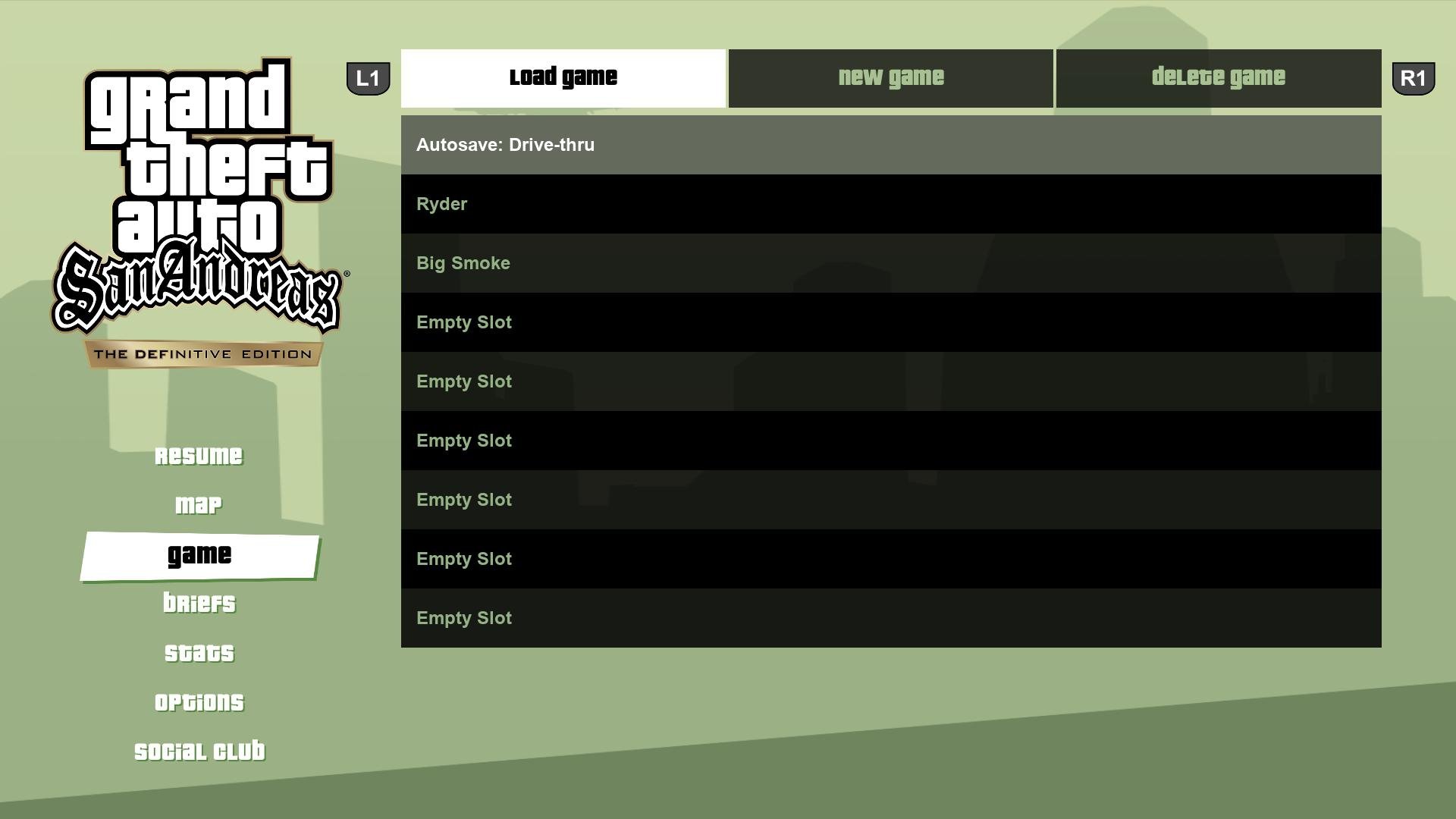
It is not possible to completely turn off save game functionality in GTA V; the game automatically saves progress. You can, however, manually load a previous save to potentially undo recent actions.
Ever wanted to rewind time in Los Santos? The game is designed to save progress, making it tough to avoid those unexpected consequences after a rampage. Many gamers wonder how to turn off save game GTA V, but there isn’t a way to disable it.
Instead of disabling saves, you can manually load an older save file from the pause menu. This provides a way to return to a previous point. Remember to do this before any further actions after a situation.

How to Turn Off Save Game GTA V
Okay, so you’re playing Grand Theft Auto V and maybe you’re getting tired of the game automatically saving everything you do? Maybe you want to try something really risky, or just want to replay a part without messing up your progress. Well, you’re in the right place! While GTA V doesn’t have a simple “off” switch for saving, there are some cool tricks you can use to manage your saves, and sort of get around the auto-save feature. It’s like being a detective for your game saves!
Understanding How GTA V Saves Your Game
Before we get into the nitty-gritty of “turning off” saving, it’s important to understand how GTA V saves in the first place. The game uses a mix of auto-saves and manual saves. This means that, quite often, the game will save its progress on its own without you having to tell it to. Think of it like the game having its own little memory, always keeping a tab on what’s going on. These autosaves happen at various moments, such as after completing a mission, after making a big purchase, or just after a good chunk of time has passed. It also lets you save the game when you use the character’s mobile phone. If you try to exit the game without saving, it will usually prompt you to save before exiting, if it hasn’t auto-saved since the last save.
Here’s why understanding the save system is key:
- Auto-saves: The game saves automatically without you doing a thing, usually after major events.
- Manual Saves: You can also save anytime by using the in-game phone or a safe house.
- Save Slots: GTA V provides many save slots for you to save the game, so you have several options.
These all work together, and understanding how this works will help you manage things better.
The Not-So-Secret Method: Managing Save Slots
Since we can’t truly “turn off” saving, our best bet is to manage it. One excellent method is to use different save slots wisely. Imagine each slot as a separate game; you could have one where you are following the story, one for doing crazy stuff, and another for experimenting. It’s like having different notebooks for different projects. Here’s how you can work with this:
Creating Multiple Save Files
Here’s what you do to get multiple save files:
- Start a New Game: When you start playing, the first thing to do is to get to a point in the game where you can manually save. This is usually after the first couple of missions.
- Save your Progress: Use your character’s phone to access your save menu. You’ll see some empty slots here. Choose an empty slot and save your progress.
- Do it Again: Repeat the process! Instead of saving over the first save, use a second or third empty slot. Now you have different save points for different times you played.
Think of each save slot as a different checkpoint. You can go back to any point whenever you need to, which is super useful when trying things that have consequences, or if you’d like to replay specific parts of the story.
Using Save Slots for Experimentation
Here is how you can use the save slots wisely:
- The Main Save: Use one save slot for your main story progression. This is the one you update when you finish big missions.
- The Experimentation Save: Create another save slot where you can just go crazy – try new things, test out the crazy weapons, see what happens if you break the law. This will be where you can take big risks and try out different things without affecting your main game.
- The “Fun Time” Save: Then make another one if you want to go around the map and do crazy things in sandbox mode. You could do races or just mess around.
By doing this, you can easily go back to your main progress anytime while making different situations.
Bypassing Auto-Saves: A Slightly Risky Approach
While you can’t stop auto-saves from happening, you can try to work around them a bit. This method requires some awareness and a bit of luck. Think of this as a method of avoiding the game’s memory!
The Quick Load Trick
Here is how you do it:
- Do Something Risky: Let’s say you want to do a risky mission or try a new car. Before you begin, remember your most recent manual save.
- Go for It: Do whatever it is you want to do, knowing that the game may save at some point during the attempt.
- Quick Load: If things go wrong and you want to try again without any consequence of what happened, or you are at a point where you are unsure about a choice, you can quickly load your last manual save. You have to be fast, though, and this method is not always fool proof.
- Repeat as Needed: Keep going back to your last manual save as needed.
Keep in Mind: This trick is a little risky, because if you wait too long before quick loading, the game could auto-save. If the game auto-saves after you make the risky decision, this trick will not work.
The “Do Not Save” Approach (Not Recommended for Story)
Sometimes, you want to try a new stunt or a fun side activity without having it permanently saved into your story. Here’s how you can try this method:
Playing Without Saving
This approach is not designed for main story progression, but for goofing around.
- Load Your Game: Load your game as normal.
- Do Your Thing: Do whatever you want to do, whether that is to steal a helicopter, cause a rampage, or just drive fast.
- Quit Without Saving: When you’re done, just quit the game without saving, and the game will prompt you to confirm if you want to exit the game without saving. Choose the option to exit.
- Load Up Again: When you start the game again, you’ll be back where you last saved, without the crazy stuff you just did being saved. This is a good idea for just goofing around.
Important Note: Avoid using this approach for main story missions or any important progress you want to keep. This method is great for fun moments where you don’t care if it is saved or not. It’s like a playground where you can do whatever you want and it won’t impact your game progress.
Understanding the Consequences of Not Saving
It’s also really important to know what happens when you don’t save. It might sound exciting to bypass all those saves, but here are some things you need to know:
Risks of Not Saving
- Lost Progress: The most obvious thing is that you will lose your progress if you do not save. You would have to repeat any mission, purchase, or action you did since the last time you saved.
- Repetition: If you don’t save and you need to exit, you will have to repeat a whole section. It can be boring to repeat missions over and over.
- Frustration: Not saving, even if you intend to do it can be frustrating if your game crashes and you need to redo things you have already done.
Always keep in mind when you use these kinds of methods. It might be fun for a little while, but it can have some big consequences in your gaming time.
Tips for Smart Saving in GTA V
Now that we know how to “manage” saving, here are some tips to make your gaming better and more enjoyable:
Strategies for Effective Saving
- Save Often: Get into the habit of saving often, even if you are in the middle of a game. You can never go wrong with another save.
- Use Multiple Slots: Have multiple save slots that you use to get the best experience in GTA V, as discussed previously.
- Plan Before Major Events: Make sure that before you start a difficult or important mission, you save your game first. That way if things go bad, you can go back.
- Label Your Saves: You can even use your own little code, like “Story Part 1,” or “Fun Times 2.” That can help you remember what each save was for and make it easier to navigate the saves.
With these tricks and tips, you can be the master of your GTA V world, able to manage and work with the save system to make your gaming experience better!
In conclusion, while you can’t directly turn off saving in Grand Theft Auto V, using these strategies allows you to manage your game progress and allows for a lot more flexibility when you play the game. You can explore crazy stunts without losing your main progress. You can do whatever you want in your GTA V experience. Remember, the key is to understand how the game saves and use your save slots wisely. Now go have some fun in Los Santos!
How To Enable Auto Save Action Replay On Death In GTA V
Final Thoughts
To stop GTA V from auto-saving, you can’t directly turn it off. The game features an automatic save system you cannot disable. You must manage your save files manually instead to control progress.
This means that whenever you want to avoid a save, you have to be mindful. Exit without triggering an auto-save prompt, and then manage game data separately. In essence, there is no ‘how to turn off save game gta v’ setting.

