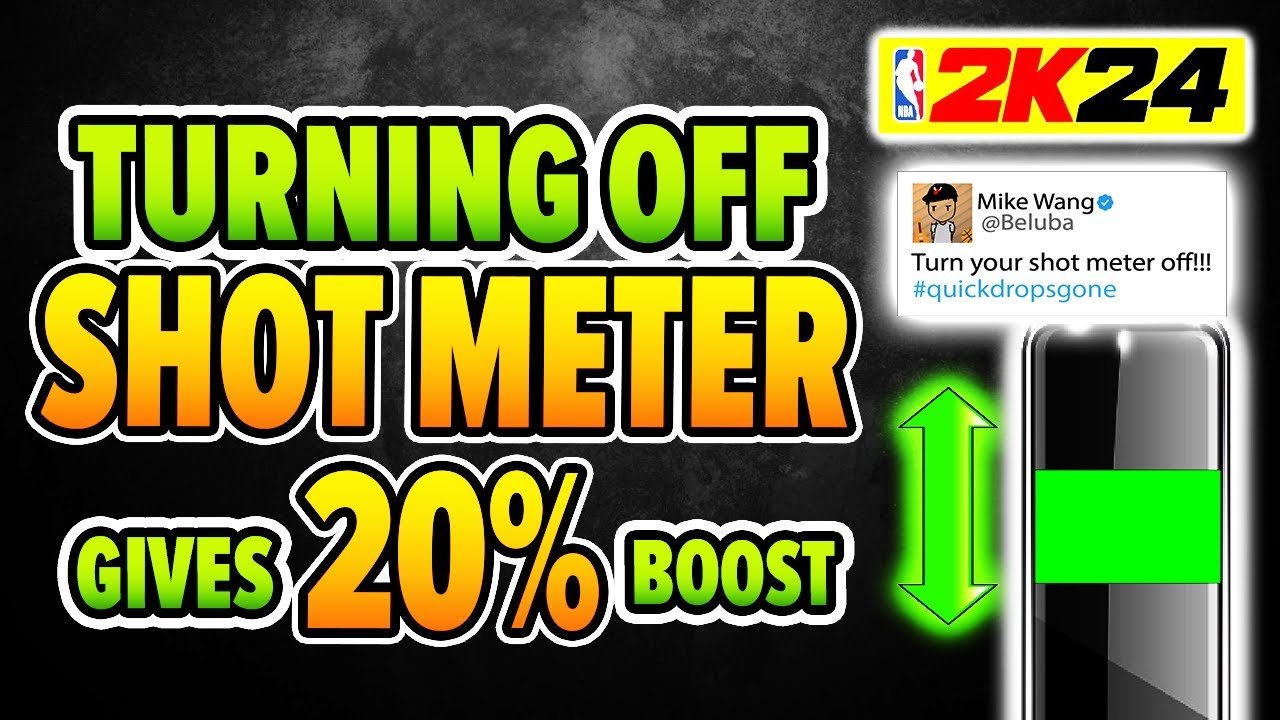
To turn off the shot meter in NBA 2K26 for a boost, navigate to the controller settings within the game’s options menu and disable the shot meter. This can significantly improve your shooting percentages once you adapt to the timing.
Want to become a better shooter in NBA 2K26? A simple tweak can drastically improve your game. Learn how to turn off the shot meter in NBA 2K26 for a boost and surprise your opponents.
Many experienced players ditch the visual aid to gain a significant edge. Playing without the meter gives you a higher percentage on your shots.
Ready to enhance your shooting skills? Keep reading to find out how.

How to Turn Off the Shot Meter in NBA 2K26 for a Boost
Turning off the shot meter in NBA 2K26 can significantly elevate your gameplay. Many players find that disabling the visual aid allows for more intuitive and natural shooting. Mastering this technique requires practice, but the potential rewards are well worth the effort.
Why Turn Off the Shot Meter?
Several compelling reasons exist for ditching the shot meter. It’s not just about bragging rights.
Increased Shot Percentage: With the shot meter off, you can often experience a subtle, yet noticeable, boost to your shot percentage, especially once you master visual cues.
More Immersive Gameplay: Removing the on-screen meter enhances the realism of the game, making it feel more like actual basketball. This forces you to rely on your instincts and player animations.
Higher Skill Ceiling: Mastering visual cues for releases provides a much higher skill ceiling compared to relying on the shot meter. It separates good players from great ones.
Locating the Shot Meter Setting
Finding the setting to disable the shot meter is quite straightforward. It’s located within the game’s controller settings.
Access the Main Menu: First, navigate to the main menu of NBA 2K26.
Go to Controller Settings: Look for the “Controller Settings” option, usually found under “Options” or “Settings”.
Find Shot Meter: Scroll through the options until you find “Shot Meter”. This might also be labeled as “Shot Feedback” or “Shot Timing”.
Turn Shot Meter Off: Change the setting from “On” to “Off”.
Navigating Different Game Modes
The method to turn off the shot meter might vary slightly depending on the game mode you’re playing. You might need to adjust the settings individually for each mode.
MyCAREER: In MyCAREER, you’ll typically find the setting within the mode’s specific settings menu.
MyTEAM: MyTEAM usually has a similar setup, allowing you to adjust controller settings separately.
Play Now: Play Now often utilizes the global settings, so changing it in the main menu should apply here.
Online Modes: Always double-check the settings before entering online games, as they can sometimes default to the on position.
Understanding Visual Cues
Shooting without a meter relies heavily on visual cues from your player’s animations. Recognizing these cues is crucial for consistent success.
Observe the Release Point: Pay close attention to the point in the animation where your player releases the ball. This will vary depending on the player’s release style.
Practice with Different Players: Each player has a unique release animation. Practice with various players to learn their individual cues.
Focus on the Hands: The position of the player’s hands just before release is often a key indicator of the perfect release point.
Footwork and Stance: Although subtle, footwork and overall stance can also provide clues, especially for jump shots.
Practicing Your Jumpshot
Effective practice is key to mastering meterless shooting. Don’t expect to become proficient overnight.
Use the Practice Gym: The practice gym is your best friend. Spend time there getting comfortable with different players and release timings.
Focus on Consistency: Aim for consistency in your release. It’s better to have a slightly slower but consistent release than a fast but inconsistent one.
Start with Easy Shots: Begin by practicing open, uncontested shots. Gradually increase the difficulty as you improve.
Record and Analyze: If possible, record your gameplay and analyze your shots. Identify areas where you can improve your timing.
Choosing the Right Player for Meterless Shooting
Some players are naturally easier to shoot with than others. This is largely due to their distinct and easily recognizable release animations.
Look for Clear Release Cues: Players with clean and easily identifiable release points are ideal for meterless shooting.
Consider Release Speed: Faster releases can be more challenging, but also harder to contest.
Experiment with Different Players: Don’t be afraid to experiment. You might find that a player you didn’t expect has a great release for you.
Adjusting Your Settings for Optimal Performance
Certain settings can enhance your ability to shoot without a meter. Tweaking these settings can give you a competitive edge.
Shot Feedback: While the shot meter is off, ensure “Shot Feedback” is turned on. This provides valuable information about your release timing (e.g., “Slightly Early,” “Perfect”).
Haptic Feedback: If your controller supports it, enable haptic feedback. This can provide subtle vibrations to indicate the ideal release point.
Camera Angle: Experiment with different camera angles to find one that gives you the best view of your player’s release.
Dealing with Input Lag
Input lag can significantly impact your shooting, especially when relying on precise timing. Minimizing input lag is crucial for meterless shooting.
Wired Controller: Use a wired controller instead of a wireless one to reduce latency.
Gaming Monitor: Play on a gaming monitor with a low response time.
Close Unnecessary Applications: Close any unnecessary applications running in the background on your console or PC.
Game Mode on TV: Ensure your TV is in “Game Mode” to minimize input lag.
The Mental Game of Meterless Shooting
Shooting without a meter requires a different mindset. It’s important to stay patient and confident.
Trust Your Instincts: Trust your visual cues and instincts. Don’t second-guess yourself.
Stay Calm Under Pressure: Maintain composure in high-pressure situations. Panicking can lead to rushed shots.
Learn from Your Mistakes: Don’t get discouraged by missed shots. Analyze what went wrong and learn from it.
Visualize Success: Visualize yourself making shots. This can help boost your confidence and improve your performance.
Taking Advantage of the Shot Boost
The shot boost from turning off the meter is a real advantage, but it’s not a guaranteed win. You still need to put in the work.
Maximize the Boost: By mastering visual cues and optimizing your settings, you can fully capitalize on the shot boost.
Don’t Rely Solely on the Boost: The boost is just one factor. Good shot selection, spacing, and passing are still essential.
Be Adaptable: Be prepared to adjust your shooting strategy depending on the opponent and game situation.
Troubleshooting Common Issues
Even with practice, you may encounter some common issues when shooting without a meter. Here are some solutions.
Inconsistent Release: Focus on maintaining a consistent release point. Practice until it becomes second nature.
Early/Late Releases: Pay closer attention to the visual cues and adjust your timing accordingly.
Difficulty with Different Players: Spend more time practicing with players whose releases you find challenging.
Online Latency: Adjust your timing slightly to compensate for online latency. This may require some experimentation.
Advanced Techniques for Meterless Shooting
Once you’ve mastered the basics, you can explore some advanced techniques. These techniques can take your meterless shooting to the next level.
Fadeaway Jumpshots: Learn to time your fadeaway jumpshots without the meter. This can be a deadly weapon against defenders.
Stepback Jumpshots: Master the stepback jumpshot. It creates space and makes it harder for defenders to contest your shot.
Moving Jumpshots: Practice shooting while moving. This can be particularly useful in transition.
Green Release Animations: Pay attention to the green release animations. They provide visual confirmation that you’ve timed your shot perfectly.
Comparing Metered vs. Meterless Shooting
Understanding the pros and cons of each method helps determine what suits you best. Both have their place in NBA 2K26.
Metered Shooting: Easier to learn initially, provides visual feedback, can be more consistent for some players.
Meterless Shooting: Higher skill ceiling, potential shot boost, more immersive gameplay, requires more practice.
Edition Differences and Shot Meter Options
It’s possible that different editions of NBA 2K26 might offer variations in the shot meter options or the magnitude of the shot boost for turning it off. While we don’t know the specifics yet, it’s helpful to consider potential differences.
NBA 2K26 Standard Edition
Basic Shot Meter Options: Standard “On” and “Off” toggle.
Likely Shot Boost: A moderate shot boost when disabled.
NBA 2K26 Deluxe Edition
Potentially Enhanced Shot Meter Customization: Possible sliders for shot meter size, color, or transparency.
Enhanced Shot Feedback: More detailed feedback on release timing.
Likely Similar Shot Boost: Similar shot boost to the Standard Edition when disabled.
NBA 2K26 Michael Jordan Edition
Unique Shot Meter Visuals: Possible cosmetic changes to the shot meter to reflect Michael Jordan’s era.
Potential Training Drills: Exclusive training drills focused on mastering meterless shooting, perhaps with historical context.
Likely Similar Shot Boost: The shot boost when disabled should remain consistent.
Custom Jump Shots and Meterless Shooting
Creating custom jump shots in NBA 2K26 and then mastering them without the shot meter is a powerful combination. This allows for unique and personalized gameplay.
Experiment with Different Bases: Find a base that feels comfortable and provides clear visual cues.
Adjust Release Speeds: Tweak the release speed to match your preferred timing.
Practice the Custom Shot: Spend plenty of time practicing your custom jump shot without the meter to develop muscle memory.
Community Insights and Tips
Engaging with the NBA 2K26 community can provide valuable insights and tips for meterless shooting. Learn from experienced players and share your own discoveries.
Watch Gameplay Videos: Observe how other players are using meterless shooting effectively.
Join Online Forums: Participate in discussions and ask questions.
Share Your Experiences: Share your own tips and tricks to help others.
Turning off the shot meter in NBA 2K26 is a rewarding journey. It requires dedication and practice, but the potential benefits are significant. With the right techniques and mindset, you can unlock a new level of skill and enjoy a more immersive and competitive gameplay experience.
How To Turn Off Your Shot Meter NBA 2K26
Final Thoughts
how to turn off the shot meter in NBA 2K26 for a boost. You simply navigate to the controller settings within the game’s options menu. Find the shot meter setting and disable it.
Disabling the shot meter gives you a sizable boost to your shooting attributes. The attribute boost is must, and this bonus can significantly improve your shooting percentage.
Effectively, how to turn off the shot meter in NBA 2K26 for a boost is a simple tweak that rewards skilled players with better shooting. Turn off the shot meter and enjoy the advantage.