
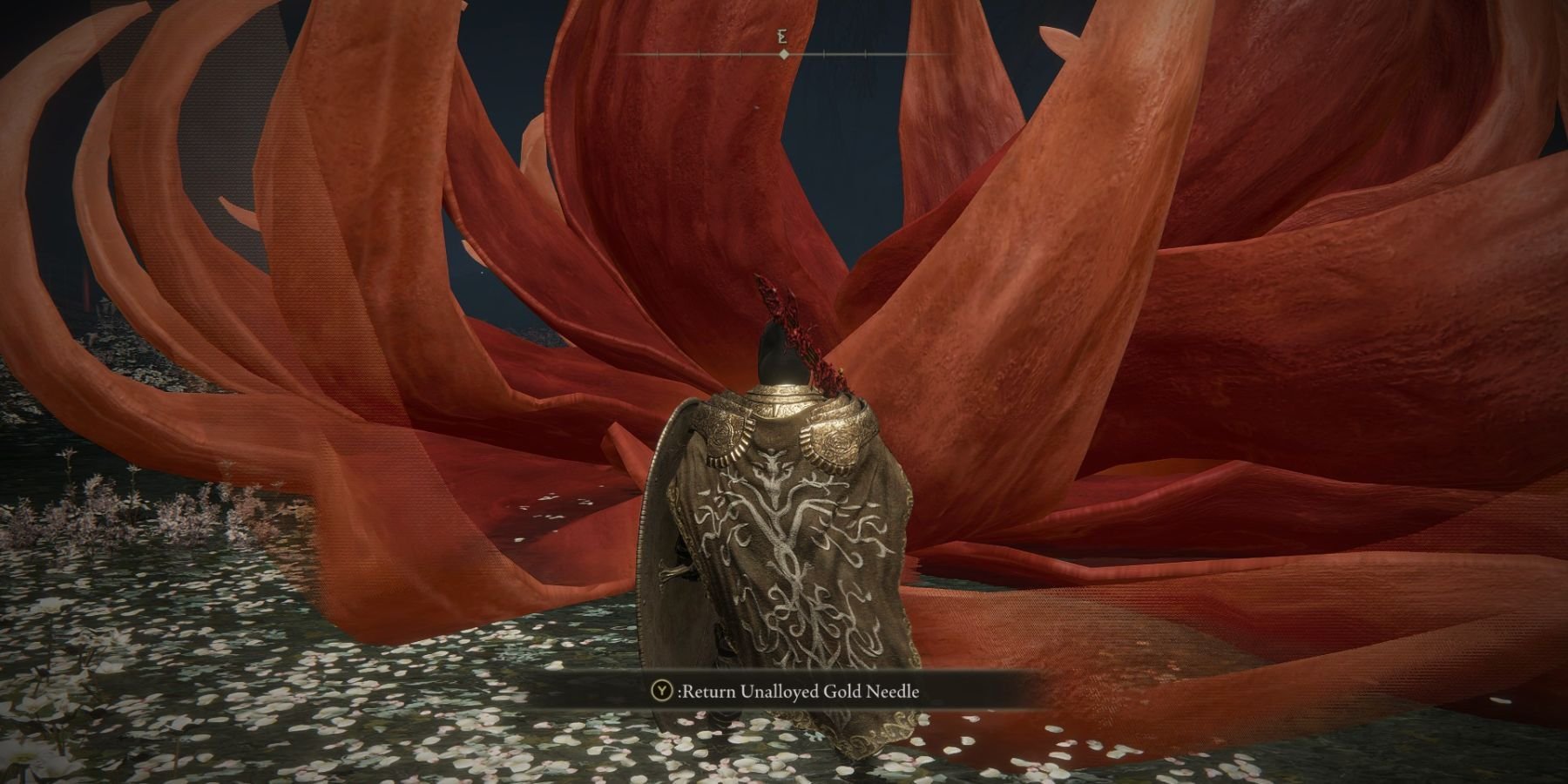
You cannot directly undo New Game Plus in Elden Ring. Once you start a new cycle, it is permanent for that character.
So, you dove headfirst into Elden Ring’s New Game Plus, huh? Perhaps the heightened difficulty is proving more challenging than anticipated, or maybe you simply miss the feeling of starting fresh. It’s a common scenario, and it leads to the question many players ask: how to undo new game plus elden ring?
Unfortunately, Elden Ring doesn’t have an option to revert back to your previous game state. Choosing to embark on a new cycle commits your character to that playthrough. This means, your only recourse is to start a completely new character to experience the game without the NG+ difficulty.

How to Undo New Game Plus in Elden Ring: A Tarnished Guide
So, you’ve bravely ventured into New Game Plus in Elden Ring, but now you’re wondering if you can go back to your original save? Maybe the increased difficulty is a bit much, or you just miss the feeling of starting fresh. You’re not alone, many players find themselves in this situation. Unfortunately, Elden Ring doesn’t offer a direct, in-game button to revert back from New Game Plus. It’s not like hitting a “reset” switch. However, don’t lose hope! While there’s no single magical solution, we can explore some workarounds and ways to manage your Elden Ring journey.
Understanding New Game Plus in Elden Ring
Before we talk about potentially undoing it, let’s first understand what New Game Plus (NG+) actually entails in Elden Ring. When you finish the game and become Elden Lord (or any other ending!), you get an option to start over but keep your character’s level, most of your items (some key items are removed), and equipment. It’s like a fresh start, but you’re a super-powered Tarnished from the beginning. Here’s what changes in a typical NG+ run:
- Enemy Difficulty: Enemies hit harder and have more health. They are significantly stronger than in your first playthrough.
- Kept Items: You keep your character’s level, weapons, armor, talismans, spells, and crafting materials.
- Removed Items: Key items, such as map fragments and bell bearings, are removed. You’ll need to collect them again.
- Golden Seed and Sacred Tear Reset: You’ll be collecting these crucial items again.
- Additional Remembrances: You can get another copy of each boss remembrance.
This increased difficulty can be a welcome challenge for some, but others might long for the simpler days of the initial adventure. This leads us to the main question, how do we go back?
Why You Can’t Directly Undo New Game Plus
Elden Ring, like many games of its type, uses a save system where your progression is mostly linear. When you choose to go into NG+, the game creates a new save that reflects all the carried over data. The game does not have a built-in feature to revert to a previous save state before starting NG+. Therefore, there isn’t a simple button or an in-game command that takes you back. This design choice by the game developers prevents players from accidentally losing their NG+ progress, but it also means there is no official way to undo it. Your previous run is, effectively, permanently ended after you begin a NG+.
The “Workaround” Options – Your Save Data is Key
While you can’t revert in-game, there are some things you can do depending on your platform. These involve understanding how your saves work and how you can use them to your advantage. This includes either manually backing up saves, using cloud saves, or for PC players, possibly using a save editor.
Manual Save Backup (For PlayStation and Xbox Users)
On consoles, you need to rely on manually backing up your saves. It’s essential to remember to do this before starting a New Game Plus run. This is the closest you’ll get to restoring your original save state:
PlayStation 4 & PlayStation 5
To manually back up your Elden Ring save on PlayStation, you can use a USB drive or PlayStation Plus cloud storage. Here are the steps:
- Using a USB Drive:
- Plug in a USB drive to your PlayStation.
- Go to Settings > Application Saved Data Management > Saved Data in System Storage > Copy to USB Storage Device.
- Select Elden Ring, choose the save data you want to back up, and copy it to the USB drive.
- Using Cloud Storage (PlayStation Plus required):
- Go to Settings > Application Saved Data Management > Saved Data in System Storage > Upload to Online Storage.
- Select Elden Ring and then your save data and upload it to the PlayStation Network cloud storage.
- To Restore Your Save:
- Plug the USB drive or go to online storage.
- Follow steps similar to backup but select ‘Copy to System Storage’ instead of ‘Copy to USB’ or ‘Upload’.
Remember to always backup your save before starting New Game Plus if you think you might want to go back.
Xbox One & Xbox Series X/S
On Xbox, you can manually backup your save to an external storage device, but the process is a little more involved since it isn’t as straightforward:
- Using an External Storage Device:
- Plug an external storage drive into your Xbox.
- Go to Settings > System > Storage > Choose the hard drive your game is saved on (likely your console storage).
- Select ‘Manage Storage’ and move your save data to the external drive.
- Using Cloud Storage:
- Xbox typically saves data automatically to the cloud.
- To manage this on your console, you can check ‘Manage Game’, and then view game data that is synced.
- To Restore Your Save:
- Plug the USB drive or go to your cloud storage.
- Move your save data back to your console.
Xbox users should ensure that they are backing up the right save and can always check if the save they want is synced with the cloud storage. The saves sync automatically, so this is usually a solid backup, so long as you do not delete your saves.
Using Save Editors on PC (Use With Caution)
PC users have a bit more flexibility due to access to files and third-party tools. You can use save file editors, but it’s important to understand the risks.
What are Save Editors?
Save editors are programs made by players that lets you look at and edit your Elden Ring save files. You can potentially change your character’s stats, items, and progress. They can be used to “reset” your character’s progression and state and get you back to before you initiated NG+.
The Risks Involved
- Game Instability: Making changes with a save editor can sometimes lead to game crashes or unexpected bugs.
- Save Corruption: Incorrect editing can corrupt your save file, making it unplayable. It is therefore really important to back up your saves before you edit them.
- Potential Bans: While this is less common in Elden Ring than in some other games, using save editors could potentially flag your account if the game’s system detects something odd. Always use any save editors with care.
How to Use Save Editors (General Steps)
If you choose to use a save editor, here are the general steps involved (specific steps may vary depending on the editor you use):
- Backup Your Saves: This is extremely crucial. Locate your Elden Ring save files (usually found in the appdata folder). Back them up before doing anything else.
- Download and Install a Save Editor: Find a reliable Elden Ring save editor. Look for one with good reviews and user feedback.
- Load Your Save File: Start the save editor and load the save file you backed up.
- Edit Your Save: Find the options in the editor that relate to game progression, and adjust them to try to undo the NG+ start. Not all editors will allow you to do this, so check out the specific details of the save editor that you use.
- Save Your Changes: Save the modified save file.
- Replace Your Save File: Copy and paste the edited save into your save directory, overwriting the original save (always back up your saves before overwriting).
- Start the Game: Start Elden Ring and see if the changes have taken effect.
Important: Using save editors is done at your own risk. Always exercise extreme caution and back up your saves before attempting anything.
Starting Over as an Alternative
If manually backing up your saves or using editors isn’t appealing, consider this: perhaps the best way to recapture the feeling of a fresh start is by creating a brand new character. While this means you’ll lose your previous character’s progress, it allows you to experience the game in a new way, re-exploring everything from scratch, this time with the knowledge you’ve gained from playing Elden Ring.
- A Fresh Start: Starting a new character allows you to experience the game from the very beginning, with none of the NG+ changes.
- New Builds: You can experiment with different character builds and strategies.
- New Perspectives: Going through the world again can be a very rewarding experience. You might find new things and make different choices.
While it’s not the direct solution you wanted, starting over can be a good and simple alternative.
Making the Best of New Game Plus
Before deciding to abandon your New Game Plus run entirely, maybe try approaching it with a different mindset. While it’s more difficult, it’s also an opportunity to challenge yourself and try new things. Here are some tips for tackling NG+ in Elden Ring:
- Experiment With Builds: The skills and weapons you were using in your first run might not be the best for NG+. Try out new weapon types, magic spells, or combat strategies.
- Use Your Knowledge: Having beaten the game once already, you know what’s coming. Use your prior experience to your advantage, anticipating enemy placements and planning your path strategically.
- Upgrade Your Gear: Now that you can collect more smithing stones and get additional somber stones, make sure to upgrade your gear fully.
- Call for Help: Don’t be afraid to summon other players to help you overcome difficult encounters. The co-op system can make some tougher fights a lot easier.
- Embrace the Challenge: NG+ is meant to be difficult! Try to embrace that aspect and use it to push your skills to their limits.
Trying a different approach to NG+ might help you appreciate it. It’s a significant part of the Elden Ring experience for many players. However, if it isn’t for you, there are ways that you can get around starting it.
While Elden Ring doesn’t provide a simple way to revert from New Game Plus, understanding your options through save backups or new playthroughs can help you navigate your gaming experience to your liking. Remember, the journey through The Lands Between is meant to be your own, and how you choose to experience it is completely up to you.
PS5 Can you reload a Saved Game after Starting NG+ (New Game Plus) in Elden Ring
Final Thoughts
You cannot directly revert back from New Game Plus in Elden Ring. Once you begin a new cycle, the changes are permanent for that save file. The game design makes it a one-way progression.
Therefore, how to undo new game plus elden ring is actually impossible. You must use a prior save file to return to your previous game state if you wish to avoid NG+. Remember to back up save files before starting each journey.

