
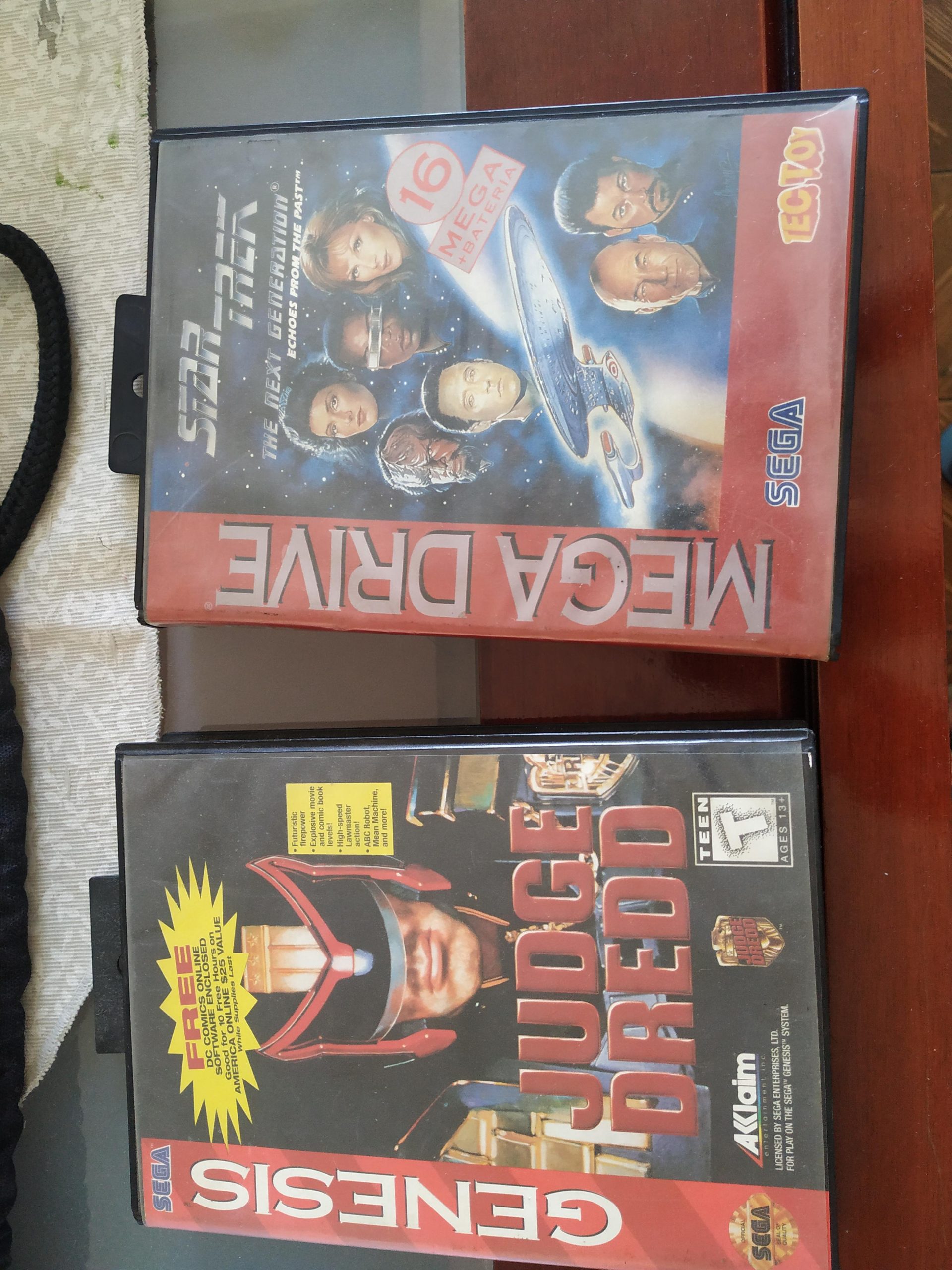
To wipe off dust from a game case, use a soft, dry microfiber cloth. Gently wipe the surface, applying light pressure to remove dust effectively.
Dust bunnies accumulating on your prized game collection can be annoying. They quickly make the cases appear old and neglected. You might be wondering about the best approach for this.
Learning how to wipe off dust from game case properly is easy and requires minimal effort. Using the right method will keep your collection in great shape. It also protects the cases from any scratches during cleaning process.

How to Wipe Off Dust from Your Game Cases
Dust, that sneaky stuff! It gets everywhere, doesn’t it? Especially on our precious game cases. Those little plastic boxes holding our favorite adventures can quickly become coated in a layer of fuzz, making them look dull and sometimes even sticky. But don’t worry, learning how to wipe off dust from game cases isn’t hard at all. With the right tools and a little care, you can easily keep your collection looking clean and ready to play. This guide is like a treasure map leading you to perfectly dust-free games!
Gathering Your Cleaning Arsenal
Before we begin our dusting mission, we need to gather the right supplies. Think of it like getting ready for an epic quest; you need your gear! Here’s what you’ll need:
- Microfiber Cloths: These are your best friends when it comes to cleaning. They are soft, super absorbent, and they grab onto dust like magic. Avoid using paper towels or old rags, as these can scratch the plastic of your game cases.
- Distilled Water: Tap water sometimes contains minerals that can leave streaks. Distilled water is pure and won’t cause any unwanted marks. You only need a tiny bit, so a small bottle will last a long time.
- Optional – Mild Dish Soap: If your game cases have sticky fingerprints or grime, a drop of mild dish soap can help. Make sure it’s very mild; you don’t want anything too harsh.
- Optional – Soft Brush: A soft brush, like a makeup brush or a small paintbrush, is great for getting into the corners and crevices of your game cases where dust loves to hide.
- Clean, Flat Surface: We need a safe place to work where your cases won’t get knocked over. A table or countertop will do the trick.
The Gentle Art of Dry Dusting
Let’s start with the easiest method: dry dusting. This is perfect for everyday dust buildup and is super quick. Here’s how to do it:
- Prepare your area: Make sure your surface is clean and dry. Lay down a clean cloth if needed, just to be extra careful.
- Grab your microfiber cloth: Fold your cloth into a smaller square. This makes it easier to control and gives you multiple clean surfaces.
- Wipe gently: Carefully wipe the entire surface of the game case, using light, circular motions. Don’t press too hard; let the microfiber cloth do its job.
- Check those corners: Pay extra attention to the edges and corners where dust tends to collect. Use the corner of your cloth to reach into these tricky spots.
- Use the soft brush: If you have a soft brush, gently sweep it over any textured areas, like the raised text on the game case. This can help remove stubborn dust.
Why Dry Dusting Is Important
Dry dusting regularly prevents dust from building up into a thick layer that is harder to remove. Think of it like brushing your teeth; doing it often keeps the bad stuff away! It’s a simple habit that keeps your game cases looking fresh.
When a Little Extra Cleaning Is Needed
Sometimes, dry dusting just isn’t enough. When sticky fingerprints, smudges, or heavier dirt make their way onto your game cases, we need to kick it up a notch with some water and possibly a tiny bit of dish soap. Here’s how to get your game cases sparkly clean:
- Prepare your cleaning solution: In a small bowl, add a tiny bit of distilled water. If needed, add a single drop of mild dish soap. Remember, less is more.
- Dampen the cloth: Dip the corner of your microfiber cloth into the water (or soap mixture). You only want it slightly damp, not soaking wet. Wring it out to remove excess liquid.
- Gently wipe: Wipe the game case with your slightly damp cloth, focusing on the dirty spots. Use light, circular motions. Don’t scrub hard; gentle is key.
- Rinse (optional): If you used soap, you might want to lightly rinse the area with a clean, damp cloth. This helps remove any soap residue. Again, make sure the cloth is only slightly damp and you don’t leave any water droplets sitting on the case.
- Dry thoroughly: Using a clean, dry part of your microfiber cloth, dry the game case completely. Make sure there are no water streaks or damp spots left behind.
Important Notes for Wet Cleaning
- Never soak your game cases: We want to clean them, not give them a bath! Too much water can seep into the edges and possibly damage the artwork inside or even the plastic over time.
- Test in an inconspicuous area: Before cleaning the entire case, it’s a good idea to test a small, hidden area first. This way, you can make sure that your cleaning method doesn’t cause any unwanted discoloration or damage.
- Avoid abrasive cleaners: Stay away from strong chemicals or abrasive cleaners. These can ruin the plastic of your game cases.
Dealing with Those Pesky Stickers
Sometimes, game cases come with annoying price stickers or promotional stickers. Removing them can be tricky, and if you’re not careful, you might leave a sticky mess behind. Here are some tips for dealing with sticker residue:
- Try gentle peeling first: Slowly peel the sticker from the corner. If it comes off easily, that’s great. But if it starts to tear or leave residue, stop!
- Use a hairdryer: A little bit of heat can make sticker adhesive less sticky. Hold a hairdryer on low heat about 6 inches away from the sticker for a few seconds. Then, try peeling again.
- Use a little rubbing alcohol: If heat doesn’t work, dab a cotton ball with a tiny bit of rubbing alcohol. Gently rub the sticky area until the residue starts to dissolve. Wipe it off with a clean microfiber cloth. Remember, a little goes a long way.
- Use Goo Gone or a similar product (use carefully): Products designed to remove sticky residue can work, but be careful with these. Always test a tiny area first and follow the product’s instructions closely.
Extra Tips for Sticker Removal
- Be patient: Don’t rush the process. Taking your time will help you avoid damaging the case.
- Don’t use sharp objects: Avoid using knives, razor blades, or other sharp objects to scrape at the sticker. These can scratch the plastic.
Storing Your Game Cases to Keep Them Dust-Free
Now that you’ve got your game cases sparkling clean, let’s talk about how to keep them that way. Proper storage is key to avoiding dust buildup in the first place.
Best Practices for Storage
- Keep them in a cool, dry place: Avoid storing your game cases in humid areas, like bathrooms or basements, or in direct sunlight, as these can cause damage.
- Use shelves or cabinets: Shelves or cabinets help protect your game cases from dust. If you use shelves, try not to stack your cases on top of each other, this can cause scratches or pressure damage.
- Consider sleeves or protectors: Plastic sleeves or protectors are great for keeping your cases dust-free while still letting you see the artwork.
- Regular light dusting: Even with proper storage, a quick dry dusting every now and then will help keep dust away.
Organizing Your Collection
Not only does organization look nice, but it also helps protect your games.
- Arrange by game system or genre: Grouping your games together based on console or genre makes it easier to find the game you want and keep things tidy.
- Keep them upright: Storing your game cases upright helps prevent them from warping or getting crushed.
Preventative Measures: Keeping Dust at Bay
While cleaning is important, preventing dust from settling on your game cases is even better. Here are some measures you can take to minimize dust in your gaming area:
- Clean your play area regularly: Dust the surfaces in your gaming area regularly to prevent dust from circulating in the air.
- Use an air purifier: An air purifier can help remove dust particles from the air.
- Keep windows closed when needed: If you live in a dusty area, keep windows closed to minimize dust entering your gaming area.
A Quick Guide to Cleaning Game Cases
Sometimes it is good to see a recap to keep the information fresh in our minds. So, here’s a quick guide:
| Situation | Cleaning Method |
|---|---|
| Light dust buildup | Dry dusting with a microfiber cloth |
| Sticky fingerprints or grime | Slightly damp microfiber cloth with a drop of mild dish soap |
| Pesky stickers | Hairdryer to heat the sticker, then gently peel. If needed use rubbing alcohol. |
Keeping your game collection dust-free doesn’t have to be a chore. With a few simple steps and the right tools, you can keep your game cases looking their best. Remember, regular cleaning and proper storage are key to maintaining a collection you can be proud of.
Dust KILLS PC’s! 😷 #dusting #pccleaning #techtips #gamingpc #pcgaming #gaming
Final Thoughts
Regularly wiping your game cases prevents dust accumulation. A soft microfiber cloth works best for this task. Gently wipe the surface, avoiding excessive pressure.
For stubborn dust, lightly dampen the cloth with water. Always ensure the case is completely dry afterwards. Avoid using abrasive materials that might scratch the plastic.
Therefore, to summarize, properly cleaning your cases involves gentle wiping. This helps you learn how to wipe off dust from game case effectively, keeping them in good condition.

