
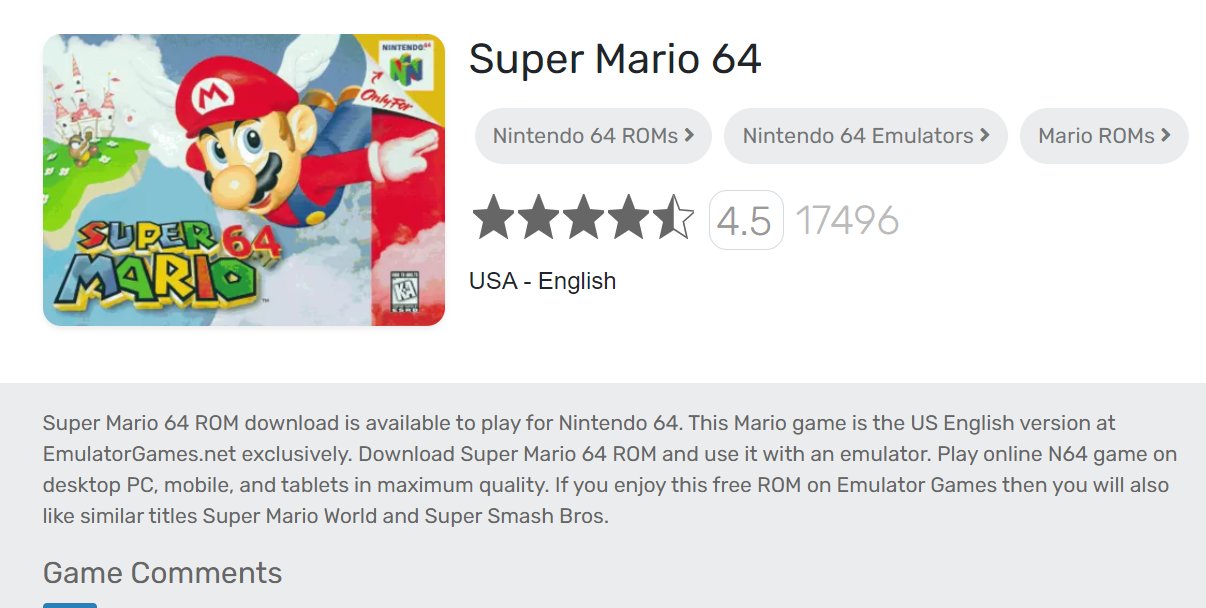
Emulating games is generally safe if you download from reputable sources; however, risks like malware exist from untrusted websites.
Ever wondered about diving into retro classics or playing games from different platforms on your computer? This leads many to ask, “is emulator games safe?”. The answer isn’t always straightforward and depends heavily on where you acquire the software and game files.
Downloading emulators and ROMs from unverified websites poses risks, potentially exposing you to malware and other security threats. Stick to well-known, established sources to keep your computer safe and your gaming experience enjoyable.

Is Emulator Games Safe? Understanding the Risks and Rewards
Playing classic video games can be a lot of fun. Emulators let you play old games on your computer or phone, but are they safe? It’s a good question, and like many things online, there are some good sides and some things to be careful about. Let’s explore if emulator gaming is safe.
What are Emulators and ROMs?
First, let’s get a grip on what we’re talking about. An emulator is like a special program that pretends to be an old game console, such as a Nintendo, PlayStation, or Sega console. It lets your computer or phone run the games that were made for those systems. Think of it like a translator that helps your device understand old game code.
A ROM (Read-Only Memory) is the actual game file. It’s like the game cartridge or disc that you would put in the old console. These ROM files are what the emulator needs to run the games. When you use an emulator, it’s loading the ROM file to play the game.
The Legal Side of Emulators and ROMs
This is where things can get a little tricky. Emulators themselves are usually legal because they are just pieces of software. The issue comes with ROMs. It’s generally okay to create a ROM of a game that you own, but it’s not legal to download ROMs of games that you do not own. Sharing ROMs with others is also against the law. Think of it like making a copy of a book for your friend, you should not do that, if you do, then it will be illegal. If you want to play game then buy the game legally instead of downloading it from the untrusted websites.
Copyright infringement is the main concern here. Game companies have copyrights on their games, and distributing or downloading ROMs without permission is a violation of their copyrights. It is important to respect the rights of the creators of the games.
Potential Risks When Using Emulators
Now, let’s talk about some of the bad stuff that can happen when you’re using emulators. Just like anything you download from the internet, there can be some hidden dangers.
Malware and Viruses
One of the most significant dangers is the risk of downloading malware or viruses. This is when bad software hides inside a ROM file or an emulator download. These bad software programs can:
- Slow down your computer or phone.
- Steal your personal information (like passwords and credit card details).
- Display unwanted ads.
- Even damage your device.
It is very important to download emulators and ROMs from trusted sources. Always make sure you are downloading from a reputable site that is well known and has good reviews.
Fake Emulators
Sometimes bad people create fake emulators that look like the real thing, but they are actually filled with malware or designed to steal your data. They might look just like the real emulator, but they contain dangerous code. You need to be careful and always check the reviews of the emulator before you download it. Always, stick with well-known emulator names and their official websites, avoiding random websites.
Website Scams
Some websites pretend to offer free games, but they are actually just traps to trick you into giving out your information or downloading bad files. These websites often have lots of pop-ups, and they might try to make you click on links that lead to dangerous places. Be very cautious when visiting any website that you have never visited before.
Unstable Emulators
Not all emulators are made equally. Some might be glitchy or unstable. This can cause your games to freeze or crash. It’s important to choose well-developed emulators that are updated frequently, which will usually work much better than old, abandoned projects.
Resource Consumption
Running emulators can sometimes use a lot of your computer’s or phone’s resources like processing power and memory. This can make your device slow and may also use more battery.
How to Stay Safe While Using Emulators
Don’t worry! There are many ways to keep yourself safe when playing emulator games. Here are some very important tips:
Download From Trusted Sources
Always make sure you only download emulators and ROMs from websites that you know are safe. Trusted websites and forums are good places to start. Stick to well-known, reliable sources and avoid the ones that look shady. Check online reviews and forums to see what other users say before downloading.
Use Updated Antivirus Software
Make sure that your antivirus software is working correctly. Antivirus software is like a security guard for your computer or phone, helping protect it from dangerous software. Keeping it updated is important so it can catch all the new threats out there. A good antivirus is essential to help protect your device against malware and viruses.
Be Careful About Sharing
You should avoid sharing your personal information on websites or forums that are not trusted. Also, you should never share any game files that you do not own. It’s important to keep your details private and only share with people you trust.
Scan Downloaded Files
Before you open any downloaded emulator or ROM file, scan it with your antivirus software. This step will help you find and remove any harmful things that may be hiding in the files. Make sure that the scan is successful.
Read Reviews
Always check the reviews before you download an emulator or ROM from any website. If lots of people complain about the emulator or the website, you should avoid that website. Also, take a look at the comments on the website to see what other users are saying.
Check Website Security
Before you download anything, check to make sure that the website has “https” in the address bar (that’s the one with the little padlock icon) which means the site is encrypted and your data is safer. Avoid websites that only use “http” or seem suspicious.
Be Patient with the Emulator
If an emulator looks old or doesn’t work well, it is best not to use it. There are many good emulators available, so you don’t have to use the unsafe ones.
Use a VPN
A VPN (Virtual Private Network) can help protect your privacy when you are online. It encrypts your data and makes it harder for people to track what you’re doing. It’s like having a secret tunnel for your internet traffic.
Back Up Your Files
Before using an emulator, back up your important files on your computer or phone. If something does go wrong, you will be able to get back your files.
The Benefits of Emulator Gaming
While there are risks, there are also many great benefits to emulator gaming. Here are a few of them:
Playing Classic Games
Emulators help you play classic video games that might be hard or impossible to find now. You can experience those old favorites again and discover games you may have missed out on. It’s a great way to revisit your childhood memories.
Preserving Gaming History
Emulators help save old games so they do not get lost. The preservation of video games helps ensure that future generations can experience them.
Experimenting with Different Games
With emulators, you can experiment with a variety of games and try out different consoles without having to buy all the old hardware. It gives you a chance to try out games from different places, cultures, and game systems.
Customization and Improvements
Some emulators allow you to use cheats, adjust settings, and even make the graphics better than they were on the original system. Some of these allow you to customize the game according to your own liking. Also, some emulators have features that allow you to play online with your friends which is also very great.
Specific Emulator Safety Tips
Let’s dive a little deeper into some specific things to keep an eye on.
Emulator Permissions
Always check what permissions the emulator is asking for. If an emulator wants to access things it doesn’t need, like your location or contacts, it might be a red flag. Only give an emulator permissions that seem reasonable.
Regular Updates
Keep your emulators up-to-date. The latest version will often have bug fixes and security improvements. Also, these latest updates can improve the performance of the emulators and give you a better overall gaming experience.
Community Support
Join online communities that are devoted to emulator gaming. You can ask for help and also see what other people are experiencing. These are good resources and they can also guide you on what emulators are best to use.
Avoid Modded Emulators and Roms
Modified versions (or “mods”) of emulators and ROMs can be fun, but they can also come with risks. If you use modded versions, make sure that it’s from a trusted source and read reviews from people who have tried them already. These may be altered by other people and contain malicious code.
Keep an Eye on Your System
If your computer or phone starts acting weird after you install an emulator or ROM, you might want to uninstall it and do a virus scan. It’s better to be careful and remove it if you suspect something is wrong.
Use Common Sense
When you’re on the internet, just use your good judgment. If something doesn’t seem right, it is best to just avoid it. Being careful is one of the best ways to protect yourself online.
Table: Pros and Cons of Emulator Gaming
| Pros | Cons |
|---|---|
| Play classic games | Risk of malware and viruses |
| Preserves gaming history | Legal issues with ROMs |
| Experiment with different games | Can use lots of resources |
| Customization and improvements | May not run perfectly |
| No need for old hardware | Scam websites |
Real-World Example
Let’s say you find a website offering a “free” emulator for your favorite old console. Instead of immediately downloading it, you decide to research it. You check online forums and find several complaints about viruses being hidden in the downloads. You decide to avoid that website and find a well known and trusted source, this shows how important it is to do your research before downloading anything from the internet. There are lots of resources out there that will guide you to choose the best option for you and will help you be protected. This small amount of research could have saved your device from malware. You should be proactive and always keep researching.
By following all the safety steps, you can get the most enjoyment out of playing your favorite classic games without having to worry about dangerous things on your device. Keep your device safe and have a great time playing your games.
Ultimately, emulator gaming, when approached with care, can be a fun way to revisit classic games. By understanding the risks and implementing safety measures, you can enjoy this hobby without putting your computer or device in danger. Always remember to be cautious and research any program you wish to install on your device.
How to Find Retro Game ROMS
Final Thoughts
Ultimately, whether playing emulator games is safe depends on where you obtain the ROMs and the emulator software itself. Always download from reputable sources to minimize the risk of malware.
Carefully examine file permissions requested during installation. Avoid any suspicious downloads or unknown websites. Practicing caution and common sense will greatly increase safety while enjoying these games.
When addressing the query, “is emulator games safe?”, the answer isn’t a simple yes or no. Safe usage relies on your awareness and careful practices.

