
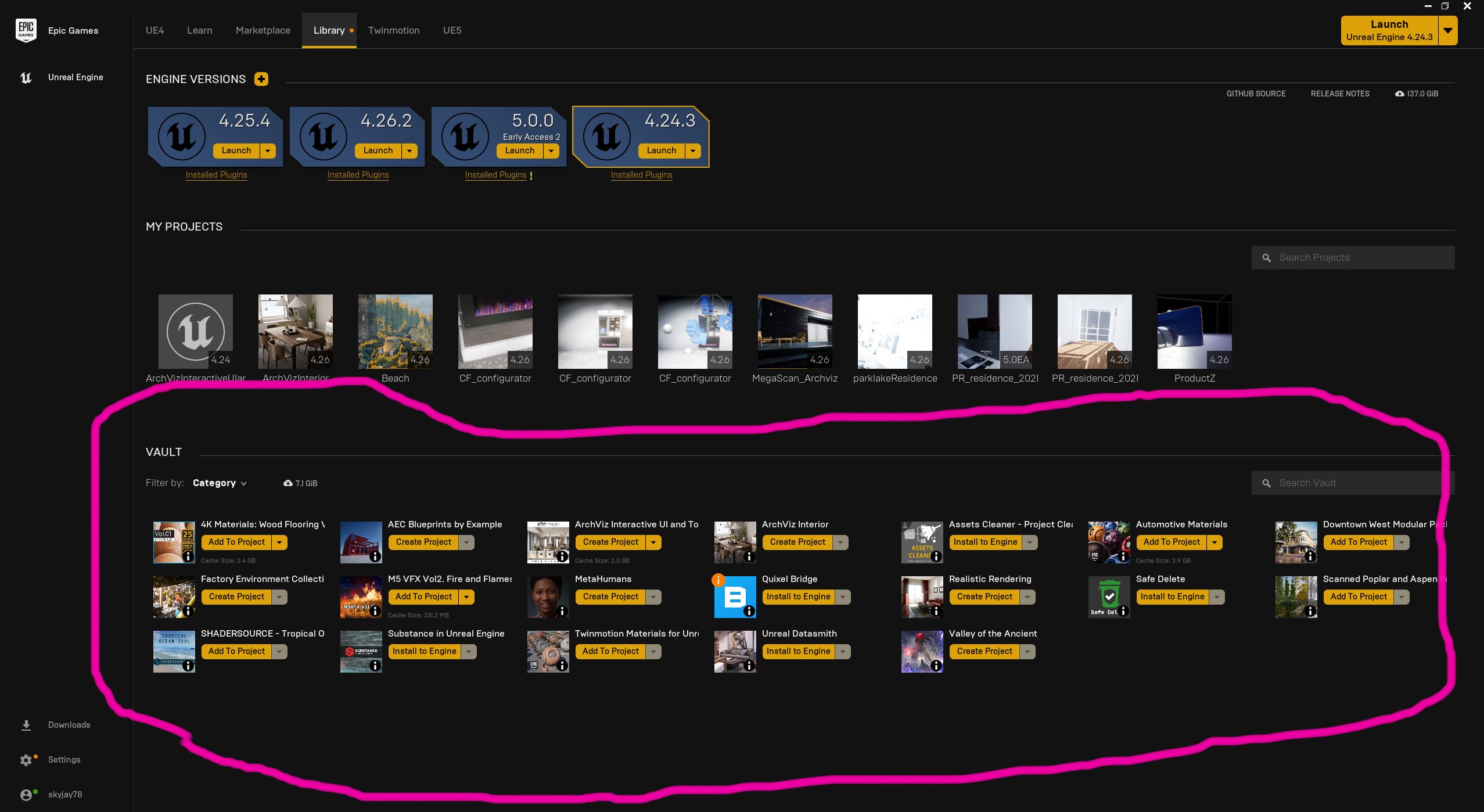
Yes, the Epic Games Launcher is generally considered safe to use, as it employs standard security practices.
Downloading a new game? You might be wondering, “is epic games launcher safe?”. It’s a valid concern before installing any new software. Many people use the launcher daily without issues, but safety always merits a closer examination.
The launcher, like other platforms, uses encryption for data transfer and regularly updates to patch vulnerabilities. However, like any online service, some precautions can increase your security. It’s good to stay informed.

Is Epic Games Launcher Safe? Let’s Dive In!
So, you’re wondering if the Epic Games Launcher is safe? That’s a great question! It’s important to know if the software you’re using is secure, especially when it comes to something that connects to the internet and handles your games and potentially payment information. Let’s explore everything you need to know to answer that big question.
What is the Epic Games Launcher Anyway?
First, let’s make sure we all know what the Epic Games Launcher is. Think of it as a special app for your computer, kind of like a big toy box for video games. It’s where you can buy, download, and play games from the Epic Games Store. You’ll need it if you want to play games like Fortnite, Rocket League, and lots of other fun titles. The launcher also keeps your games updated, manages your game library, and lets you connect with friends.
Epic Games Launcher Security: What You Need to Know
Now, let’s talk about safety. Is the Epic Games Launcher a safe place to play? The short answer is: generally, yes. Epic Games puts effort into keeping its platform secure. But like with anything on the internet, it’s important to be aware and know how to protect yourself. We’ll break down the important security points:
Account Security
Protecting your Epic Games account is the first line of defense. It’s like locking the door to your game collection. Here are some things you should always do:
- Use a strong password: Don’t use something obvious like “password123” or your birthday. A good password is long, mixes letters (uppercase and lowercase), numbers, and symbols. Think of a phrase you remember, but make it tricky. For example, “MyCatLoves@2Play!” is much better than “cat”.
- Turn on two-factor authentication (2FA): This is like adding an extra lock to your door. Even if someone figures out your password, they’ll need a code from your phone or email to get in. Always use 2FA when possible on all your accounts.
- Be careful where you log in: Only log into your Epic Games account on devices you trust. Avoid using public computers at libraries or cafes if possible.
- Keep your email secure: Make sure the email account connected to your Epic Games account has a strong password and 2FA also. If someone gets into your email, they might get into your Epic Games account too.
Software Updates and Security Patches
Epic Games often updates the launcher to fix any security problems that are found. These updates are like patching holes in your wall so no one can get in. You should always update your launcher when a new version comes out. Don’t ignore those update notices. They are there to help keep you safe. Usually, the launcher will update automatically, but sometimes you might need to confirm. Make sure automatic updates are enabled in the settings for ease of process and best security practice.
File Safety
When you download games from the Epic Games Store, the files are checked for anything harmful, like viruses. It’s like a safety guard at the door of the store, making sure that nothing bad gets in. But, remember that you should always be careful about which games you download. It’s best practice to only download games directly from the Epic Games Launcher.
Data Privacy
Like many platforms, Epic Games does collect some data about how you use their launcher and games. They use this to improve the platform and personalize the experience for users. This is common practice across similar platforms and services you use. The key is understanding how much data is being collected and what it is being used for. The information can include details of what games you play, how much time you play them, and what kind of computer or device you use. They state that they take data privacy seriously. However, it’s always wise to read their privacy policy to understand what data they collect and how they use it. Epic Games has a detailed privacy policy on their website that is worth reviewing.
Potential Risks of Using the Epic Games Launcher
Even though the Epic Games Launcher is generally safe, there are still things to be aware of. It’s like driving a car: you know how to drive and it is generally safe, but accidents can happen, and you must still be responsible. Let’s talk about possible risks and how to avoid them:
Phishing Scams
Phishing is when someone tries to trick you into giving them your username and password by pretending to be Epic Games. They might send you fake emails or messages that look real but are actually designed to steal your login details. Always double check that emails are really from Epic Games. Look out for grammar or spelling errors, and be wary of emails asking for sensitive information. If you ever have doubts, go directly to the Epic Games website using your browser and log in there, rather than clicking any links from emails. Never give out your password to anyone, not even people who say they are from Epic Games support. Epic Games will never ask you for your password in an email.
Fake Websites
Similar to phishing emails, fake websites can trick you into thinking you’re on the official Epic Games site. They might have a website address that looks similar, but with small changes. These fake sites can be used to steal your login information. Always make sure you are visiting the official Epic Games website. One method is to type the official address into your web browser. Double-check the website address in the address bar to make sure it’s correct.
Downloading Games from Unofficial Sources
Always download games from the Epic Games Launcher. Don’t download games from unknown websites or other file sharing sources. These downloads could contain harmful software, like viruses or malware, that can harm your computer. Stick with the official launcher for safety.
Account Hijacking
If your password is weak, or you don’t have 2FA enabled, someone might try to take over your account. They could use your account to play games, purchase things, or worse. That’s why it’s so important to make your account secure and to keep your login details secret. Always remember to log out of the Epic Games Launcher when you’re done using it. If you use a shared computer, make sure you log out, to protect your account from other users.
Is the Epic Games Launcher Safe for Children?
The Epic Games Launcher can be safe for children, as long as parents take some precautions. Just like letting kids ride bikes, we put on a helmet, follow the rules of the road, and make sure we know how to be safe. Here’s some advice on using the Epic Games Launcher safely with kids:
Parental Controls
Epic Games has parental control settings that allow parents to manage what games their children can access, how they can communicate with other players, and how much they can spend in the store. Parents should explore these settings to tailor the experience for their children. It is vital to use these controls effectively to ensure a child’s safety and online experience. Parents can set spending limits, control who can contact them and the children’s interactions. It’s a very important step to keep children safe online and to manage their gaming time.
Supervise Activity
Parents should keep an eye on their children’s activity on the Epic Games Launcher. It’s good practice to talk to them about online safety, and what they should do if they encounter anything that makes them uncomfortable. The parental controls will limit their online interaction with strangers, but always supervise their communication. It’s good practice to keep communication open so they know that they can tell you if they have any trouble while using the application. Keeping a dialogue open creates a safer environment.
Educate About Online Safety
It’s important to teach children about online safety. This includes topics such as phishing, keeping personal information private, and the importance of a strong password and 2FA. Always use clear and simple language when discussing these important topics with children. Education is key to keeping children safe. For instance, never use your real name, never give away your address, never interact with strangers online. Tell your children that you can help if they have an issue online.
What Happens if Something Goes Wrong?
Even with all the safety measures in place, sometimes things can go wrong. It is good to know what to do if you think you have a security problem with the Epic Games Launcher. Here are some steps you should take if you think your account has been compromised:
- Change your password immediately: Create a strong new password that you have not used before.
- Enable 2FA: If you have not already done so, enable two-factor authentication on your account.
- Contact Epic Games Support: Let Epic Games support team know about the issue, so they can help you. They will help you restore your account and resolve any problems you have encountered. They are there to help.
- Check your payment information: Check your credit card or bank statements for unauthorized purchases. If there is any suspicious activity, contact your bank immediately.
Tips for Staying Safe with the Epic Games Launcher
Here is a summary of the key things you can do to stay safe with the Epic Games Launcher:
- Always use a strong password and never use the same password across multiple accounts.
- Turn on two-factor authentication (2FA) to add an extra layer of security.
- Keep the Epic Games Launcher up to date to ensure you have the latest security features.
- Never download games from unofficial sources. Only download games from the Epic Games Store directly through the launcher.
- Be aware of phishing attempts and never click links in suspicious emails.
- Supervise children’s activity on the launcher and use parental controls.
- Never give out your password or personal information to anyone online.
- Regularly check your bank statements for any suspicious charges.
Epic Games Launcher: A Summary
The Epic Games Launcher, like any online platform, requires users to take steps to protect their accounts. The launcher itself is secure, but users must be responsible for their safety. Follow best practices, stay up-to-date with software updates, and be aware of online safety risks. By doing so, users can enjoy a safe and enjoyable gaming experience.
In the end, the Epic Games Launcher is designed to be a fun place to buy, download and play games. By being careful and following these guidelines you can greatly reduce any risks and enjoy all the fun that the platform has to offer.
The Epic Games Store Sucks
Final Thoughts
In short, the Epic Games Launcher is generally safe for users. Epic implements security measures to protect data and games. However, as with any software, users should practice good online habits.
Downloading only from the official source and keeping software updated are essential steps. ‘is epic games launcher safe’ depends on responsible user behavior as much as company efforts.

