
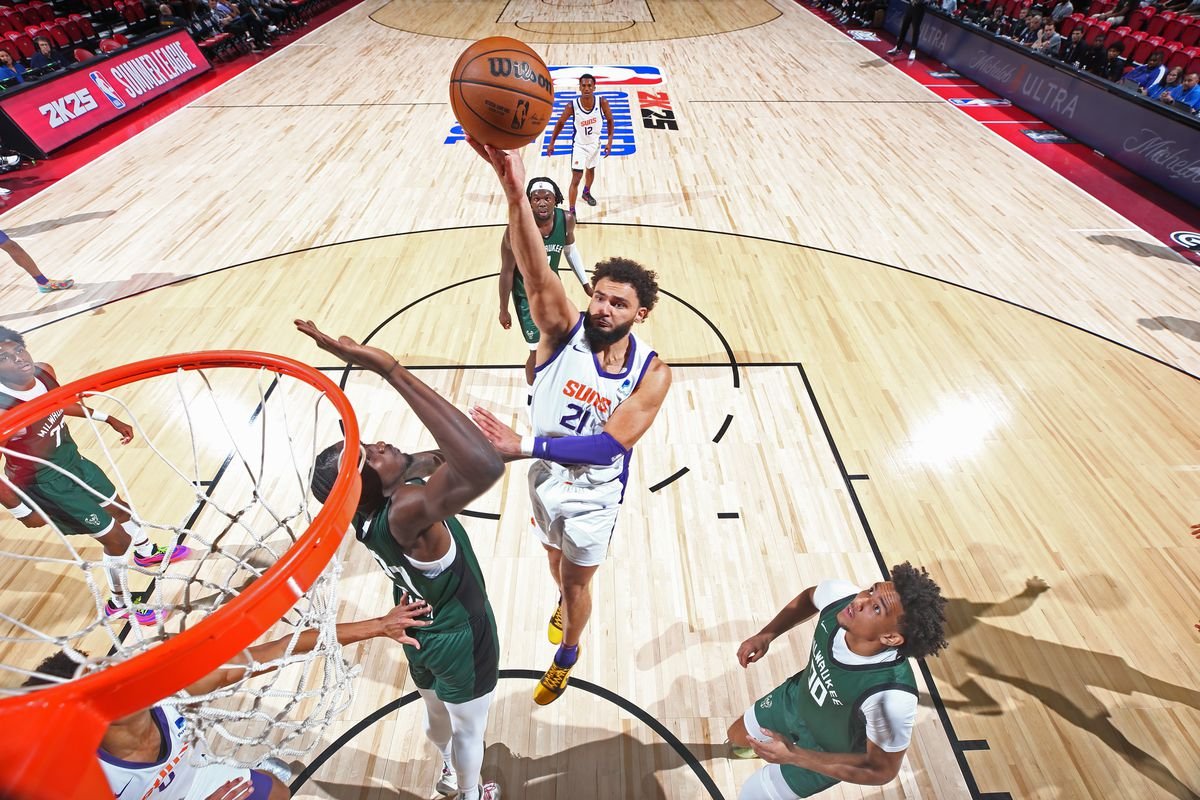
NBA 2K25 accessibility option analysis
shows a continued effort with customizable controls, adjustable UI elements, and various visual and audio aids but lacks some advanced features found in other titles.
The court is calling, and for many, jumping into the action is only possible with the right accessibility tools. We dive into the specifics of NBA 2K25 accessibility option analysis, examining what’s present and what might still be desired for players with diverse needs.
We will explore the existing features that make the game more approachable and highlight areas where future improvements could significantly impact gameplay for everyone. It is time to see the current offerings.

NBA 2K25 Accessibility Option Analysis
Let’s jump right into the heart of what makes a game enjoyable for everyone: accessibility. NBA 2K25, like its predecessors, aims to bring the thrill of basketball to a wide audience. But how well does it achieve this goal when it comes to accessibility options? This deep dive will explore the various settings and features designed to make the game playable for people with different needs. We’ll look at everything from visual settings to controller configurations, and even how the game handles audio cues. Let’s break it down and see what NBA 2K25 offers.
Visual Accessibility Features
Seeing the action clearly is a big deal in a fast-paced game like basketball. NBA 2K25 includes several options designed to help players see the court, players, and all the important details. These settings can make a huge difference for individuals with visual impairments or those who simply need a little more clarity.
Colorblind Modes
For players who have difficulty distinguishing between certain colors, NBA 2K25 offers colorblind modes. These modes change the game’s color palette to make it easier to see the differences between teams and important UI elements. Instead of relying on color alone, these modes make use of contrast, making the game more playable for people with color vision deficiencies. Here’s a simple table showing you the options you might find:
| Colorblind Mode | Description |
|---|---|
| Protanopia | Assists players with red-green color blindness. |
| Deuteranopia | Helps players with green-red color blindness. |
| Tritanopia | Designed for players with blue-yellow color blindness. |
Text Size and Contrast Options
Small text can be difficult for some players to read, so NBA 2K25 also gives players the chance to adjust the size of the text in the game menus and during gameplay. This helps players read the on-screen information without straining. In addition, the game provides options to change the contrast of text and user interface (UI) elements to make them more readable against different backgrounds. A high contrast between the text and its background will allow for easier reading for many players.
Motion Blur and Camera Shake
Motion blur and camera shake are visual effects that, while meant to make the game more immersive, can cause discomfort or motion sickness for some players. NBA 2K25 typically includes settings to adjust or turn off these effects. Reducing these settings helps individuals who are sensitive to motion or prefer a very clear and stable visual experience.
- Motion Blur: Reduce or completely remove to reduce dizziness.
- Camera Shake: Turn off or lower the intensity to stabilize the view.
Audio Accessibility Options
Sound is a critical part of the NBA 2K experience, from the roar of the crowd to the squeak of sneakers. NBA 2K25 does a decent job when it comes to auditory accessibility by giving players the power to adjust various aspects of the game’s sound.
Adjustable Volume Controls
NBA 2K25 allows players to separately control the volume levels of different parts of the game’s audio. This is particularly useful for players who are sensitive to loud noises or who want to focus on specific sounds. Players can usually adjust the volume for:
- Music: This lets players turn down the in-game music if they find it distracting.
- Sound Effects: The volume of things like ball dribbling, crowd noise, and referee whistles can be changed.
- Commentary: If the game commentators are too loud or annoying, players can change their volume.
- Ambience: Environmental sounds can be adjusted to suit player’s preferences.
Subtitles and Captions
Subtitles are a must for players who are deaf or hard of hearing and are also helpful for anyone who might have a hard time hearing the game audio. NBA 2K25 should include subtitle options that allow players to follow dialogue and other important spoken audio. The settings should allow for customization of:
- Subtitle Size: Players should be able to adjust the text size.
- Subtitle Background: Having a background behind the text can make them easier to read, and there should be customization for color and opacity.
- Subtitle Color: The text color can also be adjusted for better contrast with the background and to ensure it is visible.
Control and Input Accessibility
The way a game handles input is so important for player accessibility. NBA 2K25 strives to accommodate a variety of needs when it comes to using a controller.
Button Remapping
One of the most crucial accessibility features is button remapping. This allows players to change the function of any button on the controller. For players with limited mobility or those using assistive devices, this is a game-changer. A player can move the most important functions to buttons they find easier to reach. The freedom to rearrange controls to suit an individual’s needs is important.
Controller Sensitivity
The responsiveness of the controller’s analog sticks and triggers can also be adjusted in NBA 2K25. For players with motor control challenges or even those who prefer a less sensitive or more sensitive experience, these settings allow for a more personalized and comfortable playing experience. Players can usually adjust:
- Movement Sensitivity: Adjust how sensitive the sticks are when controlling players.
- Camera Sensitivity: Adjust how quickly the camera moves.
- Shooting Sensitivity: Adjust the sensitivity of shooting using the analog stick or button presses.
Assistive Features
While it isn’t the main focus, NBA 2K25 might include some gameplay-related accessibility helpers. These can help players who might be overwhelmed or find it difficult to master the complex game mechanics. Features like automatic dribbling, simplified shooting, or assist defense, if implemented, will provide an easier point of entry for some players. These assist features can offer a less punishing experience for those who need it. However, it is important to find the right balance so that players will still have the room to improve their skills.
- Automatic Dribbling: Lets the AI take care of complex dribbling moves.
- Simplified Shooting: Simplifies the timing of shots.
- Assisted Defense: Makes defensive movements easier.
Difficulty and Gameplay Accessibility
Gameplay difficulty is an important accessibility factor. NBA 2K25 needs to provide a wide range of difficulty settings that would allow beginners to enjoy the game and that would provide challenges for advanced players. Difficulty settings are necessary for players with varying skill levels. This makes the game more accessible for everyone.
Adjustable Difficulty Levels
The game usually provides a variety of difficulty settings ranging from very easy to very hard. This enables players to customize the challenge to their own level of skill and preferred gameplay style. In addition to the common difficulty presets, there should be options to make custom difficulty settings. This will provide for more accessible gameplay experience for a variety of player skill levels. Settings like:
- Rookie/Easy: For players new to the game or those who prefer a very relaxed experience.
- Pro/Normal: A balanced experience for most players.
- All-Star/Hard: Offers a tougher challenge for players who want a little bit more difficulty.
- Hall of Fame/Very Hard: For expert players looking for the ultimate challenge.
Tutorials and Learning Tools
A clear tutorial is important for all players but even more so for those who might be new to the game or less familiar with sports game in general. NBA 2K25 should include detailed tutorials that break down the game’s core mechanics and controls. The game should offer step-by-step instructions to make it accessible for everyone. Players should also be able to revisit the tutorials whenever they need them, even when they’ve played before.
- Basic Controls Tutorial: Explains how to move players and perform basic actions.
- Advanced Techniques Tutorial: Teaches more advanced moves, like dribbling and passing.
- Shooting Tutorial: Shows you how to shoot the basketball.
Game Speed Options
Finally, having the option to change the game speed can have a significant impact on the playability of NBA 2K25. Slower speeds will give players more time to react, which can be helpful for individuals with motor or cognitive challenges. Conversely, a faster game pace can provide a more intense experience. Players should have some control over:
- Game Speed: Adjust how fast the game is, in general.
- Player Speed: Adjust how fast the players move.
NBA 2K25 offers many accessibility options for its players. From visual settings, to audio adjustments, to control configurations, the game aims to provide more inclusive game experience. Having a wide array of difficulty options ensures that players of all skill levels will be able to enjoy the game. By including these accessibility options, NBA 2K25 strives to make basketball fun for everyone. These features create a more inclusive environment where everyone can enjoy their gaming experience.
NBA 2K25 Review
Final Thoughts
NBA 2K25 offers various accessibility settings, improving play for more people. The options allow players to tailor the game experience. Visual and control settings aid gamers with different needs.
These enhancements make the game inclusive. Audio cues also assist, creating better user experiences. This approach shows a commitment to broader gaming audiences.
The NBA 2K25 accessibility option analysis shows good progress. Overall, the game’s improvements help many players enjoy basketball. The accessibility additions positively impact gameplay.

