
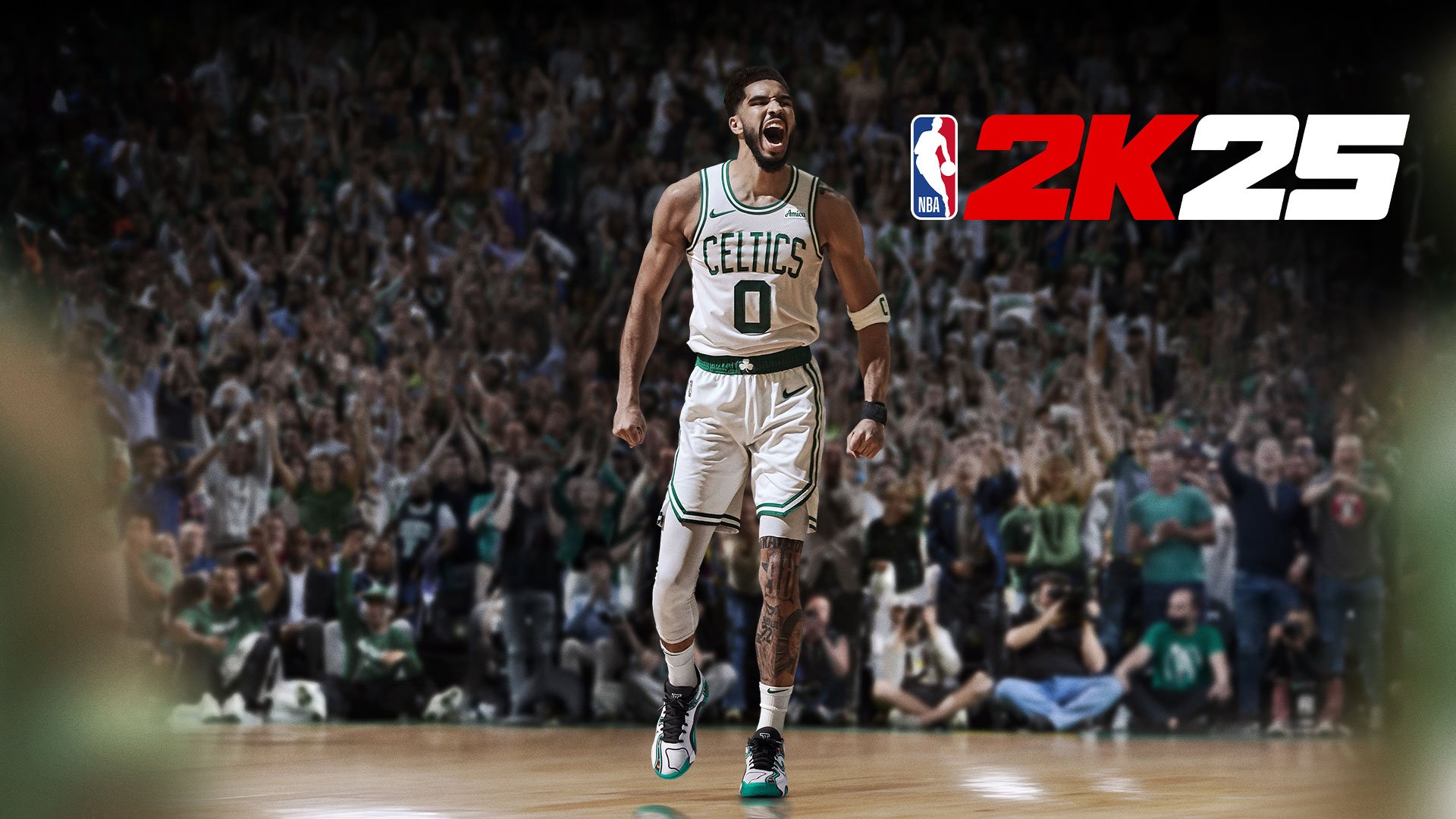
NBA 2K25 in game assistance details
include on-screen tutorials, customizable controller mappings, and difficulty settings to aid players of all skill levels.
Navigating the court in NBA 2K25 can feel overwhelming, especially for new players. We understand that learning the controls and strategies is crucial for success. Therefore, let’s delve into the specific ways the game helps you improve.
This article explores all facets of NBA 2K25 in game assistance details, from simple visual cues to complex AI adjustments. We will outline exactly how these features improve your playing experience. This guide will help you become a better player.

NBA 2K25 In-Game Assistance Details
Let’s dive into all the awesome ways NBA 2K25 helps you play better! Whether you’re just starting out or you’ve been playing for years, the game has lots of tools to guide you. We’re talking about things that pop up on the screen, tips that help you learn the controls, and even ways the game adjusts to your skill level. It’s all about making sure you have a fun and fair game.
On-Screen Visual Aids
One of the first things you’ll notice in NBA 2K25 is the on-screen help. These are visual cues that appear while you’re playing, giving you important information. Think of them as your friendly guide on the court. They are there to assist you with your gameplay.
Shot Meter
The shot meter is super important for making baskets. It appears whenever you try to shoot the ball. You’ll see a bar that fills up, and a sweet spot you need to hit to have the best chance of making your shot. The meter changes depending on how good your player is at shooting and the type of shot you’re attempting. If the meter is colored green, this indicates a perfect release for a make. You’ll see it on the player’s hand when they jump, or on the ground, when they try to get in a lay up.
- Timing: The main thing is timing. You want to release the shoot button when the bar is within the green or yellow area.
- Difficulty: The size of the sweet spot changes according to the type of shot. Three pointers, for example, are often harder than layups.
- Player Skills: The better your player is at shooting, the easier it is to get a perfect shot. Keep training!
Passing Indicators
Passing in NBA 2K25 can be tricky, especially when you’re surrounded by defenders. That’s where the passing indicators come in. These show you which player you’re about to pass to. It helps avoid turnovers by making sure you are aiming at the intended teammate.
- Icons: Each teammate has a different icon above their head. Use the left trigger on your controller to show the icons.
- Directional Passing: The directional passing feature lets you use the right thumbstick to aim the pass in a certain direction.
- Pass Types: You can perform different passes such as bounce pass, lob pass or normal pass. This allows to be more strategic on how to attack the basket.
Defensive Assist
Playing defense can be hard. You have to track the player with the ball, and also be aware of other players. NBA 2K25 gives you a visual assist. This may be a defensive lane that appears below the player, or defensive positioning indicators. These can tell you if you’re well positioned or not.
- Positioning Arrows: Small arrows may appear to guide you toward the best spot for defending against a specific offensive play.
- Defensive Stance: The game will help you visually understand when you are in the right defensive stance to cut passing lanes and force turnovers.
Tutorials and Training Modes
If you’re new to NBA 2K25 or just want to get better, the training modes and tutorials are for you. They help you understand the game’s controls and get the hang of different moves.
2KU
The 2KU is an excellent mode where you can learn all the basic and advanced controls. It has drills that let you practice everything from dribbling and shooting to passing and defense.
- Basic Controls: It starts with very simple lessons that explain how to move, pass, and shoot.
- Advanced Moves: You can move on to more difficult things such as dribbling moves, post moves, and other advanced plays.
- Challenges: 2KU has timed and scoring challenges that help you test your skills.
Practice Mode
Practice mode lets you set up situations so you can practice in the best way possible. You can focus on the areas you need more training. This is where you practice without any pressure, which helps improve your game.
- Customize drills: You can set different plays and scenarios to try out.
- Player Selection: Practice with any team or player you want.
- Free Practice: Practice freely to get better with your timings and shots.
Dynamic Difficulty Adjustment
NBA 2K25 is designed to be fun for players of all levels. That’s why it uses something called dynamic difficulty adjustment. This means that the game looks at how well you are playing and adjusts the challenge accordingly.
Adaptive AI
The computer players, also known as AI, will change their playing style based on how you are performing. If you’re doing great, they’ll start to play harder. If you’re having a tough time, they will ease off a bit, to allow you to find a groove. This makes sure you are always challenged but never overwhelmed.
- Opponent Skill: If you beat the AI easily, they’ll play smarter.
- Teammate Help: If you are struggling, your AI teammates will do a better job at finding openings and helping you score.
Game Speed
The game can change the speed of the game according to how well you’re doing. Sometimes you might find the game feels fast and sometimes a bit slow. This is the game trying to keep the gameplay smooth and fun. If you are too good, the game will be faster to make it a bit more challenging. If you are struggling, it might get a bit slower to give you a chance to catch up.
- Adjusts Automatically: No need to change any settings, the game does it by itself.
- Focuses on Flow: This makes sure that the game feels smooth, fast paced, but not too hard or too easy.
Controller Settings
NBA 2K25 allows for a ton of controller customization options. This is important, as it makes the game better for players that are used to playing differently.
Button Mapping
Button mapping allows you to make the buttons do different actions. If you have a different way you want to play, this is the way to make it happen.
- Customizing buttons: You can change the actions of each button according to your preferences.
- Optimized gameplay: This allows you to play the game more comfortably.
Vibration Settings
Vibration settings allow you to customize how your controller feels during gameplay. You can make the vibration feel weaker or stronger, or even turn it off.
- Feedback strength: You can adjust how strong the vibrations are, so that you have enough feedback of the game, without getting overwhelmed.
- Turn vibration off: If you don’t want any vibration at all, you have that option too.
Accessibility Features
NBA 2K25 is made to be fun for everyone. That is why they’ve added features to make the game easier for everyone, no matter the disability they may have.
Colorblind Options
Colorblind options let you change the colors that are used in the game. This means that players with color blindness can still see everything clearly.
- Change game colors: Change colors of elements that appear in the screen.
- See clearly: You won’t have trouble seeing important elements.
Text Size and Contrast
These options make it easier to read the text on screen. You can change the size of the text to make it bigger and easier to read, also you can change contrast to have a better understanding of the elements on screen.
- Text options: Change text size and contrast of the game menus.
- Easier reading: Make everything more comfortable to read.
Menu Narrator
Menu Narrator is a feature that reads the text on screen aloud. This helps players that have visual impairments. It makes it easier to play the game, without needing to read it all.
- Read Aloud: A narrator will read what is on the menu.
- Navigate with ease: Allows a better experience for visual impaired players.
All these options help NBA 2K25 provide the best assistance possible to all type of players.
NBA 2K25 provides a lot of help so you can enjoy the game. From visual aids to tutorials, the game is made to be fun for everyone. Whether you’re a pro or just starting out, there’s something for everyone. Make sure you use all these tools and modes to the best of your abilities, and you’ll become a better player.
23 Tips And Tricks You NEED To Know In NBA 2K25!
Final Thoughts
To summarize, NBA 2K25 provides several in-game assistance features. These help players of all skill levels. The game offers detailed tutorials, coaching tips, and adaptable difficulty settings.
These tools aim to improve player performance. Expect personalized feedback during gameplay. NBA 2K25 in game assistance details clearly cater to diverse user needs. You must check them.

