
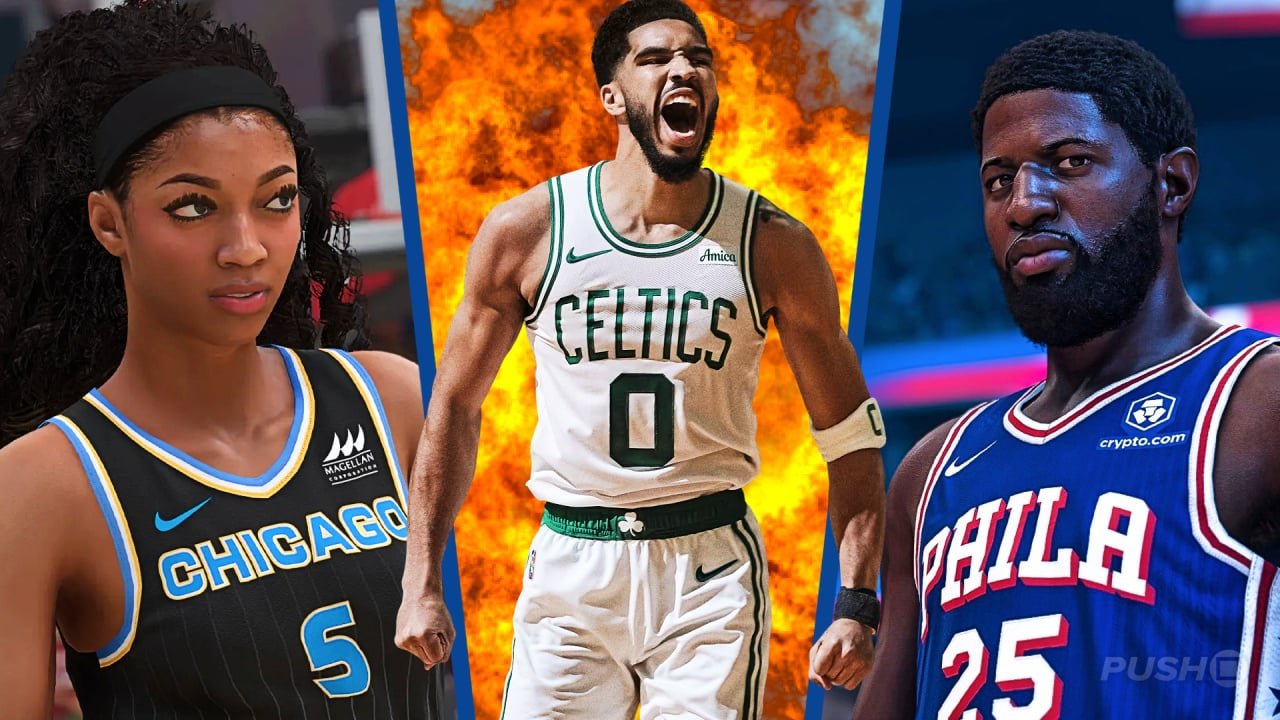
To play NBA 2K25 local multiplayer, simply connect your controllers, navigate to the “Play Now” menu, select “Local,” and choose your teams.
Getting ready for some couch co-op action? NBA 2K25 offers great local multiplayer experiences that allow you and your friends to compete head to head. This NBA 2K25 local multiplayer guide will quickly show you how to set it up. Grab your controllers, it’s time to dunk on your friends. This guide will be quick and easy to follow.

NBA 2K25 Local Multiplayer Guide
Get ready to dive into the exciting world of NBA 2K25 with your friends, right from your own couch! Local multiplayer in NBA 2K25 offers fantastic ways to play together, whether you’re looking for a competitive showdown or a casual gaming session. This guide will walk you through everything you need to know to get started and make the most of your local multiplayer experience.
Setting Up Your Local Multiplayer Game
Before you can jump into the action, you need to set up your local multiplayer game. It’s super easy, and we’ll break it down step by step.
Getting Started
First, make sure you have enough controllers. NBA 2K25 allows up to four players on a single console, so grab those controllers and get everyone ready. Here’s how you can begin:
- Turn on your console and NBA 2K25: Load up the game on your PlayStation, Xbox, or PC.
- Go to the main menu: Navigate to the main menu where you see all the game modes.
- Find the “Play Now” option: Look for the “Play Now” option, which is usually the first one you see.
- Choose “Local Multiplayer” or “Quick Game”: Instead of selecting a single-player mode, you’ll want to go for the mode designed for multiple players. Usually, this is labeled “Local Multiplayer” or “Quick Game”. Sometimes, you might find the option under “Play Now” like mentioned before, just look at the options under Play now.
- Add your controllers: At this point, the game will tell you to press a button on each controller to join. Each controller that is signed in will represent a player in your game. Make sure that each person have their controllers linked to the game and assigned to a slot.
Now that everyone is in, it’s time to select your team.
Team Selection and Customization
Once everyone has joined, the game will bring you to a screen where you select your teams. This is where the real fun begins! You can choose from:
- Real NBA Teams: Play as your favorite teams with their real-life rosters. Do you want to play as the Lakers? Go for it!
- Classic Teams: Take a trip down memory lane and play with legendary teams from the past. Recreate the old magic!
- All-Star Teams: Get the best players from each conference all on one super-team. What if all the star players played together? You can see for yourself.
- Custom Teams: Sometimes you can also create and use your own custom teams. This can be fun if you want to make something really different.
Each player will select the team they want to control. If a player wants to play with different team during next time, the setting can be changed every time.
Game Settings
Before starting the match, take a moment to look at the game settings. This is where you can customize the game to your preferences. You can adjust settings like:
- Quarter Length: Decide how long each quarter will be. Short quarters are good for a quick game, while longer ones make the match feel more realistic.
- Difficulty Level: Choose how hard the game will be, from easy to super challenging. Try a variety of difficulties to see which one is best for you.
- Game Speed: Make the game play faster or slower. Choose a setting that suits your style.
- Gameplay Rules: You can customize how many timeouts per game or fouls happen. Try some different things and find which way you want to play.
Exploring the Different Game Modes
NBA 2K25 has several local multiplayer game modes that you can play. Each one offers a different style of gameplay.
Quick Game (Play Now)
This is the simplest and fastest way to jump into a game. You select your teams, choose your settings, and go. It’s perfect for when you just want to play some basketball without any fuss.
- Fast and Easy: Set up and play in just a few minutes.
- Great for Beginners: Perfect for people who are just starting to play.
- Casual Fun: Just want to relax and play some game of basketball.
Blacktop
Blacktop mode takes the game to the streets. Here you can play street basketball with fewer rules, more freedom, and a grittier feel. It’s a fun change of pace from the standard NBA game.
- Street Style: A more relaxed and creative style of basketball.
- No Formal Rules: Fewer fouls and more room for crazy moves.
- Various Match Options: Play 1-on-1, 2-on-2, 3-on-3, 4-on-4, or 5-on-5 games.
Blacktop games are great for practicing fancy moves and just having fun.
Team Up
In Team Up mode, each player controls one player on the same team instead of controlling an entire team on your own. This is a great way to play when you want to work together with your friends instead of playing against them.
- Cooperative Play: Focus on teamwork and making good plays together.
- Each Player Manages One Person: Make your strategy with each player controlling a player.
- Different Strategies: Work together to find the right ways to win.
Team Up is ideal when you want a more cooperative play experience.
Tips for Better Local Multiplayer Games
Here are some things to help you and your friends have the best possible time playing NBA 2K25 together.
Communication is Key
If you’re playing with your friends, talking about the game is important. Let them know when you’re passing the ball, when you’re making a screen, or when you’re going for a steal. Communication can really help you win and have more fun.
- Coordinate Your Plays: Talk about your strategies.
- Call Out Open Players: Let each other know who has an open shot.
- Share Information: Share information like who is guarding who.
Practice Your Skills
The more you play, the better you’ll get. Spend some time in the practice mode to learn new moves and improve your skills. This can really help in local multiplayer games. Each person can learn different moves, so they each have their own specialty during local games.
- Learn Controls: Get used to the buttons and how to perform moves.
- Practice Shooting: Work on your shooting accuracy.
- Try Different Moves: Learn how to dribble, pass, and perform special moves.
Mix Up Your Teams
Don’t always play with the same team. Trying different teams will help you see how other players play, and it can be more fun, too. Trying new teams each game makes the game stay fun and interesting.
- Play as Underdog Teams: Pick teams that aren’t usually chosen.
- Try Different Playing Styles: Try teams that focus on offense or defense.
- Learn the Strengths of Each Team: Discover each teams strengths and weaknesses.
Be a Good Sport
Remember that it’s just a game. Whether you win or lose, be a good sport. Don’t get too upset if you’re losing, and don’t brag too much when you’re winning. Focus on having a good time with your friends. Friendly competition is fun, so don’t make it feel like a serious thing.
- Congratulate Your Opponents: Give compliments when they play well.
- Have Fun: The most important thing is to enjoy playing with your friends.
- Don’t Get Too Competitive: Try to enjoy it no matter the score.
Experiment with Settings
Try different game settings to find what works best for your group. Adjust the difficulty level, quarter length, and other settings to make the game more enjoyable for everyone.
- Find the Right Difficulty: Try different difficult settings until you find one that works for your group.
- Adjust Quarter Length: Try shorter quarters when time is limited and longer when you have plenty of time.
- Change Rules: You can make the rules for fouls more relaxed or harder.
Troubleshooting Common Issues
Sometimes, you might run into some issues when trying to play local multiplayer. Here are a few common problems and how to fix them:
Controller Not Connecting
If a controller doesn’t connect, try this:
- Check Controller Batteries: Make sure the controller is charged or has fresh batteries.
- Reconnect Controller: Turn the controller off and back on, and try to connect it to the game again.
- Sync Controller Again: Follow your console’s instructions to sync or pair the controller again.
- Restart Game: Sometimes, restarting the game can help the controllers connect.
Game Freezes or Lags
If the game freezes or lags, try this:
- Close Other Applications: Make sure no other apps are running on your console.
- Restart Your Console: Turning off your console and back on can clear up issues.
- Make sure the game is updated: Ensure that your game is updated to the latest version.
Players Aren’t Assigned Correctly
If the players aren’t assigned to the right team, try this:
- Check the controller assignments: Be sure each controller is assigned to the right player.
- Make sure each player goes to the correct controller slot: Verify that when joining, each player selected the right slot.
- Start Again: Sometimes, you just need to go back to the main menu and start again to fix this issue.
With these tips and tricks, you will now be an expert at local multiplayer on NBA 2K25, and you and your friends can have many hours of fun. Now go grab your friends and play some games of basketball!
Local multiplayer on NBA 2K25 is a great way to have fun with friends, whether you are playing quick games, street basketball, or team up games. Remember to use good communication, and practice your skills, and you are sure to have a great time.
NBA 2K25: How to Play Couch Co-Op Game
Final Thoughts
Playing NBA 2K25 with friends locally offers fantastic fun. This guide showed you how to easily set up matches using your console or PC. Gather your team, choose game modes, and get ready for competitive play.
The core of enjoying NBA 2K25 local multiplayer involves simple setup and ready to go matches. Remember these tips for optimal performance, and enjoy the gameplay with your buddies. This NBA 2K25 local multiplayer guide will certainly improve your group fun.

