
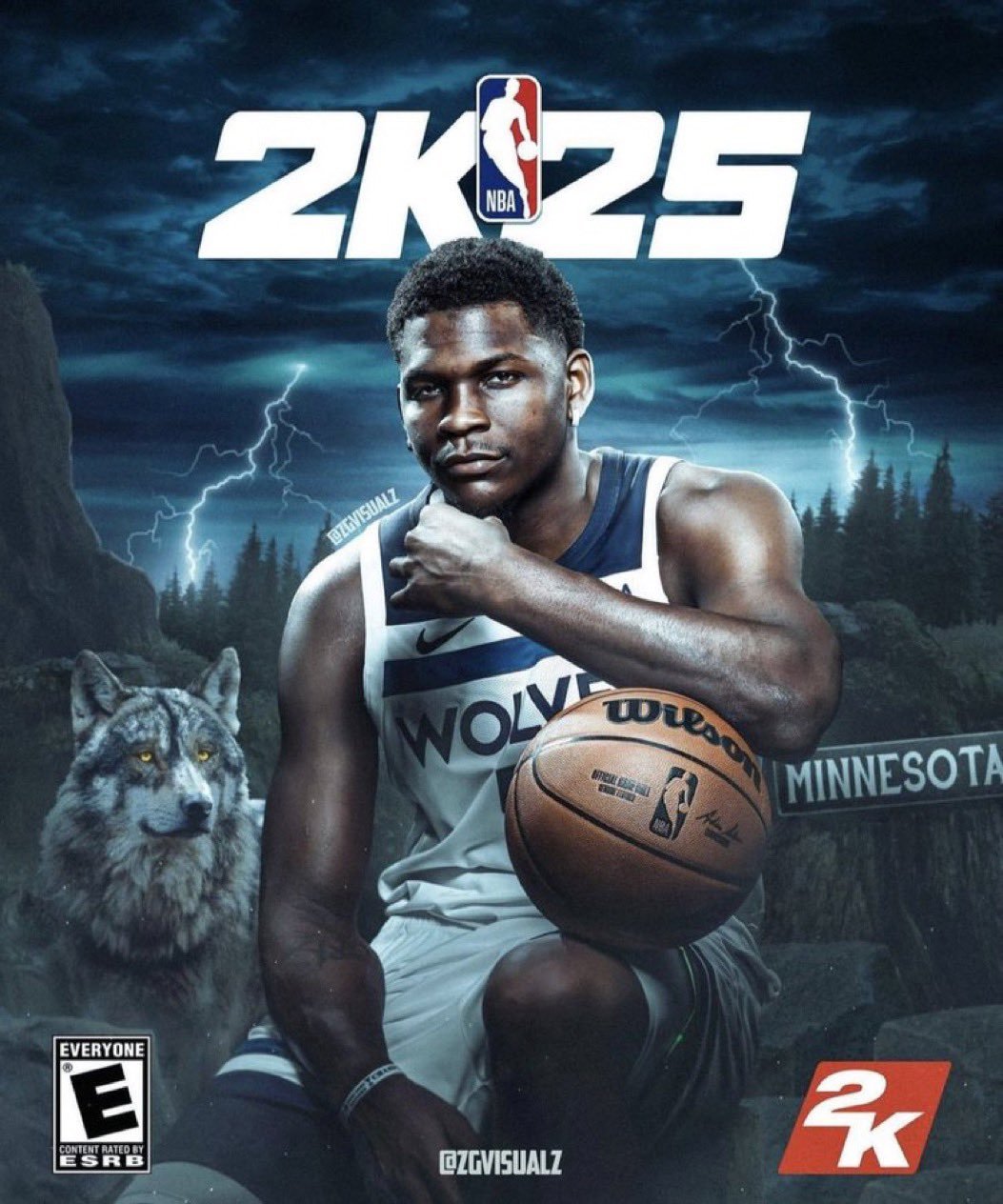
The NBA 2K25 replay system allows players to watch, save, and share game highlights from various camera angles, providing a great way to analyze gameplay or show off incredible moments.
Have you ever pulled off an insane crossover or buzzer-beater in NBA 2K25 and wished you could relive it again and again? The game’s replay feature is there for you. It lets you capture and share your most memorable on-court moments with ease. The NBA 2K25 replay system gives players full control over viewing angles and playback speeds.
This feature isn’t just for bragging rights. It also aids in understanding your strategies and areas for improvement. You can rewatch your plays, scrutinize your moves and learn from your mistakes. Ultimately, the replay system enhances the gaming experience, turning exciting moments into lasting memories.

NBA 2K25 Replay System: A Deep Dive
The replay system in sports games, especially in a title as detailed as NBA 2K25, is a crucial element for both casual players and hardcore fans. It’s not just about watching a cool dunk again; it’s about understanding the game, learning from mistakes, and creating awesome content. Let’s explore everything that makes the NBA 2K25 replay system tick.
Why Replays Matter
Replays aren’t just for showing off highlight reel moments. They are a valuable tool for improving your game and enjoying it in new ways. Here’s why they are so important:
- Learning from your mistakes: You can see where you went wrong on a play, whether it was a bad pass, a missed defensive assignment, or a poor shot selection.
- Analyzing your opponent’s tactics: You can watch how your opponent moved the ball, set screens, and got open shots. This helps you learn their strategies and how to counter them.
- Creating content: Whether you want to make a YouTube video, a cool montage for social media, or just show your friend that awesome buzzer-beater you hit, replays are the tool for the job.
- Reliving epic moments: Sometimes you just want to go back and watch a clutch shot, a big block, or a crazy crossover again and again. Replays let you do that.
Basic Replay Controls
Before you can really get into the cool stuff, you need to know the basics. Here’s a look at the standard controls you’ll typically use in NBA 2K25:
Navigating Through the Replay
- Fast Forward/Rewind: Usually, you’ll use the triggers (R2/RT and L2/LT on PlayStation and Xbox, respectively) or the bumper buttons to fast forward or rewind the replay quickly. This helps you skip past the less interesting parts of the action.
- Play/Pause: You’ll use the ‘X’ (PlayStation) or ‘A’ (Xbox) button to pause and resume the action, allowing you to study specific moments in detail.
- Frame by Frame: You can move through the replay frame by frame, usually with the directional buttons or the left stick, allowing you to carefully examine each movement.
- Starting point adjustment: Sometimes you don’t want to watch the whole play, so you should be able to skip to the start or end of that clip. Usually, this is through designated buttons.
Camera Control
- Camera rotation: Using the right analog stick, you can rotate around the court for different perspectives.
- Zoom in/out: Using different buttons or the right analog stick, you can get closer to the action or get a wider view.
- Predefined Camera Angles: The game will also have some camera angle options where you don’t have to manually adjust, like the broadcast view or a close-up of the ball.
Advanced Replay Features
Now that we’ve covered the basics, let’s look at the more advanced stuff. These features let you really dig into the game and view it in many creative ways.
Multiple Camera Angles
NBA 2K25 offers many camera angles beyond the standard broadcast view. These offer different perspectives and allow for a more cinematic experience. Here are some common ones:
- Broadcast Cam: This is the standard camera view you see during a normal game. It gives a good overview of the whole court.
- Player Lock Cam: This camera follows a single player, giving a unique up close and personal experience. It’s great for seeing how the player moves and their specific actions.
- Free Cam: This allows you to move the camera wherever you want in the arena. This is great for capturing cool angles and creating custom videos.
- Ball Cam: As the name suggests, this view keeps the focus on the ball. It’s especially good for watching ball movement and seeing who’s involved in the play.
- Action Cam: This camera moves dynamically with the action, zooming in on exciting parts of the play like dunks, blocks, and crossovers.
Visual Editing Options
NBA 2K25 isn’t just about viewing the replay; it also offers editing options that allow you to make creative videos. You can usually find features like:
- Slow motion: Slow down the action to see the details or add dramatic effect.
- Speed control: You can speed up parts of the video to make it more engaging.
- Filters: You might be able to add filters to the video to change the look and feel. This can add a cinematic touch to the clip.
- Text overlays: The feature to add text to replays to include things like scores, player names, or captions.
Sharing and Saving Replays
Once you’ve made that perfect replay, you’ll want to share it. The game will most likely provide a way to save clips to your console’s storage or share them directly to social media or the game’s own community hubs. This way you can let others see your best moments.
Replay Customization
While the core replay features are usually consistent, NBA 2K games often allow you to tweak some settings to personalize your experience. This can include:
- Camera sensitivity: Adjust how fast the camera rotates and zooms.
- Overlay settings: Turn on or off things like scoreboards or player indicators during the replay.
- Replay Length: You may have the option to set the length of auto-saved replays, which can be helpful for managing storage space.
Using the Replay System for Improvement
Beyond cool highlights, replays are great for getting better at the game. Here’s how you can use them to improve:
Analyzing Offense
- Identifying your mistakes: Watch your possessions and see what decisions you made that could have been better. Did you take a bad shot? Did you try to force a pass that wasn’t there?
- Improving your shot selection: Check if you are taking the best shots or just forcing it when someone is heavily defended.
- Seeing how your teammates move: Watch how your teammates move on the court so you can better understand where to pass the ball. Are they making cuts to the basket, or setting screens effectively?
Analyzing Defense
- Understanding your defensive lapses: Watch replays to see where you got beat on defense. Did you lose your man? Did you get caught out of position?
- Identifying gaps in your defense: Spot where your opponent found an open lane to the basket or an open shot.
- Learning your opponent’s habits: You can also learn what type of offensive game style your opponent is using, such as driving to the basket, shooting 3 pointers, or playing post.
Specific Scenarios
- Clutch moments: Replays are great for seeing what happened during key situations of the game. Watch how you reacted under pressure and figure out how you can do better next time.
- Fast Break Situations: Look at replays to see if you executed the fast break well, if you were fast enough, and if you passed the ball effectively
- Pick and Roll plays: Replays can help you analyze your pick and roll actions, making sure you are setting the screen effectively, and how the opponent defends against it.
Potential Improvements in NBA 2K25 Replay System
While the replay systems in NBA 2K games are good, there’s always room for improvement. Here are some things that could make the NBA 2K25 replay system even better:
- More advanced editing tools: More detailed and precise controls for editing would allow for the creation of even more professional-looking videos.
- More camera angles and camera presets: More creative options for filming, beyond just the standard court and player-following ones.
- Integration with AI tools: AI might identify key moments and help you analyze your gameplay even more effectively. Imagine AI suggesting better strategies based on your replays.
- Better sharing options: It would be great if the process of sharing videos to social media platforms or other places were more integrated and easier to use.
- Real-time Feedback Options In the future, the replay system could also have the ability to give feedback, real-time, suggesting better moves or strategies, while a user watches the replay.
Replay System and Community
Replays do more than just show off cool moments. They really help bring people together. Community groups online often share videos to provide educational content, share tips, or engage in friendly competitions. The replay system really plays a big role in growing the online NBA 2K community.
The replay system in NBA 2K25 is a powerful tool that players of all skill levels can benefit from. It’s not just about watching cool dunks. It’s about learning, creating, and enjoying the game. Whether you are trying to climb the ranks in competitive play or just want to relive some awesome moments with your friends, the replay system will have something for you.
This deep dive into the NBA 2K25 replay system demonstrates its importance to the game. It’s a valuable tool for both personal growth and community engagement, and its continued improvements will be greatly beneficial for players everywhere.
NBA 2K25: How to Turn On/Off Action Replays
Final Thoughts
Ultimately, the improved replay system in NBA 2K25 offers fans greater control. You can now view crucial plays from various angles. This level of detail enhances the viewing experience.
The NBA 2K25 replay system provides a useful tool for analyzing gameplay. Players can easily revisit exciting or disappointing moments. This helps in learning and improving strategy for the game.

