
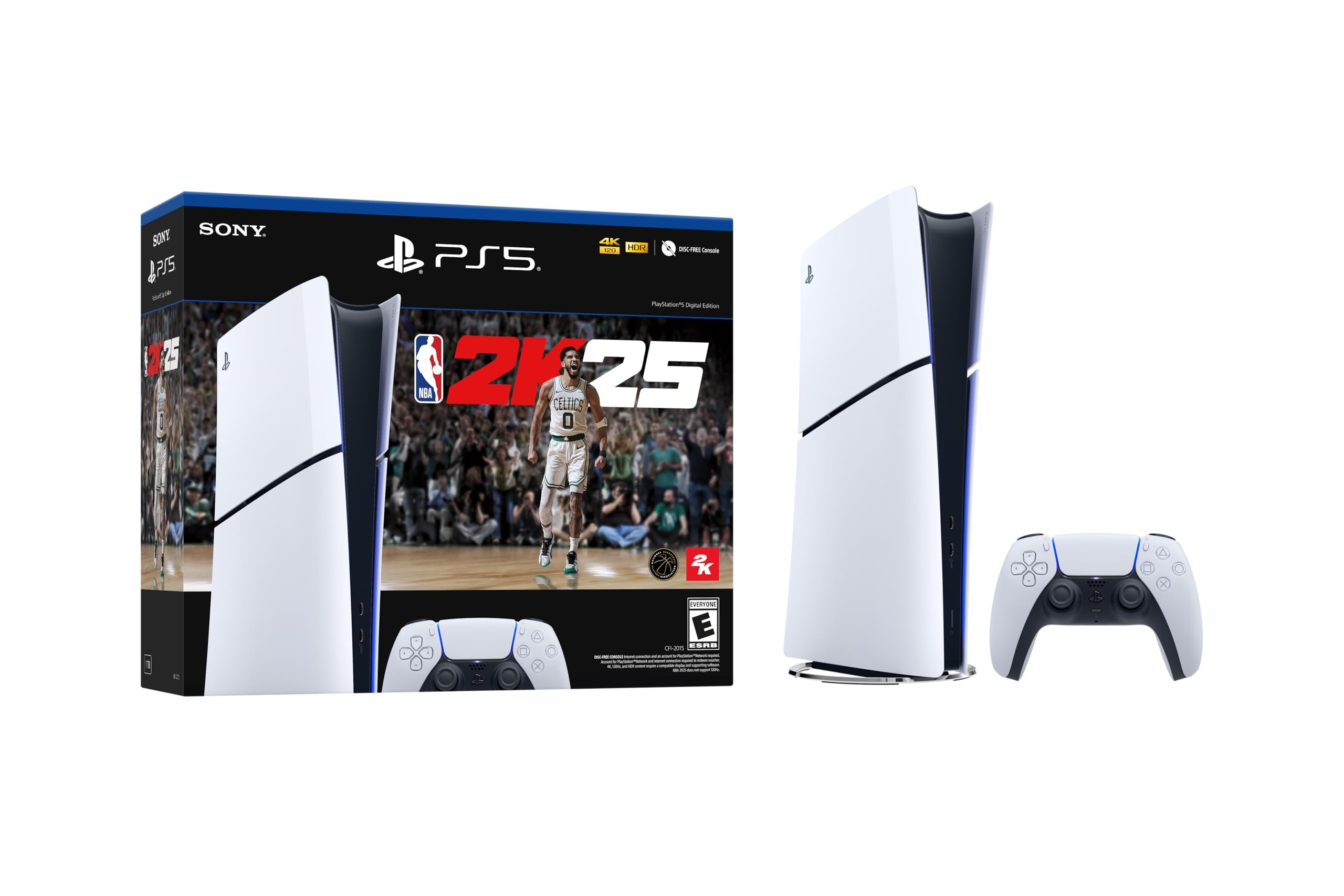
NBA 2K25 technical support addresses game issues like crashes, glitches, or installation problems through their website, forums, or customer service channels.
Experiencing hiccups with your game? It happens. Nobody wants a buzzer-beater moment ruined by a freeze or a bug. That’s where NBA 2K25 technical support steps in.
This guide will help you navigate through the options for fixing those frustrating problems. Get back to dominating the court in no time.

NBA 2K25 Technical Support
So, you’re excited to play NBA 2K25, right? Awesome! It’s a fantastic game, but sometimes, things don’t go exactly as planned. That’s where technical support comes in. Think of it like having a helpful coach when your game hits a snag. This section will guide you through the most common problems players face and how to find the solutions you need, so you can get back to dunking on your friends in no time.
Common NBA 2K25 Issues and Troubleshooting
Let’s face it, even the best games can have hiccups. It’s super important to recognize the common issues that might pop up. Knowing what to look for is half the battle won. Here are some problems players often encounter with NBA 2K games, and what you can try to fix them.
Game Crashing or Freezing
Imagine you’re in the middle of a crucial game, and suddenly, the screen freezes, or the game just shuts down. Super frustrating, isn’t it? This is what we call a game crash or freeze. There are a few reasons why this might happen.
- System Requirements: First, you need to make sure your computer or console can actually handle the game. If your system isn’t strong enough, the game might struggle and crash. Check the minimum and recommended system requirements on the game’s packaging or website.
- Outdated Drivers: Your graphics card uses special software called drivers. If these are old, they can cause problems. Updating your drivers to the latest version is always a good idea.
- Overheating: Sometimes your system might be getting too hot. Make sure your computer or console has proper ventilation. Avoid running it for too long in enclosed spaces.
- Game File Issues: Sometimes, the game files can get corrupted. Verifying the game files through the platform you purchased it on (Steam, PlayStation Store, Xbox Store) can help.
Lag and Performance Issues
Ever try to make a pass, and it takes a second too long? Or your game seems to be moving in slow motion? That’s lag. Lag can spoil the fun. Here are a few common causes and fixes:
- Internet Connection: If you are playing online, a slow or unstable internet connection can cause lag. Try restarting your modem and router. Also, try playing with a wired (ethernet) connection instead of Wi-Fi.
- Graphics Settings: If your game settings are too high for your computer, it can lead to lag. Try lowering the graphics settings (resolution, textures, shadows).
- Background Programs: Programs running in the background can steal resources and make the game run slower. Close any unnecessary programs while playing the game.
Controller and Input Problems
Sometimes your controller might not respond correctly, or the game isn’t picking up your commands. This can also happen with your keyboard. Here is how you can try fixing these types of input issues:
- Controller Connections: Make sure your controller is properly connected to your system. If it’s a wireless controller, check if it’s charged. Sometimes, reconnecting it might help.
- Driver Issues: Similar to graphics drivers, controller drivers may need to be updated.
- Key Mapping Errors: Check your game settings to ensure that the keyboard and controller buttons are set up correctly. Maybe a button was accidentally re-mapped.
Audio Issues
Can’t hear the game sounds or commentary? That is a common problem with games. Here are things you can try:
- Volume Check: Start with the basics. Make sure your volume is turned up on your computer/console and in the game itself.
- Audio Devices: Double-check that the correct audio output device (speakers or headphones) is selected in your game settings.
- Driver Issues: Like other hardware, your sound card drivers should be updated to the latest version.
How to Contact NBA 2K Support
Okay, so you’ve tried some fixes and still need help? Don’t worry! The NBA 2K team has a support system in place to assist you. Here’s how you can reach out to them:
Official Support Website
The NBA 2K support website is your first stop for help. It’s usually packed with articles about all sorts of common problems and solutions. Here is where to find it:
- Go to the NBA 2K Website: Start by going to the official NBA 2K website.
- Find the Support Section: Look for a “Support,” “Help,” or “Contact” link. This is often at the bottom or top of the page.
- Search the Knowledge Base: Once you find it, you’ll see a place to search for answers. Start by entering your problem to see if a solution already exists.
Submitting a Support Ticket
If you can’t find what you need in the knowledge base, you can submit a support ticket. It’s like sending an email to the support team about your specific issue. Here’s how it works:
- Log In or Create an Account: You’ll likely need to create a support account.
- Fill in the Form: You’ll find a form where you can describe your problem in detail. Make sure to add the game’s version, your platform (PC, Xbox, Playstation), and the type of error you are experiencing.
- Attach Files If Needed: Sometimes, attaching screenshots or a video of the error can help the support team understand your problem faster.
- Wait for a Response: After sending the ticket, you’ll receive a response from the support team, often through the email you used to create the account. Be patient; it might take a little while for them to get back to you, especially during busy times.
Social Media Channels
NBA 2K also uses social media to communicate with players. It is worth checking out, and you can even ask for help, this is not the best option, but they do reply to some gamers. Here’s how to use it:
- Follow Official Accounts: Look for NBA 2K’s official pages on platforms like Twitter, Facebook, and Instagram.
- Check for Announcements: Support teams will often post updates or known issues on social media.
- Reach Out (Use Caution): You could reach out to them publicly. While they try to help, social media is not always the quickest way to solve a problem, it might be better to use official support routes.
Tips for a Smoother NBA 2K25 Experience
Preventing problems is always better than fixing them, right? Here are some tips to help your NBA 2K25 experience be as smooth as possible:
Keep Your System Updated
It is important to keep your system and your game up to date. You should always update your drivers and your operating system when it recommends an update.
- Operating System: Make sure your Windows, PlayStation, or Xbox system software is the latest version.
- Game Updates: Always download the newest patches and game updates. These often include important bug fixes.
- Driver Updates: Regularly update your graphics and other device drivers. This is important to keep your game running in top shape.
Adjust In-Game Settings
The game lets you adjust various settings that can affect performance. It’s important to check those out so that your game doesn’t lag.
- Graphics Settings: If your game is running slowly, try reducing the graphics settings. Lower resolution and other graphics settings can improve game performance.
- Audio Settings: Set your audio to the best output. Ensure you have the right speakers or headphones selected, and make sure you don’t have other conflicting audio sources.
Maintain Your System
Taking care of your computer or console can improve overall performance.
- Clean Up Unused Files: Delete temporary files you don’t need any more.
- Close Unnecessary Programs: Shut down programs that are not in use before starting the game.
- Check for Overheating: Make sure your system has good ventilation to prevent overheating.
Common Error Codes and Their Meanings
Sometimes, when something goes wrong, the game will give you a specific error code. These codes can help narrow down the cause of the problem. Here’s how to understand these error messages:
- Note Down the Error Code: When an error message appears, note the exact code. This can be a combination of letters and numbers.
- Check the Support Website: Use the error code when searching on the official NBA 2K support website. There might be an article that has a solution.
- Read the Message: Often, the error message will have a description of what it means, and what you should do.
Community Forums and Help
Many NBA 2K players are willing to help each other. There are several forums and communities where gamers help solve problems, here’s where to find these groups:
- Reddit: Visit the dedicated NBA 2K subreddits. These are places where you can ask for help or check for advice.
- Official Forums: The NBA 2K website will have its own community forums where you can ask questions.
- Discord: There are many Discord servers for NBA 2K players. Look for them and ask for support there.
Dealing with technical problems can be annoying, but knowing what to expect and how to get help will make your NBA 2K25 experience much better. Remember to keep your system updated, know where to find support, and don’t be afraid to ask for help. That way you can go back to playing basketball and have fun.
How to Contact NBA 2K25 Support Team
Final Thoughts
In essence, resolving game glitches and ensuring a smooth user experience remains vital. Players should access official channels for help.
If facing difficulties, reliable resources for NBA 2K25 technical support are available. These resources include the 2K support website and social media channels.
Promptly reporting bugs helps the developers. They will work to fix issues. This will enhance gameplay for everyone. NBA 2K25 technical support aims for best possible experience.

