
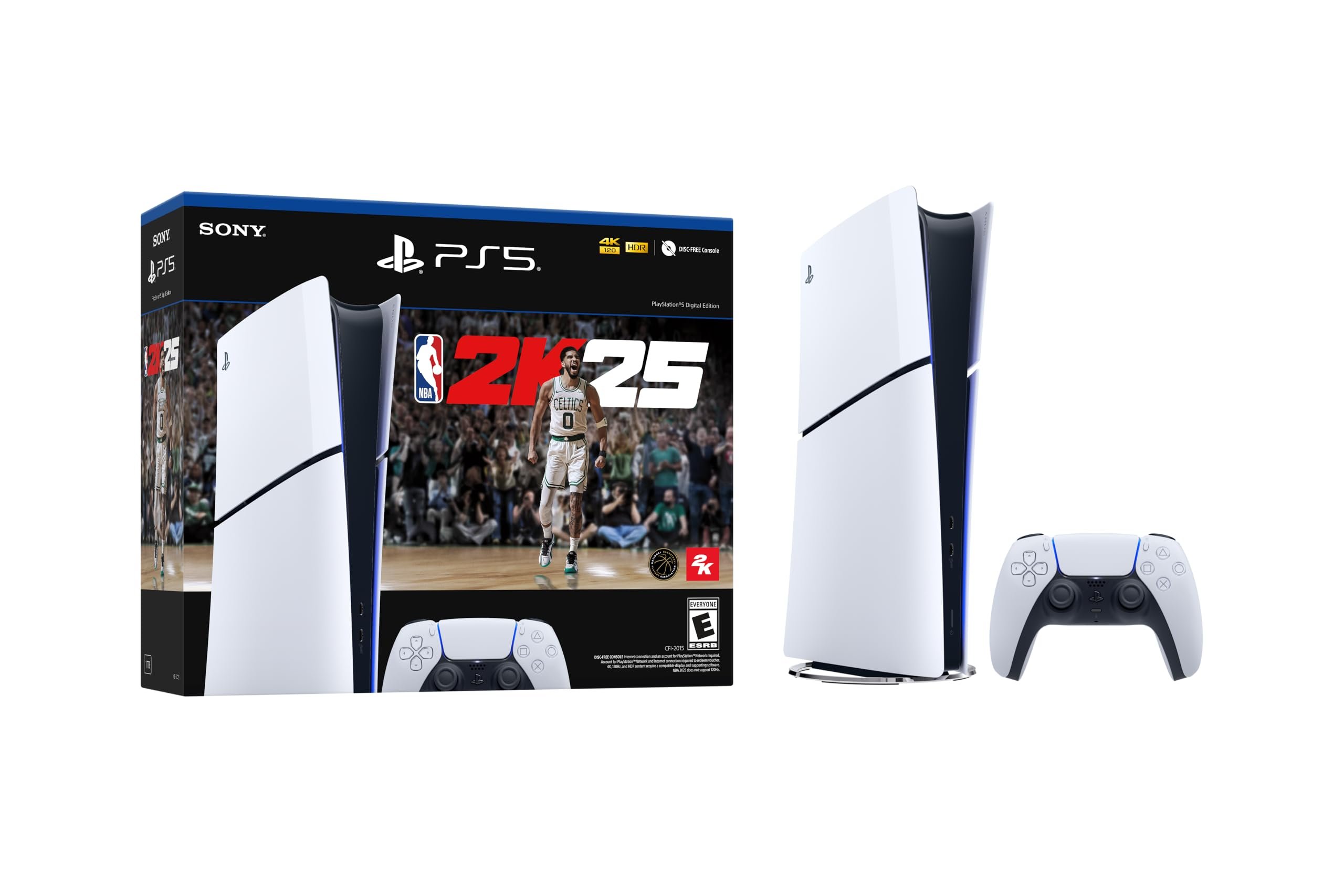
NBA 2K25 user support typically encompasses assistance with game glitches, account issues, and navigating game modes; it aims to provide solutions and help enhance the user experience.
Having trouble with that new crossover? Maybe your game keeps crashing before the final buzzer? Issues like these happen, and that’s where NBA 2K25 user support becomes important. The team is there to help you get back in the game. They address common problems and make sure your experience is smooth.
It’s frustrating when you can’t play, or when something isn’t working right. Knowing that there is help available can make it easier. This article explores where to find that assistance and what kind of problems they typically tackle.

NBA 2K25 User Support
Getting stuck in a game is no fun, especially when you’re trying to become a basketball legend in NBA 2K25! That’s why it’s super important to know how to get help when you need it. This guide will walk you through everything you need to know about NBA 2K25 user support, so you can get back to dunking and winning those championships. We’ll cover where to go for help, what kind of issues they can assist with, and how to get in touch with the support team. We will cover a lot of things, from basic troubleshooting to more advanced problems, this will be your ultimate guide to keeping your game smooth and enjoyable.
Common Issues and How to Solve Them
Sometimes, even with the coolest games, things can go a little sideways. Let’s talk about some common problems that players face in NBA 2K25 and how to fix them. We will cover simple solutions so you can get back in the game as soon as possible.
Game Crashing or Freezing
One of the most frustrating things is when your game crashes or freezes right in the middle of a crucial play. Here’s what you can do:
- Restart Your Device: This might seem basic, but it often works wonders. Turn off your console or PC completely, wait a few seconds, and then turn it back on.
- Check for Updates: Make sure your game and your console/PC have the latest updates. Developers often release patches to fix bugs that can cause crashes.
- Close Other Applications: If you have other programs running in the background, close them. These can sometimes use up too much power and make your game unstable.
- Clear Cache: For consoles, clearing the cache can sometimes resolve issues. Check your console’s settings for how to do this. On PC, you can clear temporary files.
- Check System Requirements: Ensure your computer meets the minimum specifications to play NBA 2K25. If your system is below these specifications, it can cause crashes and instability.
Connectivity Problems
Playing online is a big part of NBA 2K25. Here are some solutions if you’re having trouble connecting to the servers:
- Check Your Internet Connection: Make sure your Wi-Fi or ethernet connection is working correctly. Restart your router if needed.
- Check Server Status: Sometimes the NBA 2K25 servers are down for maintenance. You can check their social media or website to see if there are any known issues.
- Restart Your Game: Close the game completely and start it again. This can sometimes fix connection problems.
- Move Closer to Router: If using wifi, move closer to your router or modem to improve the signal strength.
- Try an Ethernet Cable: If you’re using WiFi, try using an ethernet cable to see if it improves the connection. Ethernet connections are generally more stable and faster than WiFi.
- Firewall/Antivirus Issues: Your firewall or antivirus may be blocking the game’s connection. Check your firewall settings to make sure NBA 2K25 is allowed access.
Visual and Audio Glitches
Seeing weird graphics or hearing strange sounds? Here’s how to troubleshoot visual and audio problems:
- Update Graphics Drivers: Make sure your graphics card drivers are up to date. Older drivers can cause issues with how the game looks. For PC, you will need to update your graphic drivers.
- Check Game Settings: In the game settings, try lowering the graphics settings. Sometimes, having the graphics too high can cause visual issues. Also, make sure the audio settings are correct.
- Restart Your Device: Sometimes, simply restarting your console or PC can fix these problems.
- Verify Game File Integrity: If you’re using a PC, you can use the platform that you used to download the game (such as Steam or Epic Games) to verify the integrity of the files. This will check if any of the game files are corrupted.
- Reinstall the Game: If all else fails, you may need to reinstall the game. This can fix corrupt data that may be causing the problem.
In-Game Bugs
Sometimes, you might encounter a bug that prevents you from progressing or enjoying the game. Here are some steps to take when you encounter a bug in NBA 2K25:
- Restart the Game: Sometimes simply closing the game and starting it up again will fix the issue.
- Check Online Forums: Look at online forums like the official NBA 2K forums or other gaming communities. Often other players have encountered the same issue, and they may have found a solution.
- Report the Bug: If you can’t find a solution online, report the bug to the support team. The more people report a bug, the sooner the developers can fix it.
- Look for Game Patches: The developers often release patches to fix bugs. Make sure to update your game whenever a patch is available.
- Try Different Game Modes: Sometimes a bug only affects a specific game mode. Try playing a different game mode to see if the bug is still present.
How to Contact NBA 2K25 Support
Okay, so you’ve tried everything, and you still need help? No problem! The NBA 2K25 support team is there to help you out. Here’s how you can get in touch with them.
Official Support Website
The first place to check is the official NBA 2K support website. This is usually the best place to find detailed articles about issues and troubleshooting tips. You can search for your specific issue, and you might find an easy solution. They have a big database of helpful articles. Here’s what you usually find there:
- Knowledge Base: Articles on common problems, how to play different modes, and other topics.
- Search Function: A way to search for specific problems and get relevant help.
- Contact Form: A place to submit a ticket if you don’t find your answer in the knowledge base.
Submitting a Support Ticket
If you can’t find an answer on the support website, you can submit a support ticket. Here’s how that usually works:
- Find the Contact Form: Go to the support website and find the contact form. It’s usually in the “Contact Us” or “Support” section.
- Describe Your Problem: Be as detailed as you can when you describe your issue. Tell them what happened, when it happened, and any error messages you got. The more info you give, the better they can help.
- Include Screenshots/Videos: If you have any screenshots or videos of the problem, attach them to the ticket. These are super helpful for the support team.
- Provide Your Account Information: Include your username, platform you are playing on, and other information. This helps the support team locate your account.
- Wait Patiently: The support team will get back to you as soon as they can. It can take a little time, so please be patient.
Social Media Support
Sometimes, you can also find help on social media. While it’s not the main way to get help, it can be a good way to get quick updates or answers to simple questions. Here’s what you need to know about using social media for support.
Official NBA 2K Social Media Channels
The official NBA 2K accounts on platforms like X (formerly Twitter), Facebook, and Instagram can be a good place to look for updates on server status or game patches. These platforms are also used to announce planned maintenance or service interruptions.
Community Forums and Groups
Join online communities and groups where players discuss NBA 2K25. You can often find solutions to common problems by asking other players. Here are some benefits:
- Quick Help from other Players: Other players may have encountered your issue before. They can offer helpful tips and quick fixes.
- Shared Knowledge: Many forums allow you to search for previous posts that address your issues. This is a great way to see if your question has already been answered.
- Community Discussions: Joining community forums helps you feel part of the game’s community. You can share your experiences and talk with other players.
- Game Updates: Community members will often post about new patches or game changes quickly.
Understanding Support Response Times
When you reach out for help, it’s good to know how long it might take to hear back. Here’s what you can expect:
Factors Affecting Response Time
Several things can influence how quickly you’ll get a response. Here are some of them:
- Ticket Volume: If many people are sending tickets at the same time, it might take a bit longer to get a response. Especially after a new patch or game release, they will have higher volumes of tickets.
- Type of Issue: Simple problems usually get resolved faster than complex ones. If your issue needs more investigation, it can take a little longer for a support agent to respond.
- Time of Week: Response times are generally quicker during business days than on weekends or holidays.
What to Expect
While response times can vary, here’s a general idea:
- Initial Response: You should typically get an automated response immediately after submitting a ticket confirming that they received it.
- First Human Response: For a human response from a support representative, it can take a few hours to a few days, depending on the factors listed above. It is important to be patient and wait until you get a response.
- Follow Up: If they need more information, they will ask. If the issue is still not resolved after the first response, support will continue working with you until the issue is fixed.
Advanced Troubleshooting Tips
Sometimes, basic troubleshooting isn’t enough. If you’re still having problems, here are some more advanced tips you can try.
Check Your Game Files
If you’re playing on PC, checking your game files is a good way to find if anything is broken. Here’s how:
- Steam: Go to your library, right-click on NBA 2K25, select “Properties”, and then “Local Files.” There, click “Verify Integrity of Game Files.” Steam will check all the game files for corruption.
- Epic Games Launcher: Click on the three dots next to NBA 2K25 in your library, and select “Verify.” The launcher will then check the files.
Test Your Hardware
Sometimes, the problem isn’t with the game, but with your hardware. Here are some things you can check:
- Graphics Card: Make sure your graphics card is working correctly and has the latest drivers. Older graphic cards or drivers may not function correctly with the game.
- RAM: Check that your computer’s RAM is working properly. You can run diagnostic tests.
- Hard Drive: Make sure you have enough space on your hard drive and that it’s working properly. Insufficient hard drive space can cause the game to perform poorly.
- Controller Issues: If you’re having trouble with your controller, make sure that it’s connected correctly and has enough battery charge. You can also try to connect with a different controller to see if the controller is the issue.
Reinstall the Game
If nothing else is working, try reinstalling the game. This can fix problems that are caused by damaged or corrupted game files. Here’s how to do it:
- Uninstall the Game: Go to the settings on your console or PC, find the game, and choose to uninstall it.
- Reinstall the Game: Once it’s uninstalled, install it again from your console’s game library or from the launcher that you downloaded it from.
- Update the Game: Make sure that the game is completely updated after you reinstall.
Remember that the NBA 2K25 support team is your best ally when things get complicated. They are there to assist you with technical issues, account problems, and bug reports. Using the tips in this article will help you solve common issues on your own. However, don’t hesitate to ask for assistance from the support team when necessary.
How to Contact NBA 2K25 Support Team
Final Thoughts
In summary, players anticipate improved game performance, fewer glitches and a smoother online experience in NBA 2K25. Effective and timely communication channels for issues will be vital to the player experience.
Improved feedback mechanisms would allow the community to quickly report bugs and other technical issues. Faster response times from support teams can greatly improve satisfaction. This all emphasizes the importance of strong NBA 2K25 user support.

