
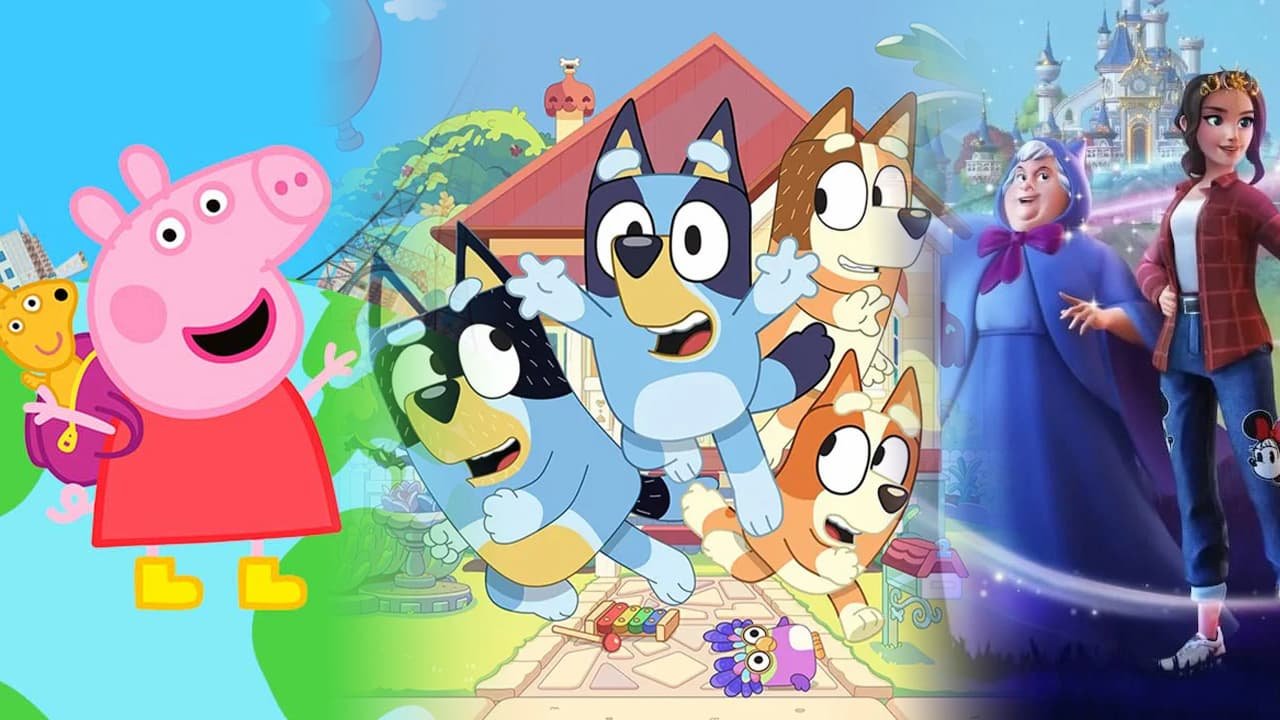
Unfortunately, the PS5 doesn’t currently offer many games specifically designed for 4 year olds. Focus on PS4 titles compatible with the PS5, or consider age-appropriate games on other platforms.
Thinking about getting your little one into gaming? A PS5 might seem exciting, but are there really many ps5 games for 4 year olds?
The truth is, direct options are quite limited. The PS5 is geared toward older audiences. You’ll find yourself exploring backwards compatibility with PS4 games to locate suitable titles.
It’s wise to explore other platforms or stick with PS4 games designed for younger players, ensuring an enjoyable and age-appropriate gaming experience for your child.

PS5 Games for 4 Year Olds
Finding age-appropriate games for a 4-year-old on the PS5 can be tricky. The console is generally geared towards older audiences. However, there are some gems that can provide fun and engaging experiences for younger players.
This article will guide you through the best PS5 games for 4-year-olds, focusing on accessibility, educational value, and sheer fun. We will highlight games that offer simple controls, bright visuals, and storylines that captivate young minds.
Understanding Age Appropriateness on the PS5
The Entertainment Software Ratings Board (ESRB) ratings are your friend. Look for games rated “E” for Everyone.
Consider the complexity of the game. A 4-year-old will struggle with intricate gameplay mechanics.
Choose games that focus on exploration, creativity, and problem-solving. Avoid games with violence or overly competitive elements.
Top PS5 Games for Young Children
Here are some highly recommended PS5 games that are suitable for 4-year-olds:
Paw Patrol The Movie: Adventure City Calls
This game is perfect for Paw Patrol fans. It offers simple missions and easy-to-understand gameplay.
The bright colors and familiar characters will immediately grab a child’s attention. It’s a great introduction to gaming on the PS5.
Race with Ryan Road Trip Deluxe Edition
Race with Ryan features simple racing mechanics. The controls are designed for younger players.
The colorful graphics and upbeat music create an engaging atmosphere. It encourages hand-eye coordination.
Sackboy: A Big Adventure
Sackboy offers a charming and accessible platforming experience. It’s visually stunning and features cooperative gameplay.
The game encourages teamwork and problem-solving. It is suitable for both solo play and playing with a parent or older sibling.
Crash Team Racing Nitro-Fueled
While technically a racing game, Crash Team Racing offers a “chill” adventure mode suitable for younger gamers with some assistance. The vibrant colours and cartoonish visuals are appealing.
Simple controls and a forgiving difficulty curve make it accessible. It allows for parent-child gaming fun.
Focusing on Key Features for 4 Year Olds
When choosing games, focus on these features:
Simple Controls: Games should use only a few buttons and be easy to navigate.
Engaging Storylines: Stories should be age-appropriate and easy to follow.
Bright and Colorful Graphics: Visually appealing games keep children engaged.
Cooperative Gameplay: Games that allow for parent-child interaction are ideal.
Why Cooperative Play is Important
Cooperative play offers numerous benefits for young children.
It encourages teamwork and communication. It fosters social skills and cooperation.
It provides opportunities for parents to bond with their children. It creates shared experiences and lasting memories.
Games with Educational Value
While fun is important, games can also offer educational benefits.
Learning Skills Through Play
Games can help children develop problem-solving skills. They can encourage creativity and imagination.
Games can also improve hand-eye coordination and fine motor skills. They promote spatial reasoning and critical thinking.
Specific Games for Learning
While not directly educational games, many titles incorporate learning elements. Sackboy, for example, requires spatial reasoning and planning.
Paw Patrol teaches cooperation and helping others. Crash Team Racing, while competitive, helps with reaction time.
Adjusting PS5 Settings for Young Players
The PS5 offers parental control features that can help you manage your child’s gaming experience.
You can set time limits for gameplay. You can restrict access to certain games and content.
You can also manage online interactions. This ensures a safe and age-appropriate environment.
How to Set Up Parental Controls
Access the settings menu on your PS5. Navigate to the “Family Management” section.
Create a child account and set age restrictions. Configure play time limits and content restrictions.
Review and adjust settings regularly to ensure they meet your child’s needs.
Exploring the PS Plus Game Library
Consider subscribing to PlayStation Plus. This service offers a rotating selection of free games.
You might discover hidden gems that are suitable for your 4-year-old. It’s a cost-effective way to try new games.
Remember to carefully review the ESRB ratings before allowing your child to play any new game.
Avoiding Games That Are Too Challenging
It’s important to avoid games that are too difficult or complex for a 4-year-old.
Frustration can lead to discouragement and disinterest. Choose games that offer a gentle learning curve.
Pay attention to your child’s reactions and adjust the difficulty settings if possible. If the game is still too challenging, consider putting it aside for later.
The Importance of Positive Reinforcement
Encourage and praise your child’s efforts, even if they don’t succeed immediately.
Focus on the process rather than the outcome. Celebrate small victories and milestones.
Create a positive and supportive gaming environment. This will foster a love of gaming and encourage continued learning.
Controller Customization Options
The PS5 DualSense controller can be customized to better suit young players.
You can adjust the button mapping. This can make it easier for small hands to reach certain buttons.
You can also reduce the vibration intensity. This can prevent overstimulation and discomfort.
Accessibility Settings on PS5
The PS5 has various accessibility features. Consider using them to enhance the gaming experience for your child.
Text-to-speech functionality can help with comprehension. Controller remapping allows for customized control schemes.
Colorblindness settings can improve visual clarity. Explore these options to find what works best for your child.
Beyond Video Games: Other Activities for Young Children
While video games can be a fun and educational activity, it’s important to balance screen time with other activities.
Encourage outdoor play and physical activity. Read books together and engage in creative activities.
Spend quality time with your child doing things they enjoy. This will foster a strong bond and promote healthy development.
Setting Healthy Screen Time Limits
Establish clear and consistent screen time limits. This will help prevent overstimulation and addiction.
Encourage breaks from screen time to engage in other activities. Create a balanced schedule that includes both digital and non-digital activities.
Lead by example and model healthy screen time habits yourself.
Considering Future Game Purchases
As your child grows, their gaming preferences will change. Stay informed about new releases and upcoming games.
Read reviews and watch gameplay videos before making a purchase. Consider your child’s interests and developmental stage.
Choose games that offer age-appropriate content and engaging gameplay experiences.
Online Safety for Young Gamers
Even with age-appropriate games, online safety is still crucial.
Disable voice chat and text communication features. Monitor your child’s online activity.
Teach your child about online safety and responsible online behavior. Report any inappropriate content or interactions.
Creating a Safe Gaming Environment
Keep the gaming area in a common space where you can easily monitor your child’s activity.
Educate your child about stranger danger and the importance of protecting their personal information.
Use parental control features to restrict access to inappropriate content and online interactions.
Dealing with Frustration and Tantrums
It’s normal for young children to experience frustration and tantrums while gaming.
Remain calm and patient. Offer encouragement and support.
Help your child identify the source of their frustration and find solutions.
Strategies for Managing Tantrums
Take a break from the game and engage in a calming activity. Talk to your child about their feelings and validate their emotions.
Teach your child coping strategies for managing frustration, such as deep breathing or counting to ten.
Avoid giving in to demands or rewarding tantrum behavior.
Expanding Their Gaming Horizons
As your child becomes more comfortable with gaming, you can gradually introduce them to new genres and games.
Start with simple and accessible titles. Gradually increase the complexity and difficulty.
Encourage exploration and experimentation. Let your child discover their own gaming preferences.
The Social Aspect of Gaming
Gaming can be a social activity for children. It allows them to connect with friends and family.
Encourage cooperative gameplay and shared gaming experiences. Facilitate positive social interactions.
Be mindful of the potential for online bullying and inappropriate behavior. Teach your child how to handle these situations.
PS5 Accessories for Young Children
Consider purchasing accessories that can enhance the gaming experience for your child.
Smaller controllers can be easier for small hands to hold. Protective cases can prevent damage to the console and controllers.
Headsets can provide immersive audio and facilitate communication with other players.
The Importance of Parental Involvement
Your involvement in your child’s gaming experience is crucial.
Play games with your child and provide guidance and support. Monitor their online activity and ensure their safety.
Use gaming as an opportunity to bond with your child and create shared memories.
Gaming as a Tool for Learning and Development
When used appropriately, video games can be a valuable tool for learning and development.
They can improve problem-solving skills, enhance creativity, and promote social interaction.
Choose games that offer age-appropriate content and engaging gameplay experiences. Set healthy screen time limits and monitor your child’s online activity.
Recap of Game Recommendations
To summarise, here are the top picks again:
Paw Patrol The Movie: Adventure City Calls: A great introduction to gaming for young Paw Patrol fans.
Race with Ryan Road Trip Deluxe Edition: Simple racing mechanics and colorful graphics.
Sackboy: A Big Adventure: Charming platformer with cooperative gameplay.
Crash Team Racing Nitro-Fueled: A kart racer with bright colours and appealing characters.
Remember to always check the ESRB rating before allowing your child to play a game. Have fun gaming with your little one!
TOP 20 Best PS5 Games for KIDS Ranked (2024)
Final Thoughts
Ultimately, selecting titles that are both engaging and age-appropriate is key. Look for simple controls and vibrant visuals. These elements will make the gaming experience enjoyable.
Games featuring cooperative play allow families to bond. Consider titles with minimal reading requirements. This ensures your child can navigate the game effectively.
Therefore, choose wisely and remember safety measures. These considerations guarantee a fun and positive introduction to gaming. The right choices open doors to hours of age-appropriate fun with ps5 games for 4 year olds. This is must for positive experience for your little ones.

