
Reshine launched on November 26, 2026. It costs $9.99, $7.99 with the 20% launch discount, on PC through Steam. It is a cozy restoration sim set in a quiet attic workshop.
This beginner guide is for new players starting their first restorations. It covers the launch facts, the price, the demo, the restoration loop, the tools, and the exact steps to take first.
Launch
November 26, 2026 on Steam
Price
$9.99, $7.99 with the launch discount
Platform
PC on Steam, Windows only
First Step
Try the free demo, then restore your first object slowly
Launch, price and platforms
Reshine launched on November 26, 2026, on PC through Steam. Quite OK Games develops and publishes the game, a tiny 3-person indie studio working on its second game.
| Fact | What the official sources say |
|---|---|
| Launch date | November 26, 2026 |
| Price | $9.99, $7.99 with the 20% launch discount, developer announced price |
| PC | Steam, Windows only |
| Consoles | Announced for PlayStation 5, Xbox Series X|S and Nintendo Switch, day-one console launch not confirmed |
| Developer and publisher | Quite OK Games, a tiny 3-person indie studio |
| Free demo | Live on Steam since October 19, 2026 |
| Minimum PC specs | Windows 10 64-bit, Quad Core processor, 4 GB RAM, DirectX 12 graphics, 7 GB storage |
| Genres | Casual, Indie, Simulation |
The $7.99 price is the launch discount price, 20% off the $9.99 list price. Both figures come from the developer’s own Steam announcements. The price had not unlocked on the store page when this guide was written, so confirm the price on the store page before you buy.
A free demo is live on Steam right now, so you can try the game before you buy it. It launched on October 19, 2026, for Steam Next Fest. You can find it through the free demo on Steam and play before you spend anything.
The demo earned more than 400 reviews at 97% positive. It ranked among the Top 50 Most Played Demos of Next Fest in October 2026, from more than 7,000 games. The game also passed 175,000 wishlists before launch.
The launch trailer shows PlayStation 5, Xbox Series X|S and Nintendo Switch logos. That means consoles are announced, but this guide does not promise a same-day console launch. Confirm the console date on the store page or the developer’s own channels before you plan around it.
A Supporter Pack is also announced. It adds the base game, a digital artbook of more than 50 pages in English only, three supporter cutting mat designs, and a digital soundtrack of 10 human-composed tracks by Kevin Kounine Colombin. No price was stated for the pack in the announcement, so this guide prints none.
A Quite OK Bundle pairs Reshine with Laysara: Summit Kingdom. That is the studio’s earlier game, and the bundle is for players who want both.
What kind of game is this
Reshine is a cozy restoration sim in an attic workshop. You take apart forgotten objects piece by piece, clean away dust, sand down rough edges, gently remove rust, pick colors, repaint, and put everything back together.
The game has no management, no customers, no skill trees, and no meta-progression. There are no deadlines and no pressure. You work at your own pace while rain falls outside the quiet attic.
Each object is a small journey through history. You discover how it fits together as you take it apart. Then you bring it back to life, one part at a time.
There is nothing to get wrong in this game. The controls are simple, the interface is minimal, and the gameplay is straightforward. You are free to unwind and enjoy the process.
A cat sits on the workbench while you work. It is a small warm touch in a quiet room. The attic feels lived in, not empty.
Completing all the restoration work takes around 8-10 hours. The base game also has 12 unique cutting mat designs. That is a calm evening game, not a long grind.
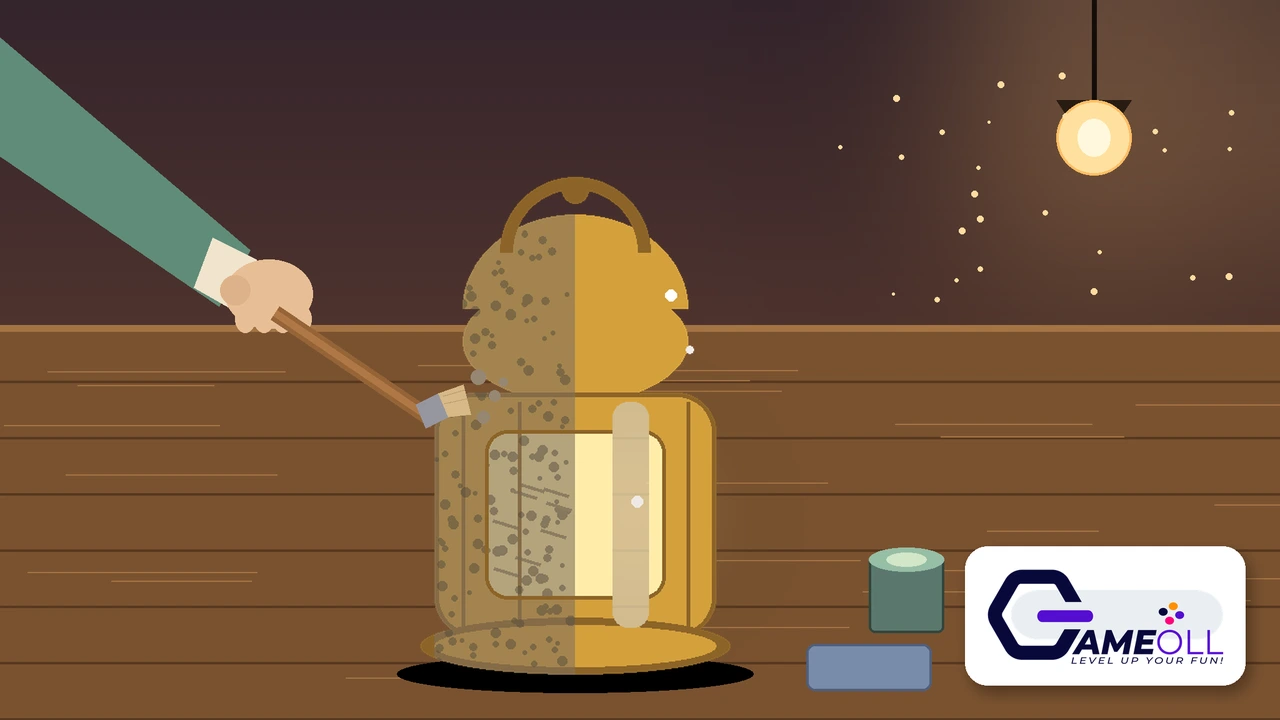
How a restoration works, step by step
Every restoration follows the same calm loop. Learn the loop once, and every object after the first feels familiar.
- Take the object apart piece by piece. Look at how each part fits, because you will put it all back together later.
- Clean away the dust from every part. Dust hides the real shape underneath, so clear it first.
- Sand down rough edges until each part feels smooth. Work slowly, and check each part as you go.
- Remove the rust gently with the right tool. Rust takes patience, and rushing it helps nothing.
- Pick colors that feel right and repaint each part. Then reassemble everything piece by piece.
- Compare the finished object with how it looked before. You can repeat any restoration as many times as you want.
Go in any order you want inside each stage. The game lets you follow your own rhythm, so there is no wrong order to worry about.
The before and after moment is the heart of the game. Watch years of grime disappear, then see the object look like its old self again, or maybe even better.
Tools: what each one does
Reshine gives you a variety of tools, and each one has one clear job. You do not need to learn them all at once. Learn one tool at a time, and the rest will follow.
- Cleaning tools clear away dust and grime. Use them first, so you can see what each part really looks like.
- Sanding tools smooth rough edges and old paint. Slow passes work better than fast ones.
- Rust removal tools take rust off metal gently. Take your time, and let the tool do the work.
- Paint tools let you pick colors and repaint each part. Choose colors that feel right to you.
You do not need a perfect tool order. Pick the tool that matches the problem in front of you, and switch when the problem changes.
The habit to build early is simple. Look at the part first, pick the tool that fits what you see, and finish that part before you move on.
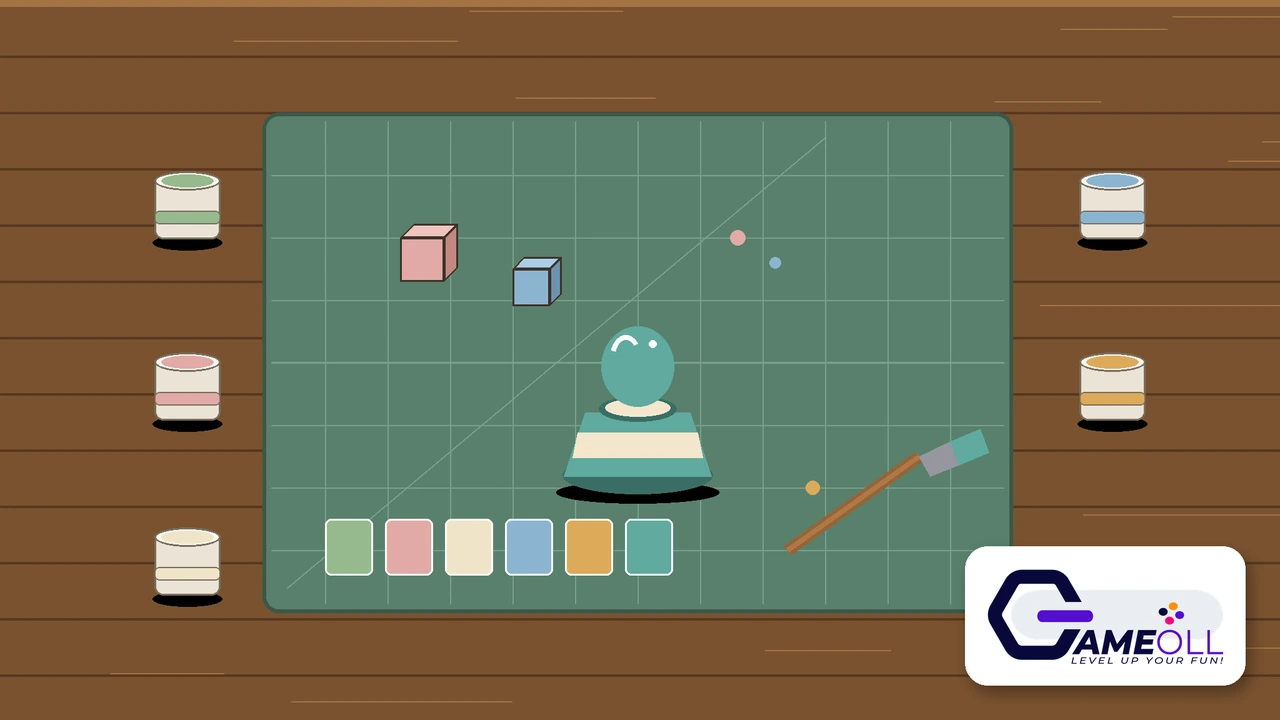
Your first restorations, in order
Do your first session in this order. Each step teaches you something the next step needs.
- Try the free demo first if you are unsure. It costs nothing, and it shows you the full restoration loop before you buy the game.
- Pick your first object and take it apart slowly. Look at each part as it comes off, so reassembly feels easy later.
- Clean one part fully before you move to the next. A finished part is a small win, and small wins keep the session calm.
- Repaint with colors you like, not colors you think are correct. There is no wrong colour here, so trust your own taste.
- Reassemble the object, then compare it with how it looked before. That before and after moment is the reward for the whole session.
By the end of your first session, you should know the loop, your favorite tool, and how reassembly feels. That is enough. The rest of the objects will still be there tomorrow.
You can repeat any restoration as many times as you want. Try new colors, or relive a session you enjoyed. The game never punishes a second try.
Seven first-session habits
- Try the free demo before you buy. It costs nothing, and it teaches you the loop before your first real restoration.
- Take objects apart slowly. One careful part at a time teaches you more than a fast strip-down.
- Clean one part fully before you start the next. A finished part keeps the workbench tidy and your head clear.
- Sand and remove rust gently. Slow work protects the part, and the game never rushes you.
- Pick colors that feel right to you. Your taste is the only rule that matters here.
- Compare the finished object with the before picture. That moment shows you how much changed.
- Repeat a restoration when you want to try new colors. There is no penalty for doing it again, so enjoy it.
Reshine questions
How much does Reshine cost?
It costs $9.99, $7.99 with the 20% launch discount. Both figures are the developer’s announced price, so confirm the price on the store page before you buy.
When did Reshine launch and where can I play it?
It launched on November 26, 2026, on PC through Steam. You can play it on Windows, and a free demo is live on Steam.
Is there a demo for Reshine?
Yes. A free demo has been live on Steam since October 19, 2026. It earned more than 400 reviews at 97% positive.
Is Reshine coming to consoles?
It is announced for PlayStation 5, Xbox Series X|S and Nintendo Switch. A same-day console launch is not confirmed, so check the developer’s own channels before you plan around it.
Final verdict
Reshine is a calm first-hours game: a quiet attic, objects with history, tools that each do one clear job, and a before and after moment that rewards every session. It launched on November 26, 2026, on PC through Steam for $9.99, $7.99 with the launch discount, from Quite OK Games. Try the free demo first, take your first object apart slowly, and enjoy the rain while you work.
📖 View Reshine on Steam 🎮 See All Free Games