
The application of Roblox design thinking in user experience prioritizes player needs, iterating on gameplay and interfaces to create more engaging and enjoyable experiences within the platform.
Have you ever wondered why some Roblox games feel so intuitive and fun while others don’t quite hit the mark? That’s where the power of Roblox design thinking in user experience comes into play. It’s all about understanding what players want and crafting experiences that meet their desires. This process, though often unseen by players, shapes every corner of the Roblox metaverse.

Roblox Design Thinking in User Experience
Let’s talk about making Roblox games, but not just any games – games that people love to play. It’s not just about throwing together some blocks and scripts. It’s about using “design thinking” to create a great user experience. What’s design thinking, you ask? Well, it’s like putting on your detective hat and figuring out what players really want. It’s about understanding them, testing out ideas, and making your game the best it can be for the people playing it. Think of it like baking a cake: you don’t just throw random ingredients together. You think about how it’s going to taste, look, and feel to someone eating it. Roblox game design is much the same way!
Understanding Your Players: Empathy is Key
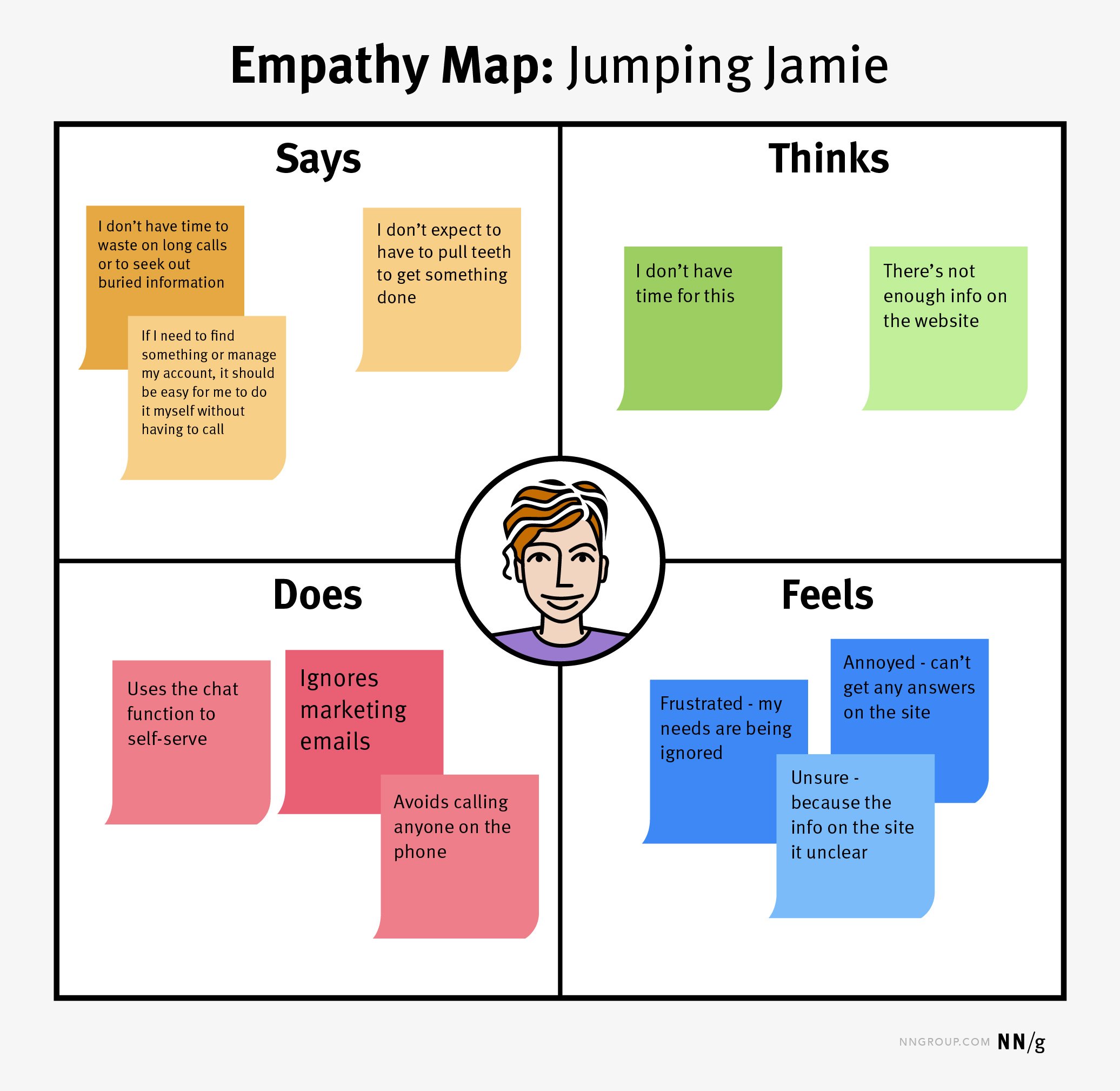
The first step in design thinking is all about empathy – trying to see the game through your players’ eyes. Imagine you are a player who has just opened your game for the first time. What do they think? What are they looking for? It’s not just about what you, as the creator, want; it’s about what your players want. This is where you become a super observer. Pay attention to how players behave in other games. What do they like? What frustrates them?
What Motivates Players?
Roblox players are a diverse bunch. Some like to build and create, others want to compete and win, while some enjoy socializing and role-playing. Knowing your target audience is super important. Here are a few things to consider:
- Builders: These players enjoy games where they can create, customize, and design their own worlds or characters.
- Competitors: These players enjoy challenges, leaderboards, and achieving victory over others.
- Socializers: These players enjoy interacting with others, making friends, and role-playing in virtual worlds.
Gathering Player Feedback
How do you really know what players think? By asking them! Here are a few ways to gather feedback:
- In-game surveys: Create simple surveys within your game to ask players about their experience.
- Discord or forums: Create a place where players can share their thoughts, ideas, and report any problems.
- Playtesting: Invite other players to test your game and watch how they interact with it. Don’t help them too much, just let them play and see where they struggle or succeed.
Defining the Problem: What Are You Trying to Solve?
Once you’ve spent some time observing players and gathering their feedback, you should have a good idea of the challenges players might face in your game. This is where we define the “problem” you are trying to solve. Is it too hard to understand the game’s controls? Is there not enough to do? Are players getting lost? Pinpointing the exact problems helps you focus on making specific improvements.
Turning Feedback into Actionable Problems
Let’s say, after observing players, you notice many people are having trouble figuring out how to collect resources. It’s not enough to just say “Players don’t know how to collect things.” Let’s break that down into something you can fix. For example:
- Problem 1: The tutorial doesn’t clearly explain how to collect resources.
- Problem 2: The resource spots aren’t obvious or easy to find.
- Problem 3: Once collected, it is not clear where the resources go.
Now you have three very specific problems to address, making your problem much more manageable. Instead of just saying “The game is confusing”, you have a roadmap for improving it.
Ideating: Coming Up With Creative Solutions
Now that you’ve got a good handle on what the problems are, it’s time for the fun part – brainstorming solutions. This is where you get to let your imagination run wild! Think about different ways you could solve each issue. Remember, no idea is a bad idea at this stage. Sometimes the most unusual ideas can lead to the most awesome game mechanics.
Brainstorming Techniques
Here are some easy and fun techniques to come up with creative solutions:
- “What if” questions: Ask questions like “What if players could see resource locations on a map?” or “What if the resource collection action was animated to give better feedback?”
- Visual thinking: Sketch out game screens, mock up menus, or create simple flowcharts. Sometimes seeing your ideas visually makes it easier to see flaws or sparks new ideas.
- Combine ideas: Take different ideas and combine them. What happens if you put the resource map idea with the animated action? Maybe the animated action can actually show where the collected resources are stored.
Focus on Simple and Clear Solutions
When coming up with ideas, remember to keep things simple and clear. Avoid over-complicating things, especially for new players. Think about how easy it is to learn. Can a new player easily understand what to do? If the solutions are clear, you’re on the right track!
Prototyping: Making Your Ideas Real
Once you’ve generated lots of ideas, it’s time to make some of them real. This is where you create a prototype – a simple, quick version of your idea to test it out. You don’t need to make a full game. Just a small part that focuses on the specific problem you’re trying to solve. For example, if you want to test a new resource collection mechanic, you might make a small area with resources and let players try it out. It’s like making a small, simple model of your idea so you can see if it works before making the whole thing.
Why Prototyping Is Important
Prototyping allows you to:
- Test your assumptions: Do your solutions actually make the game easier and more fun for players?
- Identify issues early: Catch bugs and design flaws early on, saving you time and effort later.
- Get player feedback: See how players interact with your prototype and gather more feedback.
Creating Quick Prototypes in Roblox
Roblox is a great place to prototype because it’s easy to create things quickly. Here are some tips for fast prototyping:
- Use basic shapes: Use simple blocks and parts to build your prototype areas. No need for fancy designs at this stage.
- Simple scripts: Write simple scripts to test basic game mechanics. Don’t worry about complex logic or polished animations.
- Focus on the essentials: Only create what you need to test your specific ideas. If you’re testing the resource collection, you only need that part, not the whole world.
Testing: Putting Your Prototypes to the Test
Now that you have your prototype ready, it’s time for testing. Put your prototype into the hands of players and see what happens. Watch them play, ask for their feedback, and take notes. Remember, you are still in detective mode – looking for anything that doesn’t quite work.
Different Types of Testing
There are a few ways to test your prototype:
- Usability testing: Watch how players interact with your prototype. Can they figure out the controls? Do they understand the objectives?
- Feedback sessions: Ask players direct questions about their experience. What did they like? What was confusing? What could be improved?
- A/B testing: Test different versions of your idea to see which one performs better. For example, test two different layouts for the resource gathering area and see which one players prefer.
Analyzing Test Results
After testing, look at your results. What went well? What could have been better? Be open to constructive feedback and use it to make your game better. Testing is not about proving that your idea is good; it’s about finding ways to make it even better. Look for patterns: Are many players struggling with the same part? This is a sign you have to work on something.
Iteration: Making It Even Better
The cycle of design thinking isn’t just a one-time thing. Once you’ve tested your prototype and made changes, it’s time to go back to the beginning. Re-evaluate your problem, try new ideas, prototype again, and test some more. This process of constant improvement is what makes good games great. The process involves continuous cycles of design, testing and refinement.
The Iterative Process
Think of design thinking as a circle. You go through the stages multiple times. Each time you complete a cycle, you learn more and get closer to your goal. It’s a continuous loop of improvement:
- Empathize: Understand your players.
- Define: State the specific problems you are solving.
- Ideate: Brainstorm potential solutions.
- Prototype: Build simple, testable versions.
- Test: Gather feedback from players.
Then the cycle repeats. Keep trying, keep learning, and keep improving.
Don’t Be Afraid to Change Things
Sometimes, you might realize that your initial ideas need big changes. That’s okay! Design thinking is about being flexible and adapting. If players aren’t having fun with a particular mechanic, it’s okay to remove it or replace it with something better. Be open to player feedback and listen to what they need. The games you make should be for the players, not for you alone.
Putting It All Together: Real Examples in Roblox
Let’s see how these principles can work in action. Consider a game where the first challenge is to learn how to build a house. Here’s how design thinking could influence that.
Example 1: Building Tutorials
- Empathize: You realize new players struggle with the building tools and materials.
- Define: The problem is that the tutorial is too complex and not engaging enough.
- Ideate: You come up with the idea of a character who guides players through the process and provides a simple template to follow, along with a clear display of which material to click.
- Prototype: You create a small testing area with the tutorial character and a simple building activity.
- Test: Players find the tutorial character helpful and the building instructions easier to follow.
- Iterate: Based on testing you add more visual hints and audio guides.
Example 2: Improving User Interface
- Empathize: Players complain about navigating the inventory screen, it feels too cluttered and difficult to find items.
- Define: The user interface for inventory is confusing and needs to be more user-friendly.
- Ideate: You decide to add categories for inventory, such as “tools,” “materials,” and “consumables,” using clear icons and bright color schemes.
- Prototype: You create a new inventory screen with these categories and icons.
- Test: Players report that the inventory screen is much easier to use, with some minor tweaks required for sizing on different screens.
- Iterate: Implement the sizing fix and test it again.
These examples show you how using the design thinking process can make even the small parts of a game that much more impactful.
By using design thinking, you’re not just creating games; you’re crafting meaningful and engaging experiences for players. It’s a cycle of understanding, creating, and improving. Remember to always keep your players in mind, and your games will become much better. Keep creating and have fun!
Exploring Roblox and Design Technology with Kyle Li
Final Thoughts
Ultimately, focusing on user empathy and iterative design remains key for successful experiences. The core principles of Roblox design thinking in user experience involve understanding player needs. This means observing how people interact with your creations.
Good design requires constant testing and adjustment. Developers should prioritize player feedback to improve and refine their experiences. By doing this, you make games more engaging.

