
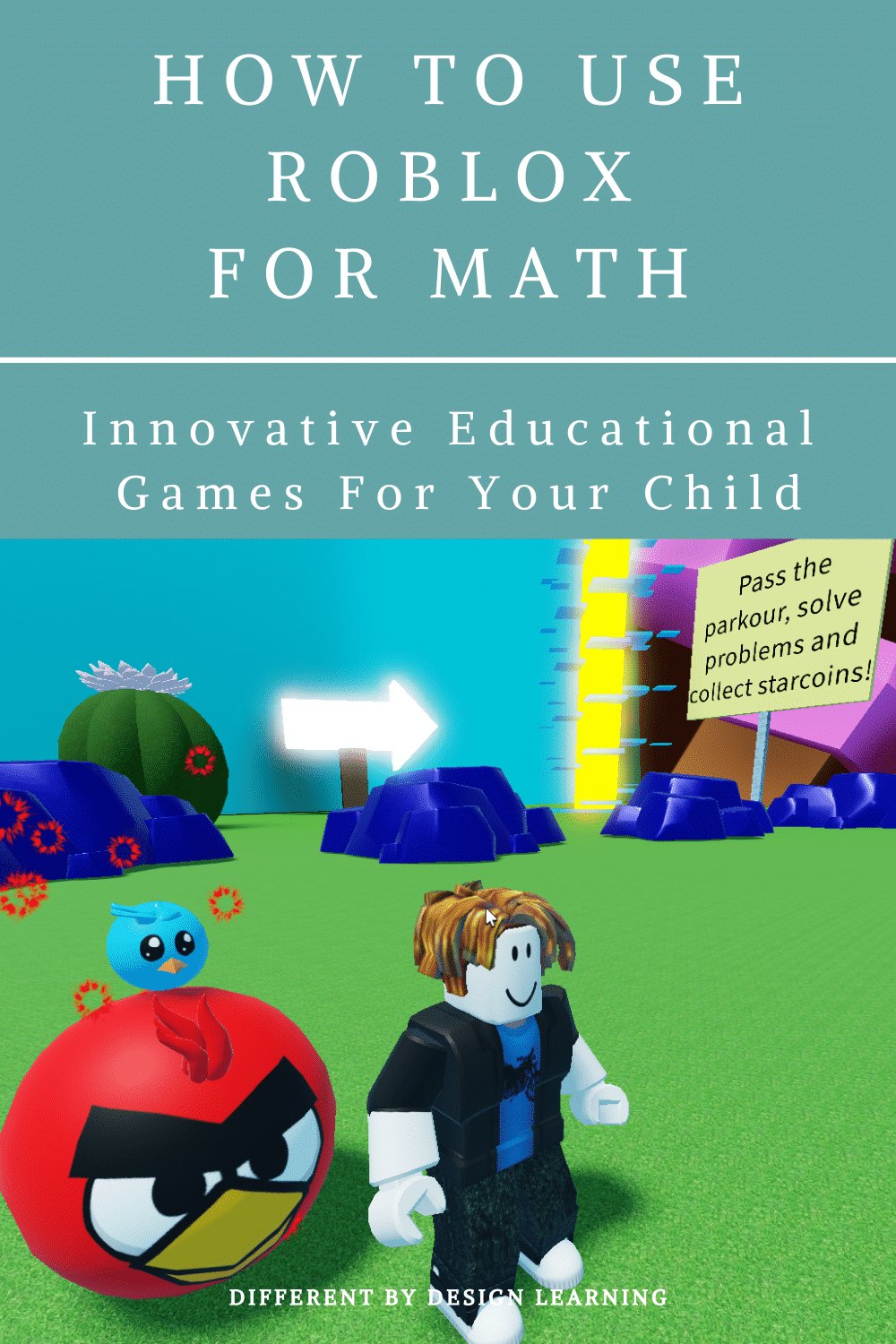
Creating effective Roblox educational games design requires careful planning of learning objectives, engaging mechanics, and clear feedback loops within the game environment.
Have you ever thought about how video games can actually help us learn? Roblox offers incredible potential for this, allowing educators and developers to create interactive experiences. Specifically, thinking about roblox educational games design is crucial if we want to make something genuinely impactful. We can move past simple quizzes and design games that help people grasp complex concepts.
Imagine learning math through building virtual structures or science via simulated experiments. It is possible when we apply the core principles of good game design to educational content. The key is to make the learning process fun and rewarding. Let’s explore how to achieve this.

Roblox Educational Games Design: Creating Fun Learning Experiences
Let’s dive into the exciting world of making educational games on Roblox! It’s like mixing your favorite toys with your homework, but in a super fun way. We’re talking about designing games that don’t just entertain, they also help kids learn and grow. It’s not just about coding; it’s about crafting engaging experiences that make learning feel like an adventure. This section will guide you through all aspects of building amazing and impactful educational games on the Roblox platform.
Why Roblox is a Great Platform for Educational Games
Roblox isn’t just for playing; it’s also a powerful tool for learning! Think of it as a huge digital playground where you can build anything. Here’s why it’s perfect for educational games:
Accessibility and Popularity
Roblox is super popular, with millions of players around the world. This means your educational game can reach a large audience of eager learners. It’s easy to access on many devices, making it convenient for kids to jump in and start learning. The platform is also very user friendly to younger audiences, so they can easily understand game concepts.
Creative Freedom
Roblox Studio gives you lots of control. You can build any type of game you imagine, from a historical museum to a math-based puzzle. The platform lets you build anything from the ground up, this gives you creative freedom to design as many different types of educational games that you want to. This freedom opens so many doors for you to create new interesting educational games.
Community and Collaboration
The Roblox community is full of talented creators who share ideas and resources. You can learn from others and even collaborate on projects. This collaborative atmosphere also help you to learn from each other. The community also provides a space for feedback and improvements, which will help you to polish your games.
Engagement and Motivation
Games are naturally engaging! Roblox games can make learning fun and keep kids motivated to learn more. Using Roblox’s features like points, badges, and leaderboards, you can make it very fun to learn. When students find learning fun, they are more likely to get involved and explore.
Key Elements of Effective Educational Games on Roblox
Creating a good educational game on Roblox is more than just making a game – it’s about making it educational. Let’s look at some important pieces:
Clear Learning Objectives
Before you start building, think about what you want players to learn. Is it math, science, history, or maybe a new language? Make sure your game is focused on these specific learning goals. Having clear objectives helps keep the game on the right track and helps players know what they’re learning.
Engaging Gameplay Mechanics
Your game should be fun to play! Use mechanics that keep players interested and involved, whether it’s puzzles, challenges, quests, or exploration. The gameplay itself needs to reinforce learning. The best games have gameplay elements that are seamlessly integrated with the learning objectives.
Puzzles: Great for problem-solving skills.
Quests: Perfect for narrative-based learning.
Challenges: Excellent for practicing specific concepts.
Exploration: Allows players to learn through discovering.
Story-Telling: Good for immersive learning experience.
Age-Appropriate Content
Make sure the game is suitable for the age group you’re targeting. Younger kids need simpler instructions and brighter visuals, while older kids might prefer more complex challenges. The key is to understand the target audience and adjust the games accordingly. You need to keep the language, gameplay, and visuals accessible to the intended age group.
Constructive Feedback
Provide feedback that helps players learn from their mistakes. Don’t just tell them they are wrong; show them how to improve. This can be through hints, explanations, or opportunities to try again. When done right, feedback will help players improve and become better players, and most importantly better learners.
Rewarding Progress
Use points, badges, and other rewards to encourage players to keep learning. When players are motivated by rewards, they feel a sense of achievement and are more willing to keep going. The best reward system is a balance between challenge and achievable goals.
Use of Visuals
Attractive visuals can make learning more fun. Use colorful graphics, engaging characters, and well-designed environments to capture players’ attention. Don’t over-clutter the game with unnecessary details. Keep it simple and focused on the educational content.
Audio Integration
Use sound effects and music that enhance the game experience. Well-chosen audio can make the game more immersive and memorable. Just make sure that the background music doesn’t become annoying or distract players from the learning process.
Designing Different Types of Educational Games
Roblox is a versatile platform, you can create a wide variety of educational games to cover different types of subjects and learning goals. Here are some common types:
Math Games
Math can be fun when you make it into a game! You can create games that involve basic calculations, algebra, geometry, or any other math concept. Think about building a town where players have to solve math problems to collect resources and build structures.
Examples:
Number-matching games
Shape-sorting challenges
Calculation-based quizzes
Fraction challenges
Geometry puzzles
Science Games
Science is all about discovery, and Roblox can be a perfect place for players to explore scientific concepts. You can design simulations of chemical reactions, physics experiments, or biological systems. The games should allow players to interact with scientific phenomena safely and effectively.
Examples:
Virtual chemistry labs
Physics-based simulations
Ecosystem exploration games
Anatomy quizzes
Space travel simulators
History Games
History doesn’t have to be boring! In Roblox, you can transport players to different time periods and let them experience historical events first-hand. The key is to recreate the past in an engaging and informative way, making use of your creativity.
Examples:
Ancient civilization building games
Historical event simulations
Time-travel adventures
Museum exhibits
Historical role-playing games
Language Games
Learning a new language can be interactive and fun on Roblox. Players can practice vocabulary, grammar, and pronunciation through games that are both enjoyable and effective. The interactive element makes learning much more fun.
Examples:
Vocabulary learning games
Sentence-building puzzles
Conversation practice
Pronunciation challenges
Language-based scavenger hunts
Coding and Logic Games
Roblox Studio itself is a learning tool! You can create games that teach basic coding concepts and logic skills using visual programming or the Lua scripting language. These games can help players develop important problem-solving skills.
Examples:
Block-based coding challenges
Logic puzzles
Algorithm design games
Coding quizzes
Roblox Scripting Practice
Arts and Creativity Games
Don’t forget about creativity! Roblox allows you to create games that encourage artistic expression. Players can paint, sculpt, create music, or even design their own games within the game. The creative freedom that Roblox offers provides a great way to learn through art.
Examples:
Digital painting studios
3D sculpting environments
Musical instrument creation
Game design challenges
Fashion design games
Step-by-Step Guide to Building a Basic Educational Game
Here’s a simple guide on how to start building your own educational game on Roblox:
Step 1: Plan Your Game
Decide on a topic: Choose a subject you’re passionate about and that would be interesting for your players.
Define learning goals: Determine what specific knowledge or skills you want players to gain from the game.
Sketch out gameplay: Plan the basic mechanics of the game, how players will interact with it, and how the learning will happen.
Step 2: Set Up Roblox Studio
Install Roblox Studio: Download and install the Roblox Studio.
Create a new game: Start a new game in Roblox Studio.
Choose a starting template: Select a basic template, or start with a blank baseplate.
Step 3: Build Your Game World
Add basic shapes and parts: Create the main elements of your game world using the Roblox Studio.
Customize your environment: Paint your environment with different colours, add trees, buildings, and other decorations to make the game world beautiful.
Place interactive elements: Add objects, buttons, or triggers that players will use to interact with the game.
Step 4: Add Educational Elements
Create learning content: Design the puzzles, quizzes, or other activities that help players learn.
Integrate feedback mechanisms: Add text or visual indicators to guide players and let them know if they’re on the right path.
Add scoring and progress systems: Set up systems that track player progress and reward them for completing challenges.
Step 5: Use Lua Scripting
Add basic scripting: Use basic Lua script to add interactivity to your game.
Test your scripts: Make sure that the scripts are working properly and the game functions as expected.
Implement complex logic: Add complex scripts to control game mechanics, score keeping, and player interactions.
Step 6: Test and Refine
Playtest your game: Share the game with your friends or classmates and get their feedback.
Make adjustments: Fix any bugs and improve game play based on feedback.
Polish your game: Make sure the game is polished and looks professional.
Step 7: Publish Your Game
Make your game public: Publish your game so other players can enjoy it.
Promote your game: Share your game on social media and Roblox groups.
Keep updating: Update your game based on players’ suggestions.
Tools and Resources for Roblox Game Development
To create better games on Roblox, here are some tools and resources that can help you:
Roblox Studio
Roblox Studio is the main tool you will need for creating games on Roblox. It includes all the tools you need to make anything on Roblox. It’s easy to use with its drag-and-drop interface, but it can be used to create complex games too.
Lua Scripting
Lua is the scripting language used in Roblox. Learning Lua is important to create more complex games. There are lots of free tutorials and resources online. The Roblox community is also a great help for Lua scripting.
Roblox Developer Hub
The Developer Hub is Roblox’s official resource for developers. It provides tons of documentation, tutorials, and example code, to help you get started with Roblox development. You can search for any question that comes to your mind about game development here.
Online Tutorials and Courses
There are many free online tutorials and courses available on platforms like YouTube, Udemy, and Coursera. These resources can help you learn Lua programming, game design, and other key development skills. They are also very helpful to beginners.
Roblox Community Forums
The Roblox community forums are a great place to ask questions, share ideas, and learn from other developers. There are many experienced developers who can help you in the forums.
Plugin Libraries
Roblox Studio supports plugins, which are tools that add more functionality to your game development experience. You can find lots of useful plugins for things like building, scripting, and animation in the Roblox Library.
Best Practices for Creating Effective Roblox Educational Games
Here are some tips for building the best educational games:
Focus on Engagement
Make sure your game is fun first. Learning should feel natural and fun for the players. If your games aren’t fun, the educational part won’t matter. Try to blend educational elements smoothly with the gameplay.
Keep it Simple
Don’t overcomplicate things. Make the game mechanics and instructions easy to understand, especially for younger players. Simple games are often more effective than complex ones.
Incorporate Real-World Relevance
Connect your game content to real-world situations. This makes learning more meaningful and easier for kids to remember. When kids see how something is used in the real world, they’ll understand why it’s important.
Encourage Collaboration
Add features that allow players to collaborate and work together. Teamwork can make learning more fun and effective.
Regularly Update Your Game
Don’t let your game get stale. Add new content, features, and challenges regularly to keep players coming back.
Gather Feedback and Iterate
Constantly get feedback from players and use it to improve your game. It’s all about learning as you go.
Promote Your Games
Don’t forget to promote your game so it reaches your target audience. Use social media and Roblox communities to spread the word.
Prioritize Player Safety
Always prioritize player safety when creating your games. Make sure that your game is suitable for children of all ages and that your game doesn’t have any inappropriate content.
Designing educational games on Roblox is a fulfilling way to mix your creativity with your passion for education. By keeping all of these tips in mind, you can make learning a fun and engaging adventure for millions of players. Start today, and see what you can build.
Creating engaging educational experiences on Roblox involves a blend of creativity, technical skills, and educational insight. By focusing on clear learning goals, engaging gameplay, and effective feedback, you can design games that are not only fun to play but also powerful tools for learning. Remember to utilize the various tools and resources available and always strive for continuous improvement. Your games can help shape the minds of young players and make a positive impact on their learning journey.
My game development progress #roblox #gamedev #maya #blender
Final Thoughts
Effective Roblox educational games design requires careful planning. Developers should prioritize clear learning objectives and engaging gameplay. These elements are crucial for creating experiences that both teach and entertain.
Good design also integrates feedback mechanisms. This allows players to track progress and understand concepts better. Consider how interactive elements can enhance the learning process in Roblox educational games design.

