
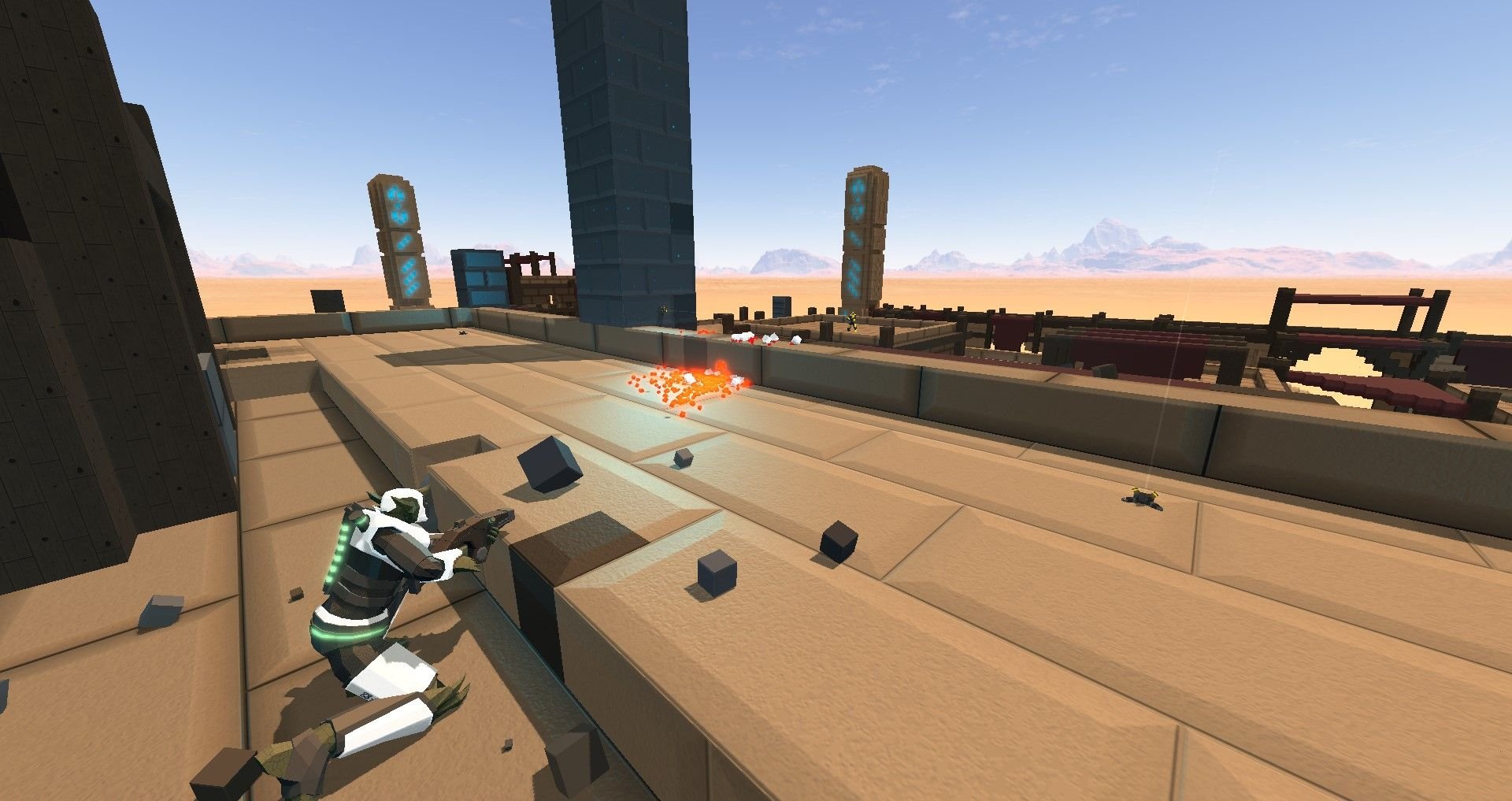
Roblox lag compensation techniques often involve using client-side prediction, server reconciliation, and interpolation to smooth out the effects of latency and provide a more consistent and responsive gameplay experience.
Have you ever felt that frustrating delay between your actions and what happens in your Roblox game? It’s a common problem, and it stems from lag. Fortunately, developers use various methods. These methods aim to reduce the impact of latency, making the game feel more fluid and reactive. This is where roblox lag compensation techniques step in.
These techniques are crucial for providing a decent experience in online games. By predicting player movement and correcting discrepancies, they bridge the gap created by network delays. They are essential for creating a smooth and enjoyable multiplayer experience within Roblox.

Understanding Roblox Lag Compensation Techniques
Ever been playing a super cool Roblox game, lining up the perfect shot, only to have your character teleport backwards or have your hit not register? That’s lag, and it’s a real bummer. Thankfully, many Roblox creators work hard to make these frustrating moments less common. They use special tricks called “lag compensation techniques.” These clever methods help smooth out the gameplay even when your internet connection isn’t the fastest. Let’s dive into how these techniques work their magic!
What is Lag in Roblox?
First, let’s understand what causes lag. In simple terms, lag happens because of a delay between your actions (like pressing a button to jump) and what you see on the screen. This delay occurs because data needs to travel between your computer and the Roblox servers. Think of it like sending a letter – it takes time for the letter to travel to its destination and then for a reply to come back. The longer the trip, the more delay you experience, causing those annoying in-game hiccups.
Several things can cause this delay:
- Slow Internet Connection: Imagine trying to pour water through a tiny straw – it’s slow. A weak internet connection has the same effect, making data transfer sluggish.
- Distance from the Server: If the Roblox server is far away from you (think of a letter traveling across the country vs. across town), it takes longer for data to travel, increasing lag.
- Server Overload: Sometimes, if lots of people are playing the same game at once, the server gets busy, like a traffic jam. This can make your game sluggish as well.
- Your Computer’s Processing Power: Even if your internet is great, if your computer is working too hard, it can also cause lag. This is like having lots of browser tabs open at once – everything slows down.
The Goal of Lag Compensation
The main goal of lag compensation is to make the game feel smooth and responsive, even when there is some delay. It’s like trying to make a bouncing ball look like it’s moving perfectly, even when it might be skipping tiny bits of time. These techniques try to hide the lag from you, so you can enjoy your Roblox game!
Lag compensation aims to achieve the following:
- Predictive Movement: Guess where a player is going next so the game feels responsive.
- Smoothing Updates: Make changes appear smooth and less jerky.
- Prioritizing Player Actions: Make sure what the player does is always accurate.
- Consistency: Ensure that all players have a similar experience, even with varying internet speeds.
Common Roblox Lag Compensation Techniques
Roblox creators use various techniques to compensate for lag. Let’s explore some of the most common and how they work:
Client-Side Prediction
Client-side prediction is like a super-powered guessing game. Your Roblox client (the game running on your computer) predicts what you will do next and shows it immediately on your screen. For example, if you press the forward key, your client predicts that you’ll move forward and starts showing you moving in that direction right away. This makes the game feel snappy and responsive because it doesn’t wait for the server to confirm the action before showing it to you.
Here is a breakdown of how Client-side prediction works:
- Input Capture: Your client captures your input like pressing ‘W’ to move forward or clicking a button to fire a weapon.
- Immediate Prediction: Instead of waiting for the server, your client predicts what the result of that input will be. It immediately shows the predicted movement or action on your screen.
- Server Confirmation: In the background, the client sends your input to the Roblox server. The server also does the same calculations.
- Correction: When the server confirms the action, it sends the correct position or outcome to your client. If the server’s result is slightly different from your client’s prediction, your client smoothly corrects the difference to avoid jarring jumps.
This method can sometimes cause ‘rubber-banding,’ which is when your character suddenly snaps back to a previous position. This happens when the client predicts something incorrectly and has to quickly correct it. But overall, it makes gameplay much more fluid.
Server Reconciliation
While your client is making predictions, the server is also working hard to keep track of everything. The server is the ultimate authority, making sure all players play by the rules and ensuring all the calculations are accurate. It has the final say in the game’s state. When the server sends back its information, your client compares that to its prediction. If there are any differences, your client carefully smooths them out so you don’t experience jarring jumps or teleports. This process of fixing up any mistakes is called server reconciliation.
Let’s illustrate the server reconciliation process with an example:
- Client Input: Your character is running forward, predicted by your client using client-side prediction.
- Server Calculation: Meanwhile, the server is also calculating where your character should be based on the input it received.
- Server Feedback: The server sends back to your client the actual position of your character according to its calculations.
- Reconciliation: Your client compares the server’s position to its predicted position. If there’s a difference, your client smoothly adjusts your character’s position on screen, making it look as if there was no lag.
Interpolation
Interpolation is a clever technique used to create the illusion of smooth movement. Instead of showing jerky updates to players’ positions, interpolation fills in the gaps between updates, making motion feel much more seamless. Think of it like connecting the dots. Instead of just seeing dots, interpolation creates a smooth line between them. This makes the game world seem more fluid and less prone to sudden, jittery movements.
Here is how Interpolation is beneficial:
- Smoothing Movement: By creating extra “frames” between the actual updates, interpolation makes player movement look smoother.
- Hiding Jumps: Instead of seeing characters suddenly teleport from one position to another, interpolation makes the motion appear gradual and natural.
- Improving Visual Experience: Overall, interpolation contributes to a more visually pleasant and immersive gaming experience.
Entity Extrapolation
Entity extrapolation is very similar to client-side prediction. However, instead of focusing solely on the player’s actions, it predicts where all moving objects and other players will be. This includes things like projectiles, moving platforms, and other characters. This prediction is based on the last known speed and direction of these entities. By guessing their future position, your game appears more responsive and smooth, hiding lag-related delays.
Entity extrapolation is useful for:
- Predicting Projectile Paths: It can predict where a bullet or arrow will fly, making it easier to aim even with slight delays.
- Smoothly Displaying Other Players’ Movements: It makes the movement of other players appear continuous and natural, even if their updates are delayed.
- Improving Overall Responsiveness: By making the game world more predictable, it helps minimize the perceived effects of lag.
Input Buffering
Input buffering is a technique where the game stores your input (button presses, mouse clicks) if there is lag. Think of it like a waiting list. If your game is experiencing a bit of lag, your input might not be processed right away. Instead of losing that input, the game remembers it and performs it once the lag clears up. This prevents you from missing actions and ensures that your commands eventually get through. Imagine this scenario: you press the jump button just as a lag spike hits. Without input buffering, your jump might not register. However, with buffering, your jump is remembered and executed as soon as the game catches up.
Benefits of using Input Buffering:
- Avoids Missed Actions: Input buffering makes sure no action is lost even if there is a sudden delay.
- Improves Player Consistency: It leads to a more predictable gaming experience since the actions players take will be properly registered.
- Makes Gameplay Smooth: Overall, it results in a smoother gaming experience even when facing lag issues.
Time Synchronization
Time synchronization is about keeping all the different parts of the game (your client, the server, and all other clients) on the same clock. Imagine if your watch was running faster than the server’s watch – your game would not line up correctly! Time synchronization uses a number of methods to help ensure that all the components of the game are in sync. This synchronization helps the server and clients to understand exactly when an event happened, and ensures that the calculations and predictions are accurate. By ensuring that everyone is on the same timing, game actions can be much more accurate and reliable.
Importance of Time Synchronization:
- Ensures Accurate Calculations: Time synchronization is important to achieve accuracy in all game calculations.
- Smooths Prediction: It is also helpful for predictive actions since both server and client have the same timeframe.
- Makes Game Consistent: It provides consistent experience to all players, irrespective of internet connection.
Dead Reckoning
Dead reckoning is a technique used primarily for simulating the movement of other players. It is similar to entity extrapolation but is used more often in situations where a player’s position is not updated as often, such as when they are moving at a constant speed and direction. Your client predicts the position of other players based on the last known position, speed, and direction. Then, it continues simulating their movement until a new update is received from the server. This approach helps keep the game responsive and reduces visible jumps even if the other player has a choppy connection. It reduces bandwidth usage and can make gameplay feel smoother. It’s like making a reasonable guess of where they are based on what you last knew about them.
Benefits of Dead Reckoning:
- Reduced Bandwidth Usage: It reduces the amount of data exchanged between players and the server.
- Smooth Movement of other players: It helps render a smoother motion of other characters, even with infrequent updates.
- Improved Responsiveness: It can make the game feel responsive, as it predicts movement of characters, making it appear fluid.
How Roblox Developers Apply These Techniques
Roblox developers incorporate these methods to create smooth and enjoyable games. Here’s a glimpse of how:
- Using Roblox APIs: They use specific Roblox functions and scripts to implement client-side prediction, interpolation, and server reconciliation.
- Fine-tuning Parameters: Developers tweak values like prediction time and smoothing amounts to achieve the best results for their game’s design.
- Choosing Appropriate Techniques: They decide which compensation method best suits the game’s needs, such as input buffering for a fast-paced shooter or dead reckoning for a large-scale simulation.
- Constant Monitoring and Adjustment: They constantly watch for network lag and adjust their implementations to ensure consistent experience.
Why Lag Compensation Matters
Lag compensation is vital for many reasons. First and foremost, it dramatically improves the player experience. By reducing the effects of lag, these techniques make the game feel more responsive and enjoyable. This leads to happier players, who are more likely to stick with the game. Secondly, lag compensation creates a more fair and competitive gaming environment. If some players have worse connections than others, they should still get similar experiences. Without it, players with bad internet might be at a significant disadvantage. The best Roblox games all have well designed lag compensation systems.
Testing and Troubleshooting
Sometimes, even with good compensation techniques, you might still experience lag. Here are some ways to test and troubleshoot:
- Check your Internet Connection: Make sure you have a stable internet connection and it has enough bandwidth.
- Check your Device: Check to see if your device is struggling to run the game. Maybe, lower your graphics setting for smoother experience.
- Look at Server Status: Ensure the Roblox servers are in working condition, and are not overloaded.
- Reduce background tasks: Closing some of the unused tabs and applications, can help resolve the lag.
- Try different Servers: Try joining a different server, to see if that resolves your lag issues.
Understanding and implementing lag compensation techniques is a crucial part of making a good Roblox game. By carefully thinking about how players connect to the game, developers can create much more immersive and fun experiences.
Lag compensation is a complex topic, but it’s something that almost every successful multiplayer game has to figure out. Roblox is no exception! While you can’t always control your internet connection, understanding how these techniques work gives you a better appreciation for the effort that goes into making your favorite games fun, responsive, and enjoyable.
Lag Compensation in FPS Shooters (Best Explanation)
Final Thoughts
Effective Roblox lag compensation techniques are crucial for smooth gameplay. Developers should prioritize client-side prediction and server reconciliation. These methods help reduce perceived lag by anticipating player actions.
Another useful method is implementing interpolation. This smooths out the movement of other players. Proper network architecture also helps. Choosing the right method depends on the game type.
Ultimately, using these techniques results in a more enjoyable gaming experience. Roblox lag compensation techniques make gameplay less frustrating. Developers should therefore carefully consider them.

