
Roblox version control for games involves using external tools like Git alongside platforms like GitHub or GitLab to track changes, revert to previous states, and collaborate effectively on game development.
Have you ever accidentally overwritten a crucial script in your Roblox game, or struggled to manage changes with a team? These frustrating situations are common for Roblox developers. Fortunately, there’s a solution: using external version control systems. This enables efficient collaboration. Proper version control can save significant development time and reduce errors. Understanding and implementing robust roblox version control for games, is crucial. It makes the game development process smoother. It also lets teams collaborate seamlessly, and safeguard their projects from accidental losses.

Roblox Version Control for Games: Keeping Your Creations Safe and Sound
Creating a Roblox game is super exciting! You’re building worlds, coding cool stuff, and making something that others can enjoy. But sometimes, things can go a little… wonky. Maybe you accidentally delete a crucial part of your map, or a new script you wrote messes everything up. This is where version control comes to the rescue! It’s like having a superpower that lets you rewind your game to a previous, working state.
Why Do You Need Version Control for Your Roblox Game?
Imagine building a super tall tower of blocks, and then suddenly, you accidentally knock over a big chunk. It’s frustrating, right? Version control is like having a magic camera that takes pictures of your tower every time you make changes. If you make a mistake, you can just go back to an older picture and start from there. Here’s why this is so helpful:
- Safety Net: Version control protects your hard work. If you mess something up, you can always go back to a previous, working version. No more starting from scratch because of a small mistake!
- Experiment Without Fear: Want to try a crazy new feature? Go for it! Version control lets you try new things without worrying about breaking your game. If it doesn’t work, you can easily go back to the last good version.
- Teamwork Made Easier: If you’re working with friends on a Roblox game, version control helps everyone keep track of who changed what. This way, you don’t accidentally overwrite each other’s hard work. It also helps when you need to merge different changes made by different developers.
- Keep Track of Changes: It’s easy to forget exactly what changes you made and when. Version control keeps a record of all the changes, who made them, and when, making it easier to manage your game’s evolution.
Understanding the Basics of Version Control
Version control systems (VCS) work by taking “snapshots” of your game at various points in time. These snapshots are like checkpoints that you can go back to. It uses concepts like:
Commits: The Building Blocks of Version History
A commit is like taking a picture of your game. Every time you make a set of changes that you are happy with, you ‘commit’ those changes. This creates a new snapshot in your version history. Each commit is a mini-save point that you can go back to. When you commit a change you’ll also write a message describing what you changed, like ‘Added new enemy’ or ‘Fixed the jumping script’. This makes it easy to remember what each change does. It helps to write good commit messages because a lot of the times you will go back to the project and won’t remember that what was the change you made in the past. Committing changes frequently helps you to recover your work in case of some unwanted error.
Branches: Creating Alternate Timelines
Imagine your game’s timeline is a straight road. Sometimes, you want to try a new path, maybe a completely different way of playing your game. Branches allow you to create those alternate roads. You can work on a new feature on one branch without messing up the main game on the original path. When you are happy with that new feature or change, you can merge it back into the main road. If not, it is easy to simply delete that branch. Branching helps a lot when you want to experiment new things without worrying about messing up the main development of your game.
For example, you might create a branch called ‘new-level’ to work on a new level for your game. You will do all the level creation in the branch without affecting the main game. Once the new level is ready you will merge it back to the main project. This way the new level becomes a part of your game.
Merging: Bringing Everything Together
Merging is like joining different roads back into one. When you finish working on a branch, you will merge it back to main project which is called the master branch. This makes all the new changes become a part of your game. It is important to merge changes frequently to avoid conflicts and keep your project up to date. Merge conflict happens when you edit the same file in two different branches. This can be solved manually using the version control system.
Repositories: Where Your Game Lives
A repository is a place where all versions of your project are stored. Think of it as your game’s folder that keeps all the snapshots and history of your project. It’s the central place to manage your project. When working on a team, all members will have a copy of the game in their computer and all those copies will be connected to the central repository where everyone commits changes. You can create a local repository on your own computer or a remote repository hosted on platforms like GitHub, GitLab, or Bitbucket.
Version Control Systems for Roblox
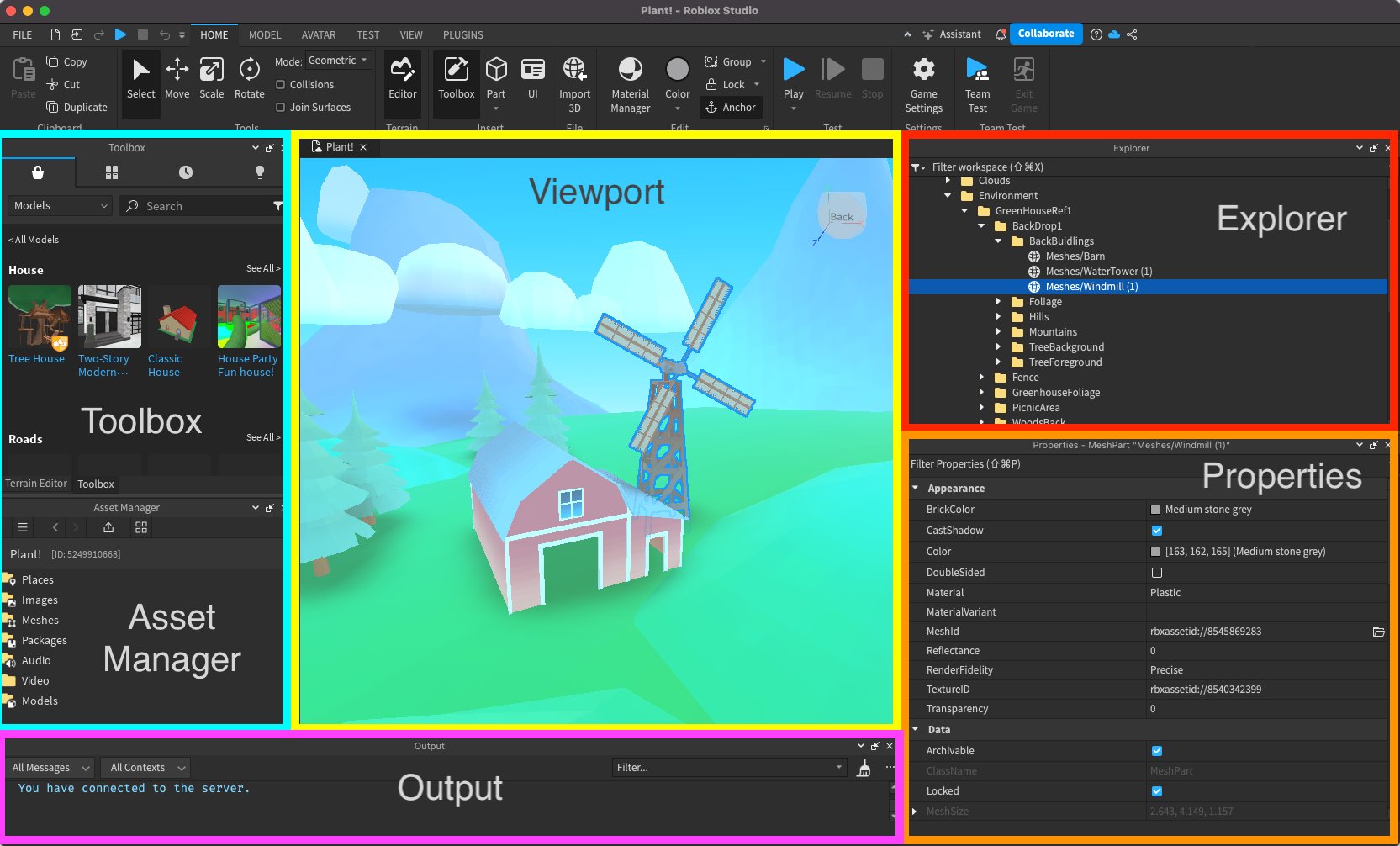
While Roblox Studio doesn’t have built-in version control like some other game development tools, there are ways to integrate it. Two main options exist:
Using Git for Roblox Games
Git is the most popular version control system used by almost all professional software developers. It’s a very powerful and versatile tool. But, it does not support Roblox project files directly, you will need some extra tools to use it with Roblox. This involves saving the Roblox place file as a .rbxl or .rbxm file. Then you can commit that to your Git repository. Using Git requires extra work, but it gives you better control over your game and it allows you to work with team of developers. It allows more features and collaboration than Roblox’s built in versioning system.
Git Benefits:
- Powerful Feature Set: Git provides the whole feature set that you will need for any project.
- Collaboration: Git excels in collaborative project.
- Widespread Use: Git is very popular and is used by a very large community. So help is always available on the internet.
Git Challenges:
- Learning Curve: Git can be a little hard to learn at the beginning for new users.
- Setup: You will need to do some extra configuration to use Git with Roblox.
- Not Directly Compatible: You cannot use Git with Roblox files directly.
Roblox’s Built-in Version History
Roblox Studio has a basic version history system built right in. It’s very simple to use and works automatically behind the scenes. Whenever you save your game, Roblox makes a new copy and keeps track of the changes. It’s perfect for small projects or when you just want to recover from an accidental deletion. However, it is not suitable for complex projects because its versioning is very basic and you don’t have as much control over it. It’s mostly helpful when you need to restore something due to some unwanted deletion.
Roblox Built-in History Benefits:
- Easy to Use: It’s built into Roblox Studio.
- Automatic Backups: Saves automatically as you work.
- Good for Simple Projects: Good for single developers on smaller projects.
Roblox Built-in History Challenges:
- Basic Feature Set: Limited functionality.
- No Collaboration Tools: Not designed for multiple developers.
- Limited Access: You can’t directly access or manage the backup files.
Setting Up Git for Your Roblox Game
Let’s look at a very simple way to set up Git for your Roblox games. This might seem a bit complex at first, but it’s super helpful in the long run.
1. Install Git:
First, you will need to install Git on your computer. You can download it from the official Git website. Follow the instructions based on your operating system. Once installed, you will be able to use Git from your computer’s command prompt or terminal.
2. Create a Git Repository:
To start using Git, you will need to create a repository. First, create a folder for your Roblox game on your computer. Open a command prompt and navigate to the new folder using the command prompt. After that use the command git init. This creates an empty git repository for your project.
3. Save your Roblox place File:
Open your Roblox game in Roblox Studio. Go to “File” > “Save As” and save it as a .rbxl or .rbxm file in the same folder where you created your Git repository. This will save a snapshot of your current work.
4. Add the File to Git:
Go back to your command prompt. Use the command git add . to add the saved .rbxl file to your Git repository. Then use the command git commit -m "Initial commit" to take the initial picture of your game.
5. Connect to Remote Repository:
You’ll need a remote repository to back up and share your code. You can use platforms like GitHub, GitLab, or Bitbucket. Create a repository on one of these platforms. Then, in your command prompt, use the command git remote add origin [your-remote-repo-url] (Replace [your-remote-repo-url] with the actual URL of your remote repository). Finally, push all your commits using the command git push -u origin main.
6. Commit Changes Frequently:
As you make changes to your game, keep saving the .rbxl or .rbxm file. Then, add and commit changes using the command prompt. Add the file using git add . and commit using git commit -m "Your commit message", and then finally push to the remote repository using git push command.
7. Branching and Merging:
If you want to try new things or work on a new feature, create a new branch using the command git branch your-branch-name, checkout the branch using command git checkout your-branch-name, do all your changes in that branch, and when you are done push it using git push -u origin your-branch-name. After your changes are complete merge the branch back to the main branch by first checking out the main branch using git checkout main and then merge the branch using the command git merge your-branch-name and push the changes to remote repository.
This is a very basic example of how to setup and use git with Roblox. Using Git effectively requires some practice and time. But it is a very powerful tool.
Tools to Help with Version Control
While Git and Roblox’s history feature are great, a few other tools can help. These tools help make integration of Roblox with git easier:
Rojo
Rojo is an open-source command-line tool that converts your Roblox game into text based files. These files are then easily managed using Git. It is very helpful to use Rojo in big projects. It makes it easy to make large scale changes in your game.
Rojo Benefits:
- Better Git Integration: It allows you to use git with Roblox in a better way.
- Large Scale Changes: It allows you to make large scale changes in your code quickly.
- Good for Collaboration: Good for collaborative projects.
Rojo Challenges:
- Learning Curve: Some learning curve at the beginning.
- Extra Setup: Extra setup is required.
GitKraken
GitKraken is a visual Git client. It has a nice user interface. This tool makes it easier to understand and manage Git commands, especially helpful when working with teams. It’s good for visual learners because you can see the history of your project graphically.
GitKraken Benefits:
- Visual Interface: Makes git easier to understand with a visual interface.
- Team Friendly: Good for collaborative team projects.
- Easy to Use: Easier to learn for new users.
GitKraken Challenges:
- Paid Software: GitKraken needs paid subscription.
- Not Always necessary: Not necessary for people familiar with command-line Git.
Best Practices for Version Control
Using version control well is as important as using it in the first place. Here are a few best practices to help keep things tidy:
- Commit Regularly: Commit changes often, whenever you reach a meaningful point in your development. Don’t make a lot of changes and commit everything at once.
- Write Clear Commit Messages: Always add a short but descriptive message for each commit. Make sure that your message describes clearly what you did in that commit.
- Branch for New Features: Create a new branch every time you start working on a new feature.
- Merge Frequently: Merge your feature branches back into the main branch frequently. This avoids merge conflicts and keeps your project up to date.
- Don’t Commit Large Files: Don’t commit large file directly in git. Git is for managing your code. Use git-lfs for large assets.
- Don’t Commit Credentials: Never commit API keys or sensitive data directly in your Git repository.
Version control might seem like a lot to learn at first, but it’s a very powerful and very important skill for any game developer. It protects your hard work, helps you experiment with new ideas, and makes working with a team much simpler. When you start using version control in your Roblox development, it will take your development experience to the next level. Keep exploring new things and keep learning about the best practices of game development to make the best game possible.
Professional Roblox Game Development with Rojo + Visual Studio Code + Git Version Control
Final Thoughts
Effective roblox version control for games is crucial for any serious developer. It allows you to track changes, revert to previous states, and collaborate efficiently. Using external tools like Git paired with Studio workflows helps manage game development properly. This process prevents data loss and simplifies team collaboration.
Adopting a robust versioning system greatly enhances the quality and reliability of your roblox game. Properly implemented version control lets you iterate quickly and confidently. Therefore, you need to take advantage of such system.

