
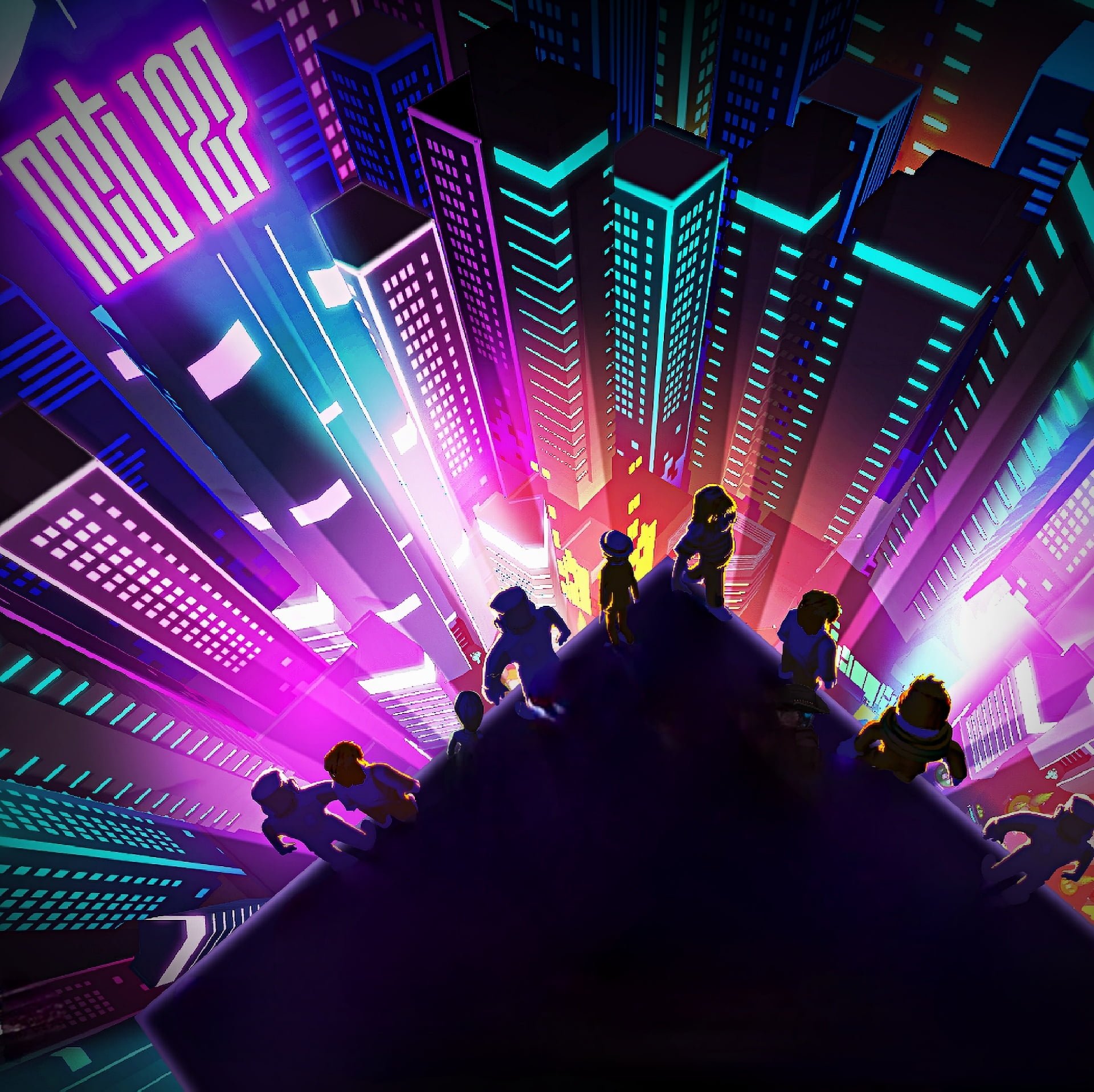
Creating a successful Roblox virtual concert design requires careful planning of stage layouts, lighting effects, avatar interactions, and musical synchronization.
Ever wondered how those incredible virtual concerts on Roblox are made? It’s not just about putting up a stage and playing music. Effective roblox virtual concert design needs a mix of creativity and technical skill. You have to consider how players move, how the stage looks and how the music syncs to everything.
A well thought out space invites players into the performance. It captures the atmosphere of a real-world event. It uses lights, movement, and audience interaction to create a memorable experience.

Roblox Virtual Concert Design: Creating Amazing Digital Shows
Have you ever dreamed of seeing your favorite artist perform live, but maybe they’re too far away or tickets are too expensive? Well, what if I told you that you could experience incredible concerts right from your computer or phone, all within the world of Roblox? That’s right! Virtual concerts are becoming super popular, and creating them is a really fun process. Let’s dive into the exciting world of Roblox virtual concert design!
Planning Your Roblox Concert: From Idea to Stage
Before you can have thousands of avatars jumping to the beat, you need a plan! Think of it like building with LEGOs; you start with an idea and then carefully put the pieces together.
Deciding on the Musical Style and Artist
First things first, what kind of music are we talking about? Is it going to be a high-energy pop performance, a cool rock show, or something totally different like a hip-hop set or even electronic music? The style of music will influence the whole design. Think about the kind of artist you’d like to feature too. It could be a real artist with their actual music or a fictional persona with some made-up tunes. Having a clear idea of your musical direction guides all the other design choices.
Choosing the Perfect Roblox Experience
Next, let’s talk experience. Will your concert be a traditional stage setup? Maybe your concert could be in a futuristic space station, an underwater cave, or even a giant candy land! Roblox lets you make anything you imagine. Consider what kind of vibe you’re going for. A dark, gritty look will make rock music more impactful, while bright, colorful scenes would fit pop or dance music perfectly.
Sketching Out Your Stage Design
Now, get your creative hat on. Grab a piece of paper or use a digital drawing tool and begin sketching! Start by thinking about the size and shape of your stage. Where will the artist perform? Will there be stairs, ramps, or moving platforms? It’s important to think about the camera angles too. How will the viewers see the show? A well-designed stage will make the concert even more exciting.
Brainstorming Special Effects
Think about special effects that will make your concert stand out. Imagine dazzling light shows, exploding confetti, and maybe even some cool holographic projections! These visual effects can enhance the mood of the music and get the avatars in the crowd even more hyped.
Crafting the Playlist
The music is the heart of any concert. Choose songs that are energetic and fit your chosen music style. Think about the flow of the concert, starting with a high-energy opening, building to a climax, and ending with a more relaxed closing song. You can also add little in-between segments that have cool visual effects. Also, you will need to get the rights to use the music legally, or make your own original music.
Building the Concert Space: Using Roblox Studio
Now that you have a great plan, it’s time to build! Roblox Studio is where all the magic happens. Think of it like a construction site where you use virtual tools to make your ideas a reality. Let’s check some things you’ll be using.
Getting Familiar with Roblox Studio
Roblox Studio might seem a little intimidating at first, but don’t worry! It is very easy once you learn. There are so many helpful tutorials online. The key is to be patient and learn step by step. You’ll be moving, rotating, and placing objects in no time!
Using Basic Building Blocks
Everything in Roblox is built with basic shapes like blocks, spheres, and cylinders. You will use these to make your stage, background, and other features. Imagine these shapes as your LEGO bricks. You will want to make your concert stage look super interesting using the wide range of parts that are already available in Roblox Studio.
Adding Textures and Materials
Once you have the basic shapes down, it’s time to make them look good! You can change the texture and material of each object to make it look like wood, metal, glass, and many other things. This brings more realism to your design. You can even use custom images to add extra detail, such as logos or designs on the floor or walls.
Lighting the Stage
Lighting can make a huge difference. In the real world, stage lights change everything. The same happens in your concert in Roblox. Use different colors and light types to create the correct mood. You can have lights that blink with the beat of the music or slowly change color throughout the show.
Adding Special Effects and Particles
This is where the concert comes to life! Use Roblox’s particle systems to create cool effects like smoke, fire, or confetti. You can make them appear when the music reaches the climax or at different points during the songs to surprise the viewers.
Creating Interactive Elements
Think about adding elements that players can interact with. Maybe there are buttons that trigger special effects, or jumping platforms that let them get a better view of the concert. These interactive elements make the experience feel more immersive. Players could control the direction of lights or trigger a pyrotechnic effect with the push of a button, for instance.
Programming and Scripting: Bringing Your Concert to Life
While building the stage is like making the set, scripting and programming is like making the actors move. Roblox uses a programming language called Lua that makes your concert interactive and dynamic. It might sound difficult, but there are plenty of tutorials to help you learn the basics. Let’s see what programming brings to your concert.
Understanding Lua Basics
Lua might seem complex, but it’s actually very friendly to beginners. You don’t need to be a coding expert. You will use scripts to make the lights flash, change colors and make interactive buttons that control special effects. You will learn how to tell objects when to do different actions and how to trigger them. There are tons of learning materials online to guide you.
Synchronizing Music and Visuals
One of the most important things in a concert is having the music and the visuals work together. You will use scripts to make sure the lights and visual effects line up perfectly with the beat and rhythm of the song. This synchronization makes the whole experience more powerful and gives energy to the concert.
Creating Interactive Events
You can use scripts to create all kinds of events. Maybe when an artist sings a particular part, a certain part of the stage lights up. You could use scripts so that when a certain event happens, like the chorus of a song, confetti falls down on the viewers. These kind of special events add a lot to the concert.
Controlling Animations and Movement
For your artist avatar to appear life-like, you will use scripting to create animations such as walking, dancing and singing on the stage. You can use existing Roblox avatar animations or create custom animations for your show. This will give your virtual concert a lifelike feeling. You can use Lua to control the animations and make them line up with the music.
Testing and Iteration: Perfecting Your Concert
Like in any project, testing is very important. Before you share your Roblox concert with the world, you need to test it! This lets you see what works well and what could use some changes. Let’s see how you can test your concert effectively:
Playtesting with Friends
Start by sharing your concert with your friends. Ask them for their honest feedback. Does the show look good? Does the music sound right? Do the special effects enhance the experience? Their opinions will be invaluable to making your concert the best it can be.
Identifying and Fixing Issues
Testing will definitely show some glitches or things that don’t work as you expected. Maybe the lights are too bright, or the music is too loud, or a button doesn’t work. You will go back to Roblox Studio and fix these problems. This is a very important part of the process, and with each fix, your concert gets much closer to being perfect.
Refining the Design
Don’t be afraid to experiment and change the design as you go. Try different stage layouts, lighting schemes, and special effects. Maybe add something completely new that you did not think about before. Testing lets you refine your design and improve the show with each iteration.
Optimizing for Performance
You need to make sure that your concert runs smoothly, regardless of the kind of computer or device people are using. This means making sure that there are not too many moving parts or complex scripts, especially when there are many people in the experience. This also means ensuring that everything loads quickly. Optimizing your concert ensures that everyone has a good time watching the show.
Sharing Your Concert: Reaching a Big Audience
After testing, it’s time to share your concert with the world! You will be happy to see all your hard work being enjoyed by others. Now, let’s talk about how you can promote your awesome Roblox virtual concert.
Publishing Your Roblox Experience
Publish your Roblox experience to the platform. This makes it available to anyone that wants to come in and see it. You will want to write a great description to get people interested. Explain what the concert is all about and make sure to include cool pictures and maybe a short trailer.
Promoting Your Concert
You can share your concert on social media sites such as YouTube, X (formerly Twitter), Instagram, and TikTok. You can also let your Roblox friends know. You can start a forum on Roblox to share information about your concert. The more people see that you are advertising it, the more people will come to view it.
Engaging with Your Audience
Pay attention to what people are saying about your concert. You can learn and use the feedback to make future concerts even better. You can respond to their questions, listen to their ideas, and thank them for watching your show. Engaging with your audience makes them feel like they are part of the process, and they will enjoy the show much more.
Organizing Live Events
You can schedule live show times for your concert. Let people know that you will be hosting the event and that everyone can watch it together at a certain time. This adds a sense of excitement and makes the experience much more personal. You can even add a live countdown for the experience so people can get ready. You can invite other players to join your concert as well.
Creating a Roblox virtual concert is a fun process that mixes creativity, design, programming, and audience engagement. It’s about creating an experience that people will remember. From planning your idea to the final showing, every step gives you a chance to learn and become a better creator. So grab your digital tools, let your creativity run free, and make a virtual concert that will blow everyone’s mind!
Fin fin fin fin🔥#roblox #robloxfisch #fisch
Final Thoughts
Roblox virtual concert design presents exciting creative possibilities. Developers and artists can create immersive experiences that push boundaries. These digital venues allow for innovative stage setups and interactive elements.
Careful planning is key. Considering lighting, sound, and audience flow are critical to success. The final product must be engaging and memorable for viewers. The world of ‘roblox virtual concert design’ continues to evolve, offering more amazing interactive possibilities.

