Space Station Designer launches today, Wednesday, November 18, 2026, on Steam, GOG, and the Epic Games Store. You run a private aerospace company and build a network of space stations in Earth and Lunar orbits. Steam lists no price yet, so check the store page before you buy.
This guide covers only what is confirmed before launch: the launch, the platforms, the price question, the three game modes, and how your first station works. The full game is not out yet, so there is no walkthrough here. We will update this page after launch, once real hands-on time exists.
Release Date
Wednesday, November 18, 2026
Price
Not listed yet on Steam
Platforms
Steam, GOG, Epic Games Store
Start Here
Campaign mode, guided objectives
What Space Station Designer is, in one minute
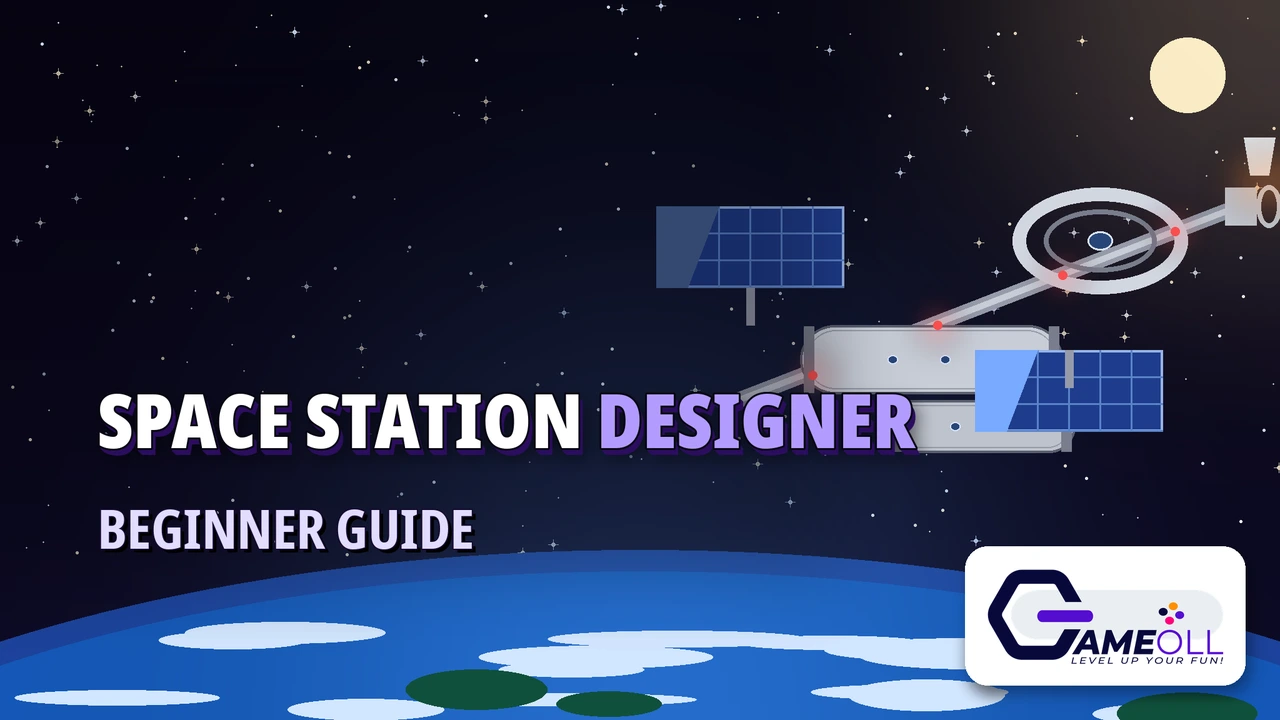
Space Station Designer comes from Polar Motion, the team behind Buzz Aldrin’s Space Program Manager. Slitherine publishes it. You become the CEO of a private aerospace company, and your job is to design, build, and manage a network of orbital stations.
You start with a single core module in Low Earth Orbit. From there you expand into higher Earth orbits and Lunar orbits, and your long-term goal is the Lunar Space Elevator, a huge megaproject. The game is a construction and management sim, so every choice is about balance: power, life support, crew, and money.
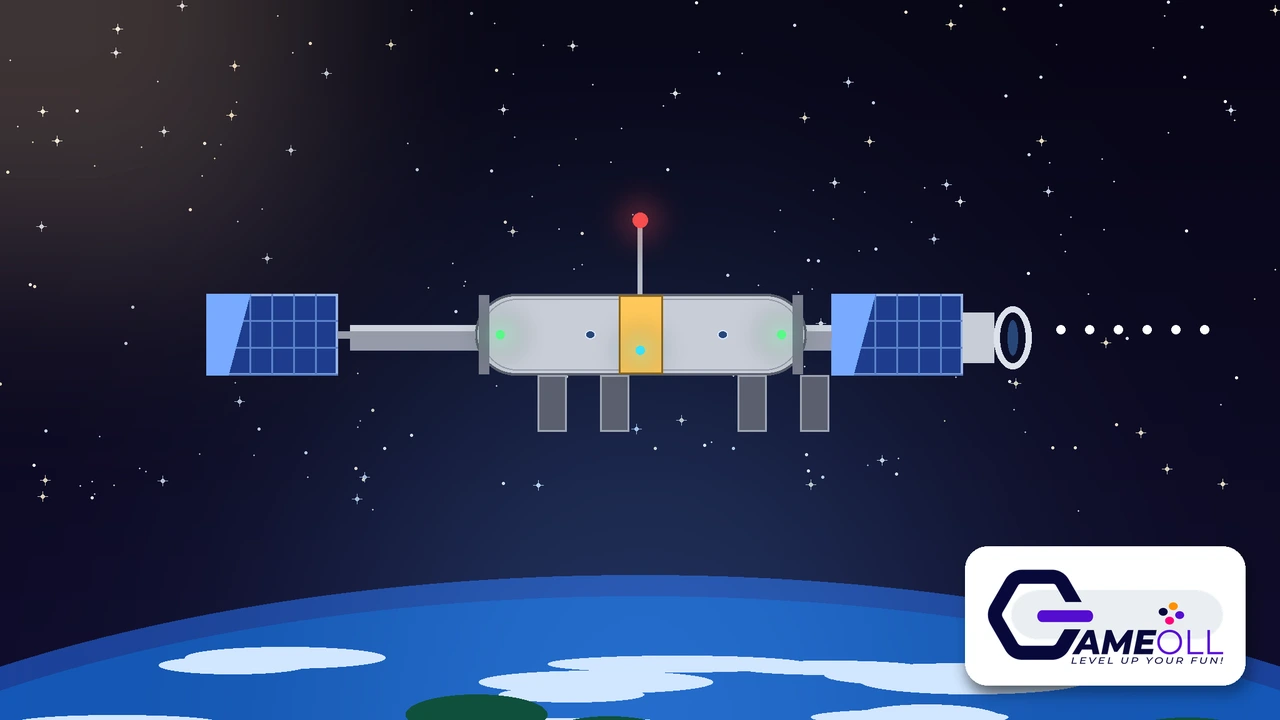
Stations are fully modular, with 150+ unique modules across 15 categories to choose from. You can reconfigure and optimize a station as your needs change, so no design is ever final. A station that works today can be rebuilt tomorrow when your company grows.
There are three modes. Campaign teaches the systems through guided objectives, then switches to a contracts system.
Sandbox skips the objectives and gives you contracts from day one. Free Builder removes budgets and limits, so you can design any station you like.
| Platform | Price | What to know |
|---|---|---|
| Steam | Not listed yet | Launches November 18. No price shown on the store page |
| GOG | Not confirmed | Launches November 18. No price confirmed yet |
| Epic Games Store | Not confirmed | Launches November 18. No price confirmed yet |
The price picture is short and honest. Steam shows no buy box and no price at our last check, and no GOG or Epic price has been confirmed. Do not trust a price from a key reseller site, because only the official store pages show the real launch price.
The minimum PC specs are light: Windows 10 or newer, a 2.0GHz dual core processor, 4 GB of RAM, and 1 GB of free storage. Almost any modern PC can run it, so hardware is not the barrier here.
Your first station: start small in Low Earth Orbit
Every game starts the same way: one core module in Low Earth Orbit. That single module is your whole company on day one, so build around it slowly. Low Earth Orbit is the cheapest and simplest place to start, and the game is built to teach you there first.
Resist the urge to build big on your first day. A small station that works beats a big station that runs out of power, and every module you add needs power, crew, or supplies. Grow one step at a time, and check that each new module is working before you add the next one.
- Start in Campaign mode. The guided objectives teach each system one at a time, and the contracts system takes over once you know the basics.
- Place your core module in Low Earth Orbit. This is your first station, and everything else grows from it.
- Add power and life support first. A station with no power or air cannot run, so these two systems come before anything fancy.
- Hire your first astronauts. Crew keeps the station running, and each astronaut can learn special skills through training.
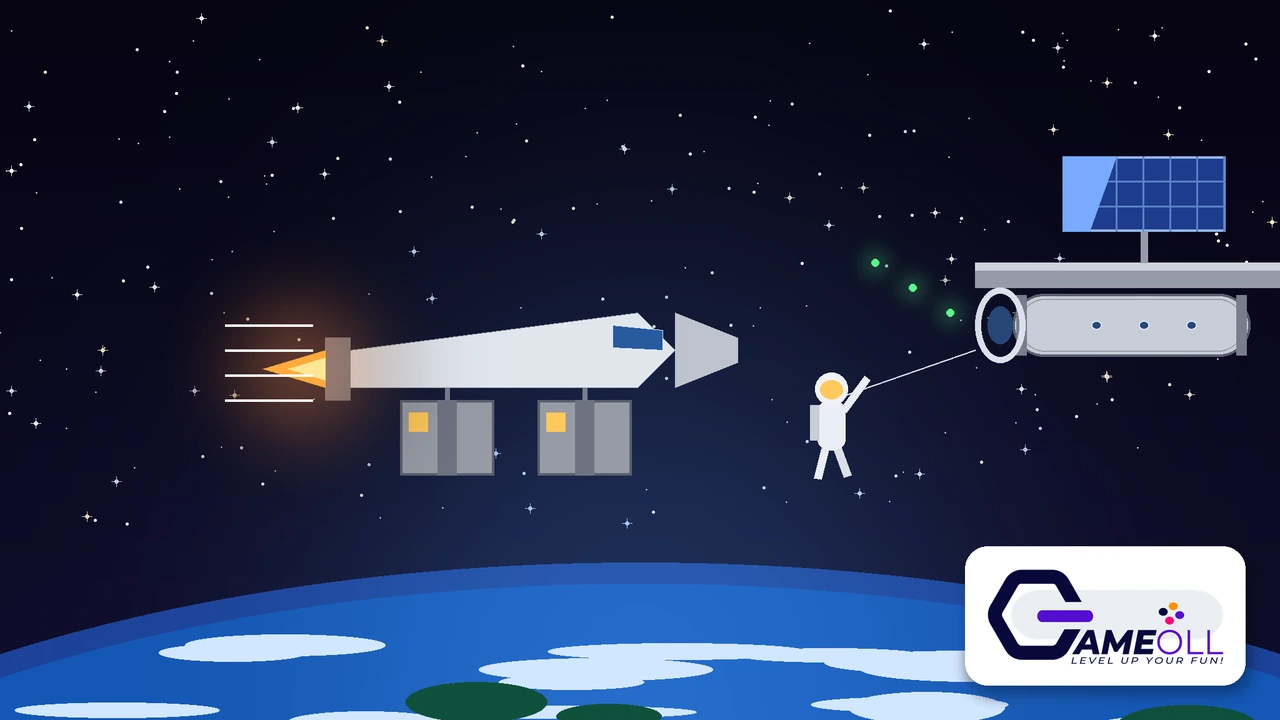
- Send a resupply spacecraft. Supplies, raw materials, and astronauts travel from Earth to your station, so plan each trip before your stores run low.
- Take a contract. Contracts pay your bills and teach you the economy, so pick one you can finish with the station you already have.
- Research one new technology. The research tree holds nearly 60 technologies, so pick the one that fixes your biggest problem first.
The four systems that keep a station alive
The store page lists five things to balance: life support, power generation, logistics, crew wellbeing, and profitability. Think of them as jobs that never stop.
Power keeps the station running, and life support keeps the crew alive. Logistics keeps supplies moving, and money keeps the company alive.
| System | What it does | First-session rule |
|---|---|---|
| Power | Runs every module on your station | Add power before you add hungry modules |
| Life support | Keeps your crew alive and healthy | Never let it fall behind your crew size |
| Logistics | Moves supplies, materials, and crew from Earth | Plan resupply trips before stores run low |
| Money | Pays for modules, crew, and research | Take contracts you can finish with what you have |
When something goes wrong, check these four systems first. Most early problems are one of them running short, and the fix is usually to add capacity or slow down your growth. A station in balance grows fast, and a station out of balance stalls.
Crew: hire slow, train, and keep morale high
Astronauts are the heart of your station. You hire them, send them for training, and help them learn special skills. Their morale matters, so a tired or unhappy crew works worse than a rested one.
Assign astronauts to maintenance duties to keep your station healthy. A station with no maintenance slowly falls apart, and repairs cost more than upkeep. Check on your crew often, and do not hire more astronauts than your station can support.
Train for the job you need, not for every skill at once. A small crew with the right skills beats a big crew with no focus, and training takes time you could spend building. Start with the roles your first station actually needs.
Money: how your company earns
A station costs money every day, so your company needs income from the start. Contracts are the simplest income: finish the job, get paid. The campaign teaches contracts early, and Sandbox hands them to you from day one.
Later income comes from more places. You can lease modules, sell commercial services, host space tourists, and manufacture goods to sell. Industrial research can also unlock technologies you can sell in more than one way.
Do not chase every income stream at once. Pick one that fits your station, learn it well, and add a second stream only when the first one pays. A station that earns from one steady source beats a station that tries five things and finishes none of them.
Six habits for your first session
- Play Campaign first. The guided objectives teach one system at a time, and that beats learning everything at once in Sandbox.
- Build small, then check. Add one module, confirm it has power and crew, and only then add the next one.
- Keep life support ahead of crew size. Every new astronaut needs air and care, so grow your crew only when your station can support them.
- Plan resupply before you run low. A spacecraft takes time to reach orbit, so order supplies while you still have some left.
- Take contracts you can finish. A small paid job done well beats a big contract that stalls your whole station.
- Research the fix for your biggest problem. The research tree holds nearly 60 technologies, so spend research on the gap that hurts most.
Three mistakes new players make
- Building a huge station on day one. A big station needs power, crew, and supplies you do not have yet, so it stalls before it earns anything.
- Hiring more astronauts than the station can support. Extra crew drains life support and morale, and a station that cannot feed its crew cannot work.
- Ignoring maintenance. A station with no crew on maintenance slowly breaks down, and repairs cost far more than regular upkeep.
Space Station Designer questions
When does Space Station Designer launch?
Space Station Designer launches on Wednesday, November 18, 2026, on Steam, GOG, and the Epic Games Store. Steam lists the planned release date as November 18, 2026, and the official site says the same.
How much does Space Station Designer cost?
No price has been confirmed on the official store pages yet. Steam shows no buy box or price at our last check, and no GOG or Epic price has been confirmed, so check the store page before you buy.
Which mode should a beginner start with?
Start with Campaign mode. It teaches the systems through guided objectives in a campaign that lasts over 40 hours, then switches to a contracts system once you know the basics.
Final verdict
Space Station Designer is a deep construction and management sim for players who like slow, thoughtful building. It launches November 18 on Steam, GOG, and the Epic Games Store, with no price listed yet. Start in Campaign mode, build small in Low Earth Orbit, and let your first station earn before you grow it.
📖 See It on Steam 🎮 See All Free Games