
Efficient Starfield cargo management requires utilizing ship cargo holds effectively, upgrading them for more capacity, and selling excess items at vendors.
Frustration mounts quickly when your ship’s hold fills up in Starfield. You’re exploring, looting, and suddenly, you are overencumbered, a common problem. This is where a solid grasp of Starfield cargo management becomes essential for smooth gameplay.
Managing your resources and inventory is crucial for long expeditions and building outposts. Failing to do so leads to constant trips back to populated areas. Knowing the best strategies will keep your journey flowing nicely.

Starfield Cargo Management: A Guide for Space Explorers
Okay, space adventurer! You’ve got your ship, you’ve blasted off into the vastness of Starfield, and now… you’re hauling a bunch of stuff. From precious minerals to alien artifacts, keeping your cargo organized can feel like a mini-game all its own. But don’t worry! Managing your inventory in Starfield doesn’t have to be a chore. It’s all about knowing the right tools and tricks. This guide is here to help you become a cargo expert, so you can focus on exploring and less on worrying about whether you can fit that extra space helmet in your hold.
Understanding Your Ship’s Cargo Hold
Your ship’s cargo hold is like your space-age backpack. It’s where you store all your loot. But unlike a backpack, it has a specific capacity, measured in mass. Every item in Starfield has a weight, and if you go over your ship’s cargo limit, you’ll become overencumbered. That means you’ll move slower and can’t fast travel. Nobody wants to be a slow-moving target in space!
Cargo Mass and Capacity
Think of mass like the weight of an item. A small piece of ammo will have low mass, but a big piece of ore will have a high mass. Your ship has a certain cargo capacity, which is the maximum amount of mass it can carry. Keep an eye on the bottom right corner of your inventory screen to track your current load and the total cargo capacity.
- Mass is the “weight” of your items.
- Capacity is how much weight your ship can hold.
- Overencumbered is when your cargo mass is greater than your ship’s capacity.
Viewing your cargo
You can view your ship’s cargo in a few ways. The easiest is through the main menu by navigating to the ship menu. There, you will see a breakdown of all of the items, and mass of each one, in your cargo hold. You can also see an overall mass of all of your cargo at the bottom of the screen. You can also access the cargo hold directly from within your ship. There should be a storage container with a blue outline near the cockpit of the ship.
Upgrading Your Cargo Capacity
Okay, so your starting ship might feel a bit cramped. The good news is you can definitely increase your cargo capacity! There are a few primary ways to do this:
Purchasing a New Ship
The most straightforward way to get more space is to buy a bigger ship. Ship vendors are located at most major cities. Look for a friendly technician who can show you what ships are for sale. Larger ships naturally come with larger cargo holds. The downside? They come with a larger price tag, too. Make sure to save up your credits, because you may be spending hundreds of thousands for a quality ship with a better cargo capacity.
Ship Modification and Cargo Modules
If you don’t want to shell out for a whole new ship, you can modify your current one. Head to a ship technician and choose the ‘Ship Builder’ option. Here, you can add cargo modules that add more mass capacity to your ship. There are different cargo modules that have different cargo capacity. You can pick and choose different styles that can help increase your cargo capacity. You can use credits to buy these modules and attach them to your ship, instantly boosting your carrying capacity.
Skills That Affect Cargo
As you gain experience and level up, invest skill points in the ‘Payloads’ skill within the Tech skill tree. This skill directly boosts the amount of cargo your ship can carry. It’s a great way to increase your capacity without having to spend a ton of money. Skills are a reliable method to help your gameplay.
Managing Your Inventory Efficiently
A large cargo hold is nice, but if you just dump everything in there willy-nilly, it’ll become a mess. Here’s how to manage your cargo like a pro:
Sorting Items
Starfield doesn’t have an automatic sorting option, which might feel cumbersome at times. However, the game helps the player by categorizing items into different folders. Items are sorted into categories like resources, weapons, apparel, aid, misc, and notes. Keep an eye on which folder items are going to in your inventory. This will help in streamlining the navigation of the cargo hold.
The Importance of Weight vs. Value
Before you pick up that random junk item, consider its weight versus its value. Is it really worth hauling around something that is incredibly heavy and isn’t worth much credits? Make smart decisions on what to pick up to help keep your cargo hold as organized as possible.
Using Personal Inventory
Remember that you have your personal inventory, too. Don’t forget about it! Your personal inventory also has a mass limit. Be careful of going over your maximum mass, because you will be over encumbered and your movement will be restricted. There are several skills that affect your personal mass limit, so keep an eye on skills that may help.
Storing Resources
Resources are incredibly important in Starfield because of crafting and upgrading. If you are an avid player who likes to utilize the resources, then you might run into the problem of storage quickly. Fortunately, there are workbenches with an associated storage container at every main hub. These containers are all linked together, so you can deposit resources at one workbench and access them at any other workbench. If you are having issues with storage, consider storing some of the resources here for later use.
Dropping Items
If you absolutely need to free up space, you can drop items. But be careful! Items you drop will remain where you left them until they are despawned. If you do this outside of a designated area, these items will not be accessible at a later time. If you drop items, keep a mental note of where you dropped them. If you drop items inside of a settlement, they will despawn when you leave and return. Be wary when deciding to drop something.
Advanced Cargo Management Tips
Once you’ve got the basics down, here are some more advanced tips to further enhance your cargo management skills:
Outposts and Storage
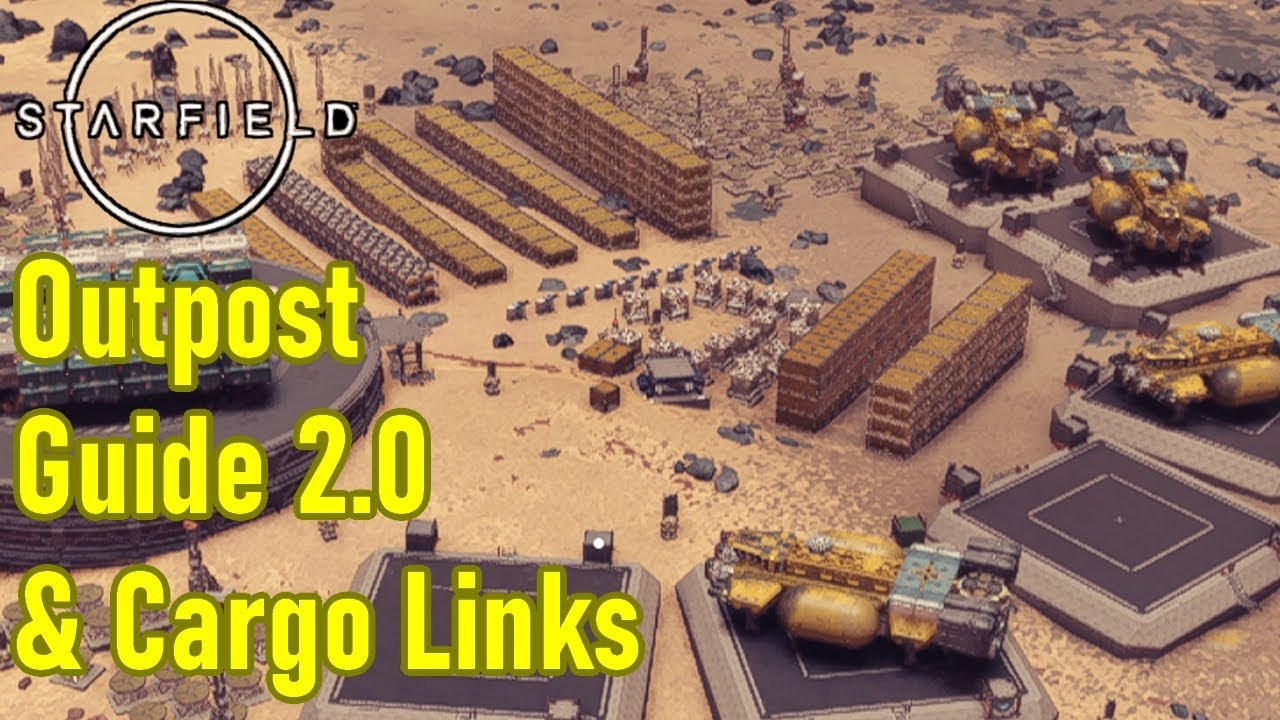
Consider building outposts on various planets and moons. Outposts have large storage containers that allow you to keep a lot of cargo. You can create routes between these outposts, and use cargo links to transport goods. This helps you keep your main ship free for what is most important – your next adventure.
Crew Skills and Bonuses
Some crew members possess skills that can affect your cargo capacity. Make sure you take note of the skills that the crew members have. If they have ship-related skills, consider adding them to the crew. Some skills might be better than others, but you might be able to utilize some of their cargo skills.
Transferring Cargo Between Ships
If you have multiple ships, you can transfer cargo between them. If you are in a spaceport, you can talk to a ship technician to bring up the modify screen. There you will be able to switch between ships. As you switch between ships, you will be able to view the cargo hold of each ship. You can move items between the ships, and this will save time from having to individually move items onto a specific ship.
Selling and Trading
Don’t be afraid to sell what you don’t need. Visit vendors at settlements and space stations to offload your excess goods. This not only frees up cargo space, but also gives you credits that you can use to buy upgrades or new gear.
Prioritizing Essential Items
Always prioritize essential items in your cargo hold. This includes things like weapons, ammo, healing items, and resources that you’ll need for crafting and upgrades. When you are in a pinch, you will always have the essential items that you need. Everything else can be sold, stored at an outpost, or left behind.
Utilizing the Transfer Button
When looking at a container, there will be a transfer button that will automatically move items into your ship. This is an extremely important tool that you should utilize to help move items faster. Be careful of hitting this button, because this will take everything in the container and put it into your ship. This is convenient, but you might accidentally pick up a ton of junk that you didn’t want.
Common Mistakes to Avoid
Even the most experienced space travelers can slip up. Here are a few common cargo management mistakes to avoid:
- Ignoring Weight: Always check the weight of items before picking them up.
- Hoarding Junk: Sell items that are low in value and high in weight.
- Forgetting Outpost Storage: Use outposts to store your resources.
- Not Upgrading Cargo: Prioritize cargo capacity upgrades when you have the resources.
- Neglecting Crew Skills: Choose crew members that boost your ship’s abilities.
Starfield cargo management might seem a little daunting at first, but with a bit of planning and practice, you can get the hang of it. It’s all about understanding how your ship’s storage works, making smart decisions on what you pick up, and making the most of available tools. With a good strategy, your cargo will be in check, and you’ll be ready to focus on what’s important: enjoying the amazing universe of Starfield.
[Starfield] Outpost Guide: Simplified Cargo Links & Gameplay Tips
Final Thoughts
Efficient Starfield cargo management is vital for your interstellar journeys. Prioritize items and use ship upgrades to maximize capacity. Regularly sell unnecessary resources to maintain a manageable load. Effective cargo management significantly impacts exploration and profit.

