
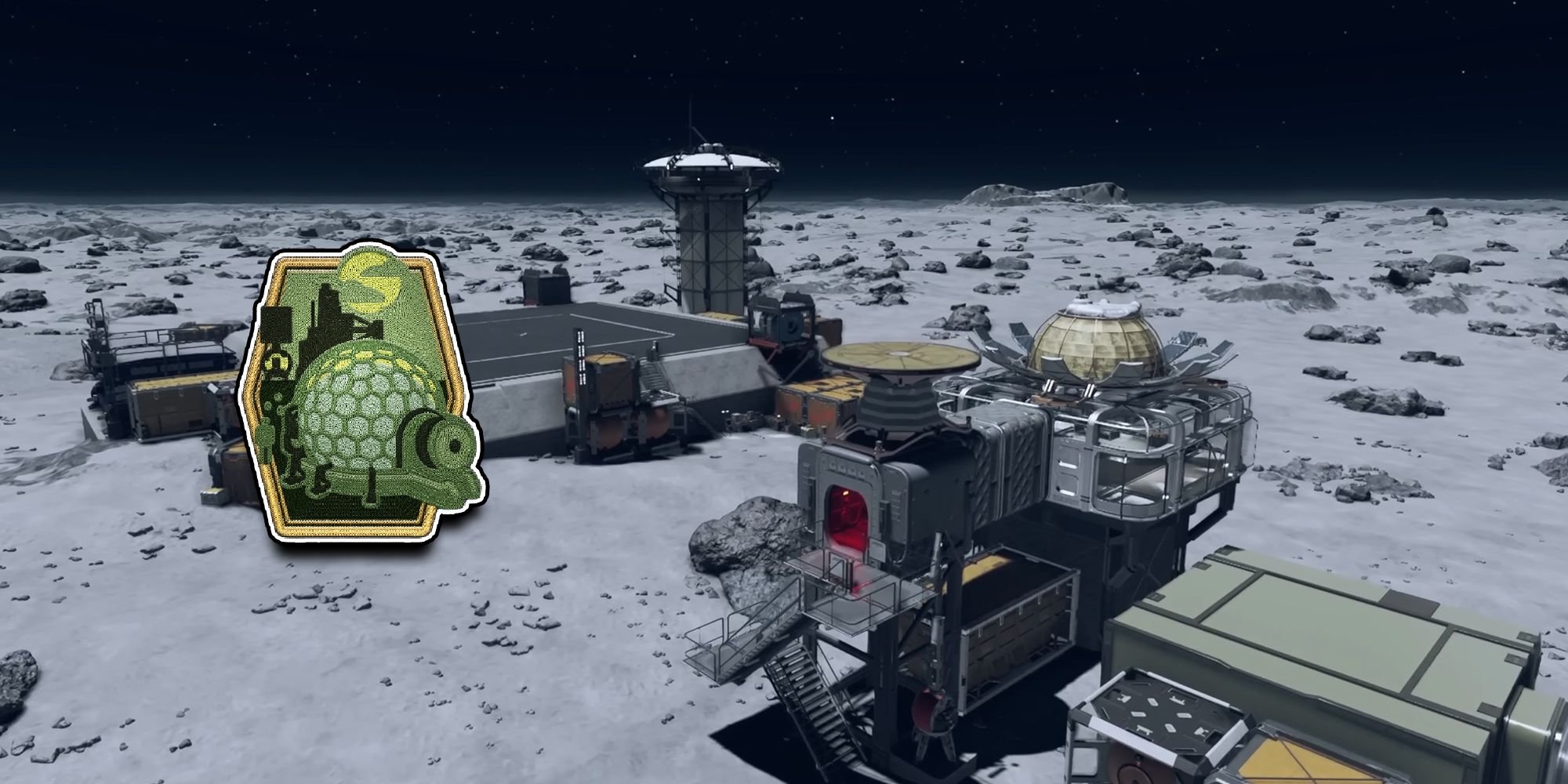
Successfully managing a Starfield complex outpost involves carefully planning resource extraction, establishing efficient supply chains, and maintaining crew satisfaction to maximize productivity.
Getting your outposts running smoothly in Starfield can be tricky. You want to go beyond simple resource gathering, but how do you tackle the complexities? Effective Starfield complex outpost management takes thoughtful planning, beyond just placing down buildings.
Building effective supply routes is crucial to keeping everything running smoothly. You’ll need to ensure materials flow effectively between different outposts. Crew management and maintaining their well-being is essential for maximum output in your production chain.

Starfield Complex Outpost Management
Building outposts in Starfield is like playing with the coolest space Legos ever! You’re not just plopping down a building; you’re creating a whole network that can help you gather resources, craft items, and even build epic ships. But like any good building project, managing complex outposts can feel a bit overwhelming at first. Don’t worry, we’re going to break it all down into easy-to-understand pieces, so you can become a true outpost master.
Understanding the Basics of Outposts
Before we dive into the complex stuff, let’s make sure we have a solid foundation. Outposts are essentially your bases on other planets and moons in Starfield. These spots let you extract minerals and gases. They also provide a safe place to rest, store all your awesome loot, and conduct research. Think of them as your personal space fortresses!
Choosing the Right Location
Location is super important when making an outpost. You don’t want to build your space base just anywhere! Here’s what you should look for:
- Resource Availability: You need resources, right? Look for spots with multiple types of minerals or gases. You’ll see these marked on the planet map. Look at the scanning data.
- Terrain: Flat areas are best. It’s hard to build on a steep hill, or a place where there are a lot of big rocks.
- Proximity to Other Locations: Consider how close you are to cities, quest locations, or other planets. You want to make your outposts useful, not isolated.
- Beautiful Views: Okay, this is not critical, but wouldn’t you want to live on a planet that looks awesome?
Using your scanner is essential! It shows you the resources available and helps you find flat spaces. Don’t just pick the first place you land on.
The Outpost Builder
The Outpost Builder is your magic tool. It lets you place buildings, mining rigs, storage units, and more. You access it by using your scanner and pressing the button that shows the build option.
Here are some things the Outpost Builder lets you do:
- Place Structures: This includes habitats, storage containers, and crafting stations.
- Place Extractors: These pull resources out of the ground. You need to place them on top of resource veins.
- Link Components: Connect extractors to storage with links. This allows the resources to be automatically moved into your storage containers.
- Power Everything: Use solar panels, wind turbines, or fuel generators to power your outpost.
- Defend Your Base: You need to use turrets to protect from alien critters.
Everything you build will require resources. Make sure you have the necessary materials. You can buy them from shops or get them by doing mining on various planets.
Resource Management: The Heart of Your Outpost
The main reason you build outposts is to gather resources. Let’s talk about making your resource management smart and efficient.
Extractors: Pulling Stuff from the Ground
Extractors are the main workers of your outpost. They grab the minerals and gases. Here’s what you need to know:
- Placement is key: You must place an extractor directly on top of a resource vein. The closer to the center, the better.
- Power Needs: Extractors need power to work, use the Outpost Builder to link power sources like solar panels.
- Type of Extractor: There are different kinds of extractors. Some work for minerals, and some are for gases. Choose the correct one for the resource.
- Storage: Make sure you have enough storage for all the resources your extractors are collecting.
Storage: Where All the Goodies Go
Storage containers are super important for managing resources. You don’t want resources spilling all over the place.
- Different Sizes: Storage comes in different sizes and types. Pick ones that fit your need.
- Links are Important: Use links to connect extractors and storage containers. The links move the resources automatically to the storage.
- Regular Check Up: Make sure to periodically check your containers to avoid the overfilling issue.
Transferring Resources Between Outposts
Things get really interesting when you start making multiple outposts. You can transfer resources between outposts using Cargo Links.
- Cargo Links: These are special structures that allow you to send goods from one outpost to another.
- Setting Up the link: You need to link two Cargo Links using the outpost builder. The links have to be close to the landing pads.
- Cargo Transfers: Then you select the resources you want to transfer at one end and then receive at the other end.
- Automatic Transfers: The process of transferring is automatic after the link is set up.
This is how you can start to create complex supply chains across multiple planets!
Powering Your Outpost
Nothing works without power! Make sure you know how to keep your outpost running smoothly.
Power Sources
There are several ways to power your outposts:
- Solar Panels: Good for planets that get a lot of sunlight.
- Wind Turbines: Useful on planets with strong winds.
- Fuel Generators: A reliable way of producing the power, but require fuel to operate.
You need to pick the right power sources for your planet.
Power Distribution
You also need to link your power sources to all your structures. Make sure to provide enough power to each part of your base. Use the ‘Link’ function to connect your power sources to all your buildings.
Keep a close look at power levels to prevent power failures!
Building Structures: Beyond the Basics
Let’s move beyond extractors and storage and talk about other cool structures you can build.
Habitats and Living Spaces
Habitats are where you and your crew will live in your base. They’re also good for placing workstations and other important things.
- Crew Stations: You can assign crew members to a habitat and give them jobs.
- Workstations: Place crafting stations inside habitats for easy access.
Crafting Stations
Crafting is a very important part of the game. You need to place crafting stations at your base to craft items.
- Different Stations: You can build different stations for different types of crafting.
- Resource Access: Make sure your stations are linked to your resource storage.
Defense Turrets
Don’t forget to protect your base from those pesky aliens. Use turrets to keep things safe.
- Turret Placement: Place turrets around the perimeter of your base.
- Upgrades: Upgrade your turrets to be more effective.
Optimizing Your Outpost Network
Once you have multiple outposts, you can start to optimize your network for maximum efficiency. This is where things get very interesting!
Supply Chains
A supply chain is when you use one outpost to get resources and send them to another outpost for other reasons.
- Resource Specialization: Have one outpost produce raw materials and another to craft items.
- Using Cargo Links: Use cargo links to transport resources between outposts.
This type of setup can be highly rewarding!
Crew Management
Assign crew members to different outposts to perform specific tasks.
- Crew Skills: Pick crew with skills that match the job you need them to do.
- Crew Happiness: Make sure they have the right facilities available.
Regular Maintenance
Outposts need regular maintenance. Check your buildings often, make repairs, and replace the damaged components.
- Scanning: Make sure to scan around the base to see if there are any issues.
- Checking Resources: Make sure you have enough storage and power supply.
Troubleshooting Common Issues
Sometimes things go wrong. Let’s look at some common problems you might have:
- Not Enough Power: Check your power sources and make sure they are all connected and working.
- Overfilled Storage: Add more storage or send the resources to another base.
- Extractor Problems: Make sure extractors are placed correctly and connected to power and storage.
- Cargo Link Issues: Make sure cargo links are set up correctly and have the right resources available.
Advanced Techniques for Outpost Management
Ready to take your outpost game to the next level? Here are some advanced techniques:
Using Research to Expand Your Options
Research plays a huge role in outpost development. Use your research stations to learn how to build new things.
- New Technologies: Research new extractors, storage, and power sources to expand your options.
- Automation: Try researching ways to make the outpost more automatic.
Complex Supply Chain Setup
As you get experienced, you can create a very complex supply chain.
- Multi-Planet Chains: You can set up supply chains across different planets and star systems.
- Crafting Hubs: Make one base a crafting hub and send all the resources there to be processed.
Optimizing Crew Performance
Your crew members are essential for base operations. You should optimize their roles for best possible productivity.
- Skill Matching: Make sure their skills match their jobs.
- Proper Housing: Make sure they have the best living conditions available.
Managing complex outposts in Starfield can be challenging, but also very rewarding. By understanding the basics, managing resources well, and optimizing your supply chains, you can build an impressive empire across the stars!
Now go forth and create some incredible outposts! You’ve got this. Happy building!
Starfield outpost guide 2.0, beginner to expert FAST, outpost tips and tricks, cargo links, building
Final Thoughts
Efficient resource chains form the core of successful Starfield complex outpost management. Prioritize connections between extractors, storage, and fabricators. A well-organized layout makes material flow easy.
You should consider crew assignments for improved productivity. Assign individuals to specialized roles at various production points. This creates faster outpost operations.
Ultimately, effective planning is essential for Starfield complex outpost management. Careful thought about resource needs leads to a thriving network. Manage it well for better gameplay.

