
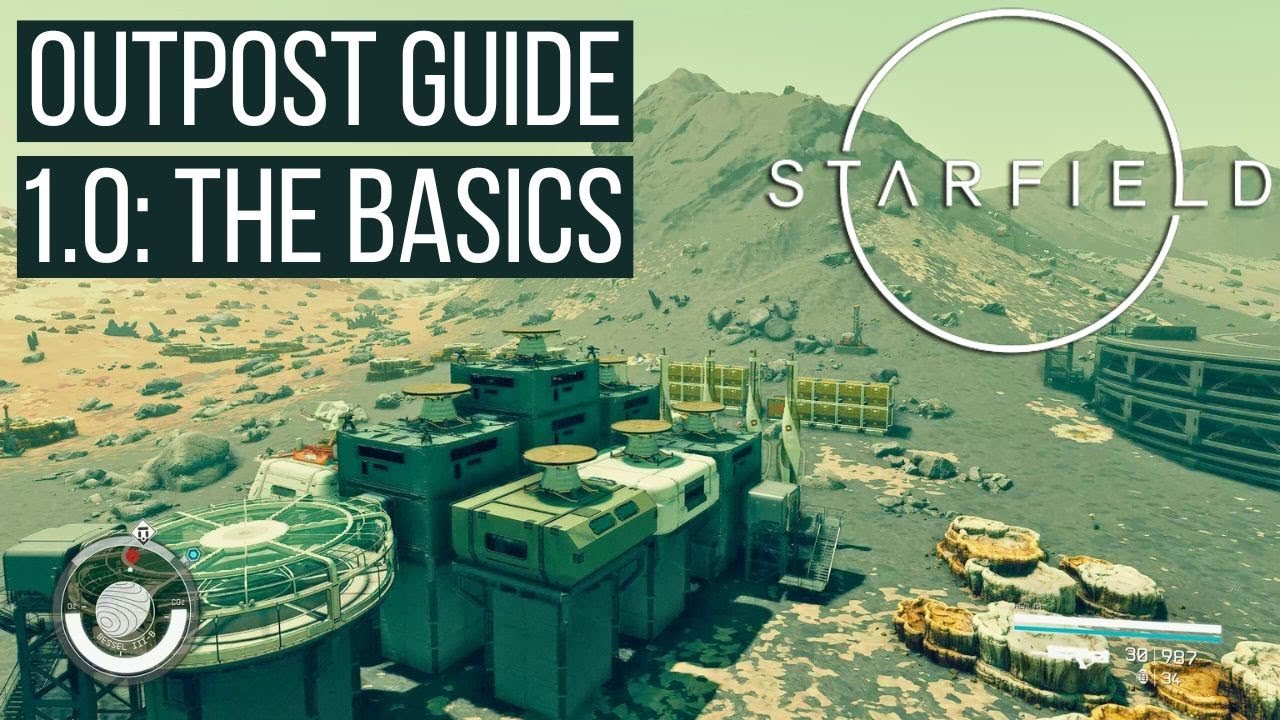
Starfield outpost building basics require you to first place a beacon, then utilize the build menu to construct structures and connect them with power and resource lines.
So you’re venturing into the vast expanse of space in Starfield, and thinking about setting up shop? Great idea! Establishing outposts is crucial for resource gathering and crafting. This guide is here to provide a gentle start to Starfield outpost building basics.
This process lets you create a functional base, expanding your crafting capabilities and storage solutions. Remember to keep your power supply consistent. You will be able to build an efficient home away from home.

Starfield Outpost Building Basics
So, you’ve blasted off into the vast universe of Starfield and are ready to make your mark? Building outposts is a super important part of the game, letting you create your own little corners of the cosmos. But where do you begin? Don’t worry, we’ll walk through all the basic stuff you need to know to get your outpost dreams off the ground (or, you know, on the ground of some alien planet).
Why Build Outposts Anyway?
Before we dive into the how, let’s talk about the why. Why should you bother with building an outpost in Starfield? Well, there are tons of cool reasons:
- Resource Gathering: Planets are full of awesome resources like iron, aluminum, and even rarer materials. Outposts let you set up extractors to automatically mine these, which is super handy for crafting and research.
- Crafting Hub: Once you’ve got those resources, you need a place to use them! Outposts are perfect for setting up crafting stations where you can build everything from weapons and armor to new ship parts.
- Crew Management: As you meet new characters, some of them might want to join your crew. You can assign them to your outpost, giving them jobs and making your outpost even more efficient.
- Role-Playing and Personalization: Let’s be real, it’s fun to design your own little base. You can really make an outpost your own by adding different buildings, decorations, and furniture. It’s like building your own home away from home in space.
- Trading and Commerce: With a dedicated landing pad and some clever planning, you can make your outposts into great trading hubs, where you can buy and sell resources with passing traders.
- Mission Hubs: Some quests might direct you to establish an outpost in a certain area, or even task you with expanding an existing one. Outposts become useful and central locations in those specific quests.
Finding the Perfect Spot
Okay, so you’re sold on the idea of outposts. Now, how do you find the perfect location for your galactic homestead? Here’s what to consider:
Planet Biomes and Resources
First off, think about what you want to get out of your outpost. If you’re after specific resources, you’ll need to find a planet that has them. Look at the planet details when you are in the star map. It’ll show you the different resources available on each planet. Also, consider the biome. Some planets have harsh climates that might affect your outpost setup. A lush, easy-going planet is better for learning the basics than a freezing tundra planet.
Landing Zones
The place where your ship lands is important, too. You need a fairly flat area that’s not too close to any big hills or other features, especially if you plan on making a larger base. The game will help a bit here. When you bring up the outpost building interface, if the spot is bad it’ll say that the spot is invalid.
Resource Veins
Resource veins are crucial for any outpost focused on resource gathering. These veins are found by scanning the planet. When you land, keep an eye on your scanner to look for areas that show resource icons on the ground. If you place your outpost beacon, usually the large circular buildable area, so it overlaps more than one resource, you’ll be able to extract both resources from a single outpost location.
The Building Blocks: Outpost Structures and Modules
Once you’ve settled on a location, it’s time to start building. Let’s break down the basic structures and modules you’ll be using:
Outpost Beacon
This is the most important structure! It marks your outpost’s center. You can’t build anything without it. When you first set down on a suitable location, your next thing to do is, place down the beacon.
Habitats
Habitats are where your crew members hang out and where you might put crafting tables. You can use basic habitats like a small living area or a larger one if you want more crewmates. Make sure to add enough for all your assigned crew to keep them happy and well-rested.
Storage Containers
Storage containers are essential for holding all those resources. You can add different storage types, like solid containers for solid resources like Iron, and fluid containers for liquids, such as water. You’ll need to build these so that all your extractors have somewhere to place the materials they dig up from the ground.
Resource Extractors
These are your resource-collecting machines. You’ll need different extractors based on the specific resources available. For example, you will use a different extractor for Iron than you would for Water. You also need power for your extractors, so be sure to factor that into your outpost build plan.
Power Generation
Extractors, fabricators, and other modules need power to run. You can generate power using various power generators. These include solar panels, wind turbines, and fusion reactors. Solar panels work best on planets with a good amount of sunlight, and wind turbines are great when there is high wind. Fusion reactors create a lot of power, but require specific resources.
Crafting Stations
Crafting stations are essential for crafting. Having a Workbench, an Industrial Workstation and a Research Lab is very useful. Each of these stations lets you craft, modify, and invent in different ways.
Landing Pad
A landing pad lets you land your ship at your outpost. It will also draw passing ships that you can trade with. If you’re looking to create a big trading hub, having a large landing pad is super helpful.
Defensive Structures
While most of the planets you will visit are very safe, some planets can be dangerous. So, while these are not absolutely essential, you’ll want to add defensive structures, such as turrets, to protect from any possible alien creatures.
The Building Process: Step-by-Step
Alright, let’s put all this into action. Here’s a step-by-step guide on how to build your first outpost in Starfield:
- Scan for a Good Spot: Fly around the planet and scan the surface until you find a suitable place with the resources you want.
- Land and Place the Outpost Beacon: Find a relatively flat, open spot. When you’ve landed in your ship, open the outpost building menu and place the outpost beacon at the selected area.
- Build Your Basic Structures: Start by building the core structures: a habitat, a storage container, and a power generator. If you’re after resources, make sure you place some extractors right away, too.
- Connect the Power Grid: Use wires to connect your power source to the extractors, habitats, and other modules. Click on a generator, and then on an extractor, the game will help you with the wiring.
- Assign Crew Members: Head to your ship and assign crew to your outpost. Having more crew at your base increases the efficiency of the extractors, and also lets you research new items.
- Expand and Upgrade: After you have a basic outpost, start expanding by building more habitats, crafting stations, or defensive structures. The choice is yours!
Tips and Tricks for Outpost Success
Here are a few more tips and tricks to make your outpost building process even better:
Planning is Key
Before placing anything, it’s good to have some idea of what you want your outpost to do, and what resources you will want to extract. This will help you get all your extractors, storage, power, and habitats organized efficiently. It’s not good if you have extractors digging up material, without storage available to hold that material.
Resource Management
Pay close attention to your resource storage. If it is full, the extractors will stop working. Be sure to add extra storage as soon as your current storage containers become full. You can also create transport links to take materials from one outpost to another, but this is an advanced topic.
Experiment
Don’t be afraid to try new things and rearrange your layout as you go. Building outposts is a learning experience. Some outpost layouts work better than others, and you might need to move things around a bit to make it all efficient.
Automation
Starfield has a complex system of moving materials from one location to another. With links and cargo modules you can ship materials from one outpost to your main one. This will help you streamline your outpost operations.
Pay Attention to Colors
The outpost building interface is color-coded. Green means that your outpost is fully functional, yellow means there may be something missing like power, and red means that the object cannot be placed at this location. This color-coded information can help you quickly determine why your extractor is not working.
Building outposts in Starfield is a great way to make your mark on the universe. From resource gathering to crafting and creating your own little corner of the galaxy, outposts are central to the core gameplay. Take your time, experiment, and most importantly have fun creating your space empire. Start small, learn the basics, and soon you will be an outpost building expert!
Starfield – The Beginner's Guide to Building Outposts
Final Thoughts
Building outposts in Starfield requires you to choose suitable locations, manage resources, and construct essential modules. Carefully consider your needs when choosing a site. Connect modules using habs and walkways for easy navigation.
Remember, efficient resource gathering is essential. Starfield outpost building basics involve securing a steady supply of materials. Employ cargo links for transferring resources between your outposts effectively.
These basics will get you started with outpost construction in Starfield. Continue experimenting with different designs and layouts to improve your outposts.

