
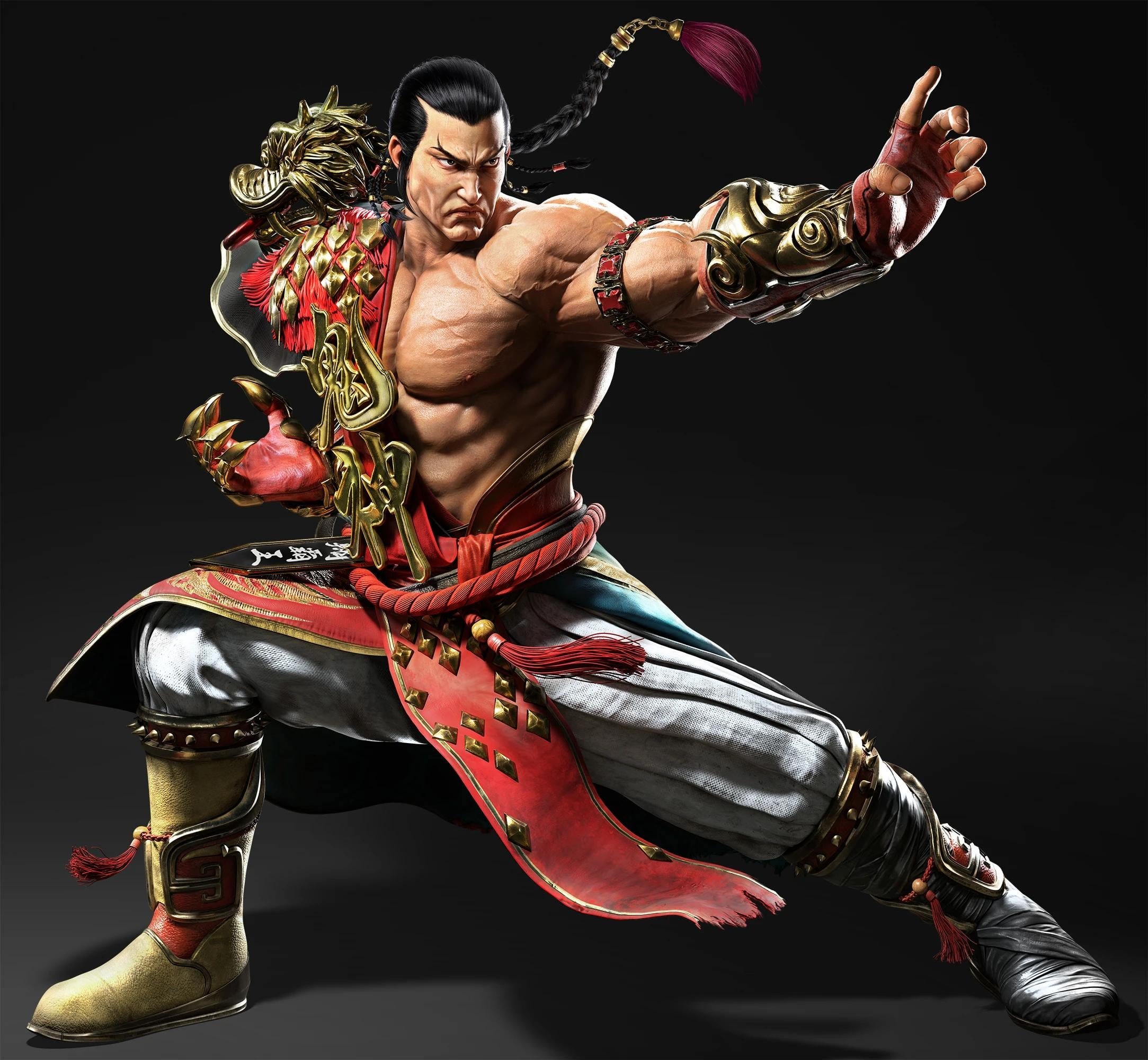
The Tekken 8 user friendly interface design prioritizes easy navigation and clear presentation of information, making the game more accessible to both new and veteran players.
Navigating a fighting game menu can sometimes feel like a boss battle itself, but Tekken 8 aims for something different. This time the menus feel intuitive and quickly allows you to get to your desired options without struggling. Tekken 8 user friendly interface design focuses on letting players get into the fight as fast and comfortably as possible.
The developers clearly have put in thought into making the game approachable, so new players wont feel overwhelmed. This approachability and clarity of menu design allows everyone to enjoy the game. Players can focus on the core action instead of getting lost in menus.

Tekken 8 User Friendly Interface Design
Hey there, fighting game fans! Let’s dive deep into something that can really make or break your experience: the user interface, or UI, in Tekken 8. A good UI is like a helpful friend, guiding you through the game smoothly. A bad one? Well, it can feel like trying to find your way in a maze! In Tekken 8, the developers worked hard to make sure the menus, character select screens, and everything else are easy to use and understand. We’re going to explore exactly what they did and how it helps you get into the action quicker and stay there longer.
The Main Menu: Your Starting Point
The main menu is the first thing you see when you start Tekken 8, and it’s designed to be super clear and simple. No complicated graphics or confusing options here! The focus is on getting you where you want to go without any fuss. Let’s take a closer look:
- Big, Bold Options: The different choices, like Story Mode, Arcade Quest, or Online Battles, are presented as large, easy-to-read buttons. It’s really hard to miss them!
- Clear Icons: Each mode has its own icon, so you can quickly find what you’re looking for. You don’t need to read the text every time – just look for the picture!
- Logical Layout: The most important options, like starting a new game or going online, are right in the center, so you don’t have to hunt for them.
The main menu doesn’t overload you with information. It presents just the right amount to allow you to jump into the game without any confusion, making it a very important part of the user-friendly design.
Character Selection: Picking Your Fighter
Picking your character is a big deal in Tekken, and Tekken 8 provides an engaging and user friendly screen for that. Let’s investigate:
Character Portraits
The characters are shown with big, clear portraits. These portraits show their faces and upper bodies, making them easily recognizable. The portraits are also dynamic, showing the characters in a cool pose or with a facial expression that really catches your attention.
Character Stats
When you select a character, the game also shows you important stats. This might include how strong they are or how fast they can move. These stats are displayed in a simple and easy to see manner. This helps beginners pick a character that matches their playstyle, while veterans can use them to make an informed decision.
Customization Options
Tekken games are famous for letting you customize your characters. The UI makes it simple to get to these options, allowing you to make your fighter uniquely yours. The menus for these options are easy to understand, with clear icons and labels for every type of customization.
Filter and Sort
With many characters to pick from, the character selection screen also includes options to filter and sort the list. You can sort them by the order they were introduced, or you can filter to only see certain characters you like. This is especially great if you’re new to the game and want to look at specific types of characters, such as those with basic or easy to execute move sets.
In-Game HUD: Information at a Glance
During a match, you need to see important stuff without taking your focus off the action. The Head-Up Display, or HUD, in Tekken 8 makes this easy. A good HUD makes a huge difference when you’re trying to keep track of the health and status of your character and your opponent.
Health Bars
The health bars for both players are big and clear. You can quickly see how much health you and your opponent have left. The bars also change color as the characters get close to losing, making it even easier to know how the battle is going.
Round Counter
The round counter is placed at the top of the screen and shows which round you are on. It shows your round score, allowing you to easily track how many rounds you have won and how many you still need to win the match. The design of the round counter doesn’t distract from the action at all.
Rage Art Indicator
When you’re able to use your character’s special Rage Art move, the game will provide a clear visual indicator. This indicator lets you know that you are capable of performing your special move, giving you an edge in the match. It appears in an obvious spot on the screen without blocking the action, and you’ll quickly learn to glance at this visual cue.
Simple and Clean
The HUD is designed to be simple and not too cluttered. You only see the information you need without any other distracting graphics. This helps you stay focused on the fight.
Training Mode: Perfecting Your Skills
Training Mode is where you go to practice and get better. Tekken 8 has made this mode very user-friendly so that you can focus on getting better instead of fighting with complicated menus and tools. Let’s see how:
Easy to Access Tools
The training mode is easy to get into, allowing you to quickly select your character and opponent, and then get to training. All the options are clearly presented on the screen with simple text, and the tools you need to master the game are always at your fingertips.
Record and Playback
The ability to record your actions and play them back is a vital training tool. Tekken 8 makes recording and playing back moves very easy, allowing you to try them out and improve your technique.
Frame Data
For players who want to dive in deeper, the training mode includes the option to view frame data. Frame data shows information on how fast moves come out, how long the animation lasts, and whether you have the advantage after performing an action. This information is really helpful for competitive players, and it’s made easy to understand in Tekken 8.
Customization
You can change all kinds of training options, such as how much health you and the other fighter have and whether the opponent defends against attacks. This is great for experimenting and getting used to specific fight situations.
Online Play: Battling Around the World
Playing online is a huge part of Tekken 8. The developers have made the online menus straightforward so you can quickly connect with other players from around the world. They also made a big effort to show relevant information for your online matches.
Simple Matchmaking
Finding a match is easy! You can choose between ranked matches for competitive play, quick matches for fast games, or you can create or join custom lobbies to play with friends. The menus for all these options are clear and simple, with big buttons and icons.
Connection Status
The game shows you information about your connection to other players. This helps you know if you might experience any lag or other issues. It will show your ping and signal strength before you start a match, so that you can make an informed decision about whether or not to begin a match.
Lobby Options
If you are looking to create custom lobbies, Tekken 8 has made it easy to customize your lobby with clear and accessible options. You can set different rules for each lobby, and it only takes a few seconds to do so.
Post-Match Summary
After a fight, the game shows you a summary screen. It shows you who won, how many rounds, and how your rank changed. This is all displayed in a clean and understandable format.
Accessibility Features: Playing for Everyone
Tekken 8 also makes sure that it’s accessible to as many players as possible. They added accessibility features to ensure all players can enjoy the game. Accessibility in games is really important, because everybody deserves to have fun, no matter what their challenges are. Let’s see some of the specific changes:
Subtitle Options
Players can change the size and color of the subtitles in the game. This is really helpful for anyone who might have trouble reading small text, or players who have visual impairments.
Colorblind Modes
The game has options for players with colorblindness. These modes change the colors of the game so that everyone can see the action without problems.
Remappable Controls
Players can remap controls to whatever they find comfortable. This is great because different people have different preferences when it comes to using controllers or keyboards. The game allows you to customize buttons to perfectly match your playstyle.
Why User Friendly Design Matters
So, why is all this focus on a user-friendly interface so important? Well, it’s all about making sure that the game is fun and enjoyable for everyone. When the interface is easy to use, you can spend more time playing and less time trying to figure out how things work. This also lets players of all skill levels enjoy the game, as the menus do not become a burden.
Easy to Learn
A good interface helps new players understand how to play the game. With clear menus and icons, new players can quickly get started without feeling lost or frustrated. It lets them focus on learning the moves and characters instead of the menus.
Immersive Experience
A clean and simple interface can make the game feel more immersive. When you’re not being distracted by cluttered menus, you can focus on the game world and action, making the experience much more engaging.
Competitive Edge
Even for experienced players, a good interface can give them an edge. When menus and options are easily accessible, they can quickly change settings, switch characters, or train effectively. A user-friendly interface helps people to reach their full potential as players.
Tekken 8’s user-friendly interface design is a clear indication that the developers put a lot of thought into how players will use the game. From the main menu to the online battles, everything is designed to be simple, clear, and accessible. This makes the game fun for everyone, no matter their skill level. The game allows you to spend more time enjoying the fast-paced battles and less time dealing with confusing menus, which is an important design choice.
Tekken 8's Exciting New Character Design Concepts (Midjourney AI)
Final Thoughts
Tekken 8 user friendly interface design greatly improves the experience. The menus are clear, navigation is simple, and essential information is readily available. This allows new players to easily grasp the game, while veterans find it a joy to use.
The interface choices promote quick access to training and customization options. Players can get into matches faster. Tekken 8 user friendly interface design shows a commitment to accessibility and enjoyable gameplay.

