
You can play a wide range of PC games on the ROG Ally, including AAA titles, indie games, and classics, thanks to its Windows compatibility.
The ROG Ally has arrived, and the big question on everyone’s mind is: what games can you play on rog ally? This handheld PC gaming device opens up a vast library of gaming possibilities. It’s not just limited to a few mobile-style titles.
Essentially, if a game runs on Windows, there’s a good chance you can play it on the Ally. This includes the newest releases and your favorite games of the past. Get ready to explore your gaming library on the go!

What Games Can You Play on ROG Ally?
The ROG Ally is like a super cool portable game machine! It lets you play many different kinds of video games, just like your computer or game console, but on the go. Think of it as having a powerful gaming computer right in your hands. Let’s dive into all the amazing games you can enjoy on this awesome device.
AAA Titles: Big Games, Big Fun
AAA games are the big-budget, super popular games that everyone talks about. These games usually have really awesome graphics and exciting stories. The ROG Ally can handle many of these games, letting you enjoy them anywhere.
Action-Packed Adventures
If you love exciting adventures with lots of action, the ROG Ally has you covered. Games like:
- Elden Ring: A huge world to explore filled with monsters and secrets.
- Cyberpunk 2077: A futuristic city where you can become a legend.
- Assassin’s Creed Valhalla: Become a Viking warrior and lead your clan to glory.
These games are known for their open worlds and engaging gameplay. You can explore huge maps, fight challenging enemies, and level up your character.
Shooters and First-Person Fun
Do you like games where you use guns and shoot things? The ROG Ally can handle first-person shooters really well. Check out these:
- Doom Eternal: Fast-paced action where you battle demons from hell.
- Halo Infinite: Jump into Master Chief’s armor and fight off the Banished.
- Call of Duty: Modern Warfare II: Experience intense tactical combat with friends online.
These games are great for quick matches and competitive gameplay. You’ll need to be quick on your feet to survive.
Sports and Racing Games
For those who prefer virtual sports and speed, the ROG Ally is a great choice. Here are some favorites:
- Forza Horizon 5: Race super fast cars through beautiful Mexico.
- F1 23: Experience the thrill of Formula 1 racing.
- NBA 2K24: Play basketball with your favorite NBA players and teams.
These games let you compete in different sports and driving events. Get ready for some intense competitions!
Indie Games: Small but Mighty
Indie games are made by smaller teams and they often have very creative and unique ideas. The ROG Ally is fantastic for playing these. Indie games are like hidden treasures, waiting to be enjoyed.
Platformers and Metroidvanias
Love jumping and exploring? Check out these awesome platformers:
- Hollow Knight: A beautiful and challenging game about a little knight.
- Ori and the Will of the Wisps: A heartfelt story with stunning visuals and smooth platforming.
- Celeste: A tough platformer about climbing a mountain, filled with emotion.
These games combine tight controls with interesting levels that will test your skills.
Relaxing and Story-Driven Games
Sometimes you just want to relax and enjoy a good story. Here are a few indie games for that:
- Stardew Valley: A charming farming game where you can create your own little farm.
- Terraria: Explore a vast 2D world and build anything you want.
- Undertale: A story-rich adventure with memorable characters.
These games offer a more peaceful and immersive experience. Perfect for when you just want to unwind.
Puzzle and Strategy Games
If you like to think and solve puzzles, these indie games might be right up your alley:
- Baba Is You: A mind-bending puzzle game where you change the rules.
- Slay the Spire: A deck-building roguelike where you create a powerful deck to overcome challenges.
- Into the Breach: A turn-based strategy game about protecting the world from giant creatures.
These games will challenge your mind and make you think in different ways.
Retro and Emulated Games: Classic Fun
The ROG Ally can also play classic games from older consoles. It is like having a retro gaming arcade in your hands. You can enjoy all of your favorite games from when you were younger, or experience some old games for the first time. This is thanks to emulation.
Playing Games From Old Consoles
With emulators, you can play games from systems like:
- Nintendo consoles: Play games from the NES, SNES, Game Boy, Nintendo 64 and even the Nintendo DS/3DS.
- Sega consoles: Revisit games from the Sega Genesis and Dreamcast.
- Sony PlayStation consoles: Play your favorite PS1, PS2 and PSP classics.
These systems have so many classic games that are just as fun today as they were back then. It’s a great way to rediscover some favorites or play those games you missed out on. You need to find legal copies of the games yourself to use these emulators though!
Setting Up Emulators
Setting up emulators can sound tricky, but it is not that difficult. There are many guides and video tutorials to help you. The ROG Ally handles emulators well, with good performance for most retro games. This can bring a lot of retro fun to your hands.
Cloud Gaming: Access to Even More Games
The ROG Ally can connect to cloud gaming services. This means you can play games that aren’t actually installed on the device. Instead, you stream the games from powerful computers on the internet. This gives you access to even more games than your machine can normally handle!
Xbox Game Pass Cloud Gaming
With Xbox Game Pass Ultimate, you can play a huge library of games through the cloud. This is great because it lets you play big games without needing a really strong PC yourself. Games like:
- Starfield: Embark on a journey through space in this massive RPG.
- Microsoft Flight Simulator: Take to the skies in this realistic flight simulator.
- Minecraft: Explore the blocky world and build anything you can think of.
Cloud gaming allows you to play new games without worrying about your device having enough power. It is like having a huge game library in your hands.
Nvidia GeForce NOW
Nvidia GeForce NOW is another great cloud service that lets you play games you already own on platforms like Steam, Epic Games, or GOG. This includes big games like:
- Cyberpunk 2077: Experience Night City with all the graphical bells and whistles without high-end hardware on your side.
- The Witcher 3: Wild Hunt: Explore the beautiful open world and slay monsters.
- Fortnite: Play battle royale with friends, or enjoy building and creative mode.
Cloud gaming is great because it brings high-end games to the ROG Ally. Just make sure you have a good internet connection.
PC Game Libraries
The ROG Ally runs on Windows, which means it works with all the major PC game libraries! This gives you access to a huge selection of games, so you won’t run out of things to play!
Steam
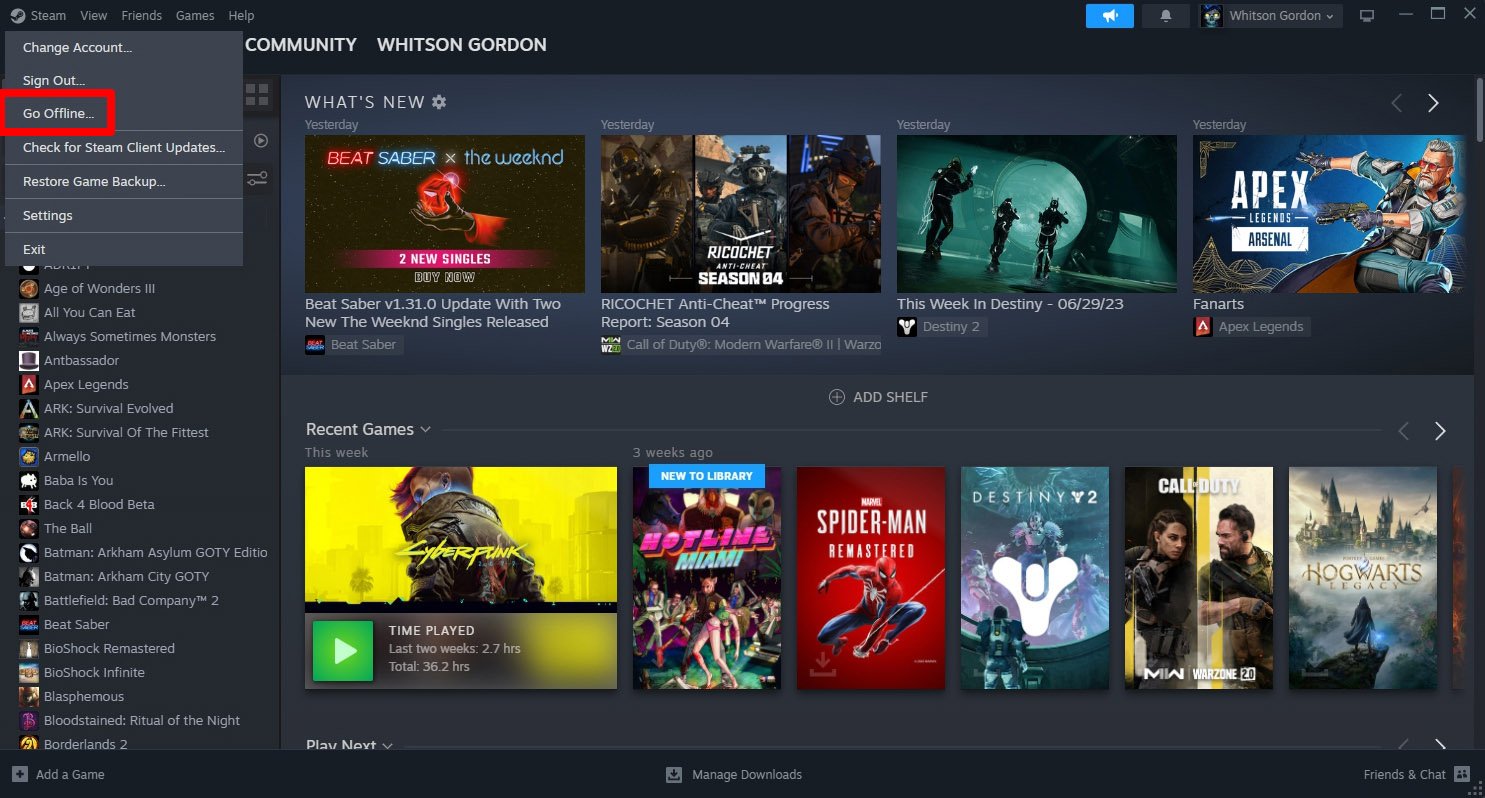
Steam is the biggest online store for PC games. The ROG Ally works perfectly with Steam, allowing you to buy, download, and play thousands of games from their catalog. The Steam interface has been optimized for handheld play, too.
Epic Games Store
The Epic Games Store is another popular place to buy PC games. It gives away free games every week and has lots of great titles. You can easily access your Epic games library on the ROG Ally.
GOG
GOG is known for selling older games that have been made to work well on modern computers. You can access your GOG library on the ROG Ally and enjoy classics as well as newer releases. The best part of GOG is that it is DRM free. You will not be required to connect to the internet to play the games.
EA App
For games published by EA, you will use the EA app to access those games, such as: Battlefield, FIFA, Need for Speed and The Sims. The ROG Ally can run all of the most popular games from the EA library.
Customization and Settings
The ROG Ally lets you tweak the settings to make games run as smoothly as possible. You can adjust things like graphics, resolution, and frame rates. This helps make sure games play well on the device and makes the battery last as long as possible. The built-in software helps you manage all of these features easily.
Armoury Crate
The Armoury Crate software gives you complete control over your system. You can manage your game library, see hardware performance, and control system settings to optimize your gaming experience. It provides quick and easy access to performance settings, controls, and game profiles.
Optimizing Games
You can use the Armoury Crate to adjust the way games run on your ROG Ally. This includes:
- Changing the resolution to make games sharper or less demanding.
- Adjusting graphics settings to make the game look prettier, or run faster.
- Limiting the frame rate to save battery life.
By changing these settings, you can make sure games play great on your device and have the best battery life for on the go gameplay.
Playing With Friends
The ROG Ally can connect to the internet, so you can play with your friends online. You can join them in games, chat with them, and compete in matches. It’s super fun to play games with friends, even when you’re not in the same room.
Online Multiplayer
Many games have online multiplayer modes where you can play with people from all over the world. You can join cooperative games where you work together, or compete in player-vs-player matches to test your skills.
Using Voice Chat
You can use a headset or built in mic to chat with your friends while you play. This makes it easier to communicate and have fun when you’re playing together.
The ROG Ally is a great device for gaming, no matter what types of games you enjoy. It is a very versatile device which lets you play all of your favorite games, anywhere.
The ROG Ally truly opens up a world of gaming possibilities. From big-budget AAA titles to charming indie gems, and from retro classics to modern cloud-streamed experiences, this handheld device has a lot to offer to gamers of all types. Its flexibility and ability to play almost any PC game means you can always have something fun to play, wherever you are. So, grab your ROG Ally, pick your favorite game, and start having fun!
How To Setup The ROG Ally For Gaming
Final Thoughts
The ROG Ally plays a vast library of games. You can enjoy AAA titles like Elden Ring and Cyberpunk 2077. Indie gems and retro classics also run beautifully.
Many games from platforms like Steam, Epic, and Xbox Game Pass are playable. The device’s versatility allows access to various gaming experiences. what games can you play on rog ally? It essentially handles almost any game you throw at it.

