
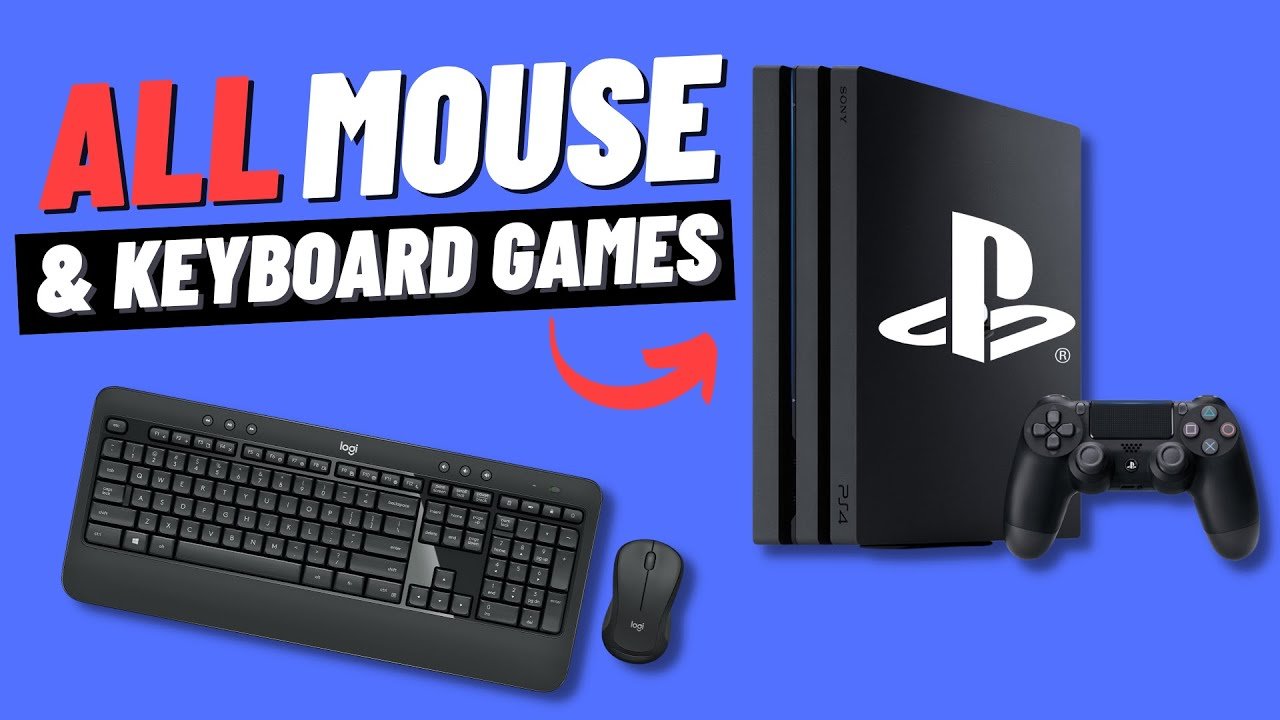
Many first-person shooters and some strategy games on the PS4 support mouse and keyboard gameplay.
Ever wondered if you can ditch the controller for a keyboard and mouse on your PS4? Well, many gamers ask ‘what games support mouse and keyboard ps4’. This is a legitimate question since playing with a mouse and keyboard can dramatically change your gaming experience, especially in certain genres.
Some players find the precision of a mouse much more comfortable and competitive than using joysticks. Thankfully, a good number of titles let you play with this setup on your Playstation 4.

What Games Support Mouse and Keyboard on PS4?
So you’re a PlayStation 4 gamer who loves the feel of a mouse and keyboard? You’re in the right place! Many people who play games on computers are used to using a mouse and keyboard, and they might want to use them on their PS4 too. The good news is, some PS4 games do let you use a mouse and keyboard! It’s not every game, but there are a good number that do. Let’s explore which games allow this and how it works.
Why Use a Mouse and Keyboard on PS4?
Before diving into the games, let’s chat about why you might choose a mouse and keyboard over a controller. For many players, it comes down to precision and speed.
- Accuracy: Using a mouse can give you finer control when aiming in shooter games. It’s like having a super-precise pointer that lets you hit those tiny targets much easier.
- Speed: Keyboard inputs can be faster for certain actions, especially in games that require quick button presses. You can switch weapons or perform other actions more swiftly.
- Comfort: Some people find a mouse and keyboard more comfortable than a controller, especially after playing on a computer for many years.
- Familiarity: If you’ve spent a lot of time gaming on a computer, using a mouse and keyboard on your PS4 can feel more natural and help you play better right away.
It’s all about finding what makes you play your best!
Official PS4 Mouse and Keyboard Support
It’s essential to know that not all games automatically work with a mouse and keyboard on PS4. It’s up to the game developers to add this feature. When a game officially supports a mouse and keyboard, you usually get the best experience. You’ll see clear menus and prompts that show the keyboard and mouse buttons, just like you would on a computer.
Finding the Official Support
How can you tell if a game has official support? Here are some tips:
- Game Packaging and Descriptions: Check the game box or online store description. It often says if the game works with a mouse and keyboard.
- In-Game Options: Look in the game’s settings menu. There’s usually a section for controls or input devices. You might see options for keyboard and mouse, along with the controller.
- Online Communities and Forums: Check online discussions. Lots of players talk about what input devices games support. You can find out if it’s confirmed.
- Developer Websites and Social Media: Sometimes, the game developers announce when they add mouse and keyboard support. Check their official websites and social media pages.
Games That Officially Support Mouse and Keyboard on PS4
Okay, let’s get into the exciting part – the games! Here’s a list of some of the popular PS4 games that let you use a mouse and keyboard. This isn’t every single game, but it covers many of the big ones.
First-Person Shooters (FPS)
Many first-person shooters, where you see the game through the eyes of your character, use mouse and keyboard support to give you a competitive edge.
- Call of Duty Series (Modern Warfare, Black Ops Cold War, etc.): Many Call of Duty games offer support for keyboard and mouse which provides an edge in aiming.
- Overwatch: The fast paced hero shooter is a great game to play with this setup.
- Fortnite: You can play Fortnite with a mouse and keyboard, and many players like it for building and aiming precision.
- Apex Legends: This is another popular shooter that works well with a mouse and keyboard if you’re seeking that added accuracy.
- Paladins: Like Overwatch and other team based shooters, Paladins provides support for mouse and keyboard.
- Rainbow Six Siege: Tactical shooter gameplay can be improved by precision aiming.
Strategy Games
Strategy games, where you have to think carefully about your next move, also benefit from the precision of a mouse and keyboard.
- They Are Billions: This strategy game benefits from using a mouse for quick movement.
- Ancestors Legacy: Use keyboard and mouse to manage your units easier.
- XCOM 2: This turn based strategy game allows you to use a mouse for moving units around the map.
MMORPGs (Massively Multiplayer Online Role-Playing Games)
These big online worlds are also easier to navigate using a mouse and keyboard.
- Final Fantasy XIV: Explore Eorzea with the ability to use keyboard and mouse for menus and combat.
- Elder Scrolls Online: Experience this expansive RPG with easier inventory management.
Other Genres
There are some other games that also provide great support for mouse and keyboard on PS4.
- War Thunder: This vehicle combat game makes better use of camera control with a mouse.
- DayZ: Navigation and combat in this survival title can be easier with mouse and keyboard controls.
- Minecraft: You can use a mouse and keyboard to play on your PS4. This allows for easier inventory management.
How to Set Up Your Mouse and Keyboard on PS4
Okay, you’ve found a game that supports a mouse and keyboard. Now, how do you get everything working? It’s pretty easy. Here’s how:
- Plug Them In: Connect your mouse and keyboard to the USB ports on your PS4. Some wireless devices might also work via Bluetooth.
- Check Game Settings: Go into the game’s settings menu. Look for options related to controls or input devices. You should see an option to choose between a controller and a mouse/keyboard.
- Adjust Settings: Some games let you change mouse sensitivity and keyboard button assignments. Play around with these settings to find what feels right for you.
Make sure that your mouse and keyboard are compatible with your PS4. Most common USB mice and keyboards should work just fine.
Third-Party Adapters: When Games Don’t Officially Support Mouse and Keyboard
What happens when a game doesn’t officially support a mouse and keyboard? This is where third-party adapters come in. These are little devices that trick your PS4 into thinking your mouse and keyboard are a controller. This way, you can play games that normally wouldn’t let you use a mouse and keyboard.
How Do Adapters Work?
Adapters work by converting the signals from your mouse and keyboard into signals that the PS4 recognizes as coming from a controller. These signals are typically translated into the input of analog sticks and buttons, so while it may work it is not a perfect 1:1 translation.
Things to Keep in Mind When Using an Adapter
- Not Perfect: Adapters aren’t always as precise as official support. There might be some slight delays or less accurate movement.
- Cost: You’ll have to buy an adapter, which adds to the cost of playing.
- Compatibility: Make sure the adapter is compatible with your PS4 and the games you want to play.
- Ethical Considerations: Some people think using adapters gives an unfair advantage in online multiplayer games, but ultimately this is up to your own discretion and you should check the rules of any game that you are playing.
If you play online, you should do some research to ensure that this adapter is not against the game’s terms of service. Using adapters can sometimes violate these terms, and can result in a suspension or ban.
Mouse and Keyboard vs Controller: Which is Better?
So, you know how to use a mouse and keyboard on your PS4, and you know which games support it. Now, the big question: is it better than using a controller? Well, it depends on you and the game.
Pros and Cons of Mouse and Keyboard
- Pros:
- More precise aiming in shooter games
- Faster inputs for actions
- Comfort for some gamers
- Familiarity for computer players
- Cons:
- Not supported by all games
- May require extra equipment (like an adapter)
- Can sometimes be less comfortable for couch gaming
Pros and Cons of Controller
- Pros:
- Supported by almost every PS4 game
- Comfortable for couch gaming
- Easy to learn
- Cons:
- Less precise aiming than a mouse
- Can be slower for some actions
Ultimately, the best choice depends on what you prefer and what feels more comfortable for you. It’s great to have the option of both!
Tips for the Best Experience
To make sure your experience with mouse and keyboard on PS4 is smooth, here are a few tips.
- Update Your PS4: Make sure your PS4 system software is up to date. This ensures the best performance for all input devices.
- Use a Good Mouse and Keyboard: Don’t use low-quality peripherals. The better the equipment, the better your experience will be.
- Adjust Settings: Spend time adjusting your mouse sensitivity and keyboard button assignments in the game settings. This is key to getting the most out of a new control method.
- Practice: It takes time to get used to a new control method. Practice makes perfect!
In conclusion, the ability to use a mouse and keyboard on your PS4 provides a fantastic way to play some of your favorite games and can give a competitive edge in certain genres. Whether through official support or third-party adapters, it opens up a world of possibilities for gamers who prefer a more precise and familiar control setup. Be sure to check if your favorite game has official support first, or research the adapters available to see which might fit your needs.
How to Connect Keyboard and Mouse to PS4 #shorts #youtubeshorts #ps4 #gameplay #games #gaming #gamer
Final Thoughts
Many players wonder what games support mouse and keyboard ps4. Several titles offer this control option, often in genres like shooters and strategy games. These games enhance precision and offer a PC-like experience on the console.
Games such as Call of Duty and Fortnite readily support mouse and keyboard. This allows for more accurate aiming. So, if you ask, what games support mouse and keyboard ps4, there is indeed a growing list.

