
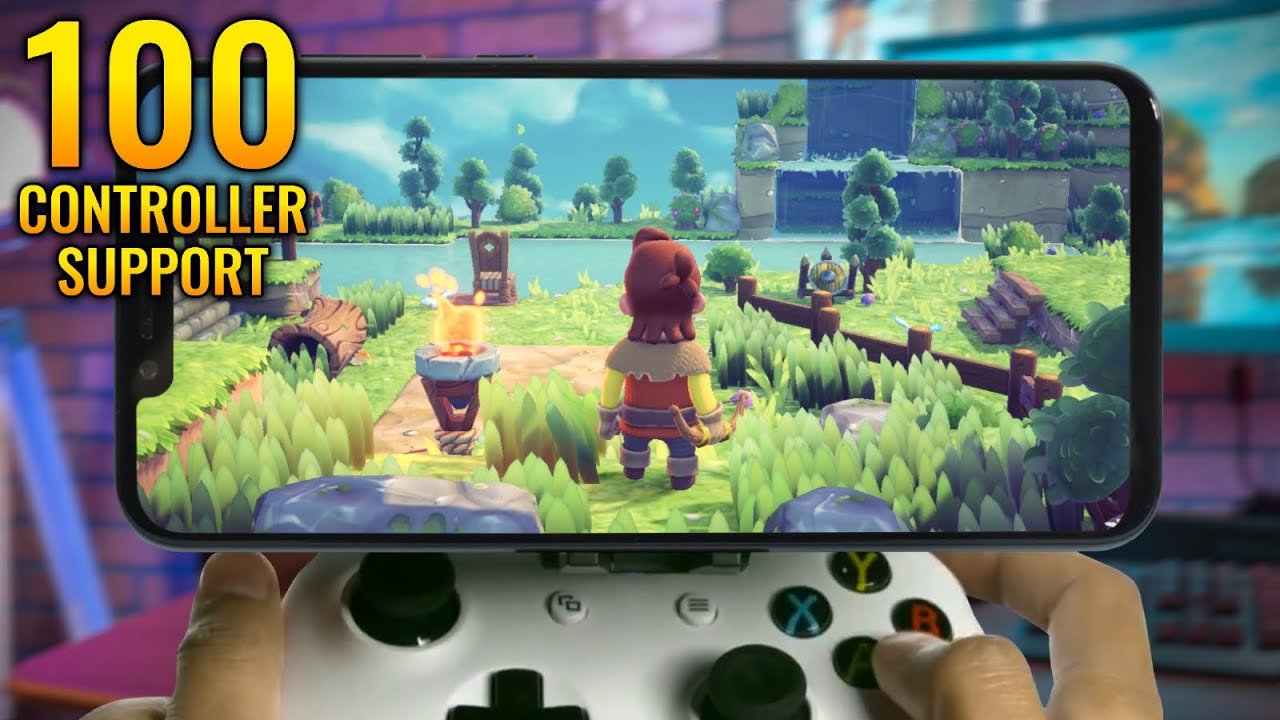
Many games across various genres, including action, racing, and platformers, offer controller support on mobile.
Ever felt like your thumbs were cramping from intense mobile gaming sessions? What mobile games are compatible with a controller is a common question among avid mobile gamers looking for a better experience. Many players crave the tactile feel and precision of a physical controller.
It’s understandable that using touch controls can sometimes feel limiting or cumbersome. Good news is that there are many games that allow you to pair a controller via bluetooth. So, you can ditch the touchscreen and enjoy better control today.

What Mobile Games are Compatible with a Controller?
Have you ever wished you could play your favorite mobile games with a real controller, just like on a video game console? Well, good news! Many mobile games now work perfectly with controllers, giving you a more comfortable and precise way to play. It’s like taking your game to the next level! Let’s dive into the exciting world of mobile games that support controllers and find out everything you need to know.
Why Use a Controller for Mobile Games?
Before we jump into which games work with controllers, let’s talk about why you might want to use one in the first place. Playing with your thumbs on a touchscreen is okay, but it’s not always the best. Controllers offer several advantages:
- Better Control: Controllers have buttons and joysticks that allow for more accurate movements and actions. Think of it like driving a car with a steering wheel versus just pushing a toy car around.
- More Comfortable: Holding a controller is often more comfortable than holding a phone or tablet for long periods. Your hands won’t get as tired, and you can play for longer!
- Improved Immersion: Using a controller can make you feel more like you’re playing on a console or PC, which can make the game feel more engaging.
- Competitive Edge: In some fast-paced games, using a controller can give you an advantage over players using touch controls. Those quick reactions with buttons are often faster than tapping the screen.
Types of Controllers that Work with Mobile Games
So, what kind of controllers can you use with your phone or tablet? Here’s a breakdown of the most common types:
Bluetooth Controllers
These are the most popular type of controllers for mobile gaming. They connect wirelessly to your device using Bluetooth. Many popular controllers that you already own can work here too:
- PlayStation DualSense and DualShock 4: These PlayStation controllers are compatible with both Android and iOS devices. They’re widely available and very comfortable to use.
- Xbox Wireless Controller: Microsoft’s Xbox controller also connects easily via Bluetooth to phones and tablets. It is known for its great feel and button layout.
- Nintendo Switch Pro Controller: The Pro Controller for the Nintendo Switch is another viable option. It is a little bit different than other controllers, but it is well made and easy to hold.
- Dedicated Mobile Game Controllers: Some controllers are specifically designed for mobile gaming. They may have clips to hold your phone, or other special features that make them great for playing on the go. Examples include those from Razer, SteelSeries, and GameSir.
Most modern Android phones and tablets have Bluetooth, making pairing a controller simple. On iOS, devices running iOS 13 or later generally have strong Bluetooth controller support. Always make sure your device Bluetooth is turned on before you try to connect your controller.
Wired Controllers
While not as common as Bluetooth options, wired controllers can also work with some mobile devices. You often need a special adapter to plug them into your phone or tablet:
- USB Controllers: Standard USB controllers, like those used for PCs, can work with Android devices using a USB OTG (On-The-Go) adapter. This lets you connect a USB device to your mobile device.
- Controllers with USB-C connections: Some newer controllers are made with USB-C connectors, so you can directly plug into the newer phones that are using USB-C charging ports.
Wired connections can sometimes offer a more reliable connection with less lag than Bluetooth. However, being tethered to your device can be less convenient for mobile gaming. Remember you may have to buy a specific type of USB OTG adapter for your phone. Not every phone uses the same type.
How to Connect a Controller to Your Mobile Device
Connecting your controller is usually a breeze. Here’s a general guide:
- Turn on Bluetooth: Go to your phone or tablet’s settings and turn on Bluetooth.
- Put Controller in Pairing Mode: Most controllers have a special button or sequence of buttons to press to put them in pairing mode. Check your controller’s instructions, but usually, it’s a “share” and power/play button combo on most gamepads.
- Find Controller on Your Device: On your phone or tablet’s Bluetooth settings, you should see your controller appear as a new device. Select it to connect.
- Start Gaming: Now that your controller is connected, go start up your favorite game, and see if it supports controller use.
For wired controllers, just plug them into your device using the correct adapter.
Popular Mobile Games with Controller Support
Now for the best part! Here’s a list of some of the most popular types of games that offer controller support:
Action and Adventure Games
These games usually benefit the most from controller use, offering precision movements and button combinations that are difficult to do on a touchscreen.
- Genshin Impact: This open-world action RPG plays great with a controller. Navigating its world and battling enemies is much easier with physical controls.
- Minecraft: Building and exploring in Minecraft is improved with a controller. It makes placing blocks and moving around feel more natural.
- Pascal’s Wager: This tough action game feels similar to Dark Souls and is better experienced with a controller, giving you a more precise control over combat.
- Call of Duty: Mobile: This popular first-person shooter allows for controller use, though you may be matched against other controller users. It’s better with a controller.
- Implosion: Never Lose Hope: This visually stunning action game’s fast-paced battles are more enjoyable with a controller, allowing you to pull off slick combos.
Racing Games
Precision is crucial in racing games, and controllers offer much better steering and throttle control than touch controls.
- Asphalt Series (e.g., Asphalt 9: Legends): These fast-paced arcade racers feel much more like console titles when played with a controller.
- Real Racing 3: This game offers a more simulation experience, so having a controller makes a difference in your control and performance.
- GRID Autosport: This classic racing game from Codemasters, also on consoles, translates very well to mobile gaming with controller support.
Fighting Games
Fighting games require fast inputs and precise timing. These games are better with a controller because you can execute combos more efficiently.
- Brawlhalla: This platform fighter is very fun with a controller. Performing complex moves and combos is much easier with buttons.
- Street Fighter IV Champion Edition: This classic fighting game works well with a controller, allowing for precise inputs needed to win.
- Skullgirls: This stylish fighting game works beautifully with a controller, making fast combos and super moves much easier to pull off.
Platformers
Platformer games often need accurate movement and jumps, making controllers better for the experience.
- Dead Cells: This action platformer with roguelike elements is a joy to play with a controller, which gives you much better control over platforming and combat.
- Oddmar: This visually impressive platformer is enhanced with controller support, giving you precise movements.
- Grimvalor: This action platformer benefits from the accuracy of a controller, especially in combat situations.
Sports Games
Many sports games, especially those from 2K and EA, have good controller support. This makes it easy to manage multiple actions and control your players more precisely.
- NBA 2K Mobile: A fully featured basketball game that’s much better with a controller for precise player control.
- FIFA Mobile: Though more simplified than the console versions, it’s still better with a controller. The buttons help with accuracy in passing and shooting.
- Rocket League Sideswipe: This mobile version of Rocket League is very quick, so a controller helps with better control for moves like flips and jumps.
Other Games
Beyond the specific genres above, there are many games that simply feel better with a controller.
- Evoland 1 & 2: These fun games take you through the history of RPGs, and using a controller adds to their retro-gaming feel.
- Stardew Valley: Managing your farm and interacting with townsfolk is much easier with a controller.
- Terraria: A game very similar to Minecraft, but with more fighting and exploring, Terraria plays very well with a controller on mobile.
This is just a sample, of course, and there are many other controller-supported mobile games. Always check the game’s description on the app store or in its settings to see if controller support is available.
Troubleshooting Controller Issues
Sometimes, things might not go as planned. Here are a few common issues and their solutions:
Controller Not Pairing
- Check Bluetooth: Make sure Bluetooth is enabled on both your device and the controller.
- Battery Check: Your controller’s battery may be low. Charge it fully and try again.
- Restart: Restart both your controller and your mobile device, and try the pairing process again.
- Update Software: Make sure both your phone and controller firmware are updated to the most recent version.
Controller Not Working In-Game
- Check Game Support: Ensure the game you’re trying to play actually supports controller input.
- Settings Check: Some games require you to manually turn on controller input in their settings menu.
- Compatibility: Ensure your controller is compatible with your mobile device. Sometimes an older controller might not fully work on newer mobile systems.
Lag or Connection Issues
- Bluetooth Interference: Make sure other Bluetooth devices are not interfering with the connection.
- Distance: Try moving your phone closer to the controller, sometimes range causes connection issues.
- Wireless Interference: Other wireless devices can sometimes mess with the connection, so try moving away from them.
The Future of Mobile Gaming with Controllers
As mobile gaming gets more popular, we can expect more games to add controller support. This will likely make mobile gaming even more like console gaming. It will also make mobile games more interesting and fun, especially for people that like using controllers. With new games being developed every day and new technologies being developed each year, the future looks very bright for playing mobile games with controllers.
Many mobile games are now compatible with controllers. Playing with a controller offers better control, more comfort, and a more engaging experience. Whether you love action, racing, or sports games, a controller can really boost your mobile gaming experience. So, if you haven’t tried it yet, connect a controller to your phone or tablet and get ready to have more fun. Remember to check the game’s settings or descriptions in the app store to see if your chosen game supports controllers. There’s a huge world of mobile games that can be improved by using a controller, so go try it out!
Top 10 mobile games with controller support
Final Thoughts
Many action, racing, and platforming games offer controller support. Titles with gamepad icons often indicate compatibility. RPGs and some fighting games are also playable.
Therefore, what mobile games are compatible with a controller includes a wide range of genres. Experimenting with different apps remains the key to finding your favorites.

