
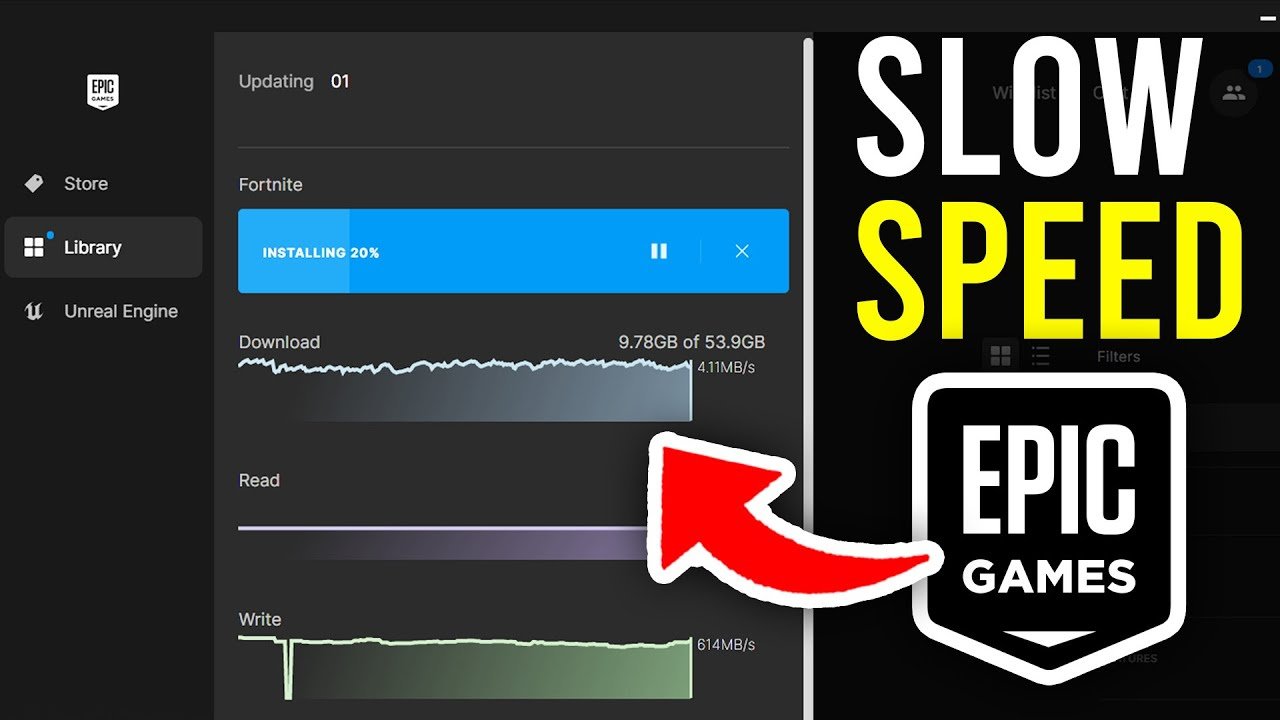
Epic Games downloads can be slow due to server congestion, your internet speed, or issues with your local network.
Ever stared at that download bar, inching forward at a snail’s pace? It’s frustrating, isn’t it, when you’re eager to jump into a new game. The question, “why are epic games downloads so slow” is something many gamers frequently ask. We will explore the common culprits behind these sluggish speeds.
Factors such as high traffic on Epic’s servers or your own internet connection can contribute. Even your home network setup can sometimes be the reason behind these slow speeds. Let’s delve into the details and get you back into the game, quickly.

Why Are Epic Games Downloads So Slow?
Okay, let’s talk about something super frustrating: waiting forever for a game to download on the Epic Games Store. You’re all hyped to play, but that progress bar is moving slower than a snail. Why does this happen? There are actually many reasons why your download speeds might be crawling. Let’s explore some of the most common culprits and how you can try to fix them.
Your Internet Connection: The First Suspect
The biggest factor in download speed is, without a doubt, your internet connection. Think of it like a water pipe. If the pipe is small, only a little water can pass through at a time. The same goes for your internet. If you have a slow connection, your game downloads will be slow too.
What Affects Your Internet Speed?
Many things can affect how fast your internet actually is. Here are a few:
- Your Internet Plan: The speed you pay for is a big deal. If your plan is for 25 Mbps, your download will never be as fast as someone with a 100 Mbps plan, no matter what you do.
- Type of Connection: Are you using a DSL, cable, fiber, or satellite connection? Fiber is usually the fastest, while satellite is generally the slowest. Cable and DSL fall somewhere in between, but their speed depends on your area.
- Wi-Fi vs. Ethernet: Wi-Fi is convenient, but it can sometimes be slower than a wired connection. If your computer is far from the router, or if there are many walls between them, your Wi-Fi signal might be weaker. An Ethernet cable provides a stable connection, so try using one if you have it.
- Network Congestion: If lots of people in your house are using the internet at the same time (streaming videos, playing games, etc.) everyone will experience a slower speed. Your family members may not be aware that they are putting a damper on your gameplay.
- Problems with Your Router: Sometimes, the router might be acting up. Restarting it often fixes a lot of problems. You can also check if it needs a firmware update. If it is too old, you may need to consider upgrading your router, which might significantly improve your speeds, especially for faster connections.
How to Check Your Internet Speed
It’s easy to check your internet speed! Go to a website like speedtest.net or fast.com and run a test. This will tell you your download and upload speeds. If the result is much lower than what you pay for, there could be a problem with your internet connection or your service provider. It is a good idea to check your speeds from time to time to ensure you are getting what you pay for.
Epic Games Server Issues
Sometimes, the problem isn’t on your end at all. The Epic Games servers might be having a hard time. Imagine a busy restaurant. If many people come at once, the kitchen can get overwhelmed. The same thing can happen with game servers. During a new game launch or a big sale, many players are trying to download at the same time, causing delays and slow speeds.
How to Tell if It’s a Server Problem
If many people are talking about slow downloads at the same time, it might be an issue with the Epic Games servers. You can try:
- Checking the Epic Games status page or other related websites or social media that track service outage
- Searching social media, online forums, or gaming communities to see if other players are having the same problem.
If there is an issue with the servers, unfortunately, the solution is to wait. Server issues are typically resolved by Epic as quickly as possible, and there is nothing that you can do about this.
Your Computer’s Performance
Believe it or not, your computer’s performance can impact your download speeds too. If your computer is struggling, it will affect the speed of your game download.
How Computer Performance Affects Downloads
- CPU Usage: If your CPU (Central Processing Unit) is running at 100%, your computer is really struggling. It can’t focus on downloading the game because it has too many other tasks running in the background. Closing down other applications can help with this.
- Disk Usage: Similarly, if your hard drive is super busy, it can make the download process slow. If your disk is a mechanical HDD, you may want to consider switching to an SSD, which is a much faster and modern storage medium.
- RAM: Your RAM (Random Access Memory) holds data for the computer when it needs to quickly access it. If you don’t have enough RAM, the computer might slow down significantly. It is important to have enough RAM to have a smooth downloading experience.
- Antivirus Software: Sometimes, antivirus software may interfere with downloads. It is a good idea to check if your antivirus software is causing problems by temporarily disabling it and testing if the download speeds have improved.
Ways to improve your computer performance
- Close unnecessary apps: Make sure to close apps that you are not using when you are downloading a game. This will free up computer resources for a faster download.
- Restart your computer: A simple restart can close unneeded background programs.
- Free up space on your hard drive: Make sure you have enough free space where you are downloading the game and consider moving or deleting files or folders that you no longer need.
Epic Games Launcher Settings
Sometimes, certain settings within the Epic Games Launcher can influence download speeds. While the Epic Games launcher is generally very basic, it does have some settings that can influence downloads.
Potential Epic Games Launcher Settings Impacting Download Speed
- Download Throttling: While the Epic Games Launcher doesn’t have specific download throttling options, background processes can sometimes interfere with the download speeds. Ensure that you have closed all unnecessary applications.
- Background Processes: Sometimes, the Epic Games Launcher has extra tasks running in the background, which can slow down the downloads. Restarting the launcher may help.
- Corrupted Installation Files: Sometimes, the launcher’s installation may be corrupted, which may cause the download speeds to be slower. If this happens, it is a good idea to uninstall and reinstall the launcher.
Other Possible Reasons
Some other things can also impact your download speeds.
- Firewall Issues: Sometimes, your firewall might block the connection needed for downloading the game. Check your firewall settings to make sure that the Epic Games Launcher is allowed to connect to the internet.
- Outdated Network Drivers: Just like you update the games, it is good practice to also update your network drivers regularly. Outdated drivers may impact your connection and may cause slower speeds.
- Distance to Servers: The closer you are to the Epic Games servers, the faster your downloads may be. However, this is mostly out of your control, as you cannot change where you live.
- VPN Connections: Virtual Private Networks (VPNs) may introduce latency and limit bandwidth, which results in slower download speeds. If you are using a VPN, consider testing the download speeds without it to see if there are improvements.
Troubleshooting Slow Epic Games Downloads
Okay, so you’ve identified some possible reasons for your slow downloads. What can you actually do about it? Let’s go through a few steps you can try.
Step-by-Step Troubleshooting Guide
- Check Your Internet Connection: Run a speed test and make sure you are getting the speeds you should be. If not, contact your internet service provider.
- Restart Your Modem and Router: This is often the first thing to try, as it can fix a lot of connection problems. Unplug both from the power, wait a minute, plug the modem back in, and then the router.
- Use an Ethernet Cable: If possible, switch from Wi-Fi to a wired Ethernet connection for a more stable and faster download speed.
- Close Unnecessary Programs: Shut down anything you aren’t using to free up your computer’s resources.
- Pause and Resume the Download: Sometimes, pausing and restarting the download can reset the connection and may speed things up.
- Temporarily Disable Antivirus: Just temporarily disable your antivirus software (if you have one) and see if it affects the download speeds. If it does, make an exception for the Epic Games Launcher in the antivirus program settings.
- Restart the Epic Games Launcher: Sometimes a fresh start will fix issues within the launcher, including slow downloads.
- Check for Updates: Make sure your Epic Games Launcher is the latest version, as well as your computer’s OS and drivers.
- Try a Different Download Region: While the Epic Games Launcher does not have an explicit option to change the download region, sometimes this may be a problem. You can try to use a VPN, to change the region, this may help improve your download speeds.
- Contact Epic Games Support: If all else fails, reach out to Epic Games support for help. They might have specific solutions for your issue.
Dealing with slow downloads can be a pain, but by understanding the factors involved, you can take steps to potentially improve your experience. Hopefully, this information is helpful to you, and may your downloads be fast and your gaming sessions be long!
How To Fix Slow Download Speeds On Epic Games – Full Guide
Final Thoughts
Several factors contribute to slow Epic Games downloads. Server congestion during peak hours often restricts speeds. Your internet connection also plays a significant role. Distance from the server and network settings also contribute.
These issues, coupled with potential throttling, create frustrating download experiences. That’s why are epic games downloads so slow often. Optimizing your network and choosing off-peak times can help improve speed.

