
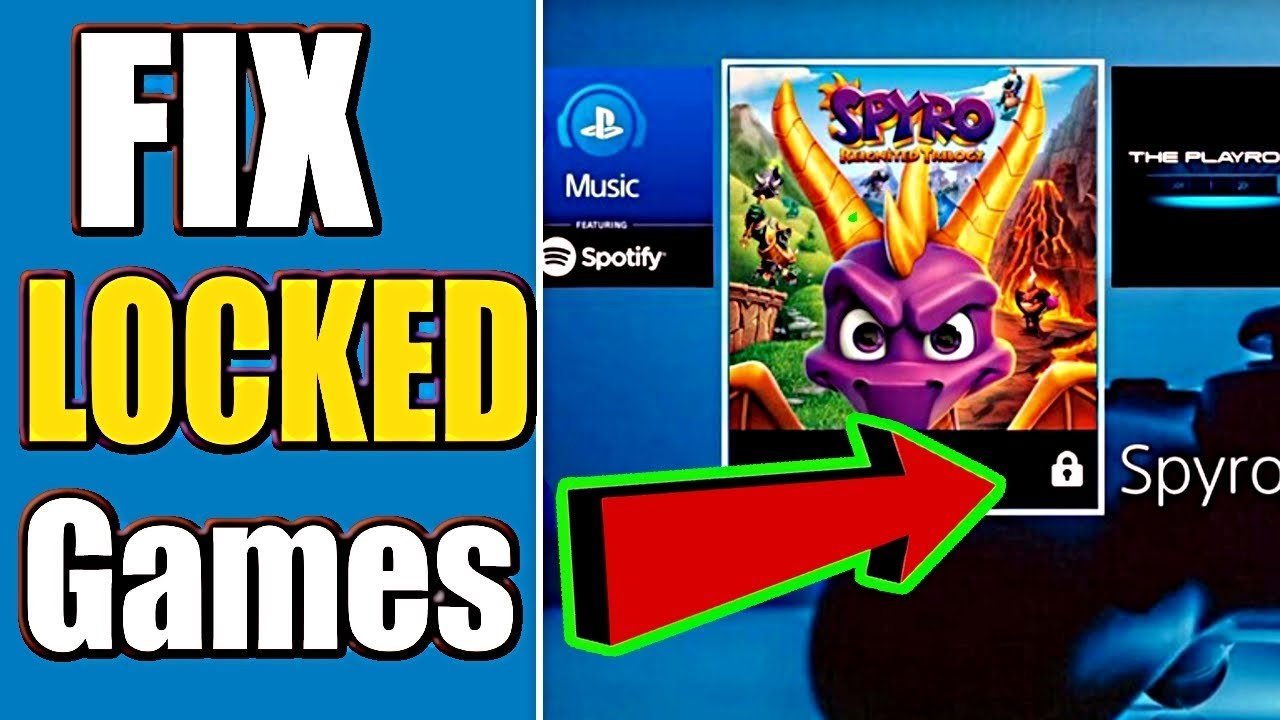
‘Your PS4 games are locked primarily due to licensing issues, either from your PSN account not matching the purchase or a temporary server outage affecting verification.’
Have you ever stared at your PlayStation 4, ready for a gaming session, only to find your games inexplicably locked? It’s a frustrating situation that many players encounter, and the question “why are my ps4 games locked?” pops up frequently. This sudden inability to play games you own can be confusing and irritating.
Several reasons contribute to this issue. Often, it’s connected to your PlayStation Network account and its license verification. Another possibility involves temporary hiccups with Sony’s servers affecting the ability to confirm your game ownership.

Why Are My PS4 Games Locked?
Have you ever sat down, ready to play your favorite PS4 game, only to find a little padlock icon staring back at you? It’s frustrating, right? It feels like your game is teasing you, saying, “Nope, not today!” Well, don’t worry, you’re not alone. Many PS4 owners face this issue. Let’s dive into the different reasons why your PS4 games might be locked and how you can get back to playing!
Understanding Game Licenses
Think of your game license like a key. It’s a digital piece of information that tells your PS4 that you’re allowed to play a specific game. When you buy a game either physically on a disc or digitally from the PlayStation Store, you are granted a license to play it. This license is linked to your PlayStation account. The main reason your games are locked revolves around problems with these licenses.
Digital vs. Physical Games: Different License Paths
How you buy your game (digital or physical) affects how the license is managed.
- Digital Games: These games are bought and downloaded from the PlayStation Store. The license is directly linked to your PlayStation account. This means that if you are logged into the correct account on your PS4, you should be able to play the game.
- Physical Games (Discs): These games come on a disc, and the game needs the disc to verify the license. As long as the disc is in the PS4, it will let you play the game. If the disc is removed or is scratched, it may lead to the game being locked.
It’s important to remember these differences as they often play a part in why your games may be locked.
Common Reasons for Locked PS4 Games
There are many reasons why a PS4 game might be locked. Here are some of the most common.
Primary Account Issues
Every PS4 has a “Primary” account. This is the main account associated with the system. If your game licenses are attached to a different account than the one logged in to the PS4, the game will appear as locked.
- Scenario: You bought a digital game using your brother’s account, and now, you’re trying to play it on your own account.
- Solution: You need to log into your brother’s account on the PS4 and set it as the primary account for that PS4 (only if you plan to play on your account too).
Account Log-in Problems
Sometimes, it’s as simple as not being logged in correctly! Here are a few possibilities:
- Not logged into PSN: If you’re not connected to the PlayStation Network (PSN), your system cannot verify your digital game licenses.
- Incorrect Account Logged In: You might be logged into a different PSN account than the one that owns the game. Always double check that you’re using the correct ID.
- Internet Connection Issues: A weak or unstable internet connection can prevent your PS4 from verifying your licenses.
PlayStation Network (PSN) Outages
Sometimes, the problem isn’t on your end at all. PSN can experience outages or maintenance, which can interfere with license verification. During these times, games might appear locked.
- Check PSN Status: Always check the official PlayStation Network status page or third party service sites like DownDetector to see if there are any known issues. If so, you’ll just have to wait until the issue is resolved to play your games.
Game Sharing and Account Conflicts
Game sharing with friends and family is fun, but it can also lead to locked games. When someone else uses your account on their PS4 and also sets it as primary, it can create conflicts with the licenses.
- Primary Console Swap: If your account is primary on another console, your games might get locked on yours.
- Account Conflicts: You may need to disable primary account access on other systems and reactivate on your current one.
PS4 System Issues
Sometimes the issue is with your PlayStation itself. Here are a few system related issues.
- Software Glitches: Occasionally a system glitch can prevent the PS4 from correctly reading game licenses. Restarting can often fix this.
- Outdated System Software: Ensure your console’s software is up to date. Older versions may have issues with recognizing game licenses.
- Database Corruption: The PS4’s database stores information about your games, including licenses. Corruption can cause errors.
Game Disc Problems
If you’re using physical discs, the reasons behind locked game might be different.
- Damaged Disc: Scratches, smudges or damages to the disc can prevent your PS4 from reading the game license. Try cleaning the disc carefully, and if that does not help, you may need to get a replacement.
- Region Mismatch: If your PS4 is from a different region, make sure that the disc is from the same region. PS4 games and consoles are region locked and not cross-compatible.
Expired Subscriptions or Trials
Some games come with subscriptions or free trials. If the trial period expires or your subscription ends, you will lose access to the game and it will be locked.
- Check Your Subscriptions: Make sure that you have an active PS Plus subscription for online games and trials, or other subscriptions from services like EA Play.
- Renew as needed: Renew your subscription if you wish to continue to access the games.
Troubleshooting Steps: Getting Back to Gaming
Okay, so your game is locked. What can you do? Let’s go through some troubleshooting steps to get you back in the game!
Step 1: Restart Your PS4
This is the most basic solution, but it often works wonders. Turning your PS4 off completely and then back on can resolve temporary glitches and license verification issues.
Step 2: Check Your Account and Connection
Ensure that you’re logged into the correct PSN account. Double-check that you have a stable internet connection, and that you are able to connect to PSN.
- Verify Sign-In: Make sure you’re on the right account.
- Check PSN Status: Look for any reported PSN outages.
- Internet Stability: Test your internet connection on the PS4 and modem/router.
Step 3: Restore Licenses
A helpful feature on the PS4 is the ability to restore licenses. This tells your PS4 to re-check all of your game licenses.
- Go to Settings.
- Select Account Management.
- Choose Restore Licenses.
- Select Restore and wait for the process to finish.
Step 4: Set the Primary Account Correctly
Make sure that the account that owns the games is set as the primary account on your PS4.
- Go to Settings.
- Select Account Management.
- Choose Activate as Your Primary PS4.
- Select Activate or Deactivate to set it as primary on your system.
Step 5: Rebuild the Database
If your PS4 database has become corrupted, rebuilding it can resolve the issues. It’s a bit like organizing your digital files, which can solve many problems.
- Turn off your PS4 completely.
- Hold down the power button until you hear a second beep. This will boot your PS4 in Safe Mode.
- Connect your controller using a USB cable.
- Select Rebuild Database and wait until the process completes.
Step 6: Check Disc for Damage
If you’re using a disc game, inspect it carefully for any scratches or smudges. If it is dirty, clean the disc carefully with a soft cloth.
Step 7: Seek PlayStation Support
If all else fails, it might be time to seek professional help. Contact PlayStation Support, they can help diagnose your problem and offer personalized solutions.
Prevention: Avoiding Locked Games
Now that you know what causes locked games, let’s look at some tips to avoid them.
- Keep Your Account Information Secure: Don’t share your PSN password with everyone, and be careful to log out of your account when you’re not using the system, especially on others’ PS4s.
- Always Log Out of Other PS4s: When you log in to your account on another PS4, make sure to log out from it when you are finished.
- Maintain a Strong Internet Connection: Try to keep your internet as stable as possible, to allow the PS4 to verify game licenses correctly.
- Keep Your PS4 Updated: Regularly update your PS4’s system software. Updates often include fixes that can resolve game license issues.
- Use Only Region Compatible Discs: If you are using a disc make sure it is from the same region as your console.
Having your PS4 games locked can be frustrating. However, with a bit of knowledge and some careful troubleshooting, you can usually get things back to normal. Understanding how licenses work, knowing the common causes, and following these steps will help keep you gaming happily!
How to Fix Locked Games on PS4! PS4 Unlock Games Easy Fix!
Final Thoughts
In short, your PS4 games are locked primarily due to licensing issues. The system verifies the game license against your account. Account sharing or issues with your PlayStation Network connection can cause this problem.
Another common reason is a primary console activation problem. If your console is not set as your account’s primary device, games might lock. You should always make sure your console is properly set up for game access. So, that’s why are my ps4 games locked.

