
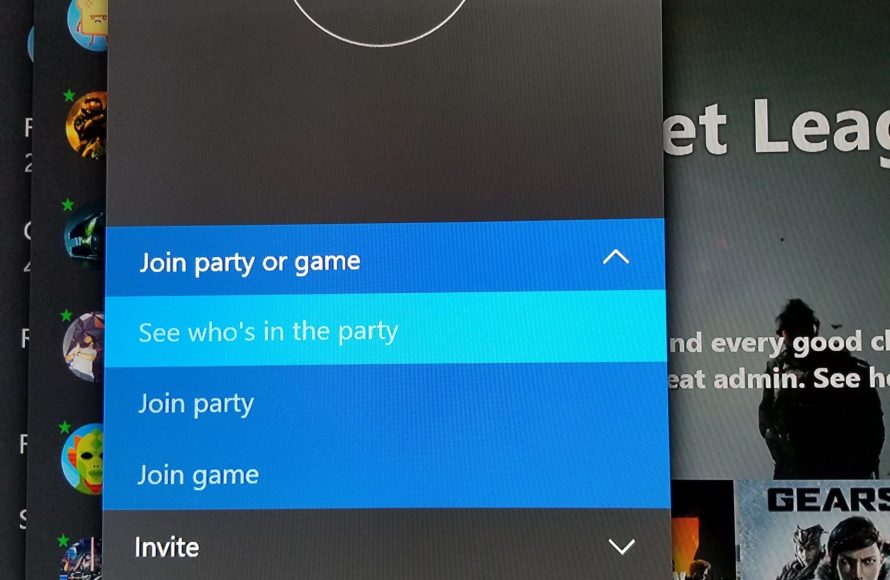
You might be unable to invite someone to a game on Xbox due to network issues, privacy settings, or if the game itself does not support invites.
Frustration mounts when you’re ready to play and find yourself pondering, “why cant i invite someone to a game on xbox?” It’s a common issue that many gamers experience. Network connectivity issues or misconfigured privacy settings could easily block you.
Sometimes, the game itself may not allow direct invites, forcing you to join through alternative methods. These small things can really hold up a good time, hopefully we can get this sorted out for you.

Why Can’t I Invite Someone to a Game on Xbox?
So, you’re ready to team up with your friends on Xbox, but the invite button seems to be playing hide-and-seek? It’s a super common problem, and thankfully, there are lots of reasons why this might be happening – and most of them have easy fixes! Let’s dive into the different situations that could be preventing you from sending those game invites.
Friend List Issues: Are You Really Friends?
First things first, let’s make sure you’re actually friends on Xbox. This might seem obvious, but sometimes we forget! If you’re not friends, you definitely can’t send invites. There are a couple of things to check here:
Confirm You’re Friends on Xbox
- The Obvious Check: Go to your Xbox friend list. Do you see the person’s gamertag listed? If not, that’s the problem.
- Send a Friend Request: If they aren’t on your list, you’ll need to send a friend request. Go to their profile (you can usually find it by searching their gamertag) and click “Add Friend.” They need to accept it before you can send game invites.
- Wait for Acceptance: Sometimes, people are busy and don’t accept right away. Be patient and maybe send them a message to remind them if it’s been a while.
Privacy Settings Might Be Blocking You
Even if you are friends, their privacy settings could be set up in a way that prevents you from sending invites. Some people have their accounts set to only receive invites from friends of friends, or sometimes they might even have invites turned off entirely. Here’s what to think about:
- Friend’s Privacy: There is not much you can do about this setting from your side. You can ask your friend to check their privacy settings and make sure they allow invites from friends.
- Different Settings: Sometimes, privacy settings are different for games vs. party invites. So even if you can send one type of invite, the other might be blocked.
- Check Xbox Settings: They need to go into their Xbox settings and then to “Privacy & online safety”, then select “Xbox privacy,” and finally select “View details & customize” to adjust their settings.
Game Specific Issues: Is It the Game’s Fault?
Sometimes, the problem isn’t with your Xbox or your friend list, it’s actually the game itself! Games have their own rules and ways of handling invites. Here’s where to investigate:
Game’s Invite System
- In-Game Friends List: Many games have their own friend lists that are separate from your main Xbox friend list. You might need to add them in the game itself.
- Game Server Issues: If the game servers are having problems, invites might not work. Check if there are any server outage announcements for that particular game. This happens more often with new game releases.
- Cross-Play Limitations: If the game supports cross-play, make sure you’re trying to invite someone on the same platform. For instance, you can’t always invite someone from a PlayStation to an Xbox game, or even from PC if it’s not allowed by the game developers.
- Game Version: Confirm that you and your friend have the same version of the game. If the game had an update, and one of you didn’t update, you might have issues.
Game Mode Restrictions
- Story Mode vs. Multiplayer: Some games don’t allow invites during story mode, and you have to be in the right multiplayer lobby. Make sure you are both in the proper game mode or in the right menu for invites.
- Private vs Public Lobbies: The game might have public or private lobbies. If you’re in a private lobby, your friend might not be able to see you, or receive the invite. You need to either change to a public lobby or invite them in some other way the game allows.
- Level/Rank Requirements: Sometimes games have restrictions based on level or rank that prevent invites. In these cases, you and your friend need to have played the game enough to be able to play together, based on the game requirements.
Xbox Network and Connection Problems
A wonky internet connection or issues with the Xbox network itself can also cause invite problems. It’s good to check these potential causes:
Internet Connection
- Slow Internet Speed: A slow connection can cause delays in sending or receiving invites. Try restarting your router to see if that helps.
- Unstable Connection: An unstable connection that keeps cutting out might be causing issues with your Xbox. Make sure you have stable internet connection, maybe check with a different device in the same network.
- Wi-Fi vs. Ethernet: If you’re using Wi-Fi, switching to an Ethernet cable (if possible) can sometimes improve your connection and make invites work better.
Xbox Network Status
- Xbox Service Status: Check the official Xbox status page to see if there are any reported outages. The Xbox service status page will display if there are any problems on their side, that are preventing some of the services to work properly.
- Network Settings: Make sure your Xbox is connected to the internet and that all your settings are correct. Sometimes you have issues with NAT type that might affect the connection, and you can troubleshoot that in Xbox settings.
- Restart Xbox: It’s a classic fix, but restarting your Xbox can sometimes solve network problems. A simple restart can help to solve so many issues.
Account Issues
Believe it or not, sometimes issues with your Xbox account can prevent you from sending invites. Here are a few account-related issues to explore:
Age Restrictions and Parental Controls
- Child Accounts: If one of you has a child account, it might have restrictions on who can invite or be invited. Parental controls can be set to prevent certain type of online activities, and that can affect inviting to games as well.
- Family Settings: Family settings can block or limit invitations, and you have to check with the parents to see if these settings are in place.
Xbox Profile Issues
- Profile Corruption: Sometimes your profile can get corrupted, and this can cause problems with invites. You can try logging out and logging back in, or even deleting your profile from the Xbox and adding it again.
- Gamertag Changes: If someone has recently changed their gamertag, it can sometimes take a little while for the system to update everywhere, and during that period, the invites can be affected.
Other Potential Problems
Sometimes, the issue is not as obvious as the ones listed above. Here are a few of other things to consider:
Xbox System Updates
- Outdated System: If your Xbox is not up to date, you might face various issues with inviting friends, and even playing online. Always make sure your Xbox is on the latest system version.
- Update Errors: Sometimes system updates can cause issues. If you notice that you have problems after an update, look up any reported issues. You might need to rollback the system.
Hardware Problems
- Controller Issues: Though unlikely, a malfunctioning controller might be the reason that is causing you problems with inviting friends, or selecting the invite option. Try to use a different controller to confirm if the problem is on the controller side.
Time Zone Differences
While unlikely, time zone difference could also be a minor factor to look for. Although this shouldn’t prevent the invites to be send, it can affect the time when your friend gets the invite. Especially if they are not online at the moment, they can get the invite much later. If you see the invite is still pending, make sure they are online at the moment.
Specific Game Issues
Some games might have very specific issues that can affect invites. Look up the specific game name and check if others are facing the same issue, and if there are any solutions. Check forums or social media groups about the specific game you are playing.
Inviting friends to play games on Xbox can be so much fun, and it can be frustrating when it doesn’t work. By checking these things and troubleshooting, you will likely find the issue, and get back to gaming with your friends.
If you still are having trouble inviting your friends, it might be beneficial to reach out to Xbox support. They might be able to provide more guidance, or specific solutions based on the error you are facing.
How To Fix Can't Join Multiplayer Games On Xbox Series X/S
Final Thoughts
In short, various factors can hinder your invite. Network issues, privacy settings, and game-specific limitations often cause problems. Checking your friend’s online status and their game settings is a must.
You also should confirm both of your Xbox network connections. Figuring out why cant i invite someone to a game on xbox sometimes requires checking all of these settings.
Ultimately, persistent issues mean there might be a deeper problem. Troubleshooting these various points often helps solve invite challenges.

