
Not all games support playing directly from external storage due to speed limitations, file system incompatibilities, and security protocols.
Ever wondered why your console or PC sometimes refuses to play games from that external hard drive you just bought? It can be frustrating when you’re eager to jump into the action and your system keeps saying no. The question “why cant i play games on external storage” often pops into the minds of gamers, and the answer isn’t always straightforward.
We often think it’s all about space, but factors such as transfer speeds and how the storage is formatted play crucial roles in the ability to game. Let’s explore the reasons behind this gaming roadblock.

Why Can’t I Play Games on External Storage?
Have you ever tried to plug in an external hard drive, excited to play your favorite game, only to find it doesn’t work? It can be super frustrating! You might think, “I have so much space on this external drive, why can’t I just play my games from there?” Well, there are several reasons, and it’s not as simple as just moving files around. Let’s dig into the details and understand why playing games from external storage can sometimes be a big headache.
The Speed Factor: Why Fast is Crucial for Gaming
One of the biggest reasons why you might struggle to play games from an external hard drive is speed. When you’re playing a game, your console or computer needs to read lots and lots of information very quickly. Think of it like a race. The game needs to grab things like character models, sounds, textures, and level layouts as fast as it can so that the game can run smoothly without any hiccups. The internal hard drive or solid-state drive (SSD) inside your computer or console is typically designed for this task. They are built with faster reading and writing speeds.
Understanding Internal vs External Storage Speeds
Here’s a little comparison to help picture it:
- Internal Hard Drives/SSDs: These are like super-speedy race cars built for gaming. They can read and write data very quickly. Internal SSDs are especially fast, providing the quickest loading times.
- External Hard Drives: These are more like delivery trucks. They can carry a lot of information, but they’re not as fast at delivering it. External hard drives are often slower than internal drives.
- External SSDs: They act like faster delivery trucks. While still not as fast as an internal SSD, they can be a considerable improvement over a traditional external hard drive.
When a game tries to load from a slow external hard drive, it can cause lag, stuttering, long loading times, and sometimes even crashes. Imagine trying to play a fast-paced racing game where everything freezes every few seconds. That’s what it can feel like if the storage isn’t fast enough.
The Connection Type: USB and its Limitations
The way your external drive connects to your console or PC also plays a big role. Most external drives connect using a USB cable. USB is a versatile technology, but it has its limits when it comes to gaming.
USB Speed Standards
There are different types of USB connections, each with different speeds:
- USB 2.0: This is an older standard and is very slow. It’s generally not suitable for playing games.
- USB 3.0/USB 3.1 Gen 1: This is much faster than USB 2.0 and is generally the minimum you’d want for decent external game storage.
- USB 3.1 Gen 2/USB 3.2 Gen 2: This is even faster than USB 3.0.
- USB 3.2 Gen 2×2 / USB 4/Thunderbolt: These are the fastest USB connections available, providing the best experience for gaming on external storage.
The slower the USB standard your drive uses, the longer it will take for the game to load data. Even if your drive is speedy on its own, the USB connection might hold it back.
Overhead and Bottlenecks
It’s not just the USB speed on paper either. There’s something called “overhead.” Overhead is extra processing that needs to happen when transferring data. This can add delays and mean that your game isn’t getting the full speed potential of your drive and connection. A slower USB connection can create a “bottleneck,” restricting the flow of data. Imagine a busy highway where the road suddenly narrows; the cars slow down creating a traffic jam. Similarly, a slow connection can cause a bottleneck, slowing down your game loading times.
Software Compatibility: Why Games Need Special Access
Beyond speed and connections, how games interact with storage is also crucial. Games are not simple files; they are complex pieces of software that need special access to the hardware they’re running on. They often need to read files in a specific way.
Operating System Permissions
Your computer or console’s operating system (like Windows, macOS, PlayStation OS, or Xbox OS) is responsible for managing how software interacts with hardware. Sometimes, the operating system might not give a game all the access it needs to run perfectly from an external drive. There can be permissions or security protocols that prevent the game from reading data fast enough. It is built this way so that malware, or some other harmful software, cannot get easy access to the computer system.
File System Formats
Another important factor is the format of the file system on your external drive. Different file systems are used to organize data. Common file systems include:
- NTFS (New Technology File System): This is a common format for Windows.
- exFAT (Extended File Allocation Table): This is often used for external drives because it’s compatible with many different operating systems.
- HFS+ (Hierarchical File System Plus) / APFS (Apple File System): These are primarily used by Apple devices.
- FAT32 (File Allocation Table 32): This is an older format that has limitations on file sizes.
Game consoles and computers may have different requirements for what types of file systems work best for games on external storage. Sometimes the file system itself can affect performance. Some file systems are faster than others at locating and loading files.
Console Specific Restrictions: Why Your PlayStation or Xbox is Unique
If you’re using a game console, the rules about external storage become even more specific. Each console manufacturer has its own way of managing external storage, and these systems have their own unique challenges.
PlayStation and External Storage
PlayStation consoles, like the PS4 and PS5, have specific requirements. Older PS4 models can usually use external drives for game storage and play, but PS5 has more limitations. PS5 is very particular about the speed requirements for running games. It only supports external USB drives for storing games, but it cannot run PS5 games from external drive; PS5 games need to be run from the super fast internal storage. It also can be used for storing and running PS4 games. So when using a external storage with PS5, make sure you understand, that it will only store and run PS4 games, it will not run the next gen PS5 games, for that you need internal SSD.
Xbox and External Storage
Xbox consoles like the Xbox One, Xbox Series X, and Xbox Series S also have restrictions. The Xbox Series X/S, similar to PS5, is very particular when it comes to the speeds needed to run games. It requires specific external drives to run games optimized for those consoles. These games, specially the next gen games, need to run from a fast storage device. You can, however, play Xbox One, Xbox 360 and original Xbox games from any standard USB external storage drive. But, for newer games, an expansion card is needed that uses a proprietary and very fast storage solution.
Proprietary Storage Solutions
Both Sony and Microsoft, use specific, proprietary storage solutions (like expansion cards) to allow running next-gen games from external storage. This is because these expansion cards offer the high speeds needed by next generation games and can communicate with the console’s system in a way a standard external drive cannot. These are designed to provide the needed speed for new generation games. The consoles’ architecture is built around the speed of internal or proprietary expansion cards, and regular USB drives just can’t keep up.
Specific Game Requirements: Some Games are More Demanding
It’s important to remember that not all games are the same. Some games are much more demanding than others when it comes to storage speeds.
AAA Games vs Indie Games
Big-budget AAA games often have very large file sizes and use complex textures and high-quality assets, which require fast storage access. Smaller indie games can usually run well on a wider range of storage solutions, due to their smaller file sizes and lower requirements. Some AAA games might require specific storage configurations to run smoothly, because these games are pushing the hardware to its limits. Smaller indie games usually do not have high storage requirements.
Open-World and Dynamic Games
Games with large open worlds or dynamic environments, that are loading lots of information at the same time, need faster storage access. Games that load a single level once, are less impacted by slower storage. The speed of the storage system has a large impact on these types of games.
What You Can Do: Improving Your External Gaming Experience
While you can’t always get perfect performance from an external drive, here are some tips to improve your experience:
- Use a Fast External SSD: An external SSD is usually faster than an external hard drive. If your budget allows, consider this. An external SSD uses a much faster storage technology and is recommended for use with games.
- Use a Fast USB Connection: Make sure you’re using a USB 3.0 or newer connection for the fastest data transfers. Check your PC or console’s specifications and use the correct cable and ports.
- Format Your Drive Correctly: Ensure your external drive is formatted with a file system that is compatible with your console or PC.
- Store Less Demanding Games: Consider storing older or less graphically intensive games on your external drive. Keeping the latest or most intensive games on your internal storage might help.
- Keep Your Drive Healthy: Ensure your drive is not full and is in good health by checking its status regularly, this can sometimes improve speeds.
Understanding why you can’t always play games from external storage is important. It’s about speed, connections, software permissions, and the specific needs of games and game consoles. By being aware of these factors, you can make better choices about how you store and play your games. While it might not always be the ideal solution for every game, you can still enjoy playing many games from external storage with the right setup.
In short, while external storage is a fantastic way to hold more games, it is not always the best way to play them. Always make sure that you understand the limitations of your computer or console before moving and playing games from external storage devices.
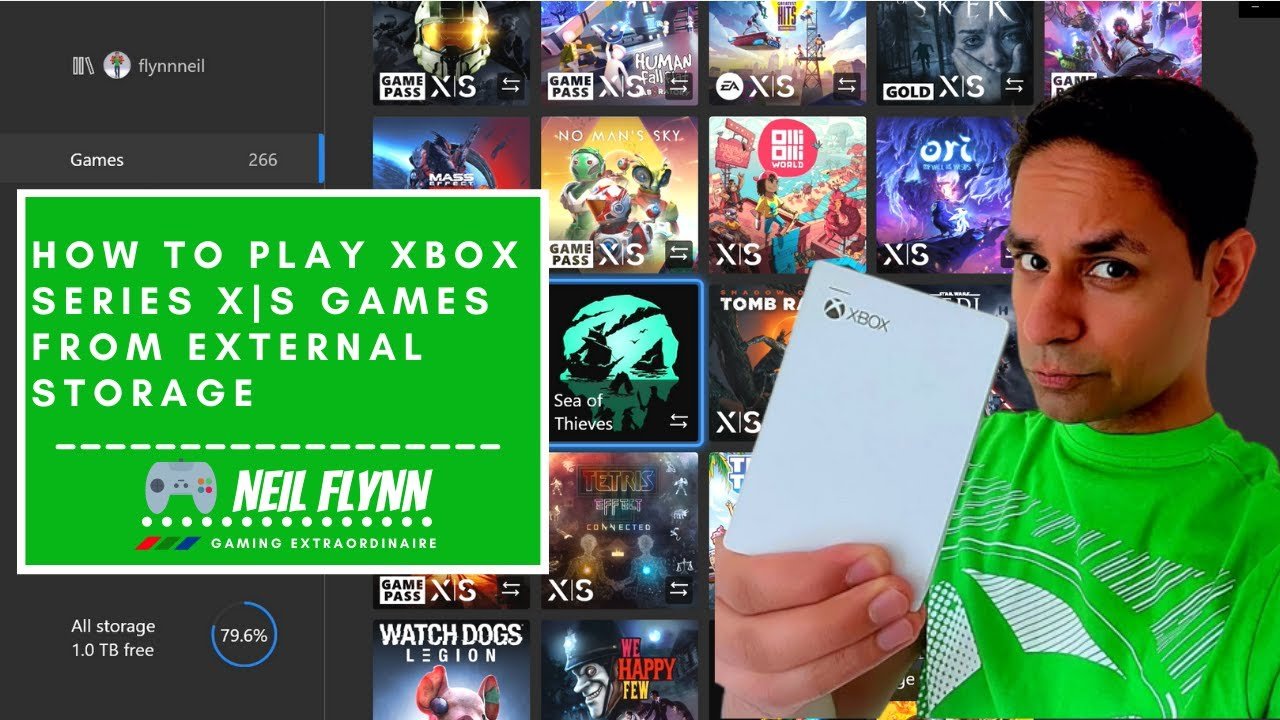
How to Play Xbox Series X|S Games from External Storage
Final Thoughts
Limited transfer speeds and file system incompatibilities often explain why cant i play games on external storage. These restrictions frequently cause unacceptable loading times and potential performance hiccups. The main cause is that external drives simply cannot keep up with the data demands of modern games compared to internal storage.
Console systems and some PC configurations place limitations on executing game files from external media. Consequently, this design impacts game performance and storage methods. It is crucial to understand these system constraints.

