
A Drop of Magenta has been live on Steam since November 23, 2026. It costs $6.99 on PC and Mac, and it is a puzzle game about painting inside (and outside) the lines.
This beginner guide is for new players starting in launch week. It covers the launch facts, the free demo, how paint and mixing work, the six achievements, the PC and Mac specs, and the exact steps to take first.
Launch
November 23, 2026, on PC and Mac via Steam
Game
Puzzle about painting inside and outside the lines
Demo
Free since October 1, 2026, with 44 levels
First Step
Play the demo, learn the paint limit first
Launch, demo and price
A Drop of Magenta launched on November 23, 2026. Magma Labs developed the game and published it too. It is out now on Windows and macOS through Steam.
| Fact | What the official sources say |
|---|---|
| Launch date | November 23, 2026 |
| Price | $6.99 USD |
| Platforms | Windows and macOS, through Steam |
| Developer and publisher | Magma Labs |
| Free demo | Live on Steam since October 1, 2026, with 44 levels |
| Genre | Casual, Indie, Strategy |
| Players | Single-player |
| Language | English only |
The price is $6.99, confirmed across the Steam store page, the Steam API and SteamDB at launch. Prices can change, so check the store page before you buy.
A free demo has been live on Steam since October 1, 2026, and it includes 44 levels. You can play it through the free demo on Steam before you spend anything.
No user reviews exist yet on the Steam store page, and Metacritic lists no score yet, with zero critic reviews. Check both pages again later if you want to see what players think.
What kind of game is A Drop of Magenta
A Drop of Magenta is a puzzle game about painting inside (and outside) the lines. You fill outlines using the limited paint on the board, and every drop counts.
Paints can mix into new shades, which opens up countless different puzzles and solutions. One board can be solved in more than one way, so your thinking matters as much as your paint.
The full game has over 100 levels, and every level is solvable through painting, mixing and creative thinking. There is no single right path through a level, only the path you find.
It is a calm game by design. There is no timed input, so you can play at your own pace, and you can save at any time.
The game is single-player, in English only, with custom volume controls and a keyboard-only option. Family Sharing is supported, so the game can be shared with family on Steam.
How paint and mixing work
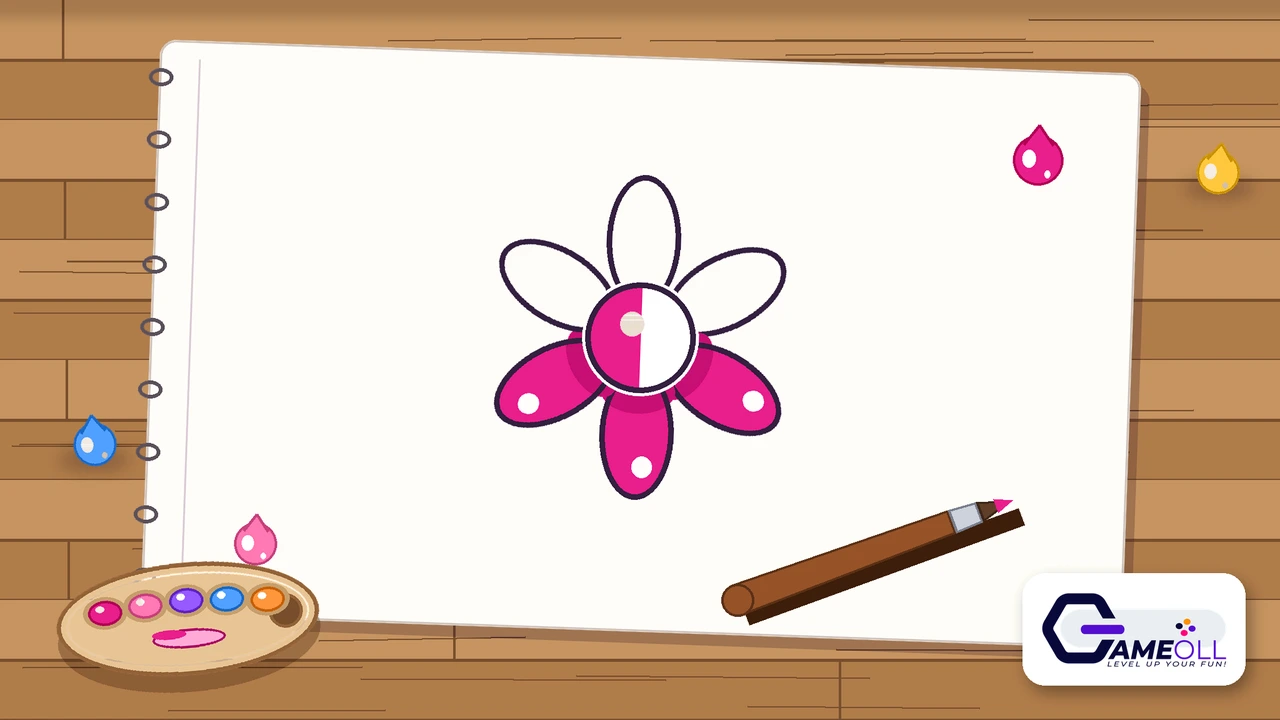
Paint is your main resource. Each board gives you a limited amount, so every stroke has to earn its place.
Mixing is how you stretch that paint. Two paints can blend into a new shade, and that shade can open up new ways to finish a board.
Think before you paint. Look at the whole outline first, work out which shades you need, and only then start filling.
This guide does not list mixing recipes, because no official source publishes them. The game teaches you by doing, so the demo is the right place to learn how mixing feels.
The demo first: 44 free levels
The demo is the best first step, and it costs nothing. It has been live on Steam since October 1, 2026, and it includes 44 levels.
Those 44 levels teach the three skills the full game needs: painting inside the lines, mixing new shades, and thinking through a board before you paint. If you finish the demo, you already know how the full game plays.
The demo asks for Windows 10 64-bit, 1 GB of RAM and 200 MB of storage on PC. The full game specs are in the table below.
Nothing official says whether demo progress carries into the full game, so do not count on it. Treat the demo as practice, and start fresh when you buy the full game.
Your first session in five steps
Do your first session in this order. Each step teaches you something the next step needs.
- Install the free demo first. It costs nothing, and its 44 levels teach you painting, mixing and thinking before you spend a dollar.
- Learn the paint limit on the early levels. Watch how much paint each board gives you, and notice how fast it runs out.
- Experiment with mixing. Blend paints on purpose and see which new shades appear, then use them to finish boards in new ways.
- Move to the full game after the demo. The full game has over 100 levels that build on everything the demo taught you, and they stay solvable the same way.
- Chase the six achievements by name. They are listed in the next section, and they give your first sessions a goal to aim for.
By the end of your first session, you should know how far your paint goes, how mixing opens new shades, and how to read a board before you touch it. That is enough to start the full game with confidence.
Six achievements by name
The game has six achievements, and Steam lists only their names. No unlock conditions are published, so this guide names them and nothing more.
- First Sketch
- The Studio
- Correcting Mistakes
- Daydreams
- Outside the Lines
- Avant Garde
You will meet these names again as you play. When one unlocks, you will know what it took, because you were there for it.

PC and Mac specs
These specs come from the Steam store page for the full game. The demo has its own lighter specs, listed in the demo section above.
| Part | PC minimum | PC recommended | Mac minimum | Mac recommended |
|---|---|---|---|---|
| Operating system | Windows 10 | Windows 11 | macOS 11 | macOS 13 |
| Processor | Yes | Yes | Apple M1 or Intel Core M | Apple M1 |
| Memory | Not listed | Not listed | 4 GB RAM | 8 GB RAM |
| Graphics | Integrated graphics | Integrated graphics | Integrated graphics | Integrated graphics |
| Storage | 1 MB available space | 1 MB available space | 300 MB available space | 300 MB available space |
Steam lists the PC processor requirement simply as Yes, and the PC storage figure as 1 MB. Both figures are printed here exactly as Steam states them.
Seven first-session habits
- Save your paint. Fill only what the outline needs, and leave nothing to waste.
- Plan the outline before you paint. Look at the whole shape first, then decide which shades you need.
- Test a mix before you commit to it. A small trial tells you what shade you get, and it costs less than a wrong fill.
- Replay a level instead of forcing it. A fresh look often shows a shade or a path you missed the first time.
- Use the demo to learn. Its 44 levels are free practice, and they teach every skill the full game needs.
- Play at your own pace. There is no timer, so slow down and think when a board looks hard.
- Save often. The game lets you save at any time, so bank your progress before you try something new.
A Drop of Magenta questions
When did A Drop of Magenta release?
A Drop of Magenta released on November 23, 2026, on PC and Mac through Steam. It is live now, from developer and publisher Magma Labs.
How much does A Drop of Magenta cost?
It costs $6.99 USD on Steam. Check the store page before you buy, in case the price has changed since launch.
Is there a free demo for A Drop of Magenta?
Yes. A free demo has been live on Steam since October 1, 2026, and it includes 44 levels. It costs nothing, and it is the best way to try the game before you buy it.
What are the PC requirements for A Drop of Magenta?
The minimum specs are Windows 10, a processor listed simply as Yes by Steam, integrated graphics and 1 MB of available space. The recommended specs raise the system to Windows 11, with the same processor, graphics and storage figures.
Final verdict
A Drop of Magenta is a small, calm puzzle game with a clear idea: fill the lines with the paint you have, mix new shades when you need them, and think your way through over 100 levels. It is live now on Steam for $6.99, with a free 44-level demo waiting since October 1, 2026. Play the demo first, learn the paint limit, and start the full game when you are ready.
📖 View A Drop of Magenta on Steam 🎮 See All Free Games