
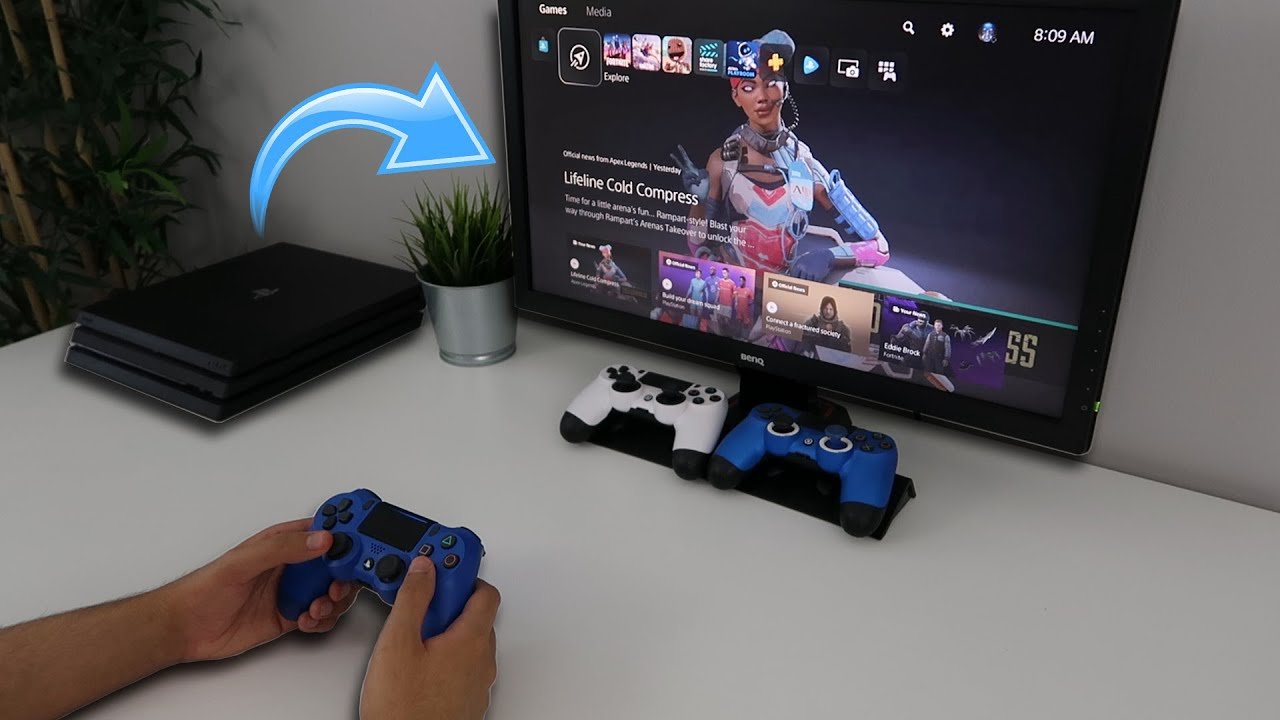
Yes, you are able to play PS4 games on PS5.
Wondering if your old PlayStation 4 library will gather dust after upgrading to the PS5? It’s a valid question since purchasing a new console can sometimes feel like leaving your favorite games behind. Thankfully, that’s not the case with the PlayStation ecosystem.
Many gamers ask, “are you able to play ps4 games on ps5?”, and the good news is that the vast majority of PS4 games work seamlessly on the new console. You can jump straight back into your favorite worlds and continue your progress.

Are You Able to Play PS4 Games on PS5? A Deep Dive
The PlayStation 5 (PS5) is a powerful new console, and many gamers are wondering if they can still enjoy their favorite PlayStation 4 (PS4) games on it. The short answer is a resounding yes! The PS5 is designed to be backward compatible, which means it can play most PS4 games. But it’s not quite as simple as popping a disc in and starting to play. Let’s explore the ins and outs of playing PS4 games on the PS5.
How Backwards Compatibility Works on PS5
The PS5’s ability to play PS4 games is made possible through backward compatibility. This feature allows the newer console to understand and run games made for the older system. Instead of having completely separate hardware, the PS5 has components that can mimic the PS4’s workings, letting it handle PS4 games quite well. This is really good news for gamers who have built up a library of PS4 games.
Physical Discs vs. Digital Downloads
How you play your PS4 games on the PS5 depends on whether you own them on physical discs or as digital downloads from the PlayStation Store.
- Physical PS4 Games: If you have a PS5 with a disc drive, you can simply insert the PS4 disc into the console. The PS5 will then install the game, much like how you would on the PS4.
- Digital PS4 Games: If you bought your PS4 games from the PlayStation Store, you don’t even need a disc! Your digital library of games will be linked to your PlayStation Network account. When you sign in to your account on your PS5, you’ll see all your PS4 games ready to download.
Benefits of Playing PS4 Games on PS5
Playing your PS4 games on the PS5 isn’t just about convenience; you can experience some real advantages too. Here are a few key benefits:
Improved Loading Times
One of the most noticeable improvements is the load time. The PS5’s solid-state drive (SSD) is much faster than the hard drive in the PS4. This means game load times, whether you are starting the game or going through in-game loading screens, are significantly reduced. You’ll spend less time waiting and more time playing.
Enhanced Performance
Some PS4 games can actually run better on the PS5. They can run at higher frame rates (smoother movement) and at more consistent frame rates. This means gameplay is often smoother and more enjoyable. Some games may even benefit from small visual improvements, even though they are not fully “remastered” for the PS5.
PlayStation Plus Collection
If you are a PlayStation Plus subscriber, you might get free access to some popular PS4 games on your PS5 through the PlayStation Plus Collection. This benefit is a great way to jump into some of the best games from the last generation if you haven’t played them yet.
Potential Issues and Things to Consider
While backwards compatibility is mostly smooth, there are some things to keep in mind when playing PS4 games on PS5.
A Few Games May Not Work
While the vast majority of PS4 games work on the PS5, a small percentage may not be compatible. The number is very small and there’s usually a good reason. Some games might have been so closely tied to the original hardware that the PS5 can’t easily emulate. Sony keeps a list of these games on their website, so you can check if your favorites are on the list.
Fortunately, this list is very short and it’s mostly games that are quite old. It is unlikely you will encounter any issues with newer or popular PS4 games.
PS4 Controllers
You can’t use your old PS4 controllers to play PS5 games on the PS5. However, you can use your PS4 controllers to play PS4 games on your PS5. If you have some older PS4 controllers that are working, you can use them for your PS4 games on PS5. However, the PS5 Dualsense controller is designed to work well with PS4 games, so you may choose to use that instead. It’s great to have these options available.
Transferring Save Data
Getting your game save files from PS4 to PS5 can be done in a couple of ways. If you are a PlayStation Plus subscriber, you can upload your save data to the cloud on your PS4, and then download it on your PS5. You can also transfer save data using a USB drive, but this might take a bit longer. If you are upgrading to a PS5, you will most likely want your save files. The process is fairly simple, so you don’t need to worry about losing any progress.
Game Enhancements May Vary
While many PS4 games benefit from enhanced loading and performance on the PS5, the exact improvements vary from game to game. Some games may see substantial upgrades, while others might see only slight benefits. Do not expect that every PS4 game will be dramatically better. The basic game itself is still from the PS4 generation. But the increased performance can be nice.
Steps to Play PS4 Games on PS5
Here is a simple step-by-step guide to playing your PS4 games on the PS5:
For Physical PS4 Games
- Make sure your PS5 is turned on.
- Locate the disc slot on your PS5. It is on the front of the console.
- Insert the PS4 game disc into the slot.
- The PS5 will start to read the disc. If it’s your first time playing the game, it will automatically install.
- Once installed, the game will appear in the game library on the main menu.
- You can then start to play.
For Digital PS4 Games
- Turn on your PS5 and ensure you are connected to the internet.
- Log in to your PlayStation Network account. This should be the same account you used on your PS4.
- Navigate to your Game Library. You can find this on the main screen.
- You will see all of the digital games you own, including your PS4 games.
- Select the PS4 game you wish to play and start the download process.
- Once downloaded you can start the game.
Specific Examples of PS4 Games on PS5
Many popular PS4 games have seen improvements on the PS5. Let’s look at some common examples:
God of War
God of War, one of the most popular games on the PS4, runs incredibly well on the PS5. You’ll experience smoother frame rates and very quick loading times. This leads to better immersion in the world and more time enjoying the game instead of waiting.
The Last of Us Part II
Another visual showcase, The Last of Us Part II benefits significantly from the PS5’s hardware. The improved performance makes combat and exploration seamless. The quicker load times really increase the pace and intensity of the game.
Marvel’s Spider-Man
Marvel’s Spider-Man, known for its fluid web-slinging, also gains from the PS5. Faster loading allows you to move around New York City with ease. The game will also look slightly sharper and more detailed. It will make the city feel more real.
Grand Theft Auto V
Grand Theft Auto V is a very popular game and even though it has been around for a while, it still looks amazing. Playing on the PS5, you’ll enjoy faster load times, allowing you to jump into the game quicker, so you can quickly get back to the story, online heists, or just exploring the open-world.
Why This Backward Compatibility Matters
The ability to play PS4 games on the PS5 is important for several reasons. First, it is great for gamers who do not want to say goodbye to their PS4 game library. People invest time and money into their games, so this is a great feature. Secondly, it gives players time to get more PS5 games as the library grows, giving them time to make purchases when it is convenient for them. Also, it lowers the price of a new generation of consoles because it allows gamers to play the games they already have, until they purchase new games.
The PS5’s backward compatibility feature is a real win for gamers. You can easily play almost all of your favorite PS4 games on your shiny new PS5. With faster loading, enhanced performance, and the option to use PS4 controllers for PS4 games, there are many benefits to playing older titles on the new console. While there are a few things to be aware of, overall the transition from PS4 to PS5 for game playing is smooth and simple, so you can keep on gaming with your old favorites while you look forward to new gaming experiences. This feature makes the PS5 a great choice, allowing you to enjoy a huge library of games right from the beginning.
How To Play PS4 Games On PS5
Final Thoughts
Yes, you can play the vast majority of PS4 games on the PS5. The console provides backward compatibility, allowing players to enjoy their existing game library. This feature is a great benefit for those upgrading.
Therefore, are you able to play ps4 games on ps5? Absolutely, you can. This means your previous generation purchases remain useful and enjoyable on the newer hardware.

