
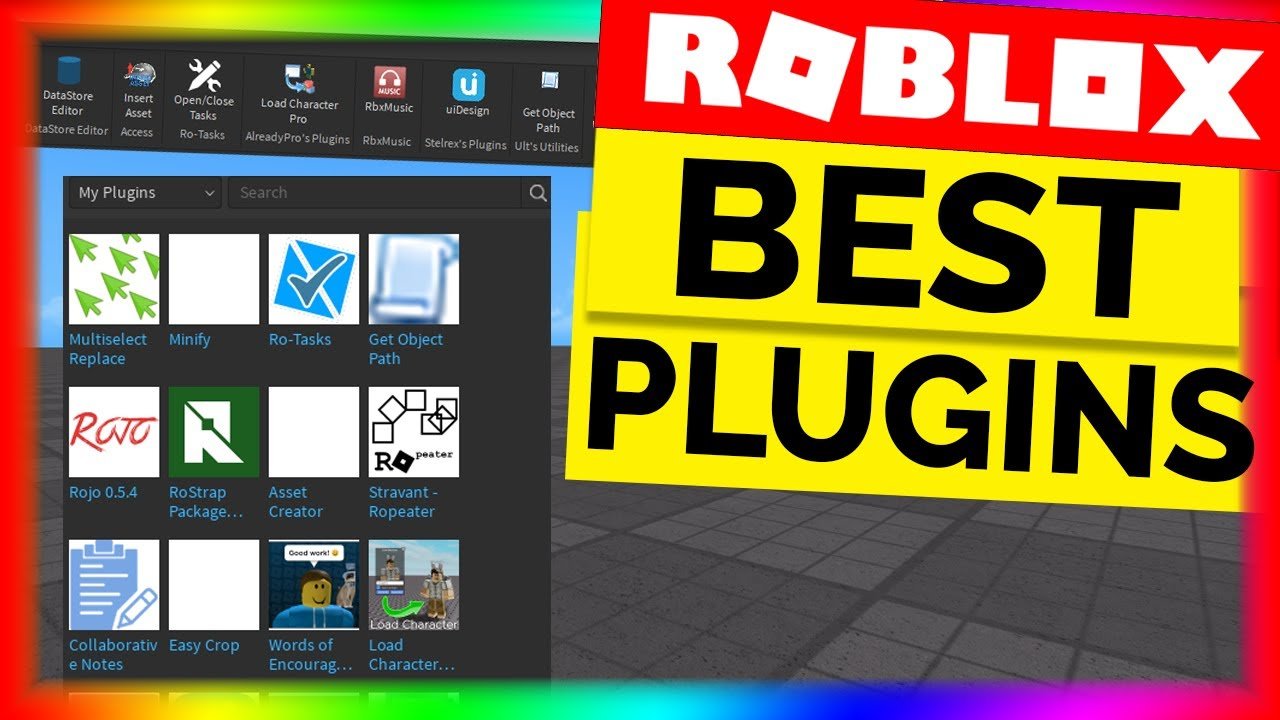
The best Roblox plugins for game development include tools like F3X Building Tools, Studio Tweaks, and a good terrain editor for efficient creation.
Building engaging Roblox games requires speed and precision. Many developers rely on helpful tools to achieve these goals. That’s why knowing the best Roblox plugins for game development is essential for any creator.
These plugins can significantly improve your workflow. They will also enhance your game’s overall quality and development time. This is true whether you’re constructing complex structures or shaping your game’s world.

Best Roblox Plugins for Game Development
Making games on Roblox can be super fun, but it can also be a bit tricky! Luckily, there are these awesome tools called plugins that can help you build amazing games faster and easier. These plugins are like little helpers that add extra powers to Roblox Studio. Let’s explore some of the best Roblox plugins that can really make a difference in your game development journey.
Essential Building Plugins
Building is a big part of game development in Roblox. These plugins make building structures and objects a breeze.
F3X Building Tools
F3X is a favorite among many Roblox developers. It gives you super control over moving, rotating, and sizing parts. Think of it like having superpowers when you build.
You can make precise changes quickly, which saves you lots of time and effort.
Resize Align
This plugin is perfect for making sure that everything is lined up just right. Resize Align helps you resize and align parts with precision, creating clean and professional-looking builds.
It will help to avoid messy or crooked walls or floors.
GapFill
Have you ever had a gap in your building that you just couldn’t fix? GapFill is here to help with that!
It automatically fills in the gaps between parts, making your building more solid and complete.
Studio Build Suite
This is a suite of tools packed into one plugin, providing a variety of building options. It’s great for developers who are looking for multiple functionalities without having to install lots of different plugins.
It includes everything from quick alignment to advanced shape creation tools.
Terrain Editing Plugins
Creating amazing landscapes is also a key part of many games. These plugins help you shape and mold your terrain.
Brushtool 2.1
Brushtool 2.1 is a great tool for sculpting your terrain easily. You can raise, lower, smooth, and paint terrain with simple brush strokes.
It feels like you’re an artist painting a landscape!
Part to Terrain
Do you have a model or a bunch of parts you want to turn into terrain? Part to Terrain does that quickly.
It converts your pre-existing structures into terrain, so you can make mountains or hills using your built models.
Scripting and Programming Plugins
Scripting is what makes your game interactive. These plugins will help you script easier.
Studio Tweaks
Studio Tweaks is a must-have for those who are looking to quickly fix small errors.
It includes features like quick find and replace functions that can save you time when cleaning up your code.
Auto Complete Plugin
For the scripters, you’ll love the Auto Complete plugin. It helps you write code faster by suggesting words and code snippets as you type.
This helps avoid typos and makes scripting much faster.
Script Analysis Plugin
Sometimes your script might have problems. The script analysis plugin helps find and fix those errors quickly.
It will suggest changes to your code and help make sure your script is working perfectly.
Animation Plugins
Animations bring your game to life! These plugins will help you make amazing animations.
Moon Animator
Moon Animator is a popular tool for making smooth animations for your characters and objects. It has advanced features and is used by many game developers.
It lets you control each movement with precise timing.
Animation Editor
The Animation Editor is a built in feature in Studio, this is a very useful tool for basic animation, great for beginners.
You can quickly create animations for your characters.
UI Design Plugins
User Interface is very important, and you need amazing tools to create amazing UI for your game.
AutoScale GUI
Making a good-looking user interface (UI) can be hard. This plugin makes it easier. Auto Scale GUI makes your UI look good on any screen size.
It automatically adjusts your UI elements, so it looks perfect on phones, tablets, and computers.
UI Design Tools
This plugin includes a collection of useful tools that can help you design amazing user interfaces. It offers features that help with colors, fonts and layouts of your GUI elements.
It makes UI designing easier for everyone.
Mesh and Model Importing Plugins
Sometimes you need models that you made somewhere else, these plugins are here to help!
Import OBJ
Import OBJ lets you bring 3D models into Roblox from other 3D software. If you make a character in Blender, you can bring it in easily with this plugin.
You can use this plugin to add more variety of models to your games.
Mesh Importer Plugin
This plugin provides you with an interface that simplifies importing models into roblox, which saves a lot of time.
Its is designed to handle meshes with textures and other properties.
Testing and Debugging Plugins
Making games also means you need to test them, and debugging is very important.
Run in Place
This is a simple and useful plugin for testing. It lets you test your game quickly without changing your location in the editor.
It’s helpful to test your games very fast.
Collision Editor
Sometimes, your collisions might not work properly. This plugin allows you to see and edit how parts interact with each other.
You can easily make sure your characters don’t pass through walls.
Asset Management Plugins
It’s important to keep your game organized, plugins are very helpful with this!
Tag Editor
This plugin lets you add tags to your game elements, making it easier to find them later. You can use the tag editor to keep things organized.
You can easily find all the similar elements in your game, such as all the doors.
Asset Manager
The Asset Manager plugin helps you manage your game assets with efficiency. This plugin provides you with a better view and management over your game’s files.
It’s great for keeping your game organized.
Helpful Utility Plugins
These plugins are like little helpers with some extra useful things for you!
Studio+
Studio+ adds helpful functionalities to your Roblox Studio, including some handy shortcuts and visual aids.
This plugin helps developers save time and effort.
Camera Tool
Do you need to move the camera around easily? The Camera Tool plugin helps you move the camera in Roblox studio very smoothly.
This plugin makes it easier to see all the corners of your game.
Choosing the Right Plugins
There are lots of plugins and choosing the right ones can make a big difference in how you make your game.
When you choose plugins, think about what you need the most, like building, scripting, or animations.
Some people like a few important plugins that can do multiple things, some like to have a plugin for each job.
It all depends on you and how you make games!
Plugins help a lot with game development, and they can improve how you create games on Roblox. They help you build better, faster, and easier. Using these tools will make your game look more professional and make you a better game developer.
5 Plugins EVERY Roblox Developer NEEDS!
Final Thoughts
For best Roblox plugins for game development, consider using tools that help with building, scripting, and animation. These powerful plugins will greatly improve your workflow.
Plugins such as F3X, Moon Animator, and Studio Tweaks are some of the most helpful. They can significantly reduce development time. Choose plugins that fit your project’s specific needs.
Investing in these best Roblox plugins for game development will make you a better and efficient game developer.

