
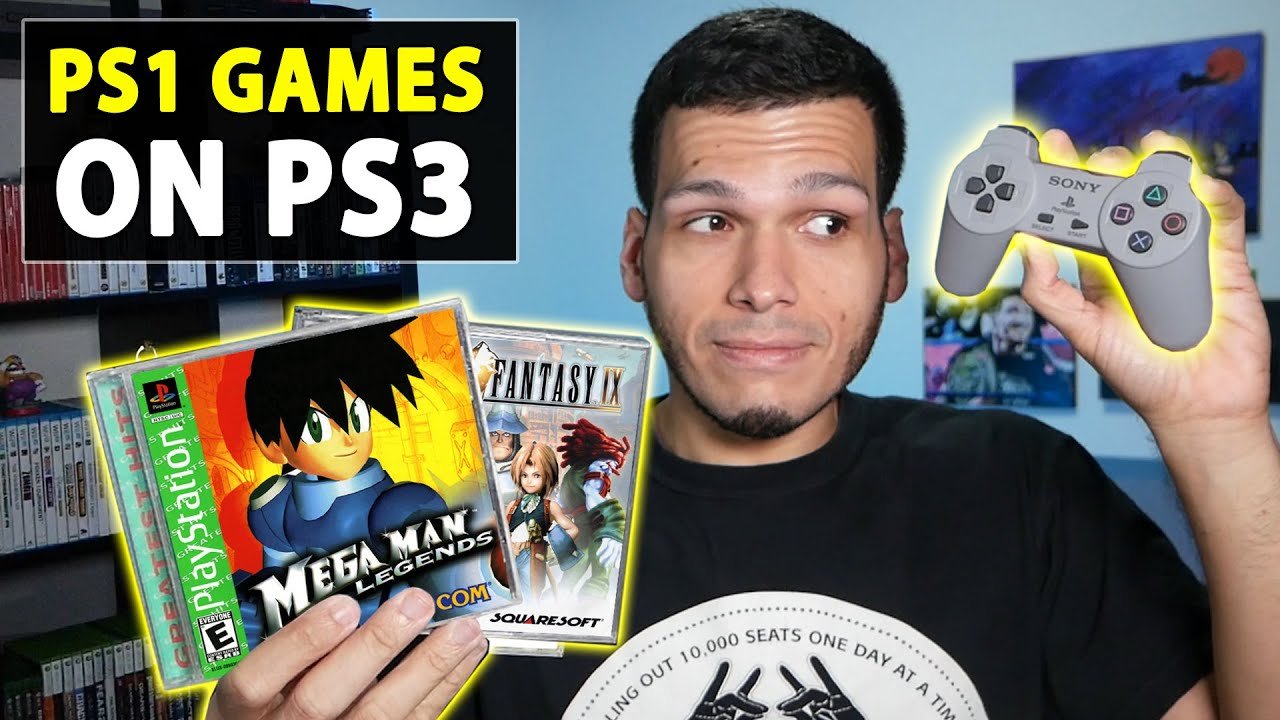
Unfortunately, not all PS1 games can play on a PS3. The PS3’s compatibility with PS1 titles varies, primarily depending on the specific PS3 model.
Ever wondered if your old PlayStation 1 games would work on your PlayStation 3? It’s a question many retro gamers ask. Many desire to replay those classic titles. Can any PS1 games play on PS3? Let’s explore this compatibility topic and see what works.
Some PS3 models have full backward compatibility, meaning they can play almost all PS1 discs. However, newer PS3 models removed this feature to cut production costs. This means compatibility will differ between a phat or slim model.

Can Any PS1 Games Play on PS3? Exploring Compatibility
So, you’ve got a stack of those classic PlayStation 1 games gathering dust, and a shiny PlayStation 3 sitting nearby. The question is burning: can you actually play those old gems on your newer console? The short answer is: yes, but it’s not as simple as popping in the disc and hitting play. Let’s dive into why some PS1 games work on the PS3, and why others don’t. We’ll look at the different PS3 models, the technology involved, and even how you might get around some of the limitations.
Understanding PS3 Backwards Compatibility
Backwards compatibility, in simple terms, means that a newer console can play games designed for an older console. For the PlayStation 3, this feature was a big deal, especially at launch. The early versions of the PS3 were designed with special hardware inside that allowed them to play both PS3 games and PS2 games. Yes, you heard right, PS2 games! This was awesome for gamers who wanted to play their whole collection on one console. However, the story for PS1 games is a bit different.
The PS3’s Different Models and Their Capabilities
The PlayStation 3 wasn’t just one console, but many different versions released over its lifetime. Each model has slightly different features, and this impacts which older games they can play. When we talk about backwards compatibility, it mostly applies to the earlier ‘fat’ PS3 models. Here’s a simplified breakdown:
- The Original “Fat” PS3 (20GB, 60GB, 80GB Launch Models): These are the kings of backwards compatibility. The 20GB and 60GB models had actual PS2 hardware inside, allowing them to play nearly all PS2 games flawlessly. The 80GB version later removed PS2 hardware, but retained software emulation. Importantly, all of these initial models can play PS1 games natively, meaning they can read the original PS1 discs and run them. This is because PS1 games utilize a simpler hardware setup than PS2 games, so all models of the PS3 from this generation can support PS1 games.
- The Slim PS3 (120GB, 250GB, 320GB Models): The “slim” PS3 models got rid of all the PS2 hardware and rely solely on software emulation for PS2 games. This means that only a select number of PS2 games can be played via software emulation, and a majority of them cannot. However, all of the slim models still retain the ability to play any PS1 game. Again, PS1 emulation is simpler compared to PS2 emulation.
- The Super Slim PS3 (250GB, 500GB Models): The last iterations of the PS3, the “super slim” versions, also do not include PS2 hardware and have no PS2 emulation capabilities. These models still fully support playing PS1 games.
The key takeaway here? Every single model of the PS3, regardless of when it was released or its size, can play most PlayStation 1 games via disc. This contrasts heavily with PS2 game support, which is limited to the initial launch models of the “Fat” PS3.
How PS3 Plays PS1 Games: The Magic of Emulation
So, how can a newer console play games made for an older system? The answer is emulation. Emulation is like a translator; it lets the PS3’s hardware understand the instructions from the PS1 game. Instead of needing to have all the original hardware, the PS3 creates a virtual version of the PS1 in software. This clever trick allows the PS3 to interpret and execute the PS1 game’s code, displaying it on your modern television.
The way the PS3 manages PS1 games is different from how it tries to manage PS2 games. For PS1 games, the PS3 does not rely on hardware emulation. It uses software emulation and every PS3 console is capable of it. This means that the software of the PS3 runs the PS1 game just like a computer can run a Playstation emulator. PS2 emulation was much more demanding, and the later Slim and Super Slim models could no longer rely on the chip inside the older PS3 models that could handle PS2 games.
Disc Compatibility and Regions
Now that we know most PS1 games can work on all PS3 models, it’s important to talk about discs and region-locking. Just like with PS3 games, there are regions to consider. PS1 games are generally region-locked, so a game from Europe won’t usually play on a console bought in the USA, and vice-versa. The region codes are usually labeled on the game case.
Here’s how region locking generally works:
- NTSC-U/C: These are games from the United States, Canada, and other regions of North America.
- PAL: These are games from Europe, Australia, and parts of Asia.
- NTSC-J: These are games from Japan.
If you try to play a PS1 game with the wrong region code on your PS3, you might see an error message, and the game will not play. Keep that in mind when you’re picking out older games.
Potential Issues and How to Handle Them
Even though PS1 games are generally compatible with PS3, you might run into some issues. This is often due to the age of the game, or because the way the PS3 emulates a PS1 is not entirely perfect.
Common Problems
- Game Freezing: Sometimes older games can freeze on a PS3. This could be because of a scratched disc or the way the emulation interacts with the older game.
- Sound Issues: In rare cases, you may hear strange sounds or have audio problems with certain titles.
- Visual Glitches: Very occasionally, you might notice graphical glitches or minor errors on the screen.
- Loading Problems: Some games can take a long time to load, or get stuck during the loading process.
Troubleshooting Steps
If you encounter an issue, here are some things you can try:
- Clean the Disc: A dirty or scratched disc is the most common cause of issues. Gently clean the disc with a soft cloth, wiping from the center outwards. Avoid abrasive materials.
- Try a Different Disc: If you have multiple copies of the game, try a different one. Sometimes one copy might be damaged.
- Check for Updates: Make sure that your PS3 system software is up-to-date. Sony occasionally releases updates that improve compatibility with older titles.
- Restart the Console: If the game freezes, or you encounter a persistent problem, try restarting the PS3.
Beyond Disc: PSN Downloads
In addition to playing discs, you can also play some PlayStation 1 games on the PS3 through the PlayStation Network (PSN). Sony has released a number of PS1 classics that are available for digital download. The benefit of these downloaded games is that you don’t need a physical disc, and they often come pre-patched to run well on the PS3. This can also bypass region lock issues, as these digital games will be tailored for your region. While not every PS1 game is available on the PSN, it’s worth exploring if you’re looking for a specific title. However, keep in mind that Sony no longer adds new PS1 games to the PSN store, so available games may be limited.
Keep in mind that these PSN titles usually cost a small amount of money but are usually cheaper than buying the original PS1 disc.
How To Play a PS1 game on your PS3 – A Simple Guide
Playing a PS1 game on a PS3 is not a hard task. Here is a short guide to help you out:
- First, make sure that your PS3 is properly connected to a power source and your TV.
- Now, turn on your PS3.
- Put your PS1 game disc into the PS3 disc tray.
- After a couple of seconds, the game icon will appear on your PS3 menu.
- Select the game and press the ‘X’ button on your controller to start it.
Now you can start playing the PS1 game. Keep in mind, as previously mentioned, some games can have issues due to age and the hardware emulation from PS3. If you have issues with a specific game, try to troubleshoot it with previously mentioned troubleshooting steps.
A Note About Original Hardware
While the PS3 is a convenient way to enjoy many PS1 games, there’s something special about playing on the original hardware. Using an actual PlayStation 1 console with a CRT television offers an experience more true to the way the game was designed. The visuals are rendered in a way that’s authentic to the era, and you have the original controllers. Plus, some players enjoy the retro feeling of playing on the console that the games were initially designed for. So, it’s always an option to keep your PS1 around, even if your PS3 is your main console.
Each method has its positives and negatives, the decision to play with original hardware is completely up to you. However, the emulation capabilities of the PS3 are very good and most games will play almost exactly the way they are on original hardware. Also, the convenience of the PS3 is a big factor for most people.
In summary, the answer to the question “can any PS1 games play on PS3?” is largely yes. While there might be a few rare exceptions or minor glitches, the vast majority of PlayStation 1 games will run on every model of the PS3. Understanding the way PS3 uses emulation, and being aware of the potential for minor issues, will help you to play many of those classic titles on your newer console. Enjoy those games!
How to Play PS1 Games on PS3 – ALL Playstation 3 Consoles Play PS1 Games!! – PlayerJuan
Final Thoughts
The PlayStation 3 can play many, but not all, PlayStation 1 games. Compatibility varies, so it’s best to check specific titles. Some older games simply won’t work.
Therefore, “can any ps1 games play on pas3?” is not a simple yes or no answer. Many do function correctly, but you need to verify each game. The PS3 offered considerable backwards compatibility with the older console, but not a complete one.

