
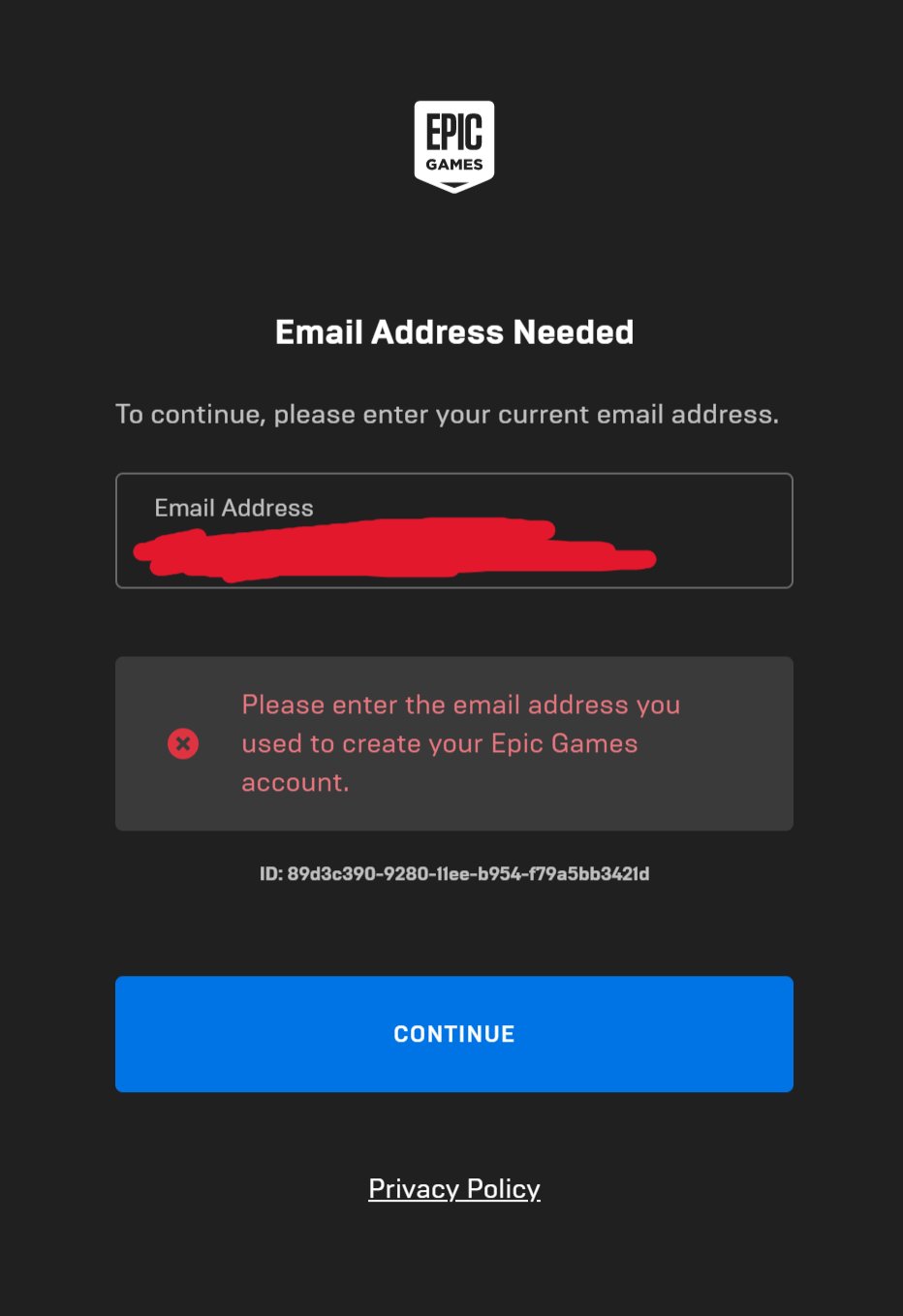
No, you cannot log into Epic Games with your username; you must use the email address associated with your account.
Ever wondered, “can i log into epic games with my username?” It’s a common question, especially if you’re used to usernames for other platforms. Epic Games requires you to log in with the email linked to your account.
This might seem like a small detail, but it’s important to know for smooth access to their games. Forget trying to remember that old gamer tag, it’s your email you need.

Can I Log Into Epic Games With My Username?
Okay, let’s dive right into the question: can you log into Epic Games using just your username? The short answer is: it’s a little more complicated than that. While you might think your username is all you need, Epic Games uses a system that relies more on your email address or connected accounts. Think of it like this, your username is like your nickname, but the email address is like your real name that the system knows best. Let’s explore why, and what you need to know.
The Role of Your Epic Games Username
First things first, let’s talk about what your Epic Games username actually is. When you create an Epic Games account, you choose a display name. This is the name everyone sees when you’re playing Fortnite, Rocket League, or any other games on the platform. It’s how your friends find you, and it’s how you show up in game lobbies. So, it’s important! This display name is your “username” in the simplest sense, but it’s not the key to accessing your account.
Why the Username Isn’t Enough for Login
So, if your username is how people recognize you in games, why can’t you use it to log in? Well, it all boils down to security and making sure your account stays safe. Usernames are public, meaning anyone can see them. If you could log in with just a username, anyone who knew your display name could try to guess your password! That would be very risky, right? Epic Games wants to make sure only you can get into your account.
How Epic Games Accounts Actually Work
Instead of relying on usernames for login, Epic Games uses a couple of different methods. This helps to keep your gaming experience secure and also lets you connect your accounts across different platforms easily.
Email Address as Your Key
The most common way to log into your Epic Games account is by using the email address you used when you first signed up. This email address is tied directly to your account and it is the primary login identification. Think of it like this, your username is like your nickname at school, but your email address is like your official school identification. It’s unique and tied to you. When you try to log in, Epic Games sends a password request to this email to verify you are who you claim to be. It’s a much safer way than relying on something everyone can see.
Connecting Your Accounts
Another way to access your Epic Games account is by linking your accounts from other platforms. This is super handy if you play games on different consoles or services, such as PlayStation, Xbox, Nintendo Switch, or even Steam. These connections can simplify things quite a bit. It means that you can use those linked accounts to log into your Epic Games account. So, for example, you can log in using your Playstation Network ID or your Xbox Live ID instead of your email and password directly on Epic Games.
- PlayStation Network: If you play Fortnite or other Epic Games titles on PlayStation, you can link your PlayStation Network account to your Epic Games account.
- Xbox Live: Xbox players can do the same, linking their Xbox Live account.
- Nintendo Switch: You can also link your Nintendo Account.
- Steam: if you play via steam, you can also link that account and log-in via Steam.
This makes logging in super convenient because you don’t need to remember another password or an exact email address.
Why Use an Email Address Instead of a Username
Using an email address rather than a username to log in is a smart choice for several key reasons:
- Enhanced Security: Email addresses are more difficult to guess than usernames, adding a strong layer of security.
- Account Recovery: If you ever forget your password, Epic Games can send a password reset link to your email, which helps you regain access to your account quickly and safely.
- Notifications: Your email address allows Epic Games to send you important information, such as account updates, purchase receipts, or even special offers and news related to games.
- Unique Identity: Unlike usernames, which someone else might choose, your email is almost always unique to you, making it a very reliable way to identify your account.
What If You Forget Your Email Address?
Now, what happens if you have forgotten the email address you used to create your Epic Games account? Don’t worry, it is a common situation, and there are steps you can take to retrieve your account. The process might be a little bit more involved than just logging in, but Epic Games has several mechanisms in place to help you through this. Here are the steps you can take:
1. Try Common Email Addresses
Start by thinking about the email address you use most often. Sometimes, people just forget which one they used when they first made the account. It’s a good idea to try out email addresses that you use most often and check your inbox for emails from Epic Games. This will help to find out the associated email to your Epic Games Account.
2. Use the Account Recovery Options
Epic Games provides account recovery options. If you try to log in with a specific email but it fails, look for the “Forgot password?” or “Need help?” option on the login screen. Epic will then typically ask you for the username of your Epic Games account and then email will be sent with the next instructions. Through this process, it will likely send a password reset link to the email associated with the account, so you can gain access to your account. Here’s a step by step process:
- Go to the Epic Games website or open the launcher.
- Click on “Sign In.”
- On the sign-in screen, click “Forgot your password?”
- Then, you will be prompted to enter your email address that you used to register the account, if you remember it, else use your display name and follow the prompts.
- If you used your display name, then check your common emails for any mail related to Epic Games or follow prompts.
- Follow the instruction from Epic Games through the email to get back access to your account.
3. Contact Epic Games Support
If you’re still struggling to recover your account using password reset options, your next move should be contacting Epic Games support team. This is a more manual process, but they have professionals who can help you find the account associated with your username and reset the email if required. To contact Epic Games support, go to the Epic Games website and look for a “Contact Us” or “Support” link. They’ll ask you for as much information as you can remember about your account, such as:
- Your Username
- Date when you created your account
- Names of the games you have purchased on your account
- The platforms you play on (such as PlayStation, Xbox etc)
- Any other details that can verify you as the original account owner.
Be as specific as possible, because it can speed up the process and they are more likely to help you.
Keeping Your Epic Games Account Safe
Besides using your email address for logging in, there are several things you can do to keep your Epic Games account safe:
- Use a strong password: Make sure your password is a combination of uppercase and lowercase letters, numbers, and symbols. Avoid using words or phrases that are easy to guess, such as your birthday or your pet’s name.
- Enable two-factor authentication: Also known as 2FA. This adds an extra layer of security. Each time you try to log in from a new device or browser, you will be asked to enter a unique code sent to your email or phone. It’s much safer than relying on just a password.
- Keep your email secure: Since your email is the key to accessing your account, keep it protected. Use a strong password for your email account and enable two-factor authentication there too.
- Be careful about phishing scams: Never share your login information with anyone, and be wary of any emails or links that look suspicious. Epic Games will never ask for your password directly by email.
Changing Your Epic Games Username
Now, what if you get tired of your old username or you want to change it? It’s not very hard to change your username, which is also called your display name. Here’s how you can change it:
- Log into your Epic Games account: Go to the Epic Games website and log in using your email address and password.
- Go to Account Settings: Once you are logged in, click on your username which is usually at the top right, and look for the “Account” or “Account Settings” section.
- Find the Display Name option: Look for an option to change your username or display name. It’s usually called “display name”.
- Enter your new username: Type in the new username that you want to use and save the changes.
Important note: You can only change your display name once every two weeks. So, think carefully before you make a change! It’s important to keep in mind that while you can change the display name, this change will not affect your log-in. Your log-in details will still be your email address and password, or a linked account like your PlayStation or Xbox account.
Troubleshooting Common Login Issues
Sometimes, you might have trouble logging into your Epic Games account. It can be frustrating, but most of the time, the issues are easy to fix. Let’s take a look at the most common problems and how to solve them:
Incorrect Email Address or Password
The most common reason you can’t log in is that you’re using the wrong email address or password. Make sure you’re typing everything correctly and that the caps lock isn’t on. If you are unsure, you can follow the steps mentioned above about “what to do if you forgot your email address”. If you are unsure of your password, you can use the reset password function.
Issues with Linked Accounts
If you are using a linked account, for example, PlayStation Network, Xbox Live, etc. to log in, make sure that the linked account is still working. Sometimes these accounts can get disconnected for various reasons, and you will not be able to log in that way. Here’s what you can try to troubleshoot:
- Check your connected accounts: Go to the Epic Games website and go to account settings. Check the “connections” section and make sure your accounts are still connected.
- Re-link your accounts: If there is an issue with the linked account, remove the connection and link it again.
- Try using email login: If the linked account is giving you trouble, try using your Epic Games email address and password directly to log in.
Epic Games Server Issues
Sometimes, Epic Games servers might be down for maintenance, or there may be some other technical problems. You will not be able to log in during such times. Here’s how to check if it’s an issue with the server:
- Check Epic Games Status Page: You can check the Epic Games website to see if there is any official information about server outages.
- Wait and try again later: If the servers are down, you just need to wait for Epic Games to solve the issue and try again later.
Browser or Launcher Issues
Sometimes, the issue might not be with your account itself, but with your browser or launcher. Here’s how to tackle those issues:
- Clear browser cache and cookies: If you are having problems logging in via the browser, try clearing your browser’s cache and cookies and then try again.
- Update the Epic Games launcher: Make sure you have the latest version of Epic Games launcher installed. If not, update it and try to log in again.
- Restart your device: Sometimes, just a simple restart of your computer or console can solve small issues with login.
In summary, while your Epic Games username is important for how you appear to others in the game, it is not what you use to access your account. The system depends more on your email address or a linked account. If you follow the steps given here, you should easily log into your account and get to playing your favorite games. Remember to stay safe, secure, and happy gaming!
Epic will never ask for your password…
Final Thoughts
You can typically use your email address to log into Epic Games. However, the system also allows you to use your display name sometimes. It depends on your account setup.
So, can i log into epic games with my username? The main answer is: try both your username or display name and your email to see which method works. Ensure you correctly enter your information, then retry.

