
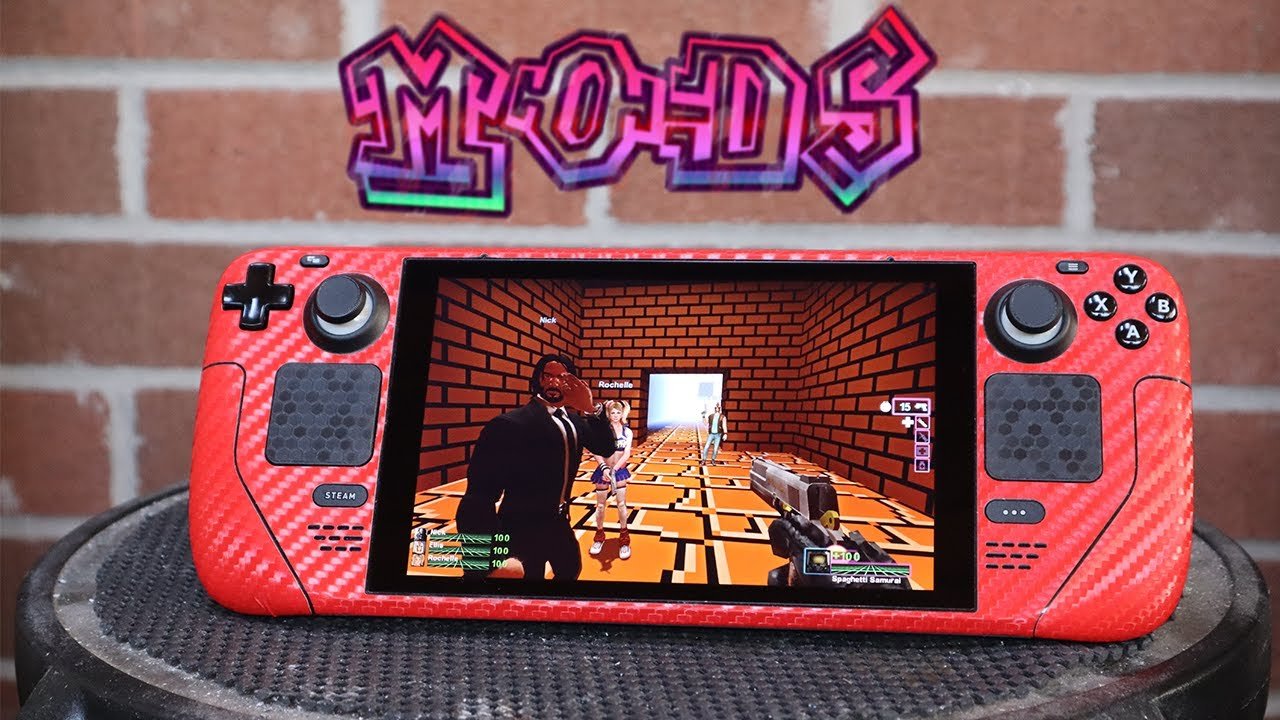
Yes, you can mod games on Steam Deck, although the process might vary depending on the specific game and mod.
Curious about enhancing your Steam Deck gaming experience? Many people ask, “can i mod games on steam deck?” The answer isn’t always straightforward, but it is generally positive. Modding brings custom content to your games which can improve the experience.
The level of modding capability can depend on game support or community efforts. Some games allow you to easily install mods, while others may require a few extra steps. This can involve browsing files and folders to place the mods correctly.

Can I Mod Games on Steam Deck?
Let’s dive deep into the world of modding on the Steam Deck! The short answer is a resounding yes, you absolutely can mod games on your Steam Deck. But like most things in the tech world, it’s not always as simple as flipping a switch. There are different layers to consider, and some games are easier to modify than others. We will explore the ins and outs of this cool topic, to help you get the best experience with your Steam Deck.
Understanding Modding on Steam Deck
Modding, at its core, is about changing a game to make it different or more fun. This could involve adding new characters, changing the way things look, or even altering how the game plays completely. Think of it like adding new LEGO bricks to your existing LEGO set to build something entirely new! With the Steam Deck, this exciting activity is within reach, thanks to its Linux-based operating system, a powerful, customisable handheld PC.
Steam Deck’s Linux Base: A Modding Playground
The Steam Deck runs on a version of Linux called SteamOS, which is different from what you might be used to if you’re mostly a Windows user. This might sound complicated, but it is actually a huge advantage for modding! Because Linux is open source, it provides a very flexible environment that gives you a lot of control. This means you can access the game files, and add or modify them to create custom experiences. While you don’t need to be a computer expert to do this, having a basic understanding of file systems and how they work can be very useful. It might be a slight learning curve if you are not used to Linux.
Types of Mods and Their Compatibility
Mods come in different shapes and sizes, and their compatibility with the Steam Deck can vary. It’s important to know what to expect before jumping in. Let’s check some common mod types:
- Texture Mods: These mods change how a game looks. They might make the graphics sharper or add new details. Usually these are quite simple to install and often work well on the Steam Deck.
- Gameplay Mods: These mods affect how the game plays. They might change things like enemy behavior, character abilities, or even add completely new mechanics. These can be trickier to manage as they may require some manual installation.
- Content Mods: These mods introduce new characters, stories, or even worlds to explore within the game. These mods can require some extra care in their installation on Steam Deck.
- Utility Mods: These mods provide helpful functions, such as improved performance, in game settings, or better access to game content. These are usually easy to install but should be used with caution, as some can conflict with the game’s original functionality.
Workshop Mods vs. Manual Installations
How you install a mod also matters. Many games on Steam use the Steam Workshop, which makes adding mods really easy. You just click “subscribe” in Steam, and the mods are downloaded and installed automatically. However, some mods don’t use the Workshop, and you need to download them from other places, and install them manually. Lets discuss both method for mod installations.
Steam Workshop
The Steam Workshop is often the easiest route. You find the mod you want, press a button, and Steam does the rest. It usually works very well on the Steam Deck. It can be really simple and fast, because Steam handles almost everything behind the scenes. You have to simply navigate to workshop page of a game, and click subscribe on desired mode. It will automatically get downloaded and installed, after that when you launch the game, the mod will be active. Its really that simple!
Manual Mod Installations
Manual mod installations involve downloading mod files from websites like Nexus Mods or ModDB, and then placing them in specific folders for the game. This requires a bit more effort and a closer look at file structure on Steam Deck. You may need to have basic Linux knowledge to navigate the directories, and correctly copy paste the file to right location. You may even need to create the directory, if it does not exist. Sometimes you need to create config files for the mod. Usually, the mod page has instructions, but it does require more manual work compared to Steam Workshop.
Steps to Mod Games on Steam Deck
Let’s go through the steps of how you actually get mods working on your Steam Deck. It’s a process that involves a bit of file management and making sure the mods are in the right place.
Switching to Desktop Mode
First, you’ll likely need to switch to Desktop Mode on your Steam Deck. This lets you access the Linux file system. You can do this by pressing the Steam button, going to “Power,” and then selecting “Switch to Desktop.” This is where you’ll download and manage your files, similar to using a PC. You have access to file explorer and you can perform necessary actions in this mode.
Locating Game Files
Next, you need to find where your games are installed. Games you have installed directly from Steam, can usually be found under /home/deck/.local/share/Steam/steamapps/common/ directory. Games from other launchers might have different locations. You can also check their location from steam library section, by clicking the gear icon (manage) and then properties, under the installed files section. Once you find the location, you will see different folders and files for a particular game. This folder is where we can add or modify game data. This is a crucial step for manual installation of mods.
Downloading Mods
You can download mods from various websites or directly through Steam Workshop in Desktop Mode. Make sure the mods are compatible with your game and Steam Deck. Some mods come in ZIP or RAR formats which you may have to extract in file explorer. The mod files can have different types, for example, .pak or .dll.
Installing Mods
The installation process will vary according to if the mod is from Steam Workshop or Manual. For Workshop mods, after subscribing from the Steam Client, game will automatically manage the files. For manual installation, you will need to copy or move the mod files into the game’s folder. Usually, this includes extracting mod folders into the game directory, or copying the required files from the mod directory to the game directory. You might need to create or edit some configuration files, as per mod instructions. Make sure that you place the file in correct folders. Sometimes mods also require additional installation steps, like the use of a mod manager.
Running the Game
After installing the mod, switch back to Gaming Mode on your Steam Deck. Then launch the game and see if the mods are working. If the mod is installed properly, you will see changes in the game itself. Sometimes, game updates can break the mods so be sure to check if there’s an updated mod version.
Potential Challenges and Solutions
Modding isn’t always perfect. Sometimes, things might not work as expected. It’s important to be aware of potential issues and know how to fix them.
Mod Conflicts
Sometimes, different mods might not play well together. They might try to change the same files, causing the game to crash or not work correctly. To deal with this, you can try disabling mods one by one to see which one is causing the problem. You can also search online communities for similar issues and seek help from experienced users who have already used the same mods together. The mods page may also contain some common conflicts with other mods.
Game Updates
When a game gets updated, it might break the mods. Developers sometimes change game files during updates. That is why, after a game is updated, you might need to wait for mod authors to update the mod to work with the newest version of the game. Keep an eye out for new mod versions when this happens. Sometimes the game is unplayable until mod is updated.
Linux Compatibility
Even though the Steam Deck’s Linux-based, some mods made for Windows games may not always work directly. Many older mods were built for the Windows OS only. It can also vary if you are running the game through proton compatibility layer. Some mods have specific Linux versions that work with Steam Deck. So, always make sure you are using the right version of the mod.
Performance Issues
Some mods are very demanding and may cause performance issues, like slowdowns, or low frame rates in the game. It is also important to check the user comments of the mod before installing, if other users are facing performance issues with the mod, it is best to avoid it. You can try lowering game settings or disabling some mods to improve performance. Some mods may even have performance settings of their own.
Tips for a Smooth Modding Experience
Here are some things you should keep in mind for a smoother and less frustrating modding experience.
Backups
Before you install any mods, it is a good idea to back up your original game files. If something goes wrong, you can easily restore the original game data. You can copy the game folder to a safe place and if anything goes wrong, you can copy back the files to their original locations. It will save time and prevent the need to completely re-install the game.
Read Mod Instructions
Always read the instructions provided with the mod. The mod author usually provides instructions on how to install, and use it. Sometimes there are specific files to install or specific files to edit. It is very important to follow all instructions carefully to ensure that the mod works correctly.
Start Small
Begin with a single mod to see if it works correctly before adding many at once. Adding multiple mods together can result in conflicts and issues. By testing single mods at a time, you can pinpoint the issue if you face any.
Community Resources
Look for forums or communities dedicated to the game you’re modding. People there will provide useful insights and instructions. You can ask questions and learn about common problems and solutions. There are many helpful and experienced users there who might be able to help you out with modding specific games on Steam Deck.
Mod Managers
Some games have dedicated mod managers, which can make installing and managing mods much easier. They can help with file installations, resolving mod conflicts, and more. Some mod managers are very easy to use, and can save a lot of effort in managing many mods in your game.
Popular Games for Modding on Steam Deck
Some games are more mod-friendly than others. Here are a few popular choices that work great on the Steam Deck:
- The Elder Scrolls V: Skyrim: One of the most modded games, it has huge modding community and wide variety of mods.
- Stardew Valley: This relaxing game has a thriving mod community and lots of fun mods to enhance gameplay.
- Minecraft: This is very popular for modding, and you can completely transform the game with different mods.
- Fallout Series: The different Fallout games are well-known for extensive modding possibilities.
- Cyberpunk 2077: With the cyberpunk theme, this game has a growing mod community, with many cosmetic or gameplay mods.
As you can see, modding games on the Steam Deck is totally possible, and can be incredibly fun and rewarding. You just have to be ready to learn a bit, and always be careful and follow directions. With this guide, you can start modding on your Steam Deck, and improve your gameplay to next level.
Modding Games on the Steam Deck
Final Thoughts
Yes, you can mod games on Steam Deck. The process generally involves accessing the desktop mode and using tools similar to those on a PC. Users often manage game files and install mods with relative ease.
The Steam Deck’s compatibility with various Linux-based modding tools makes it convenient. While there are specific guides for different games, the core idea remains similar to PC modding. Thus, can i mod games on steam deck is absolutely achievable.

