
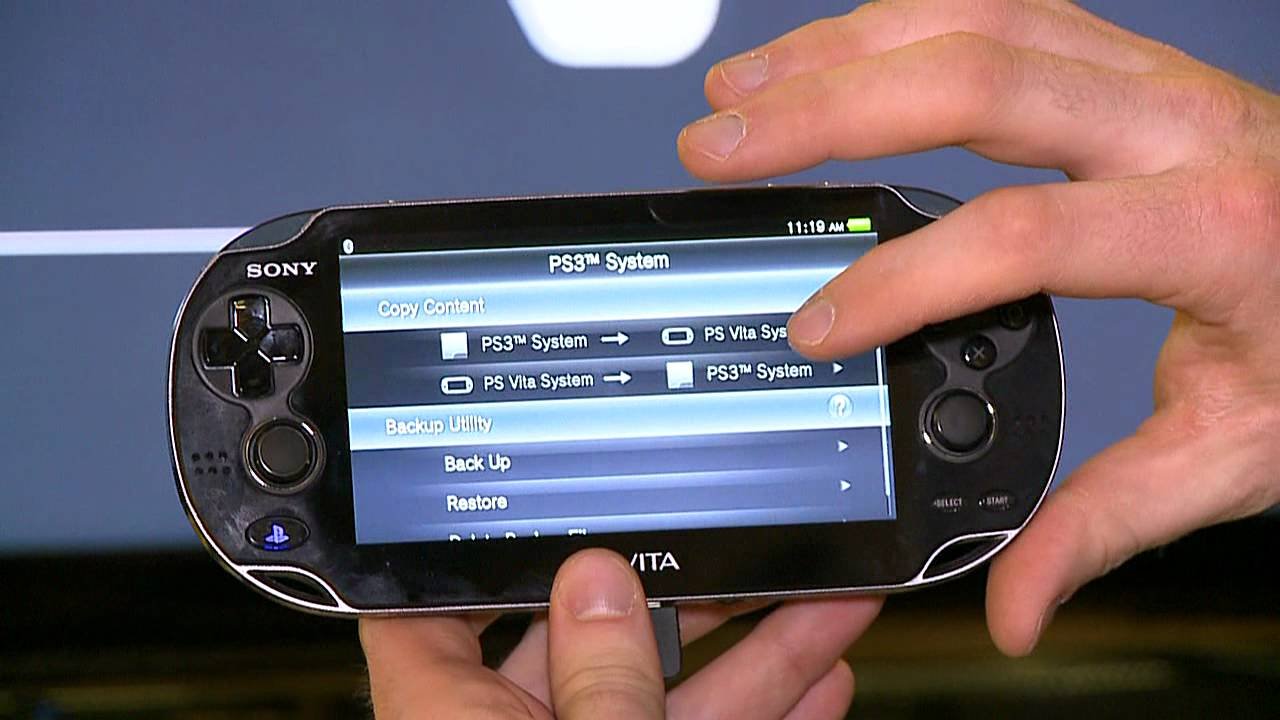
Yes, you can play many PSP games on the PS Vita through digital downloads from the PlayStation Store.
Many gamers wonder if they can play psp games on ps vita. The good news is, the PS Vita offers backwards compatibility for a significant number of PSP titles. You just need to purchase them through the PlayStation Store.
This means you can relive your favorite PSP experiences on the Vita’s upgraded hardware and vibrant screen. It’s a fantastic way to enjoy classic games.

Can Play PSP Games on PS Vita: A Deep Dive
So, you’ve got a PlayStation Vita and you’re wondering, “Can I play those awesome PSP games I remember?” The short answer is: mostly, yes! But, it’s not quite as simple as popping in a PSP disc. The PS Vita is a powerful handheld, but it handles older PSP games in a special way. Let’s explore how you can get your fix of classic PSP titles on your Vita.
How PSP Games Work on the PS Vita
The PlayStation Vita doesn’t have a disc drive like the PSP. This means you can’t use the actual UMD discs. Instead, you get PSP games on your Vita through digital downloads from the PlayStation Store. Think of it like downloading apps on your phone – you buy the game online, and it becomes available for you to play on your device. When you buy a PSP game, you actually buy a digital version of it, which the Vita can then run using its PSP emulation system. The Vita has a built-in system which enables it to behave like a PSP for the specific downloaded games.
Understanding PSP Emulation on the Vita
Emulation is like having a computer pretend to be another computer. The Vita’s emulation system translates the game’s instructions so it can run on the Vita’s hardware. This system is pretty good, and most PSP games work great on the Vita. However, a few rare games might have minor issues, but they are very uncommon. You should have a positive gaming experience with PSP games on your Vita.
Finding and Buying PSP Games
Now that you know it’s all digital, you are probably wondering where to get them. Here are some details about finding and buying the game you wish to play.
Navigating the PlayStation Store
The main place to get PSP games is the PlayStation Store. It’s an online store directly accessible from your PS Vita or through the PlayStation website on a computer. To buy games, you will need a Sony Entertainment Network account, which is the same account you use for PlayStation Network on the PS3, PS4, and PS5. You can log in with your account on the vita or create a new account directly from the console. Here is a step-by-step guide.
- Turn On Your PS Vita: Make sure you are connected to the internet. You will need a wi-fi connection.
- Find the Store Icon: Locate and select the PlayStation Store icon, usually found on the home screen. It’s the one that looks like a shopping bag.
- Browse or Search: You can browse by category or use the search bar to find the exact game you are looking for. Use the search bar if you know the name of the game. If you don’t know exactly what to get, browse the PSP games category.
- View Game Details: Click on the game to see its description, screenshots, and user ratings. Ensure that the game is indeed the PSP version, because there can be cross-platform titles.
- Add to Cart: If you want to buy the game, click “Add to Cart.”
- Checkout: Go to your cart and complete the purchase using your credit card or PlayStation Store gift card balance.
- Download: Once purchased, the game will start downloading to your Vita.
Be mindful that some PSP games may no longer be available on the PlayStation store due to licenses. So, if you are looking to buy a game you played on your PSP long ago, it may not be available, due to publishers not renewing their digital rights for the title.
Account Region
It’s important to note that you must purchase games from the same PlayStation Store region that corresponds to your account. For example, if your account is set up for the United States, you can’t purchase games from the European PlayStation Store. So, be sure about the region of your account to not run into problems when you are buying your favorite game.
PSP Games that Work on the PS Vita
A large majority of PSP games are compatible with the PS Vita. Many popular titles and hidden gems from the PSP era can be enjoyed on your Vita. Here are some examples of popular titles you can enjoy on the PS Vita:
- Final Fantasy Series: Many Final Fantasy games released on the PSP are playable on the Vita. This includes Final Fantasy Tactics, Final Fantasy III, Final Fantasy IV, and more.
- Metal Gear Solid: Peace Walker: This fan-favorite Metal Gear Solid entry is a must-play, and works wonderfully on the PS Vita.
- God of War: Chains of Olympus and Ghost of Sparta: Experience the epic God of War storyline on the go with these two amazing prequels.
- Patapon Series: The rhythm-based strategy game is a unique experience that translates well to the Vita.
- Persona 3 Portable: A classic RPG which can be enjoyed on the handheld, which makes this a great way to experience this title.
- Monster Hunter Freedom Unite: The perfect way to play this popular monster hunting game in portable mode.
This is just a very small taste of what’s available. There are hundreds of PSP games to choose from, so you will most likely find something you enjoy.
Checking Compatibility
Before purchasing a game, it’s a good idea to check if it is officially supported on the PS Vita. This can be done by:
- Checking the PlayStation Store: The game’s page on the PlayStation Store will usually specify if it is compatible with the PS Vita.
- Consulting Online Resources: There are websites and forums dedicated to PlayStation gaming, where you can find lists of compatible games. A simple search can provide a lot of resources.
The PSP on PS Vita: What You Need to Know
While the emulation on the Vita is generally great, there are a few things you should be aware of.
Controls
PSP games were designed for the PSP’s buttons. The PS Vita has a slightly different button layout, which can sometimes be a little awkward for some PSP titles. Some games will utilize the touch screen as well, to emulate the L2 and R2 buttons, but most of the time the controls work perfectly.
Screen Size and Resolution
The Vita has a larger and sharper screen than the PSP. When playing PSP games on the Vita, they are usually displayed with black bars around the screen to maintain the game’s original aspect ratio. You can select the options to stretch the image but it may look distorted. This is the way they were designed originally, and that is how they display on the Vita. While the higher resolution of the Vita screen doesn’t directly improve the PSP game’s graphics, they usually appear a little bit better on the higher resolution screen, but this is very subjective to the eyes of the player.
Saved Games and Memory
The save games for PSP games are stored separately from PS Vita games. Make sure you have enough space on your memory card to save your progress. The PS Vita memory cards are a little expensive and they come in varying sizes, so be sure you know which storage you want and need.
No UMD Support
As we mentioned before, you can’t use physical PSP UMD discs on the Vita. The PS Vita completely utilizes digital downloads for PSP games. If you have old UMD games, you will have to purchase them again from the store.
Enhancing Your PSP Gaming Experience on PS Vita
While the experience is great as it is, here are some tips to improve it further on your PS Vita.
Adjust Display Settings
As mentioned before, you can play with the display settings to get the best visual experience. You can choose between the original aspect ratio, or stretching it to fit the full screen of the Vita. Try both options to see what works better for you. Some players do not like the stretched display because it distorts the image, but others prefer it for immersion. It’s up to your preference.
Use Headphones
Using headphones will immerse you more into the game. It will also avoid disturbing other people around you, if you are playing on the go. Using headphones will make you more focused on the game and will enhance your gaming session.
Explore Different Genres
The PSP has a wide selection of game genres. Explore different game types you didn’t try before. Maybe you find your next favorite game by simply trying something different. This gives you an opportunity to expand your tastes and gives you new gaming experience.
Stay Updated
Make sure your PS Vita’s software is always up to date. Sony releases software updates which can improve the emulation or resolve bugs. Sometimes they even add new features, so stay up-to-date to enjoy the best possible gaming experience on the Vita.
Technical Issues and Solutions
While the process is smooth, you might encounter a few technical issues, here are some things you can do to resolve these minor issues.
Game Doesn’t Download or Install
If the game is not downloading or installing, check your internet connection, if it is stable. Make sure you have enough free space on your memory card. Sometimes restarting your Vita can resolve the problem. Delete the game and try to download it again. If the problem persists, contact Sony customer support.
Game Doesn’t Start or Crashes
If the game doesn’t start, or if it crashes in the middle of the gameplay, first try to restart your Vita. Check if the game has available updates. Sometimes games have patches for bug fixes. If these do not work, delete the game and re-download it from the store. This usually resolves most of the issues.
Controller Issues
If the controller buttons do not respond well, check the Vita’s settings. Sometimes the input can be mapped in a different way. Make sure you have the right controls for the game.
The PS Vita is a great way to enjoy your favorite classic PSP games. While you can’t use UMDs, the digital downloads on the PlayStation Store offer a wide variety of titles. You can find many classics, and even some hidden gems. By checking the compatibility, using our tips, and knowing about potential technical problems you can get the most out of your PSP games. Now go and have fun playing some games on your Vita!
Play PSP & PS1 Games On Your Vita With Adrenaline
Final Thoughts
The PS Vita offers great backward compatibility. Players can enjoy many titles from the previous handheld. This feature greatly expands the Vita’s library.
You can play psp games on ps vita, accessing a catalog of classics. This compatibility enhances the overall gaming experience. It adds significant value to the handheld console.

